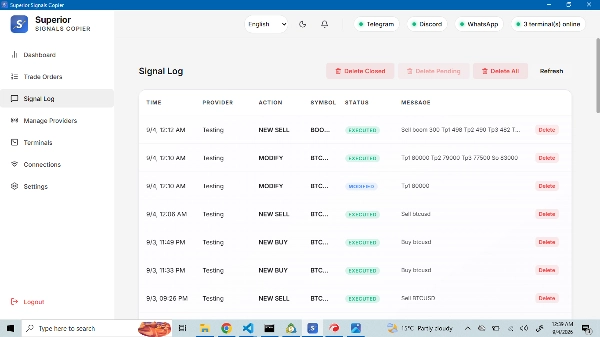
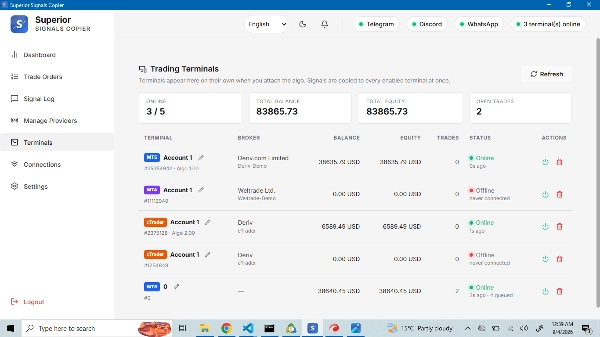
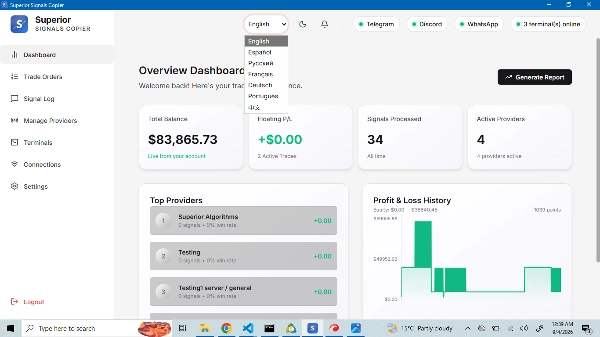
Description
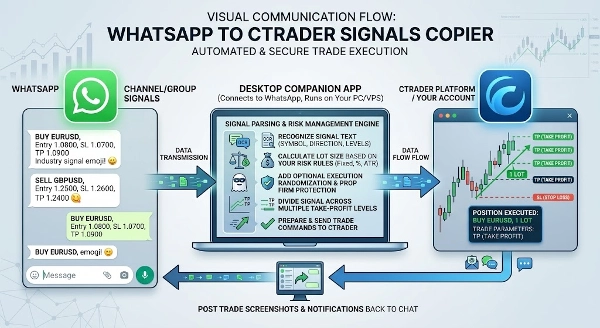
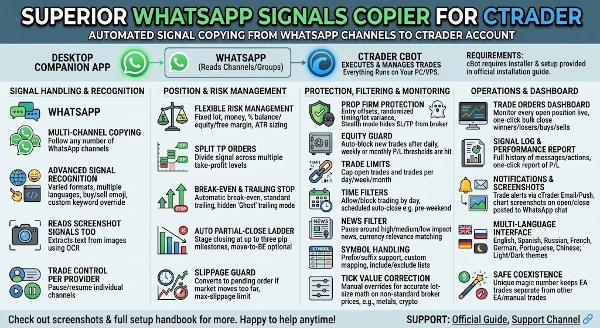
Superior Signals Copier cTrader automatically copies trading signals from your channels or groups straight to your cTrader account. It reads the signal text, understands images/screenshots, works out the symbol, direction, entry, stop loss and take-profit levels, sizes the position under your own risk rules, and sends the trade to cTrader within moments of the message arriving — no manual reading, typing or guessing during fast markets.
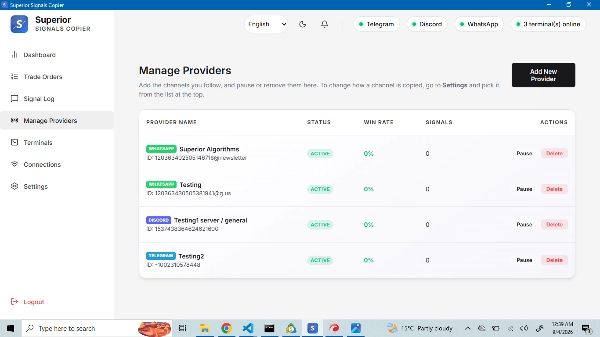
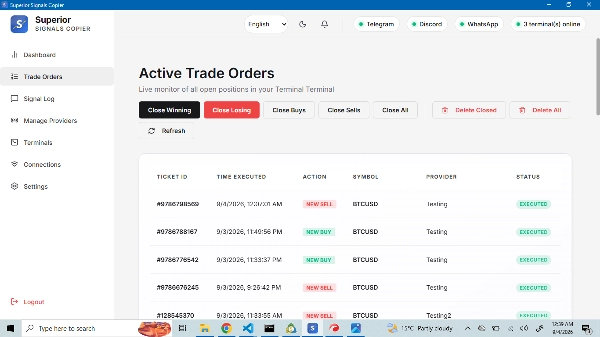
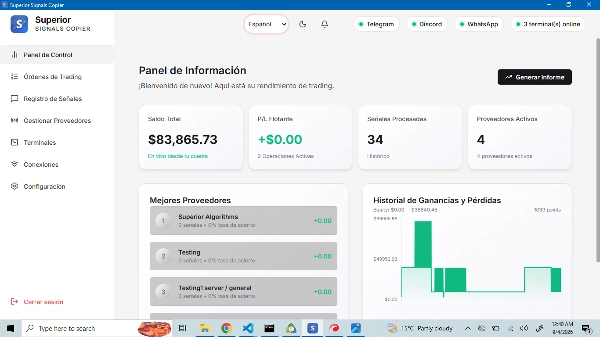
The software is two parts working together: a desktop app available for free in the discussion tab that connects to your messaging platform and reads your channels, and a cTrader cBot that executes and manages the resulting trades. Everything runs on your own PC or VPS as a standalone executable.
Read the full setup and user manual in the discussion tab.
Main Features
- Multi-account copying: One sender instance can broadcast to any number of receiver accounts running the cBot independently.
- Flexible lot sizing: Fixed lot, fixed money, % of balance/equity/free margin, proportional scaling from the signal provider's size, or a strict multiplier.
- Missing data fallback: If a signal omits lot size or entry price, the cBot substitutes the broker's minimum lot and current market price so risk math still runs.
- Split TP orders: Automatically divides a signal across multiple take-profit levels (TP1/TP2/TP3).
- Trailing stop & break-even.
- Stealth Mode (Virtual SL/TP): Optionally withholds SL/TP from the broker, managing exits locally instead. Note: in this mode, a lost connection means the position runs with no broker-side protective stop until the software reconnects.
- Daily equity guard: Tracks daily loss and profit (by % or money) and stops new trades once a threshold is hit.
- Drawdown-from-high-water-mark protection.
- Execution randomization: Randomized execution delay and lot-size variance (both configurable, off by default).
- Symbol mapping: Translate sender symbol names to your broker's exact naming (suffixes, synthetics, etc.), plus include/exclude filters by symbol or magic number.
- Time filters: Restrict trading by day of week, plus a manually-defined news blackout window list.
- Magic number filtering: Control exactly which of the sender's trades get copied.
System Components
- Desktop App: Handles platform login and signal reading.
- cBot: Handles trade execution, lot-size math, and account protection inside the cTrader terminal.
Prop firm compatibility note: This copier performs full automated execution based on external signals. Most major prop firms restrict cBots to trader-owned strategies or risk-management-only use, and prohibit trading based on external signal/community groups — this applies even when using "stealth mode." Before using this on any prop firm evaluation or funded account, check that firm's current cbot and copy-trading rules yourself. Works without restriction on personal/live broker accounts.
Summary
The system consists of two components: a desktop application that connects to your messaging platform and reads signals, and a cTrader cBot that executes and manages trades within the cTrader terminal. Both run locally on your PC or VPS.
Key features include multi-account copying from one sender to multiple receiver accounts, flexible lot sizing options (fixed lot, fixed money, percentage of balance/equity/free margin, proportional scaling, or multiplier), fallback handling for missing data, split take-profit orders, trailing stops, break-even management, and an optional Stealth Mode that manages stop loss and take profit orders locally without sending them to the broker. Additional risk controls include daily equity guards, drawdown protection, execution randomization, symbol mapping, time filters, and magic number filtering.
Note: This copier is designed for personal and live broker accounts and may not comply with prop firm rules restricting external signal-based automated trading.