
Market Sessions & Killzone Tools
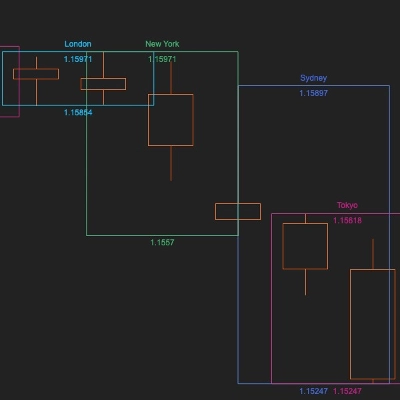
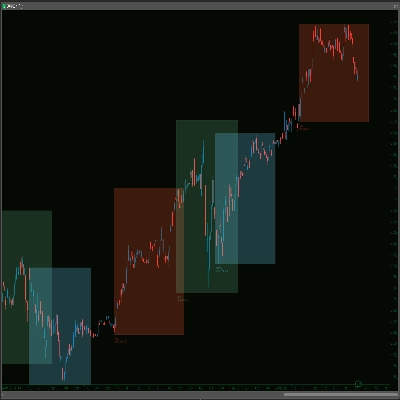
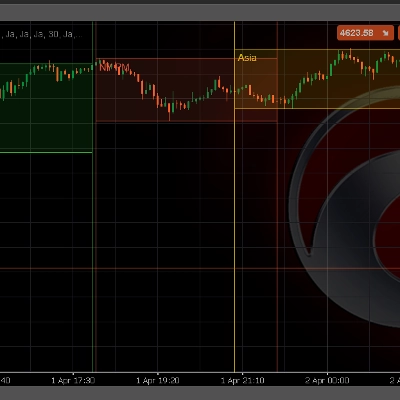
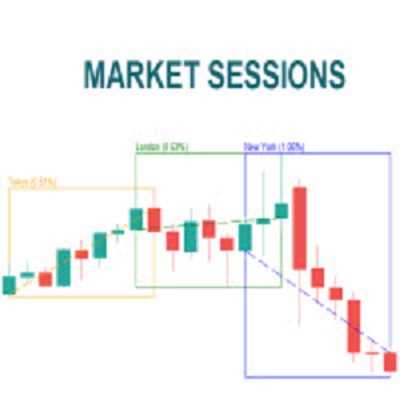
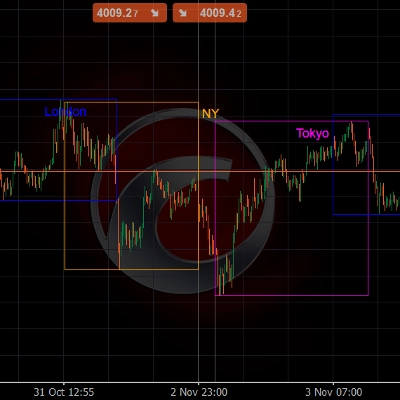
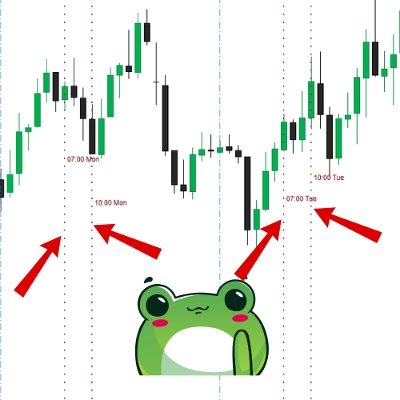
Market sessions and killzone tools help you time execution around liquidity windows. Highlight London/New York overlaps, session opens, and key ranges directly on the chart, so you can align your strategy with volatility. Great for intraday workflows, breakout planning, and traders running a bot who still want clear session context.
Alat
Perbandingan alat
Pertanyaan umum















Perbandingan alat
Produk | Ulasan | Unduhan | Penjualan | Harga | Platform kompatibel |
|---|---|---|---|---|---|
Market Sessions - Free | 4.1 (8) | 5.63K | — | Gratis | Windows, Mac |
ORB Bot | 4.3 (3) | — | 18 | $39 | Windows, Mac, Mobile, Web |
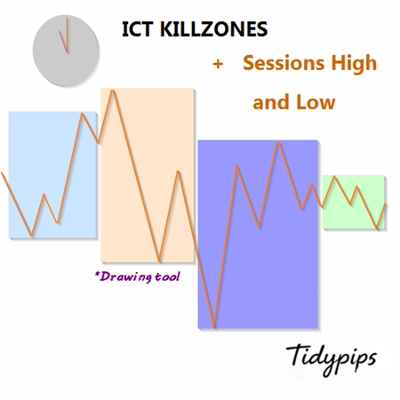
ICT Killzone and Sessions high_low | 3.2 (5) | 2.96K | — | Gratis | Windows, Mac |
ORB Smart Money Bot_Fixed | 3.7 (3) | — | 10 | $39 | Windows, Mac, Mobile, Web |
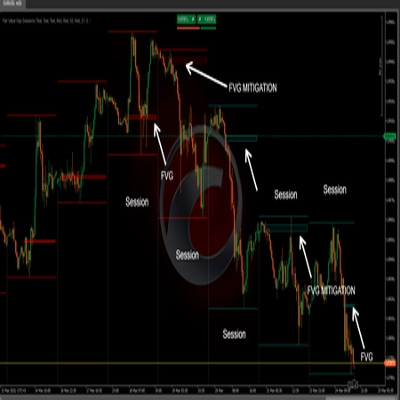
Fair Value Gap Sessions | 5.0 (5) | 2.51K | — | Gratis | Windows, Mac |
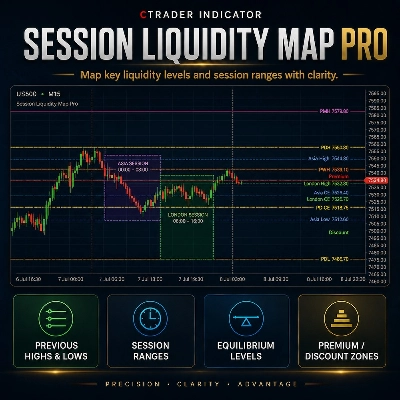
Session Liquidity Map Pro | — | — | — | mulai $9 | Windows, Mac |
FX Market Sessions | 5.0 (6) | 2.06K | — | Gratis | Windows, Mac |
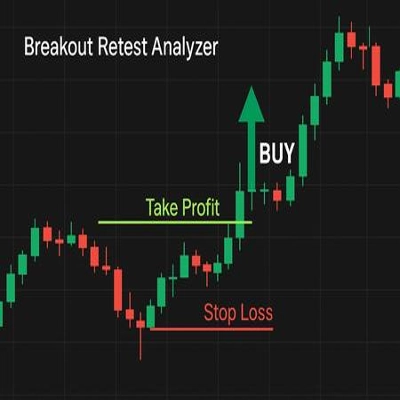
Gold Breakout Retest Analyzer (Backtest Edition) | 4.0 (2) | — | — | $49 | Windows, Mac, Mobile, Web |
Market Sessions V2_NSC | 5.0 (2) | 1.94K | — | Gratis | Windows, Mac |
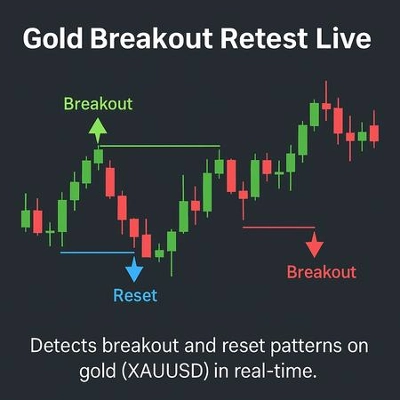
Gold Breakout Retest Live (XAUUSD) | 4.0 (4) | — | — | $300 | Windows, Mac, Mobile, Web |
Market Sessions Advanced | 5.0 (1) | 1.15K | — | Gratis | Windows, Mac |
Killzone-Indicator | 4.3 (4) | — | — | mulai $9 | Windows, Mac |
Lisa EURUSD Breakout - TEST VERSION | 2.0 (1) | 1.04K | — | Gratis | Windows, Mac, Mobile, Web |
market session | 4.7 (6) | 1.02K | — | Gratis | Windows, Mac |
Market Sessions Pre | 4.3 (3) | 956 | — | Gratis | Windows, Mac |
Market Sessions | — | 887 | — | Gratis | Windows, Mac |
Market Session BT | 4.3 (3) | 745 | — | Gratis | Windows, Mac |
SMC Lite | 5.0 (1) | 741 | — | Gratis | Windows, Mac |
VWAP - London Open | 5.0 (1) | 699 | — | Gratis | Windows, Mac |
ORB Range with FVGs | 1.0 (1) | 688 | — | Gratis | Windows, Mac |
Session HighLow Pivot Points Indicator advanced version | 5.0 (1) | 673 | — | Gratis | Windows, Mac |
Time zone pro | 5.0 (1) | 520 | — | Gratis | Windows, Mac |
Time Marker | — | 460 | — | Gratis | Windows, Mac |
Q Trading Sessions | 5.0 (3) | 425 | — | Gratis | Windows, Mac |
Market Session | — | 421 | — | Gratis | Windows, Mac |
LDE - Market Sessions | 4.0 (1) | 405 | — | Gratis | Windows, Mac |
VWAP Tokyo Open | 5.0 (1) | 388 | — | Gratis | Windows, Mac |
Market Sessions_noSourceCode | — | 381 | — | Gratis | Windows, Mac |
Samurai Breakout Lite | — | 328 | — | Gratis | Windows, Mac |
Session Highlight Framer | — | 311 | — | Gratis | Windows, Mac |
AsiaSession | — | 285 | — | Gratis | Windows, Mac |
Candle Count | — | 283 | — | Gratis | Windows, Mac |
Sessions ByFocusEdgers | — | 267 | — | Gratis | Windows, Mac |
Daily TPO profile | — | 264 | — | Gratis | Windows, Mac |
Gold Inicial Balance Basic | — | 257 | — | Gratis | Windows, Mac |
XY Bar Info Panel v1.5 | 5.0 (3) | 179 | — | Gratis | Windows, Mac |
SMCTimingIndicator | — | 179 | — | Gratis | Windows, Mac |
Ema | — | 163 | — | Gratis | Windows, Mac |
Reko Wic | — | 139 | — | Gratis | Windows, Mac |
Pertanyaan umum
A killzone is a time window, such as the London open or the London and New York overlap, when liquidity and volatility often rise. Killzone tools shade these windows on the chart and may mark each one's high and low, though busy windows can also bring sharp reversals.
Session boxes are drawn from clock times, so a wrong offset or a missed daylight-saving change shifts every window by an hour. Compare the drawn opens with known session times over several days, including around clock changes, before you lean on the boxes.
Yes, an indicator can shade the windows on your chart while a cBot runs on its own schedule, but the two do not share settings. If the bot has a session filter, set its hours to match the shaded zones so the chart reflects its behaviour.
Compare which sessions and overlaps it marks, whether custom windows and time zones are allowed, and whether it draws range highs and lows or alerts on breaks. As custom indicators, these tools run only in cTrader Windows and Mac.
Typically they read the price history already on the chart and keep their parameters with that chart or workspace. A tool that fetches outside data, such as a news calendar, relies on web requests, which cloud instances do not send, so read the description first.