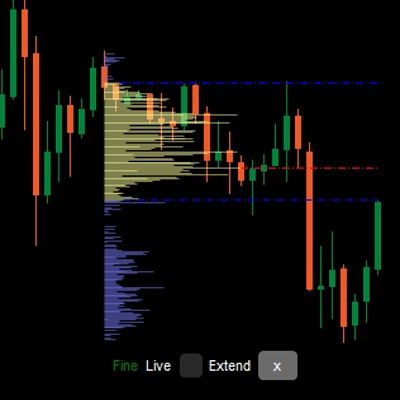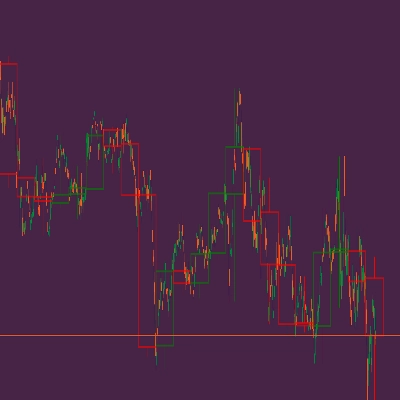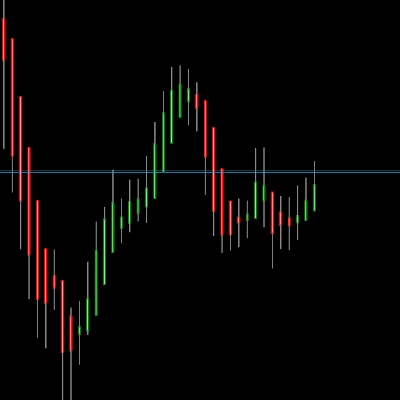
ICT Killzone and Sessions high_low
Indicator
2.74K downloads
Version 1.0, Feb 2025
Windows, Mac
3.2
Reviews: 5
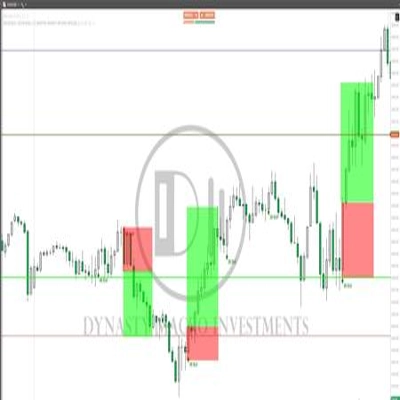
Trading product for ICT Killzone and Sessions high_low Indicator, image 2
Trading product for ICT Killzone and Sessions high_low Indicator, image 3
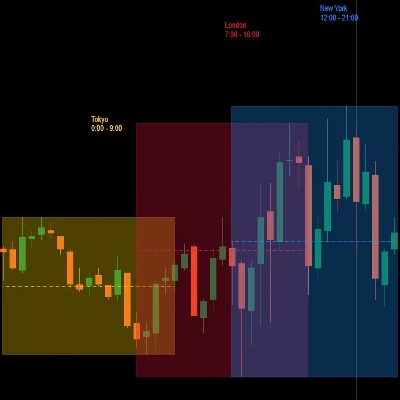
Trading product for ICT Killzone and Sessions high_low Indicator, image 4
Trading product for ICT Killzone and Sessions high_low Indicator, image 5
15
Sales
4.55K
Free installs

Description

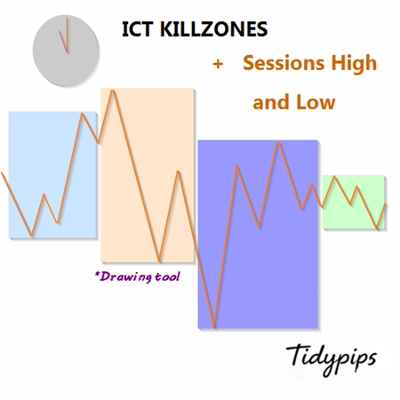
It allows users to mark the opening and closing times of major trading sessions—Asian, London, New York, and London Close—with customizable colors, styles, and thicknesses. This indicator draws high and low trendlines for each session, providing insights into market behavior. With user-friendly drag-and-drop(+Alt Key) functionality it makes plotting sessions highand low quick. Perfect for both novice and experienced traders, this indicator makes it easier to navigate the complexities of different market sessions.

Features

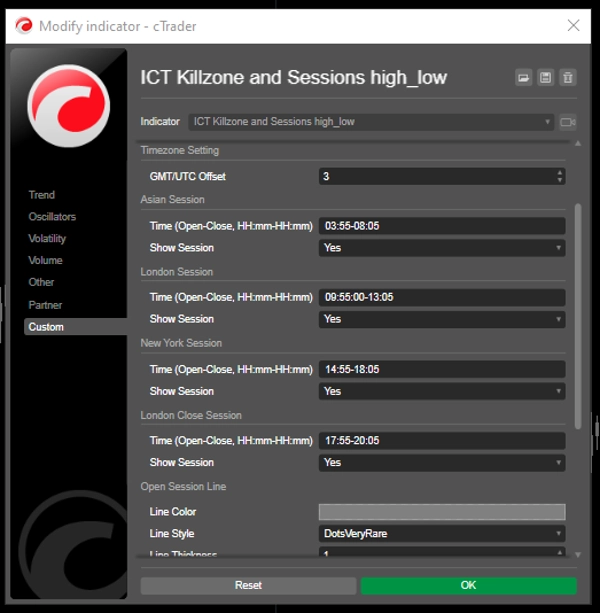
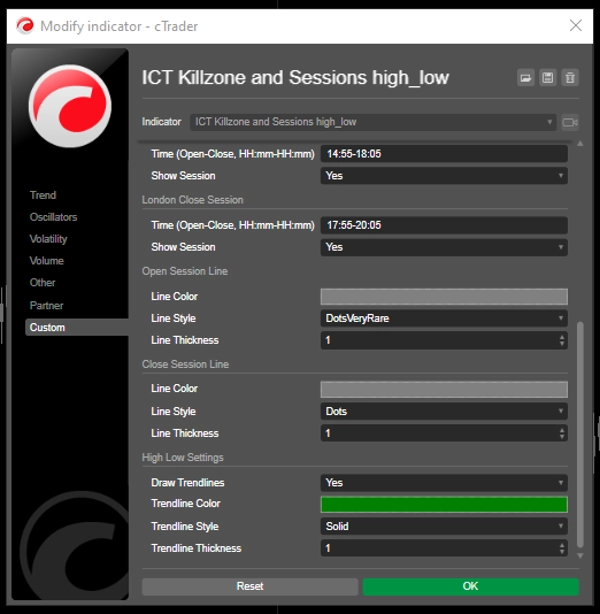
Customizable Session Times: Users can define the opening and closing times for major trading sessions (Asian, London, New York, and London Close), allowing for tailored visualization that fits their trading strategies.

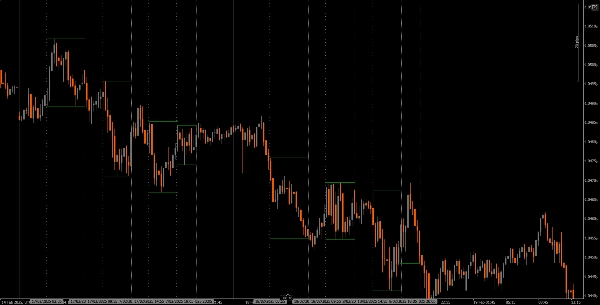
Dynamic Vertical Lines: The indicator draws vertical lines at session open and close times, making it easy to identify key market events at a glance.

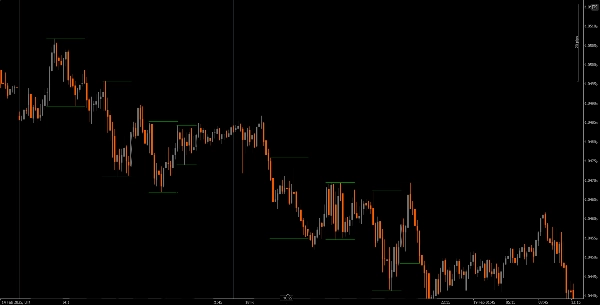
Trendline Visualization: It can automatically draw high and low trendlines for each session, allowing traders to see potential support and resistance levels based on session price action.

User-Friendly Drag-and-Drop(+Alt Key): The drag-and-drop(+Alt Key) functionality enables traders to easily select specific time ranges to analyze, enhancing the overall user experience.

Session Labels: The option to display labels next to session trendlines adds clarity, helping traders quickly identify which session they are analyzing.

Timezone Adjustment: Users can set a GMT/UTC offset, ensuring that session times are accurately represented according to their local time zone.

Tutorial
Installation: Download and install the The ICT Killzone and Sessions high_low indicator on your cAlgo platform.
Setup: Open the settings to customize your session times, colors, line styles, and thickness according to your preferences.
Using the Indicator: Click and drag (+ Alt Key)on the chart to create a rectangle that encompasses the time range you want to analyze. The indicator will automatically draw vertical lines and trendlines for the specified sessions.
Analyze: Observe the session lines and trendlines as you trade. Use this information to identify potential support and resistance levels based on session dynamics.

Recommended Companion Tools
cTrader: The native platform for cAlgo, providing a seamless experience for using and customizing indicators.
Market Analysis Tools: Combine this indicator with market analysis tools, such as moving averages or oscillators, to enhance your trading strategy.
Risk Management Tools: Use position size calculators and stop-loss tools to effectively manage risk while trading.
By integrating the The ICT Killzone and Sessions high_low indicator with these tools, traders can improve their market analysis and increase their chances of success in navigating the complexities of different trading sessions.

Summary

AI summary
The ICT Killzone and Sessions high_low indicator enables traders to visually mark the opening and closing times of major trading sessions—Asian, London, New York, and London Close—on their charts. Users can customize session times, colors, line styles, and thickness to suit their trading preferences. The indicator automatically draws vertical lines at session start and end times, along with high and low trendlines for each session, helping identify potential support and resistance levels based on session price action.
A drag-and-drop (+Alt Key) feature allows quick selection of specific time ranges for analysis. Optional session labels clarify which session is being viewed. Timezone adjustments via GMT/UTC offset ensure session times align with the trader’s local time zone.
Designed for use on the cAlgo platform, this tool supports enhanced market analysis when combined with other market analysis and risk management tools. It assists traders in navigating the complexities of different market sessions by providing clear visual cues and trendline insights.
Indicator profile

Customer reviews

3.2
Reviews: 5
5
40 %
4
20 %
3
0 %
2
0 %
1
40 %
Customer reviews
January 25, 2026
Not working.
November 6, 2025
not working
July 27, 2025
I applied it to the chart but nothing is appearing. Could you guide me?
July 9, 2025
Pros: Highlights ICT Killzones and session highs/lows. Clear, customizable, GMT/DST support. Helps plan entries and exits. Cons: No alerts or tooltips. No history of previous zones. Requires additional confirmation tools for trading.
April 21, 2025
great idea. works well

Discussion

FAQ

Products available through cTrader Store, including trading bots, indicators and plugins, are provided by third-party developers and made available for informational and technical access purposes only. cTrader Store is not a broker and does not provide investment advice, personal recommendations or any guarantee of future performance.

More from this author

Indicator
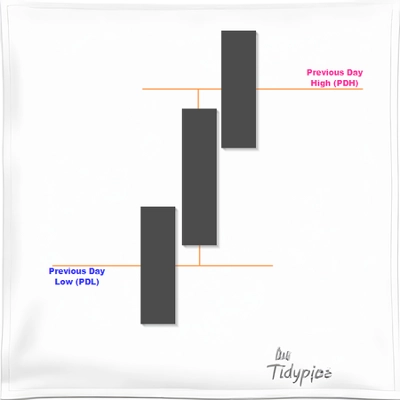
Useful indicator for traders who want to visualize key price levels based on previous daily highs and lows.
Indicator
XAUUSD
Commodities
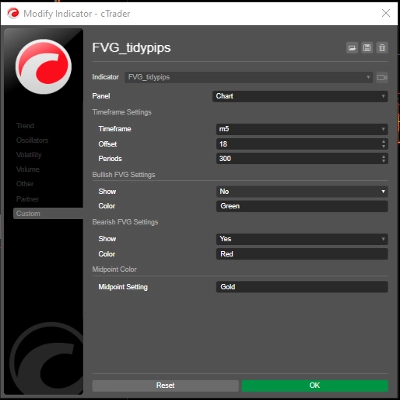
A Fair Value Gap (FVG) indicator that identifies potential price imbalances, potential reversal and continuation zones
Indicator
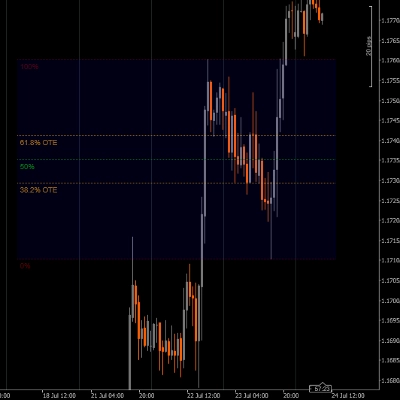
A rectangular box with 5 adjustable Fibonacci level or even custom ones.
Indicator
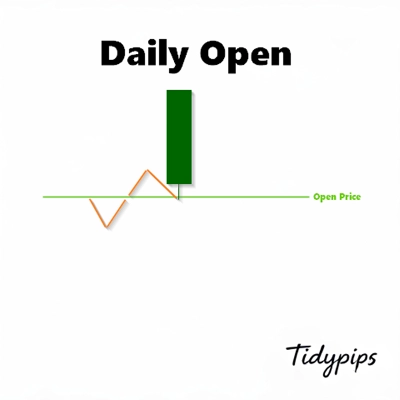
This indicator is a valuable tool for traders looking to identify significant opening price level of any asset.
Indicator
This indicator is designed to display customizable moving averages (MAs) on a chart.
Indicator
XAUUSD
Commodities
This indicatorFull Description: Th shows the open price lines at key market times based on Eastern Standard Time (EST).
Indicator
Plots the equilibrium price levels based on previous daily highs and lows.

You may also like

Indicator
SMC
Prop
+13
Tracks virgin levels. Lines vanish only after a candle closes beyond the high/low on your chosen timeframe.
Indicator
ATR
SMC
+19
Smart Liquidity Sweep detector with auto-drawing True Channels and real market structure mapping.
Indicator
Order Block
Fair Value Gap
+3
This indicator scans multi-timeframe trend confluence and price action triggers within key supply/demand zones
Indicator
ATR
MACD
+15
MACD Advanced -- It combines the standard MACD logic with a rich set of visual tools
Indicator
AI
ATR
+27
Supertrend Indicator
Indicator
Forex
Crypto
+3
Wave Weis Bar Force - is an indicator that applies the logic of Volume waves (Weis) to determine accumulation
Indicator
Key Levels
Liquidity Grab
+3
Visual market context dashboard showing bias states, CE positioning, session status and sweep context.
Indicator
Forex
Crypto
+6
The ultimate candlestick suite is here to help you detect most of the candlestick patters that exist today.
Indicator
ATR
A lightweight Multi Time Frame bias dashboard for quickly spotting market direction across multiple timeframes.
Indicator
VWAP
Volume distribution analysis with Market Profile TPO integration.
Indicator
Prop
Forex
+10
Support and Resistance Line Indicator with Higher Timeframe Filter
Indicator
ATR
RSI
+7
Identify bullish and bearish Order Blocks to spot key support/resistance levels and potential trend reversals! 📈🔄
Indicator
Crypto
Signal
+3
Candlestick Signal Finder: cTrader indicator that automatically detects and color-codes key Japanese candlestick pattern
Indicator
Supply & Demand
Support & Resistance
RAF Supply Demand Lite v1.0 automatically detects clean Supply and Demand zones using confirmed swing highs and lows. Zo
Indicator
ADX
ATR
+2
Quantum Breakout Pro Professional Breakout Indicator for cTrader
Indicator
ATR
RSI
+5
Free swing detector with Fibonacci retracement and RSI overlay. Auto-deviation adapts to any timeframe
Indicator
AI
ATR
+27
Nadaraya-Watson Envelope Indicator
Indicator
Forex
NAS100
+3
volumen perfile

Price

15
Sales
4.55K
Free installs