

คำอธิบาย
Interactive Grid & Martingale Planner (Drag & Drop)
Overview
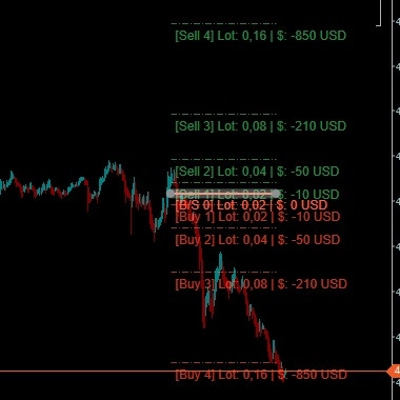
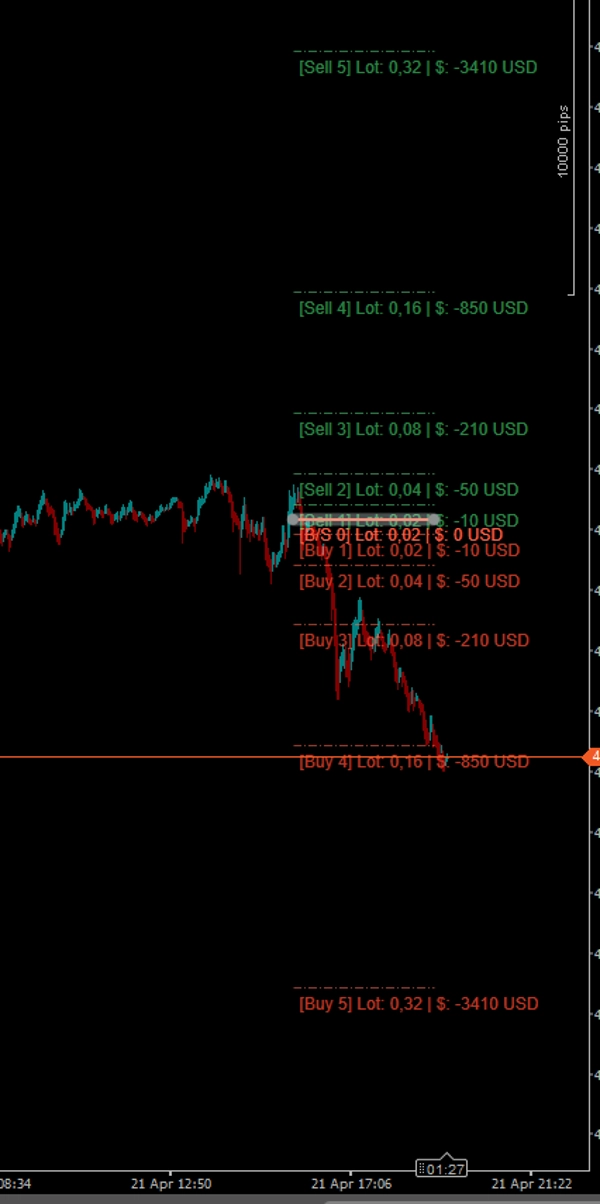
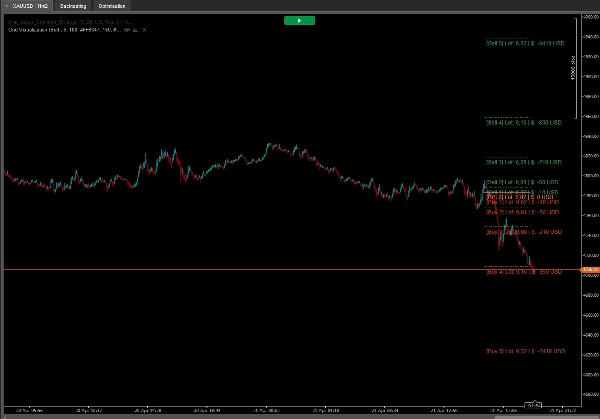
The Interactive Grid Planner is a powerful, free, and fully interactive visualizer for traders who utilize Grid, Recovery, or Martingale strategies. Instead of guessing your future drawdown or calculating position sizes manually, this indicator allows you to plot a potential grid directly on the chart and interact with it in real-time!
It calculates and displays the exact lot size and the cumulative Unrecognized PnL (in your account currency, e.g., $) for every future grid level based on your algorithmic parameters.
🔥 Key Features (The Magic):
- Point & Click Creation: Hold CTRL and Left-Click anywhere on the chart. The grid will instantly spawn exactly at your mouse cursor's price level.
- Drag & Drop Real-Time Updates: The main entry line (Level [0]) is fully interactive! Click and drag it up or down across the chart. The entire grid, including all pip distances and PnL calculations, will dynamically recalculate and follow your cursor in real-time!
- Money-Based Spacing: Forget calculating pips manually. You set the distance based on your account currency (e.g., "Open the next grid level when my loss hits $10"). The indicator calculates the exact pip distance automatically for any asset.
- Advanced Lot Progression: Choose how your position sizes scale. Supports Arithmetic Addition (e.g., 0.02, 0.04, 0.06) or traditional Multipliers. (Note: By design, the initial entry Level 0 and the first recovery Level 1 share the exact same starting lot size).
- Custom Aesthetics: Full support for HEX color codes (e.g., #FF6347) or standard color names. It also features a custom Opacity parameter (0-255) to make grid lines transparent, keeping your charts clean.
- One-Click Cleanup: Hold CTRL and Left-Click again to instantly clear the entire grid from your chart.
How to Use:
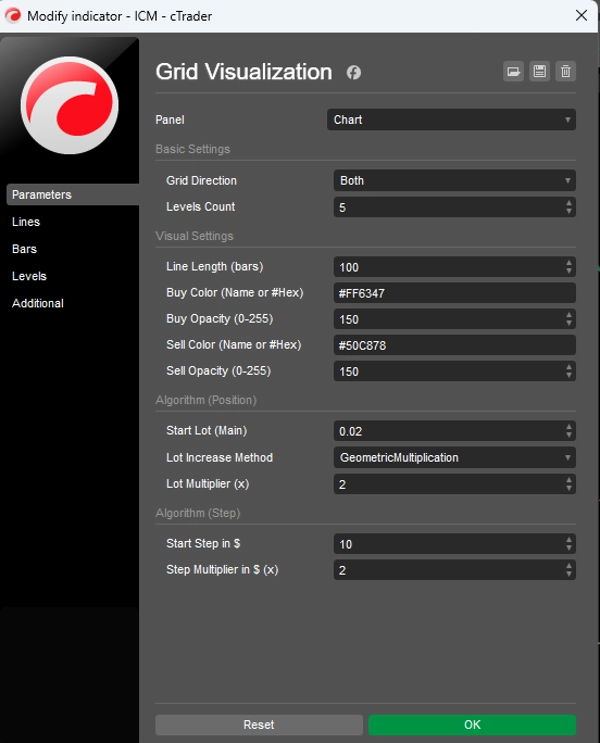
- Attach the indicator and set your algorithm rules (Starting Lot, Step value in $, Multipliers).
- Hover your mouse over the exact price level where you want to simulate your initial entry.
- Hold the CTRL key and Left-Click. The grid will appear.
- Grab the solid Main Line (Level 0) with your mouse and drag it around to easily explore different entry scenarios.
- To hide the grid, hold CTRL + Left-Click again.
Parameters:
- Grid Direction: Display Buy levels (downwards), Sell levels (upwards), or Both simultaneously.
- Visual Settings: Line length in bars, HEX Color inputs, and precise Opacity control.
- Start Lot & Multiplier: Your base volume and the multiplier applied to subsequent recovery levels.
- Start Step ($) & Step Multiplier: The monetary distance to the first recovery level, and how much that distance expands on further levels.
Perfect for manual traders planning a grid entry, or algorithmic developers visualizing their EA's logic before coding!
สรุป
โปรไฟล์อินดิเคเตอร์
หมวดหมู่อินดิเคเตอร์
สถิติ
ประเภทเอาต์พุต
การแสดงเป็นภาพ
ข้อกำหนดด้านข้อมูล
แท่งเท่านั้น
การสนทนา
รีวิวจากลูกค้า
0.0
รีวิว: 0
รีวิวจากลูกค้า
ยังไม่มีรีวิวสำหรับผลิตภัณฑ์นี้ หากเคยลองแล้ว ขอเชิญมาเป็นคนแรกที่บอกคนอื่น!
คำถามที่พบบ่อย
Drawdown Monitor
ผลิตภัณฑ์ที่มีให้บริการผ่าน cTrader Store รวมถึงบอทการเทรด อินดิเคเตอร์ และปลั๊กอิน มีให้บริการโดยนักพัฒนาบุคคลที่สามและมีไว้เพื่อวัตถุประสงค์ในการเข้าถึงข้อมูลและทางเทคนิคเท่านั้น cTrader Store ไม่ใช่โบรกเกอร์และไม่ได้ให้คำแนะนำการลงทุน คำแนะนำส่วนบุคคล หรือการรับประกันผลการดำเนินงานในอนาคต






ราคา
33
การขาย
1.01K
ติดตั้งฟรี