
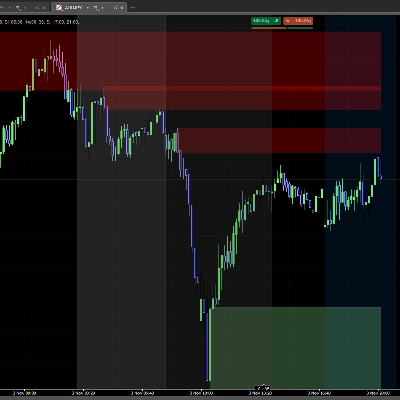
ICT Order Block
Indicatore
858 download
Versione 1.0, Nov 2025
Windows, Mac
3.5
Recensioni: 2

Da 24/02/2025
18
Vendite
2.19K
Installazioni gratuite
Descrizione
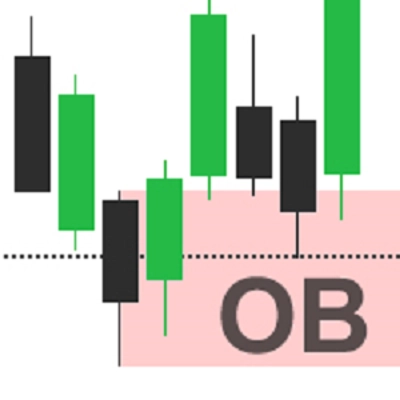
Blocco Ordini ICT - Blocchi Ordini Istituzionali
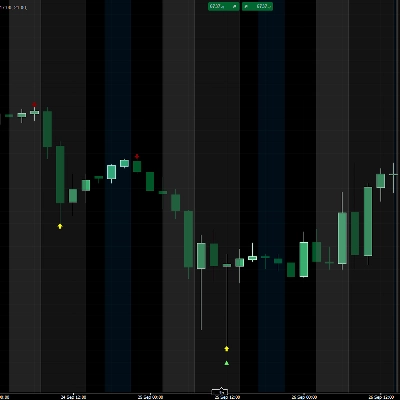
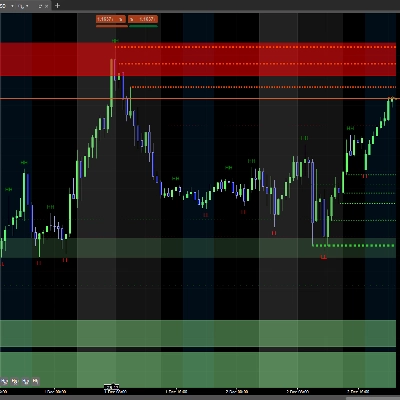
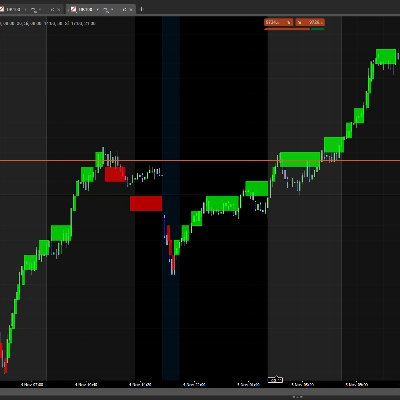
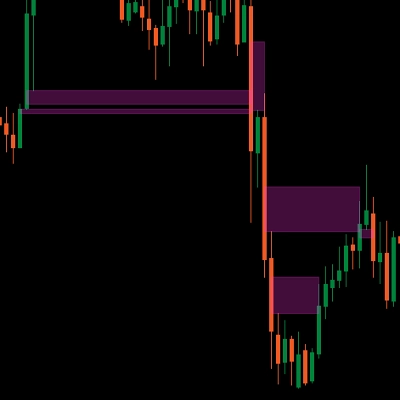
Identifica automaticamente i blocchi ordini istituzionali sui tuoi grafici. Visualizza le zone chiave dove il prezzo potrebbe reagire.
Cosa fa
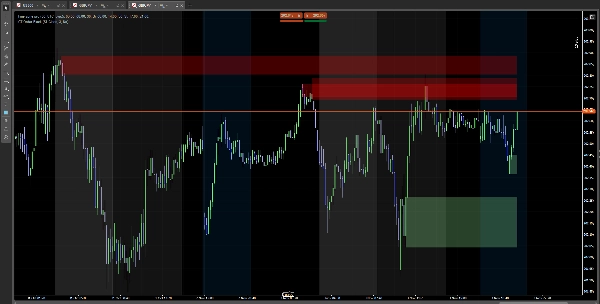
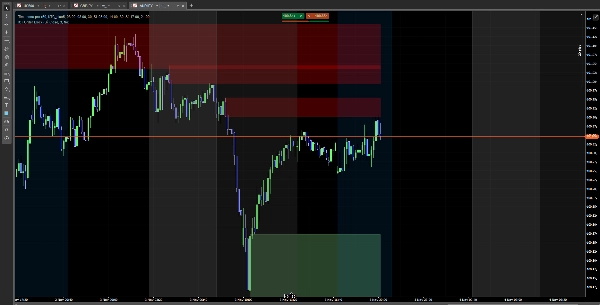
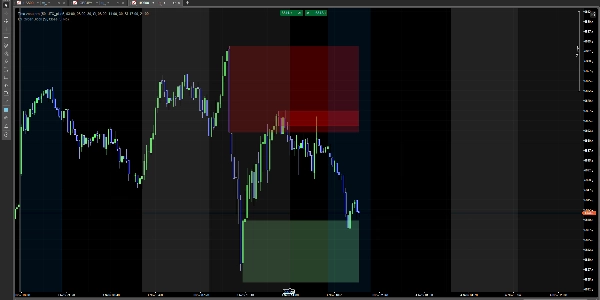
✅ Rileva blocchi rialzisti (zone di acquisto istituzionale) ✅ Rileva blocchi ribassisti (zone di vendita istituzionale) ✅ Mostra rettangoli colorati sulle zone importanti ✅ I blocchi scompaiono quando il prezzo li supera
Come usarlo
Installazione semplice
- Scarica l'indicatore
- Aggiungilo al tuo grafico in cTrader
- Fatto! Vedrai i blocchi automaticamente
Configurazione
Impostazioni principali
- Mostra SCOB: Mostra o nascondi i blocchi
- Metodo di mitigazione:
-
- Chiusura: Il blocco scompare alla chiusura della candela
- Ombra: Il blocco scompare al contatto
- Mostra gli ultimi X SCOB: Quanti blocchi visualizzare (1-15)
- Applica filtro di volatilità: Filtra i blocchi in base alla volatilità
Colori
- Colore rialzista: Colore per i blocchi rialzisti (verde chiaro di default)
- Colore ribassista: Colore per i blocchi ribassisti (rosso di default)
- Regola la trasparenza con il selettore di colore
Interpretazione
🟢 Blocchi verdi (rialzisti): Zone di potenziale supporto 🔴 Blocchi rossi (ribassisti): Zone di potenziale resistenza
Nota: Questo è un indicatore di analisi tecnica. Usalo con una corretta gestione del rischio.
Riepilogo
AI summary
ICT Order Block is a technical analysis indicator designed for use on cTrader charts. It automatically identifies institutional order blocks, highlighting key price zones where market reactions may occur. The indicator detects bullish order blocks (potential institutional buying zones) and bearish order blocks (potential institutional selling zones), displaying them as colored rectangles—green for bullish support areas and red for bearish resistance areas. These blocks visually represent important supply and demand zones that traders can monitor.
Key features include automatic block detection, configurable display options such as the number of blocks shown (1–15), and a volatility filter to refine block selection. Users can choose how blocks disappear: either when a candle closes beyond the block or when the block is touched by price wicks. Color customization and transparency adjustments are also available for better chart integration.
Installation involves adding the indicator to a cTrader chart, after which the blocks appear automatically. This tool supports analysis across Forex, Indices, and Cryptocurrency markets. It serves as a visual aid for identifying potential support and resistance zones based on institutional trading activity and should be used alongside proper risk management practices.
Key features include automatic block detection, configurable display options such as the number of blocks shown (1–15), and a volatility filter to refine block selection. Users can choose how blocks disappear: either when a candle closes beyond the block or when the block is touched by price wicks. Color customization and transparency adjustments are also available for better chart integration.
Installation involves adding the indicator to a cTrader chart, after which the blocks appear automatically. This tool supports analysis across Forex, Indices, and Cryptocurrency markets. It serves as a visual aid for identifying potential support and resistance zones based on institutional trading activity and should be used alongside proper risk management practices.
Profilo indicatore
Recensioni dei clienti
3.5
Recensioni: 2
5 | 50 % | |
4 | 0 % | |
3 | 0 % | |
2 | 50 % | |
1 | 0 % |
Recensioni dei clienti
January 27, 2026
the zones are blocking the candles, zones need to be behind the candles .other than that it is good
Discussioni
Domande frequenti
Forex
Indices
Crypto
I prodotti disponibili tramite cTrader Store, inclusi bot di trading, indicatori e plugin, sono forniti da sviluppatori terzi e resi disponibili esclusivamente a scopo informativo e di accesso tecnico. cTrader Store non è un broker e non fornisce consulenze in materia di investimento, raccomandazioni individualizzate o garanzie di risultati futuri.












Prezzo
Da 24/02/2025
18
Vendite
2.19K
Installazioni gratuite