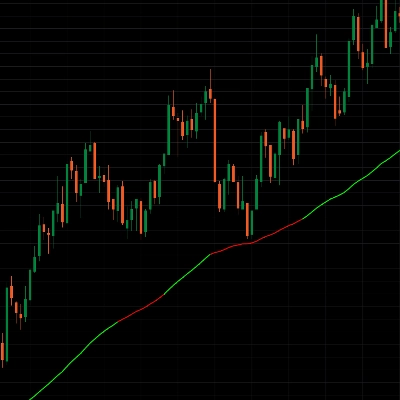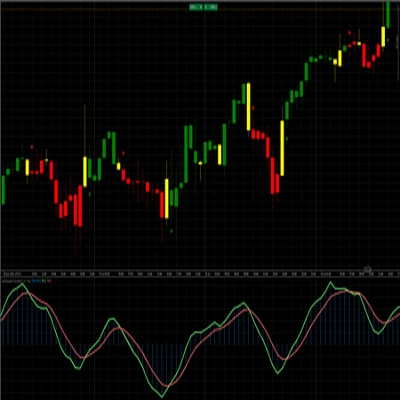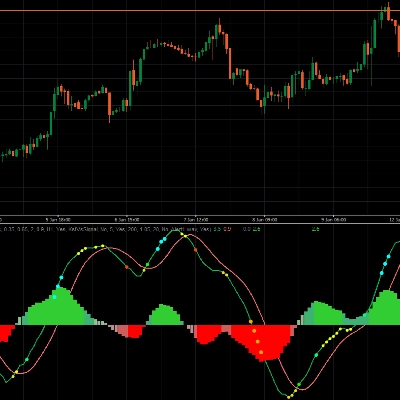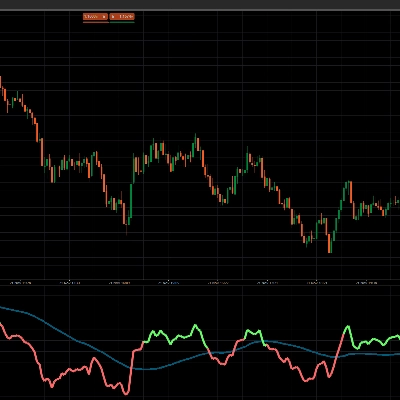
MACD Sniper Elite Multi-Timeframe is a precision-built multi-timeframe MACD heatmap designed for traders who want faster trend alignment, cleaner momentum confirmation, and sharper trade timing.
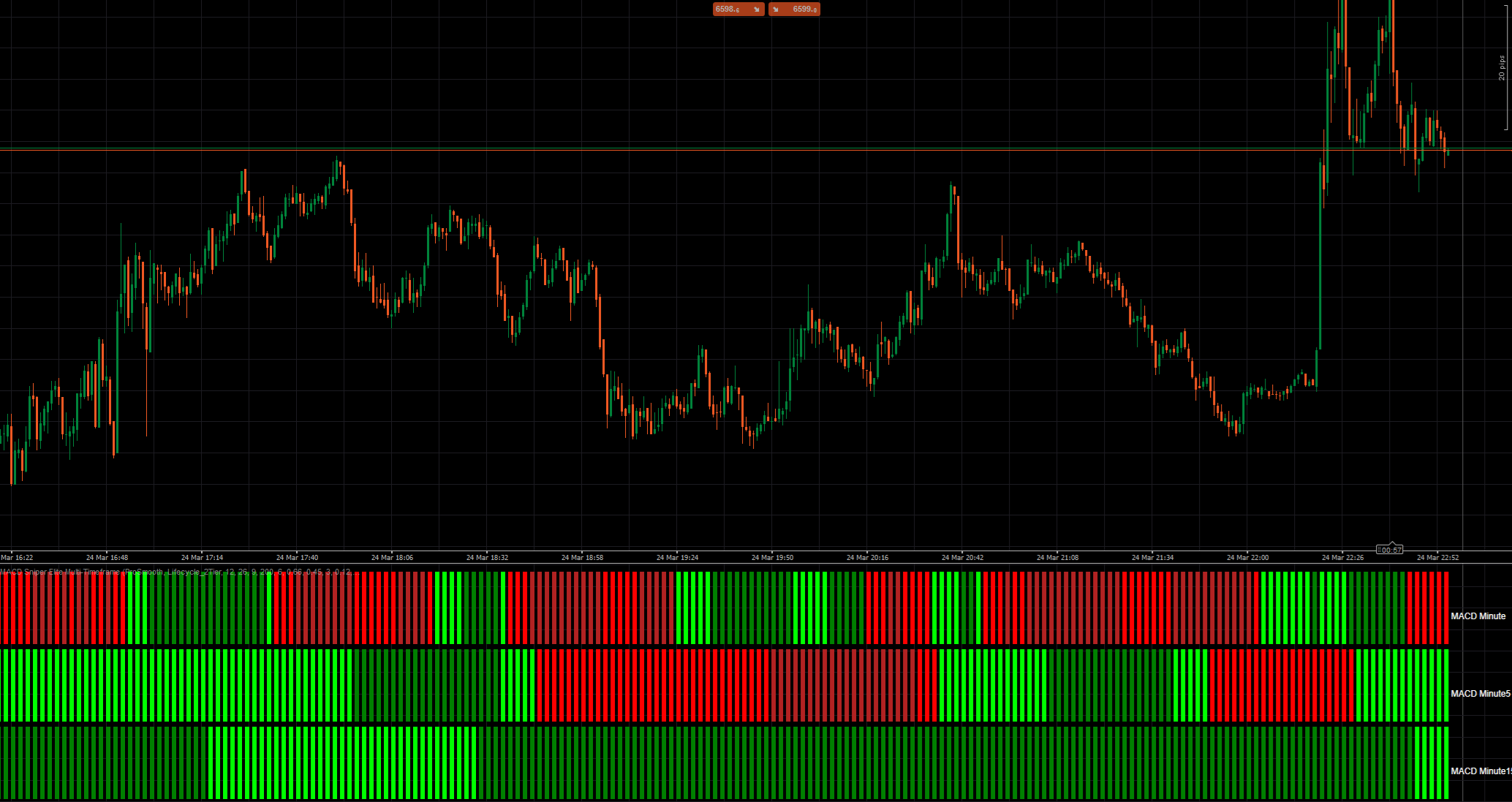
Instead of watching multiple charts and manually comparing MACD conditions across timeframes, this indicator compresses that information into one powerful subwindow with a clean 3-row visual layout. Each row represents a selectable timeframe and instantly shows whether MACD momentum is strengthening, fading, bullish, or bearish.
The result is simple: you can spot alignment faster, filter weak setups earlier, and focus on high-probability entries with more confidence.
Why traders love it
Multi-timeframe clarity at a glance
See MACD conditions from 3 different timeframes in one compact panel.
Built for fast decision-making
No more switching between charts to confirm momentum direction.
Trend strength visualization
The color engine does more than show direction. It also highlights whether momentum is accelerating or weakening.
Sniper-style entries
Perfect for traders who want to align lower timeframe entries with higher timeframe momentum.
Clean and efficient design
The display is minimal, readable, and optimized for fast chart analysis.
How it works
The indicator uses a 3-row multi-timeframe heatmap.
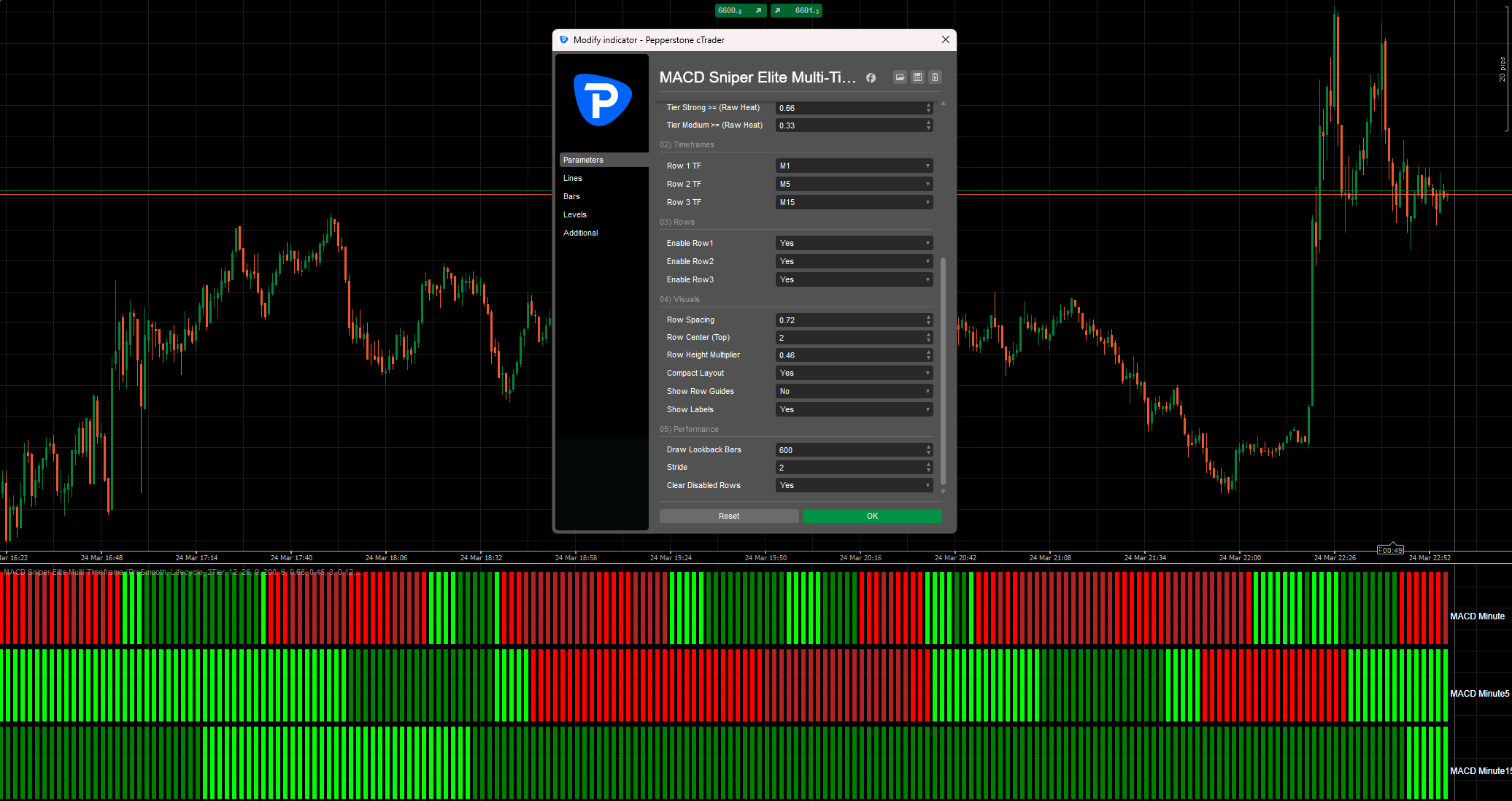
- Row 1 = selectable MACD timeframe
- Row 2 = selectable MACD timeframe
- Row 3 = selectable MACD timeframe
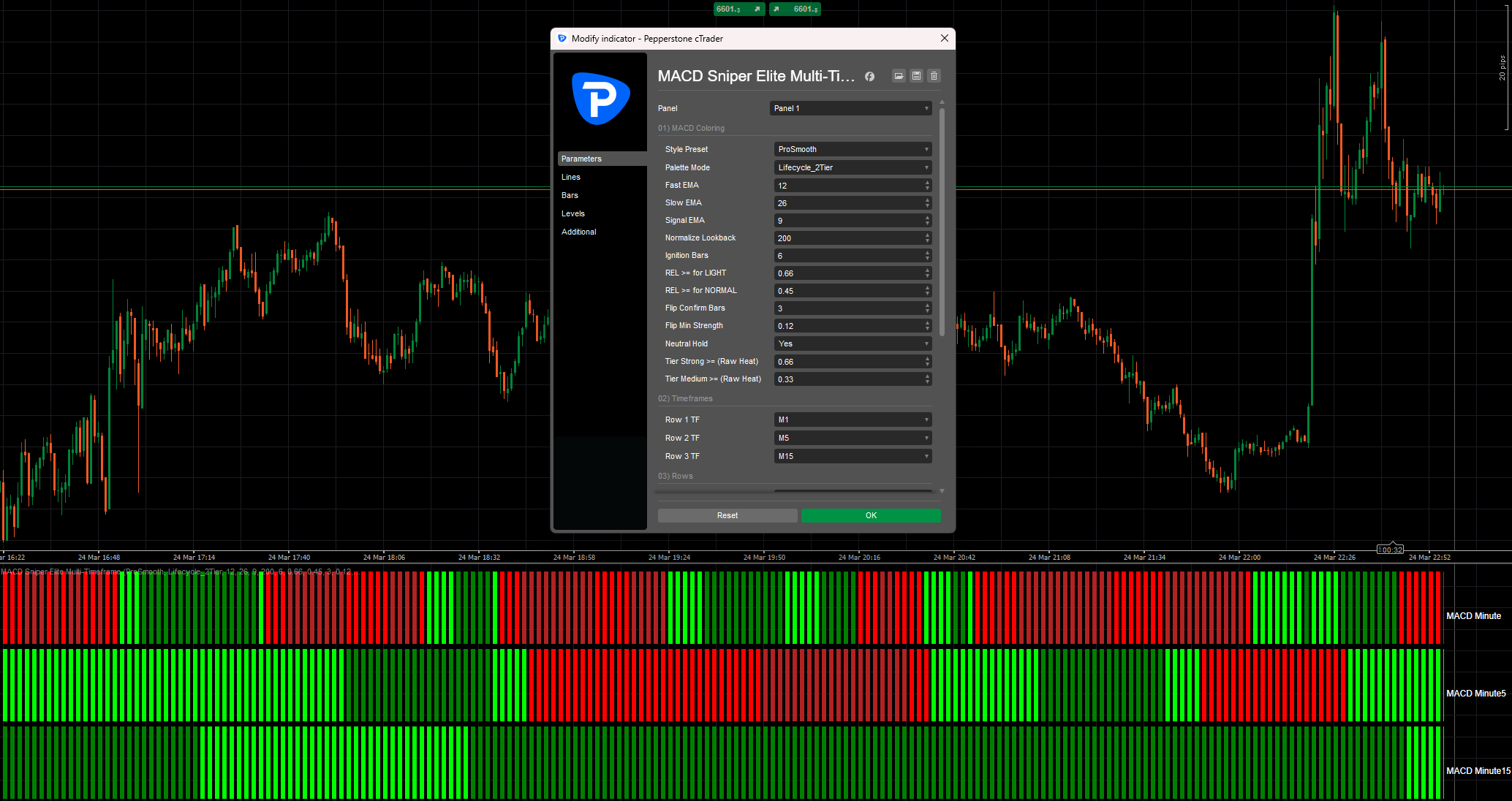
Each row calculates its own MACD using:
- Fast EMA
- Slow EMA
- Signal EMA
By default, the indicator uses the classic MACD settings:
- Fast EMA = 12
- Slow EMA = 26
- Signal EMA = 9
Color logic
Each row is color-coded to show both:
- direction
- momentum quality
Green tones indicate bullish MACD pressure.
Red tones indicate bearish MACD pressure.
Depending on the selected palette mode, the colors can show:
- strong trend activation
- sustained trend momentum
- weakening trend conditions
- raw momentum intensity
2-Tier Lifecycle mode
This is one of the most powerful visual modes in the indicator.
In this mode:
- Light Green / Light Red = fresh or strong trend momentum
- Normal Green / Normal Red = momentum is still valid, but beginning to weaken
This makes it much easier to identify whether a move is still expanding or already losing power.
3-Tier and Raw Heat modes
For traders who want even more visual detail, the indicator also includes:
- 3-Tier Lifecycle
- 3-Tier Raw Heat
These modes add more gradation to momentum strength and trend development.
Best use case
MACD Sniper Elite Multi-Timeframe is ideal for traders who want to:
- align lower timeframe entries with higher timeframe bias
- avoid trading against momentum
- confirm trend continuation
- spot weakening trends before reversals become obvious
- simplify multi-timeframe analysis
It works especially well for:
- scalping
- intraday trading
- day trading
- momentum trading
- trend-following strategies
Example workflow
A common way to use the indicator is:
- Row 1 = entry timeframe momentum
- Row 2 = confirmation timeframe
- Row 3 = higher timeframe bias
For example:
- Row 1 = M1
- Row 2 = M5
- Row 3 = M15
When all rows turn bullish, momentum is aligned.
When the lower row weakens while higher rows remain strong, it may signal either a pullback or a late-stage move.
When all rows shift together, it often points to a stronger directional phase.
Key advantages
- 3 fully selectable MACD timeframes
- classic MACD defaults included
- premium heatmap-style color engine
- trend lifecycle visualization
- compact subwindow design
- easy-to-read labels
- optimized for faster workflow
- ideal for precision entry traders