
Heatmap Indicators and Market Heat Map Tools
Discover heatmap indicators and market heat map tools for cTrader that visualize strength, volatility and momentum across symbols at a glance. Spot which pairs are heating up, compare performance, and find the best opportunities without flipping through charts. Ideal for multi-symbol traders who want a fast, color-coded read on Forex, indices and crypto markets.
Tools
Tool comparison
FAQ

Tool comparison
Product | Reviews | Downloads | Sales | Price | Compatible platforms |
|---|---|---|---|---|---|
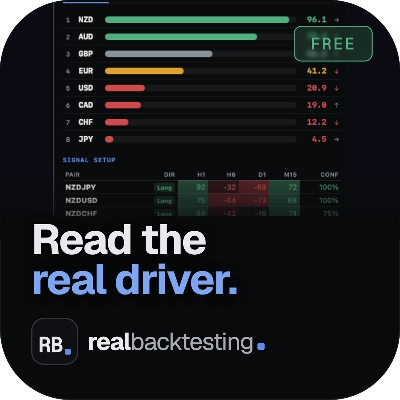
FX Strength Pulse FREE | — | 96 | — | Free | Windows, Mac |
Atlas Seasonal Returns Heatmap | 4.6 (5) | — | 4 | $25 | Windows, Mac |
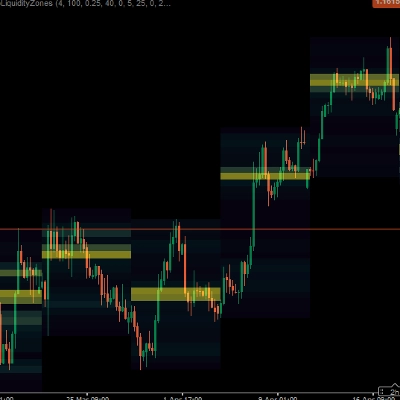
HeatmapLiquidityZones | 5.0 (2) | — | 4 | $35 | Windows, Mac |
KANDIKA HEAT MAP | 4.6 (5) | — | 1 | $19 | Windows, Mac |
HEAT MAP DASHBORD V1 | 4.7 (3) | — | 1 | from $19 | Windows, Mac |
FAQ
A market heat map is a grid of symbols shaded by a measured value, such as percentage change, momentum or volatility over a chosen lookback. Deeper colors mark stronger readings, so currency pairs, indices or coins can be scanned at once instead of chart by chart.
A common method compares each symbol's latest close with the close a set number of bars earlier, the same idea a momentum oscillator uses. Some designs divide that change by average true range, so volatile coins and quieter currency pairs can share one color scale.
A beginner can follow the colors quickly, but knowing what the tool measures and over which period matters more than the shades. Experienced chartists usually treat a hot cell as a prompt to open that chart and check levels, spreads and upcoming news before deciding anything.
Colors describe movement that has already happened over the lookback, so a deep green cell may belong to a market that is already stretched. Changing the period or timeframe can recolor the whole grid, and no reading tells you where price goes next.
Install it from cTrader Store, open the Windows or Mac app and add it to any chart with the indicator button, searching by its name. If it takes a symbol list, match each entry to your broker's naming; the indicator only displays data, and a web-based plugin version can also run in other cTrader apps.