
Description
--- USER GUIDE & PARAMETERS ---
IMPORTANT NOTE:
This is a Risk Management Panel for MANUAL trading, not an automated strategy. Therefore, backtesting equity charts are not applicable. The tool is designed to assist traders in real-time execution.
HOW TO TEST / USE:
1. Attach the bot to any chart (Forex, Indices, Metals).
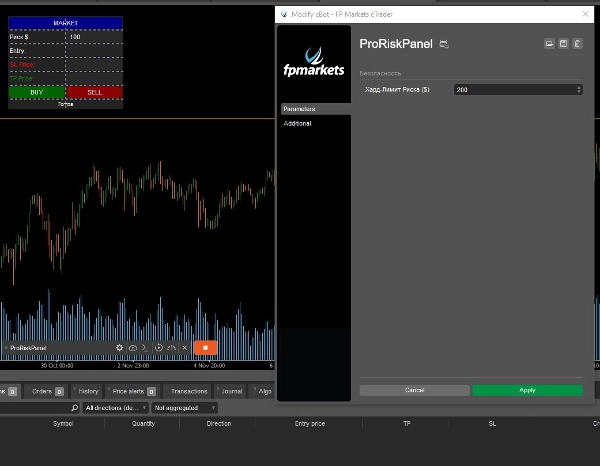
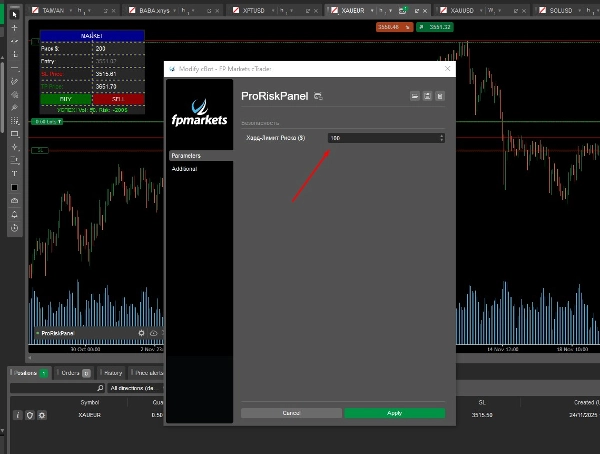
2. Set your "Hard Max Risk" in the parameters (e.g., $200) to prevent accidental fat-finger errors.
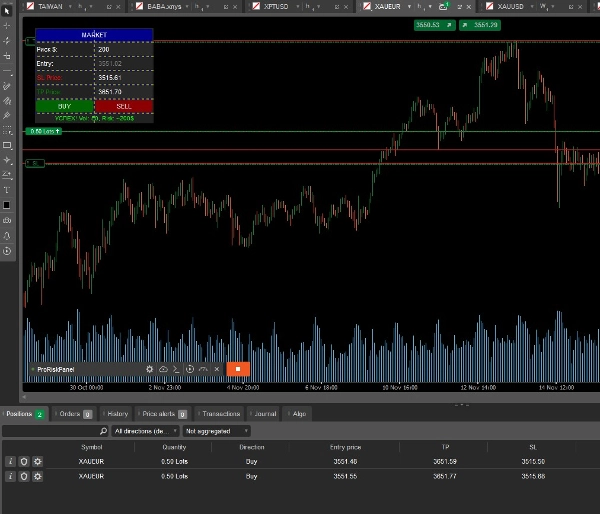
3. On the panel:
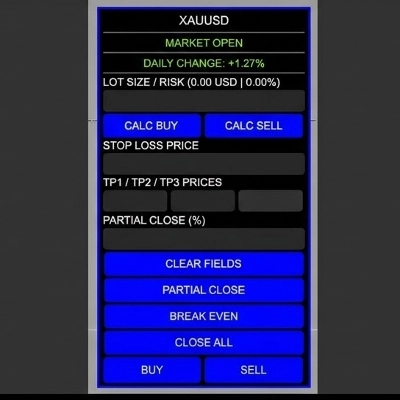
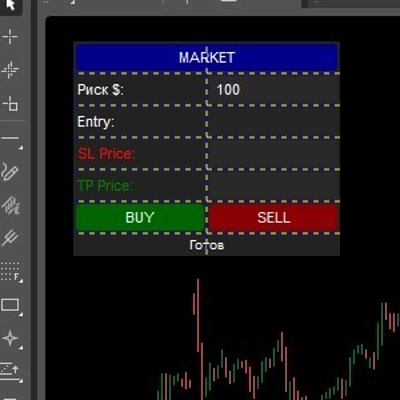
- Enter your desired Risk in Dollars (e.g., $50).
- Enter your Stop Loss Price (use the crosshair to find the level).
4. Click BUY or SELL.
- The bot automatically calculates the Lot Size based on your Risk $.
- If the calculated risk exceeds your Hard Limit or SL is invalid, the trade is BLOCKED to protect your account.
PARAMETERS EXPLANATION:
* Hard Max Risk ($): The absolute maximum loss allowed per trade (Safety ceiling).
* Tolerance ($): Allowed slippage buffer for calculations.
* Default SL Pips: Used if calculating by pips instead of price levels.
Designed for: FTMO, MyForexFunds, and personal Risk Management.
Summary
Key features include a "Hard Max Risk" parameter that sets an absolute maximum loss per trade to prevent excessive risk due to input errors. The panel blocks trades if the calculated risk exceeds this limit or if the stop loss is invalid, thereby protecting the trading account. Additional parameters allow for slippage tolerance and default stop loss pips settings.
ProRiskPanel is intended for use with prop trading accounts such as FTMO and MyForexFunds, as well as personal risk management. It does not execute trades automatically but assists traders in real-time by managing risk calculations and trade validation during manual order placement. Backtesting is not applicable since it is not an automated strategy but a risk calculation aid for live manual trading.
Discussion
Customer reviews
5 | 0 % | |
4 | 100 % | |
3 | 0 % | |
2 | 0 % | |
1 | 0 % |