
Best Free Trading Indicators for Beginners 2026
Review free trading indicators for beginners using cTrader to analyze forex and CFD markets. These tools help new traders study trends, support and resistance, momentum and entry confirmation without adding unnecessary complexity.
Công cụ
So sánh công cụ
Câu hỏi thường gặp




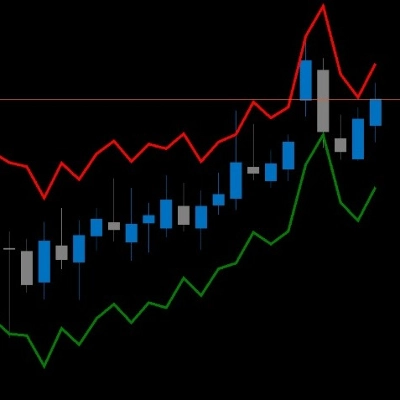
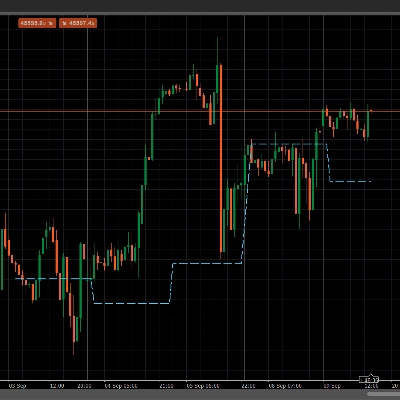
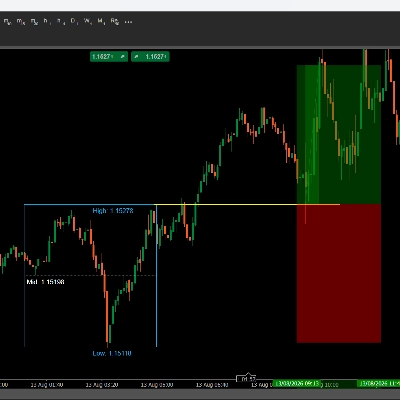
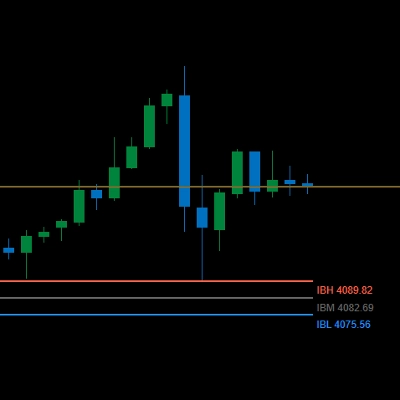




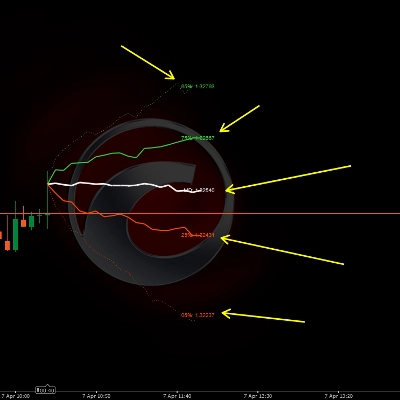






So sánh công cụ
Sản phẩm | Đánh giá | Lượt tải | Lượt bán | Giá | Nền tảng tương thích |
|---|---|---|---|---|---|
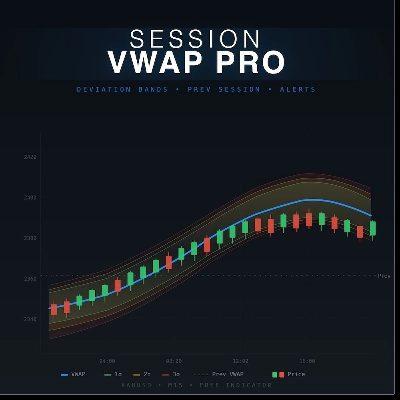
VWAP Pro | 5.0 (7) | 3.02K | — | Miễn phí | Windows, Mac |
DRXFootprint | — | — | 1 | từ $19 | Windows, Mac |
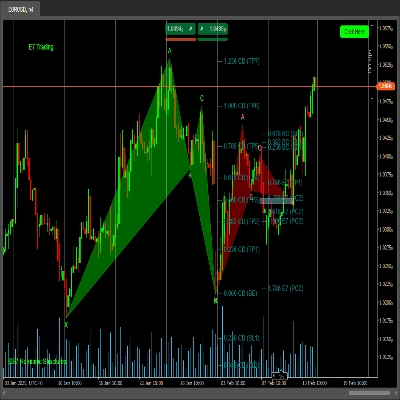
E7 Harmonic Structures Basic | 5.0 (2) | 705 | — | Miễn phí | Windows, Mac |
MyZTrade High TF candle v1.0 | — | — | — | $19 | Windows, Mac |
timer | 5.0 (1) | 544 | — | Miễn phí | Windows, Mac |
Alert Positioner | 4.8 (4) | — | — | $19 | Windows, Mac |
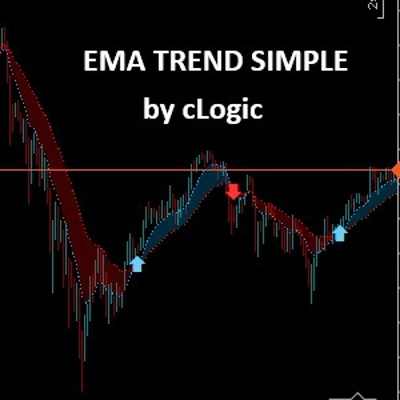
EMA Trend Simple | — | 412 | — | Miễn phí | Windows, Mac |
TREND FOLLOWER | 4.7 (3) | — | — | $19 | Windows, Mac |
ATR on Chart | — | 299 | — | Miễn phí | Windows, Mac |
POC session line | 4.8 (4) | — | — | $19 | Windows, Mac |
Simple MACD Histogram | — | 292 | — | Miễn phí | Windows, Mac |
LTtradingBox | — | — | — | $20 | Windows, Mac |
Gold Inicial Balance Basic | — | 260 | — | Miễn phí | Windows, Mac |
Deviation Trend Profile | 4.6 (5) | — | — | $19 | Windows, Mac |
PRICE ACTION FREE | 5.0 (2) | 251 | — | Miễn phí | Windows, Mac |
Swap Calculator | 5.0 (3) | — | — | $19 | Windows, Mac |
Cutrim Theory | — | 215 | — | Miễn phí | Windows, Mac |
DailyLossGuard | 4.8 (5) | — | — | $19 | Windows, Mac |
Price Projection Dynamic | 4.0 (1) | 192 | — | Miễn phí | Windows, Mac |
Support Resistance Breaks | 4.5 (2) | 180 | — | Miễn phí | Windows, Mac |
SMA_Cross_Signal | — | 166 | — | Miễn phí | Windows, Mac |
Open Trade ProfitV1 | — | 165 | — | Miễn phí | Windows, Mac |
AlgoCorner 1-100 Moving Averages | 5.0 (1) | 158 | — | Miễn phí | Windows, Mac |
Smart Support Resistance Break Detector | — | 142 | — | Miễn phí | Windows, Mac |
Weis Waves | 5.0 (1) | 124 | — | Miễn phí | Windows, Mac |
Session VWAP Pro_ThePsyTrader | 5.0 (1) | 97 | — | Miễn phí | Windows, Mac |
QQE Single | — | 89 | — | Miễn phí | Windows, Mac |
R S | — | 81 | — | Miễn phí | Windows, Mac |
Squeeze Mometntum Pro | 4.5 (2) | 79 | — | Miễn phí | Windows, Mac |
SC ADX Dots | 5.0 (1) | 76 | — | Miễn phí | Windows, Mac |
SMC_Guardian_Signal_Panel | — | 28 | — | Miễn phí | Windows, Mac |
Market Trends | 5.0 (1) | — | 1 | từ $19 | Windows, Mac, Mobile, Web |
Câu hỏi thường gặp
Free indicators for beginners usually cover the basics: moving averages for trend direction, oscillators such as RSI for momentum, and lines marking support and resistance. Learning what each one calculates matters more than stacking many, because tools built on the same prices tend to repeat one message.
Most indicators are calculated from past prices, so they lag, and a tool tuned for trends flips back and forth when the market moves sideways. Some also repaint, quietly redrawing earlier arrows once new bars arrive, which makes their history look tidier than real-time use.
Study the indicator on past bars in cTrader Windows or Mac first, then follow it live on a demo account if your broker offers one. Market Replay in cTrader Windows also lets you rehearse manual trading on historical data without risking funds.
It will not; an indicator is analysis software that draws on the chart and cannot send, modify or close orders. Every position on your account comes from your own action, such as a manual order or a cBot you started, and losses on those trades are possible.
Starting with free tools lets you learn what an indicator calculates without spending anything, while paid versions may add alerts, dashboards or support. A few sellers let you try a paid tool first, and paid products come with a money-back period explained in the cTrader Store FAQ.