
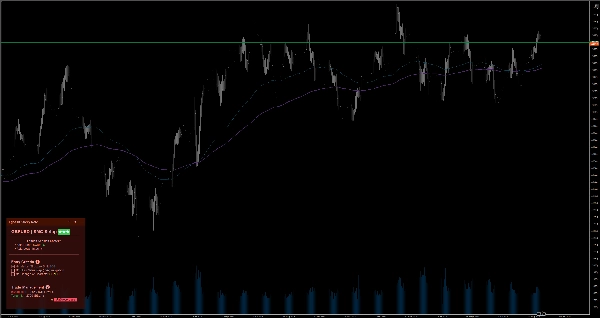

Açıklama
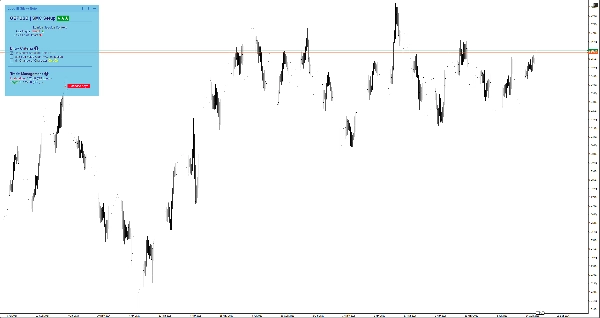
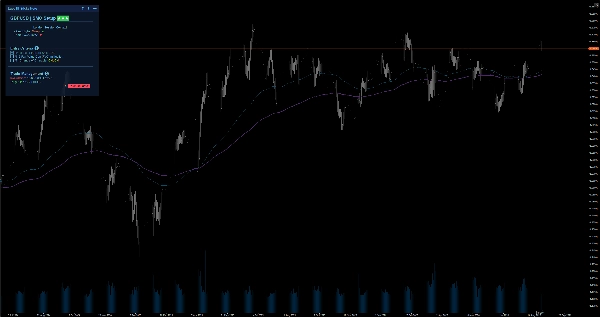
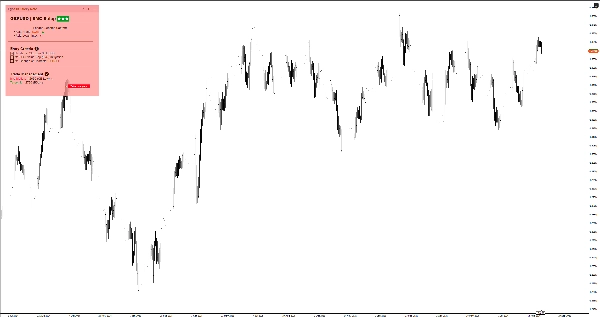
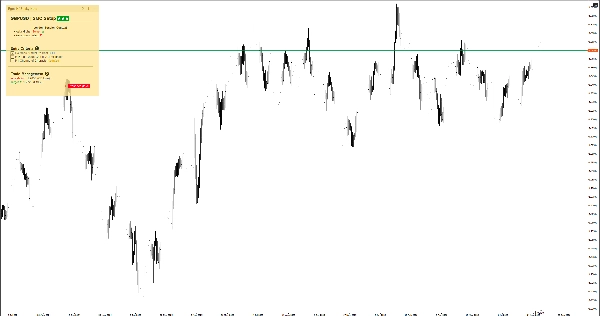
Akıllı grafik üzeri notlarla odaklanmanızı koruyun. Markdown, 6 tema ve manuel işlem için sembol başına otomatik kaydetme özelliklerine sahiptir.
Aylıktan 1 dakikalık grafiğe geçerken, büyük resmi kaybetmek ve duygusal işlemler yapmak kolaydır. EgosHf Sticky Note, kurallarınızı, kontrol listelerinizi ve HTF eğiliminizi doğrudan çalışma ekranınıza sabitleyerek bunu çözer.
🎯 Bu kimler için?
Sıkı disiplin, yukarıdan aşağı analiz ve adım adım uygulamaya dayanan manuel işlemciler, Fiyat Hareketi/SMC uygulayıcıları ve swing traderlar için mükemmeldir.
💡 Tipik Kullanım Durumları
- Yukarıdan Aşağı Analiz: Karşı trend tuzaklarından kaçınmak için işlem zaman dilimlerine geçmeden önce Günlük/Haftalık eğiliminizi yazın.
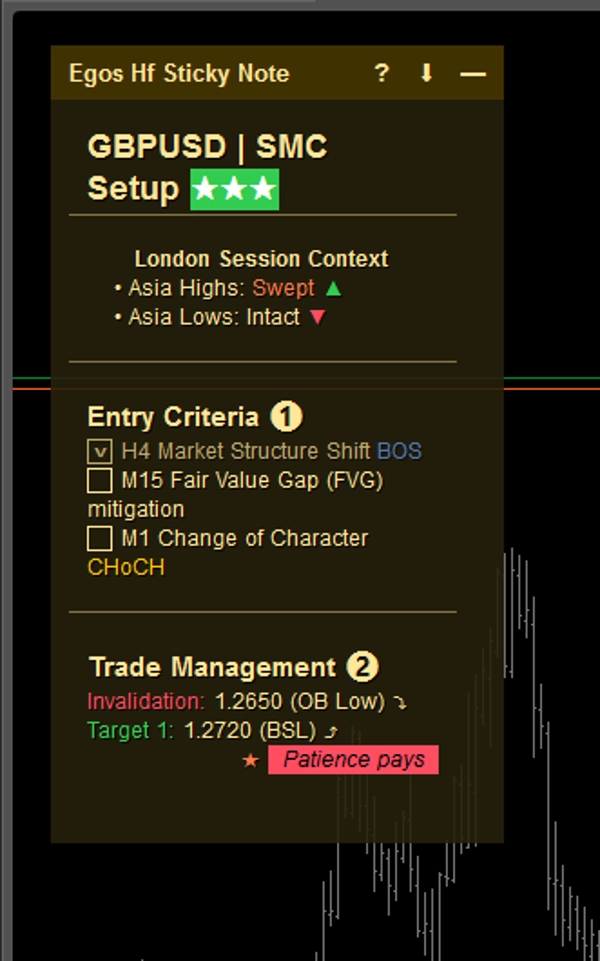
- Giriş Kontrol Listeleri: Pozisyon açmadan önce belirli kriterleri (örneğin, EMA hizalaması, Ana Seviye yeniden testi) işaretleyin.
- Risk Yönetimi: Maksimum günlük zarar limitlerinizi veya yaklaşan yüksek etkili haber uyarılarını her zaman görebileceğiniz yere sabitleyin.
⚡ Temel Özellikler ve Görsel Yorumlama
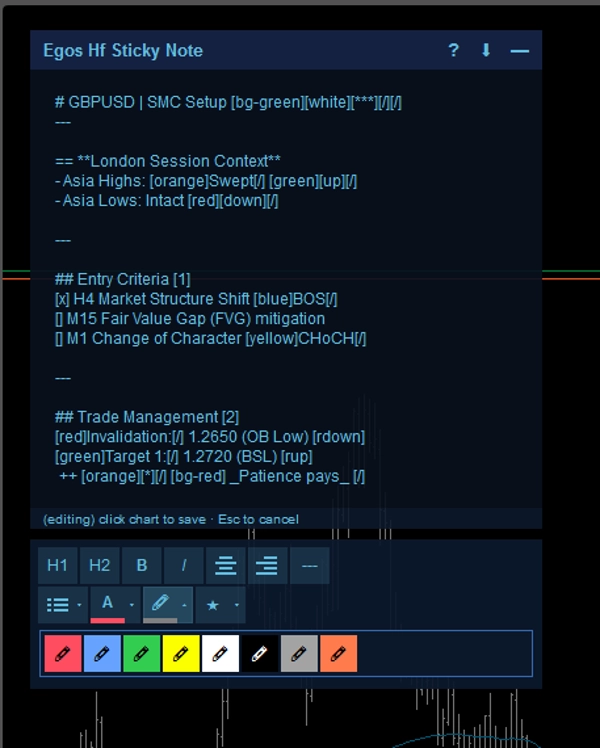
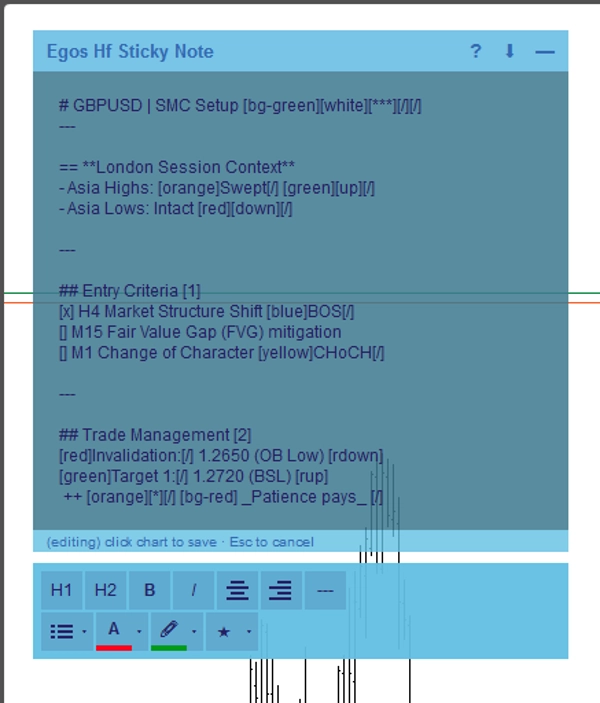
- Markdown Biçimlendirme: Basit metin etiketleri kullanarak yapılandırılmış notlar oluşturun. Başlıklar için
#, renk vurguları için[red]veya[bg-yellow]ve etkileşimli onay kutuları için[x]veya[]kullanın. - Sembole Özel Otomatik Kaydetme: Notlar, cihazınızın yerel depolamasına varlık bazında otomatik olarak kaydedilir. EURUSD'den XAUUSD'ye geçiş yapın, o sembol için özel notlarınız anında yüklenir.
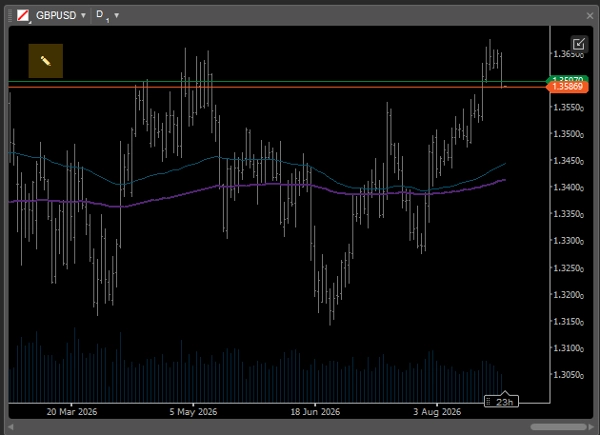
- Akıllı Uyarlanabilir Arayüz: Ekran alanının sınırlı olduğu çoklu grafik düzenlerinde, not otomatik olarak fiyat hareketini engellemeyen minimal bir
✎simgesine dönüşür. Kayıtlarınızı gözden geçirmek için istediğiniz zaman kolayca genişletebilirsiniz. - WYSIWYG Editör: Hızlı metin biçimlendirme için notu çift tıklayarak yerleşik araç çubuğunu açın.
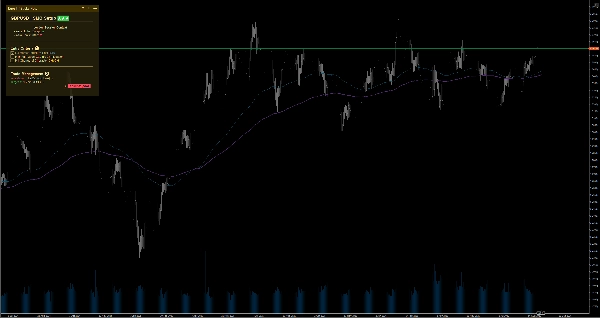
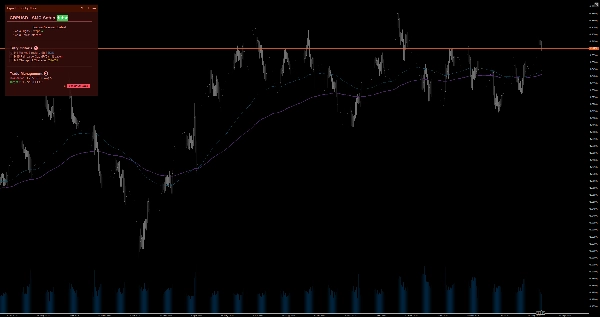
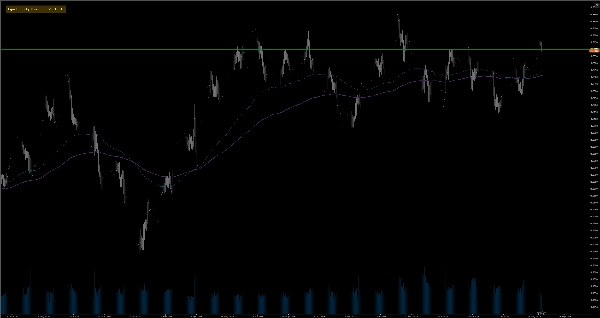
- 6 Renk Teması: Gözlerinizi yormadan grafik şablonunuza mükemmel uyum sağlayan Açık ve Koyu temalar (Sarı, Kırmızı, Mavi) arasından seçim yapın. Ayarlara girmeden temalar arasında anında geçiş yapmak için not başlığını çift tıklamanız yeterlidir.
⚙️ Ana Ayarlar ve Parametreler
- Yerleşim: Notu grafik köşelerinden herhangi birine (Sol Üst, Sağ Üst, Sol Alt, Sağ Alt) sabitleyin.
- Otomatik Daralma Genişliği (px): Notun otomatik olarak küçüldüğü grafik genişliği eşik değerini belirleyin.
- Varsayılan Boyut ve Kenar Boşlukları: Tercih ettiğiniz varsayılan genişlik, yükseklik ve kenar boşluklarını ayarlayın.
⚠️ Önemli Sınırlamalar ve Notlar
- Bu görsel bir yardımcı araçtır; piyasa verilerini analiz etmez, işlem sinyalleri üretmez veya işlemleri gerçekleştirmez.
- Tüm veriler cihazınızda yerel olarak saklanır.
Özet
AI summary
EGOs HF Sticky Note is a visual utility indicator designed for manual traders, Price Action/SMC practitioners, and swing traders who use disciplined, top-down analysis. It provides smart on-chart notes that help maintain focus by keeping trading rules, checklists, and higher timeframe bias visible directly on the chart. The tool supports Markdown formatting with headers, color highlights, and interactive checkboxes, enabling structured note-taking. Notes are saved automatically per trading symbol in local storage, allowing seamless switching between assets with symbol-specific notes loading instantly.
The interface adapts to multi-chart layouts by collapsing into a minimal icon to avoid obstructing price action, expandable on demand. A built-in WYSIWYG editor facilitates quick text formatting. Users can choose from six color themes (light and dark variants) to match chart templates. The note can be positioned in any of the four chart corners, with customizable default size, margins, and auto-collapse width threshold.
Typical use cases include documenting daily/weekly bias for top-down analysis, ticking off entry criteria checklists, and pinning risk management limits or news warnings. This tool does not analyze market data, generate signals, or execute trades; it functions solely as a customizable, on-chart note-taking utility.
The interface adapts to multi-chart layouts by collapsing into a minimal icon to avoid obstructing price action, expandable on demand. A built-in WYSIWYG editor facilitates quick text formatting. Users can choose from six color themes (light and dark variants) to match chart templates. The note can be positioned in any of the four chart corners, with customizable default size, margins, and auto-collapse width threshold.
Typical use cases include documenting daily/weekly bias for top-down analysis, ticking off entry criteria checklists, and pinning risk management limits or news warnings. This tool does not analyze market data, generate signals, or execute trades; it functions solely as a customizable, on-chart note-taking utility.
Gösterge profili
Gösterge kategorisi
İstatistik
Çıktı türü
Görselleştirme
Veri gereklilikleri
Haricî veriler
Müşteri değerlendirmeleri
0.0
Değerlendirmeler: 0
Müşteri değerlendirmeleri
Bu ürün için henüz bir değerlendirme yok. Ürünü denediniz mi? O zaman ona dair görüşlerini paylaşan ilk kişi olun!
Tartışma
SSS
EMA
Key Levels
RSI
Order Block
Volume
Market Structure
Support & Resistance
cTrader Store üzerinden erişilebilen işlem botları, göstergeler ve eklentiler gibi ürünler, üçüncü taraf sağlayıcılar tarafından sağlanır ve yalnızca bilgilendirme ve teknik erişim amaçlarıyla sunulur. cTrader Store bir broker değildir ve yatırım tavsiyesi, kişisel öneriler vermez veya gelecekteki performansı garanti etmez.
Bu oluşturanın diğer ürünleri








Fiyat
14
Ücretsiz yüklemeler