ブローカー&プロップファーム
事業者向け
00
Days
:
00
Hours
:
00
Minutes
:
00
Seconds
ICT Killzone and Sessions high_low
「ICT Killzone and Sessions high_low」ロゴ
登録日 19/11/2024
販売
15
無料インストール
3054
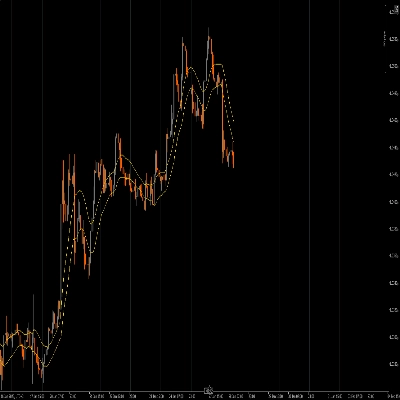
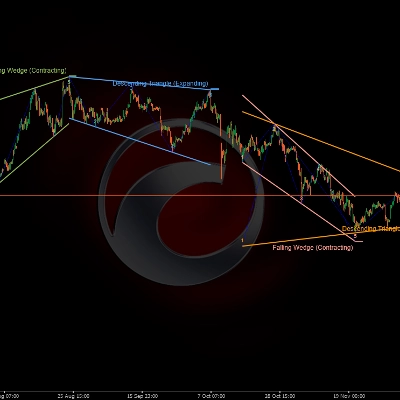
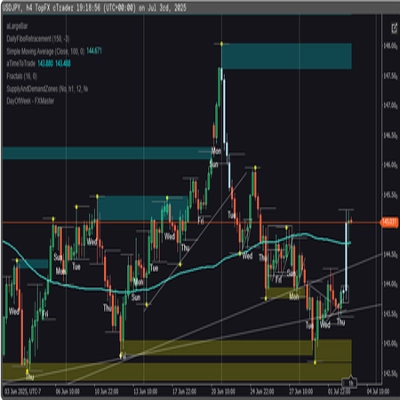
「ICT Killzone and Sessions high_low」アップロード画像「ICT Killzone and Sessions high_low」アップロード画像「ICT Killzone and Sessions high_low」アップロード画像「ICT Killzone and Sessions high_low」アップロード画像

It allows users to mark the opening and closing times of major trading sessions—Asian, London, New York, and London Close—with customizable colors, styles, and thicknesses. This indicator draws high and low trendlines for each session, providing insights into market behavior. With user-friendly drag-and-drop(+Alt Key) functionality it makes plotting sessions highand low quick. Perfect for both novice and experienced traders, this indicator makes it easier to navigate the complexities of different market sessions.

Features

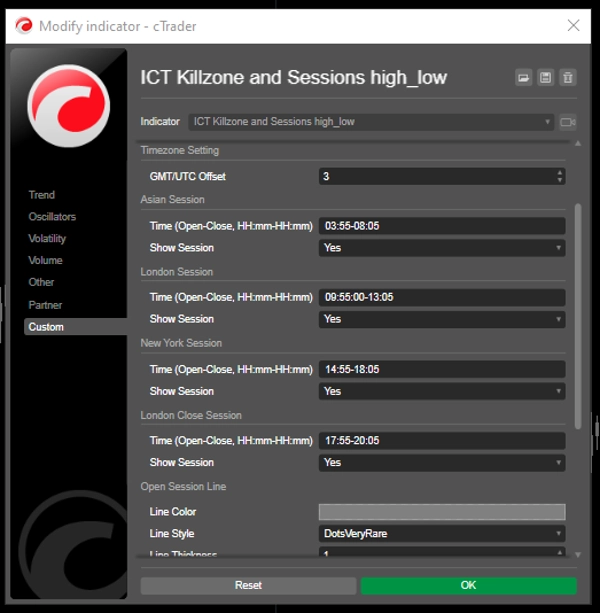
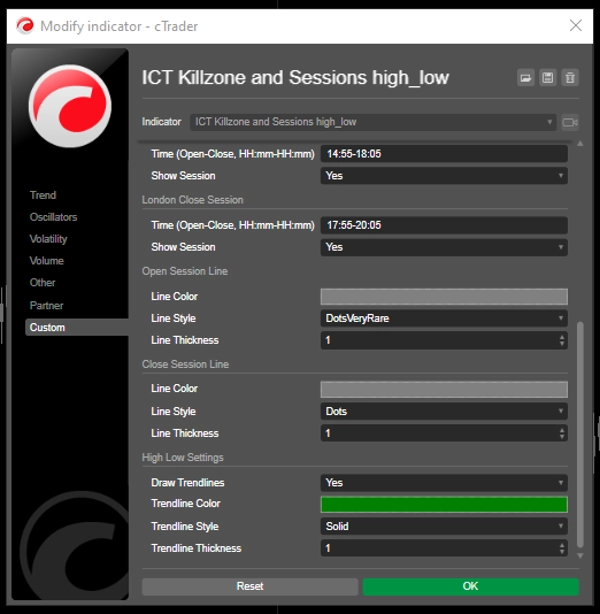
Customizable Session Times: Users can define the opening and closing times for major trading sessions (Asian, London, New York, and London Close), allowing for tailored visualization that fits their trading strategies.

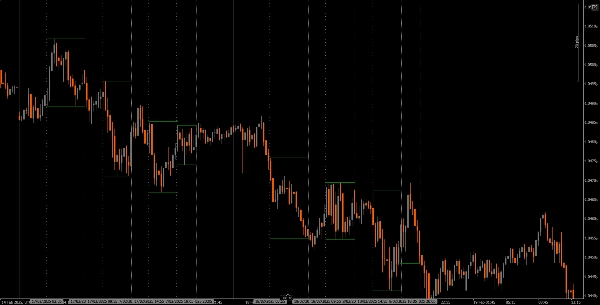
Dynamic Vertical Lines: The indicator draws vertical lines at session open and close times, making it easy to identify key market events at a glance.

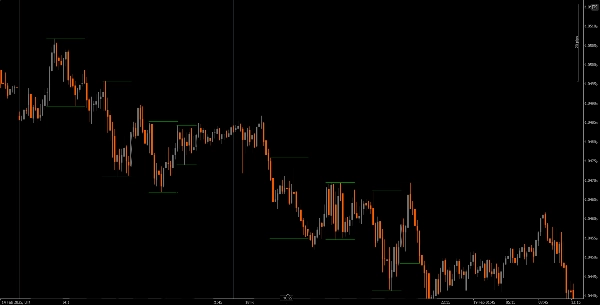
Trendline Visualization: It can automatically draw high and low trendlines for each session, allowing traders to see potential support and resistance levels based on session price action.

User-Friendly Drag-and-Drop(+Alt Key): The drag-and-drop(+Alt Key) functionality enables traders to easily select specific time ranges to analyze, enhancing the overall user experience.

Session Labels: The option to display labels next to session trendlines adds clarity, helping traders quickly identify which session they are analyzing.

Timezone Adjustment: Users can set a GMT/UTC offset, ensuring that session times are accurately represented according to their local time zone.

Tutorial
Installation: Download and install the The ICT Killzone and Sessions high_low indicator on your cAlgo platform.
Setup: Open the settings to customize your session times, colors, line styles, and thickness according to your preferences.
Using the Indicator: Click and drag (+ Alt Key)on the chart to create a rectangle that encompasses the time range you want to analyze. The indicator will automatically draw vertical lines and trendlines for the specified sessions.
Analyze: Observe the session lines and trendlines as you trade. Use this information to identify potential support and resistance levels based on session dynamics.

Recommended Companion Tools
cTrader: The native platform for cAlgo, providing a seamless experience for using and customizing indicators.
Market Analysis Tools: Combine this indicator with market analysis tools, such as moving averages or oscillators, to enhance your trading strategy.
Risk Management Tools: Use position size calculators and stop-loss tools to effectively manage risk while trading.
By integrating the The ICT Killzone and Sessions high_low indicator with these tools, traders can improve their market analysis and increase their chances of success in navigating the complexities of different trading sessions.

3.7
レビュー: 4
5
50 %
4
25 %
3
0 %
2
0 %
1
25 %
カスタマーレビュー
November 6, 2025
not working
July 27, 2025
I applied it to the chart but nothing is appearing. Could you guide me?
July 9, 2025
Pros: Highlights ICT Killzones and session highs/lows. Clear, customizable, GMT/DST support. Helps plan entries and exits. Cons: No alerts or tooltips. No history of previous zones. Requires additional confirmation tools for trading.
April 21, 2025
great idea. works well
この作成者の他の商品
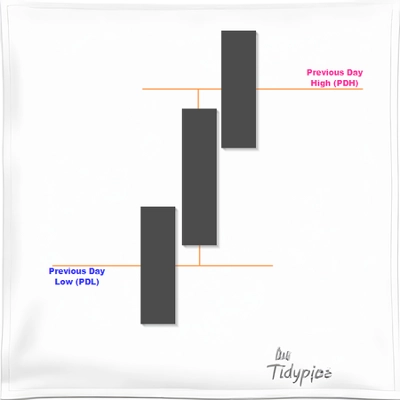
Previous Day Liquidity Zones (PDH - PDL)
Useful indicator for traders who want to visualize key price levels based on previous daily highs and lows.
インジケーター
XAUUSD
Commodities
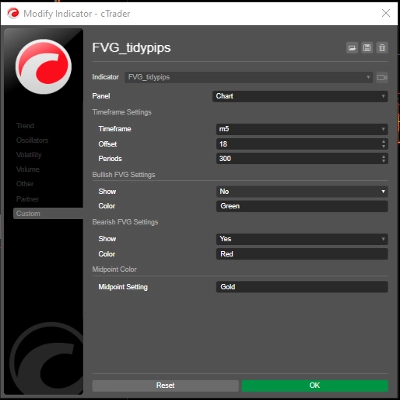
FVG_tidypips
A Fair Value Gap (FVG) indicator that identifies potential price imbalances, potential reversal and continuation zones
Moving Average channel
This indicator is designed to display customizable moving averages (MAs) on a chart.
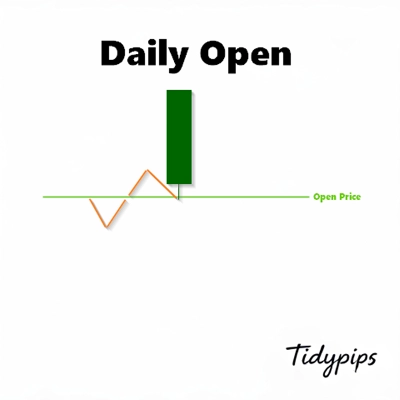
Daily Open Pivot Level
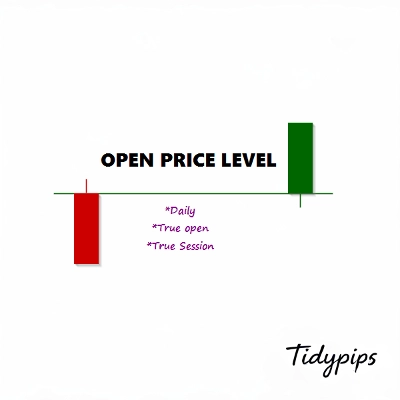
This indicator is a valuable tool for traders looking to identify significant opening price level of any asset.
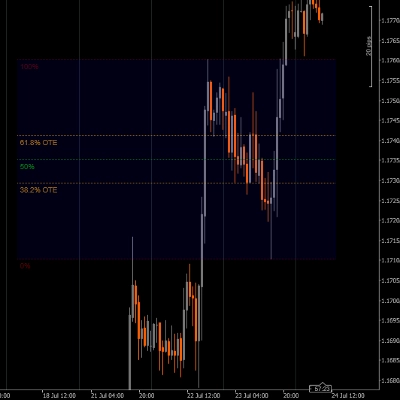
Drawing Utility
A rectangular box with 5 adjustable Fibonacci level or even custom ones.
インジケーター
XAUUSD
Commodities
True Open Pivot Levels
This indicatorFull Description: Th shows the open price lines at key market times based on Eastern Standard Time (EST).
Previous Day Equilibrium (Premium & Discount)
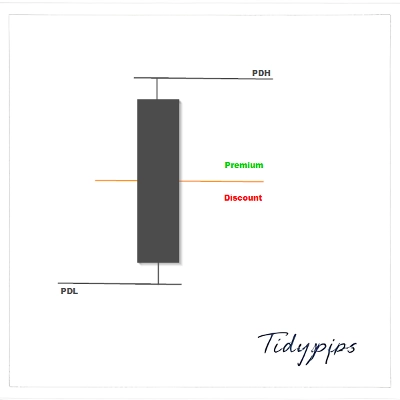
Plots the equilibrium price levels based on previous daily highs and lows.
これも好きかも
インジケーター
Indices
Breakout
XAUUSD
+9
IBS Indicator
IBS Indicator – Measures price position within bars for smarter trades. Works on all markets & timeframes.
HTF Candles
🌟 HTF indicator for cTrader! Real-time higher timeframe candles (1W-1H) on your chart.
Hammer Pattern Indicator
Master Dragom SR
Indicator,combines with several strategies.MA locate trends,pullback, signal volumes, reversals, support and resistance
インジケーター
Indices
XAUUSD
Forex
+3
Trend Following Trial2
TREND FALLOWING: Advanced technical indicator signal.
インジケーター
NAS100
Martingale
Forex
+25
Fair Value Gap Pro+
Exploit market imbalances with auto FVG zones—fade, extend, and filter with precision.
インジケーター
Signal
MACD
USDJPY
PulseTracker
Version 1.2: Advanced Trend Detection & Visualization System
インジケーター
Grid
NAS100
NZDUSD
+15
RangeBoxFibonacci
With this Fibonacci retracement indicator, traders have full control over the retracement levels displayed on the chart.
インジケーター
Indices
Prop
Breakout
+4
Higher TimeFrame Candle Tracker
Higher TimeFrame Candle Tracker: Current Timeframe (Any TimeFrame) Show High TimeFrame Candle Bar
calculateSpreads_withSourceCode
Indicator calculates spread in pips
インジケーター
NAS100
NZDUSD
XAUUSD
+12
rvwap v1
Rolling VWAP with dynamic or fixed time window, customizable source price and standard deviation bands.
インジケーター
Grid
NAS100
NZDUSD
+16
Frac Support Resistance V1
Smart Support/Resistance lines auto calculated from D1/H4/H1/M15. Highly customizable visuals + built in Backtest Mode.
Bars color 1
This is the first version I offer you for free.
Weekly Daily Levels
The Weekly Daily Levels indicator shows the OHLC, and mid-point prices for the previous day and week.
SpreadCalculator - BossFXTrader
Spread Calculator to calculate the difference between two prices or values.
インジケーター
Breakout
Stocks
Forex
+2
WaveWeisBarForce
Wave Weis Bar Force - is an indicator that applies the logic of Volume waves (Weis) to determine accumulation
Time To Break Even Indicator v2
Time To Break Even Indicator. This indicator helps you time your trade's entry.
インジケーター
XAUUSD
Commodities
Forex
+4
GoldLine_V1.2
Advanced price levels! Rounded prices with full style settings. Suitable for all currency pairs and timeframes.