Opis
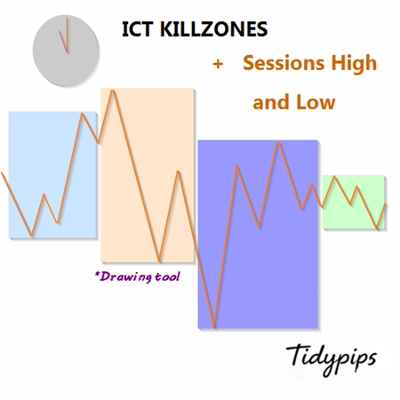
Pozwala użytkownikom oznaczać godziny otwarcia i zamknięcia głównych sesji handlowych — azjatyckiej, londyńskiej, nowojorskiej oraz zamknięcia Londynu — za pomocą konfigurowalnych kolorów, stylów i grubości. Ten wskaźnik rysuje linie trendu wysokie i niskie dla każdej sesji, dostarczając wglądu w zachowanie rynku. Dzięki przyjaznej dla użytkownika funkcji przeciągnij i upuść (+klawisz Alt) umożliwia szybkie wyznaczanie wysokich i niskich punktów sesji. Idealny zarówno dla początkujących, jak i doświadczonych traderów, ten wskaźnik ułatwia poruszanie się po złożonościach różnych sesji rynkowych.
Funkcje
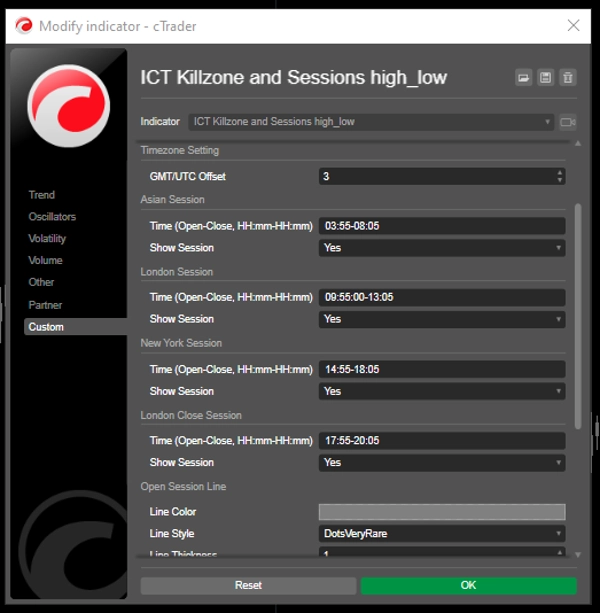
Konfigurowalne godziny sesji: Użytkownicy mogą definiować godziny otwarcia i zamknięcia głównych sesji handlowych (azjatyckiej, londyńskiej, nowojorskiej oraz zamknięcia Londynu), co pozwala na dostosowaną wizualizację odpowiadającą ich strategiom handlowym.
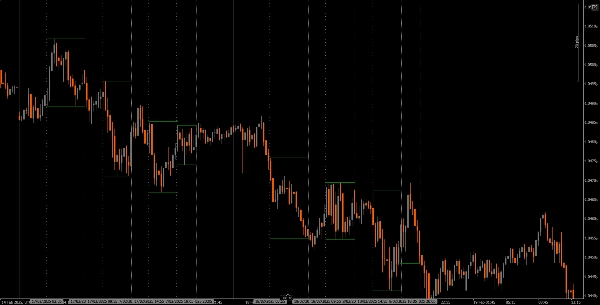
Dynamiczne linie pionowe: Wskaźnik rysuje pionowe linie w godzinach otwarcia i zamknięcia sesji, co ułatwia szybkie zidentyfikowanie kluczowych wydarzeń rynkowych.
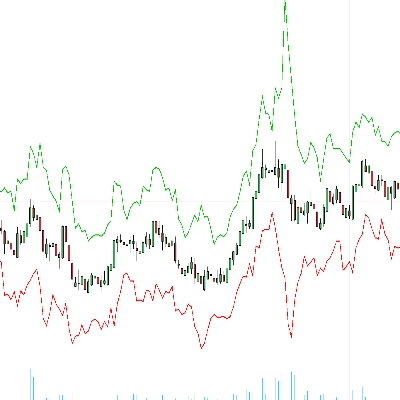
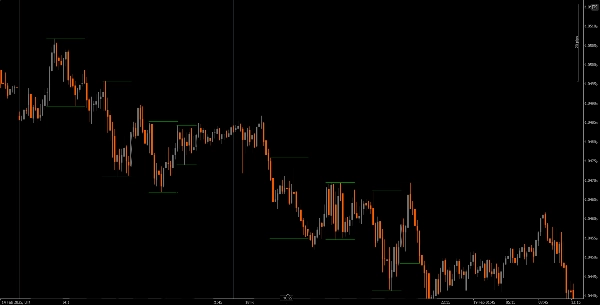
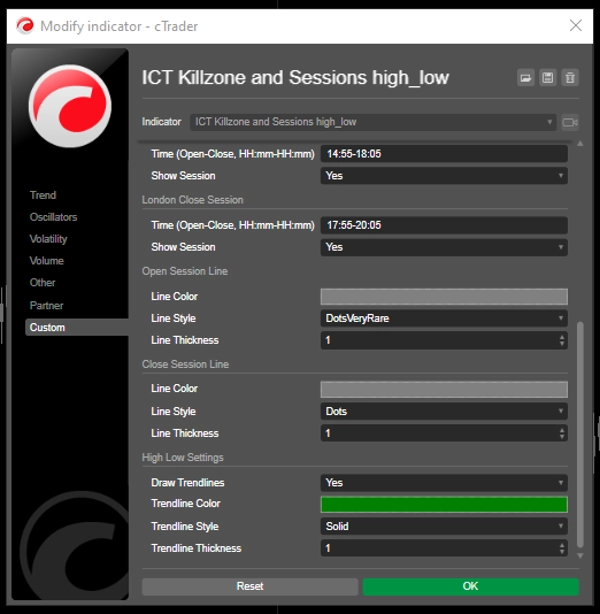
Wizualizacja linii trendu: Może automatycznie rysować wysokie i niskie linie trendu dla każdej sesji, pozwalając traderom zobaczyć potencjalne poziomy wsparcia i oporu na podstawie ruchów cenowych sesji.
Przyjazna funkcja przeciągnij i upuść (+klawisz Alt): Funkcja przeciągnij i upuść (+klawisz Alt) umożliwia traderom łatwy wybór określonych zakresów czasowych do analizy, poprawiając ogólne doświadczenie użytkownika.
Etykiety sesji: Opcja wyświetlania etykiet obok linii trendu sesji dodaje przejrzystości, pomagając traderom szybko zidentyfikować, którą sesję analizują.
Dostosowanie strefy czasowej: Użytkownicy mogą ustawić przesunięcie GMT/UTC, zapewniając dokładne przedstawienie godzin sesji zgodnie z ich lokalną strefą czasową.
Samouczek
Instalacja: Pobierz i zainstaluj wskaźnik The ICT Killzone and Sessions high_low na swojej platformie cAlgo.
Konfiguracja: Otwórz ustawienia, aby dostosować godziny sesji, kolory, style linii i grubości według własnych preferencji.
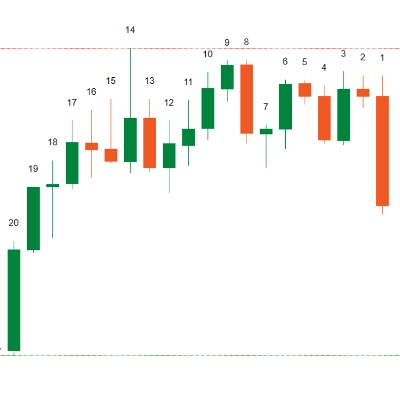
Używanie wskaźnika: Kliknij i przeciągnij (+klawisz Alt) na wykresie, aby utworzyć prostokąt obejmujący zakres czasowy, który chcesz analizować. Wskaźnik automatycznie narysuje linie pionowe i linie trendu dla określonych sesji.
Analiza: Obserwuj linie sesji i linie trendu podczas handlu. Wykorzystaj te informacje do identyfikacji potencjalnych poziomów wsparcia i oporu na podstawie dynamiki sesji.
Polecane narzędzia towarzyszące
cTrader: Natywna platforma dla cAlgo, zapewniająca płynne doświadczenie w używaniu i dostosowywaniu wskaźników.
Narzędzia analizy rynku: Połącz ten wskaźnik z narzędziami analizy rynku, takimi jak średnie kroczące lub oscylatory, aby wzmocnić swoją strategię handlową.
Narzędzia zarządzania ryzykiem: Używaj kalkulatorów wielkości pozycji i narzędzi stop-loss, aby skutecznie zarządzać ryzykiem podczas handlu.
Integrując wskaźnik The ICT Killzone and Sessions high_low z tymi narzędziami, traderzy mogą poprawić swoją analizę rynku i zwiększyć szanse na sukces w poruszaniu się po złożonościach różnych sesji handlowych.
Podsumowanie
A drag-and-drop (+Alt Key) feature allows quick selection of specific time ranges for analysis. Optional session labels clarify which session is being viewed. Timezone adjustments via GMT/UTC offset ensure session times align with the trader’s local time zone.
Designed for use on the cAlgo platform, this tool supports enhanced market analysis when combined with other market analysis and risk management tools. It assists traders in navigating the complexities of different market sessions by providing clear visual cues and trendline insights.
Dyskusja
Opinie klientów
5 | 40 % | |
4 | 20 % | |
3 | 0 % | |
2 | 0 % | |
1 | 40 % |