
Trading_stop Demo
cBot
169 downloads
Version 1.0, Aug 2025
Windows, Mac, Mobile, Web
Since 31/12/2024
7
Sales
1.36K
Free installs
Description
Trading_stop DEMO for cTrader
Description:
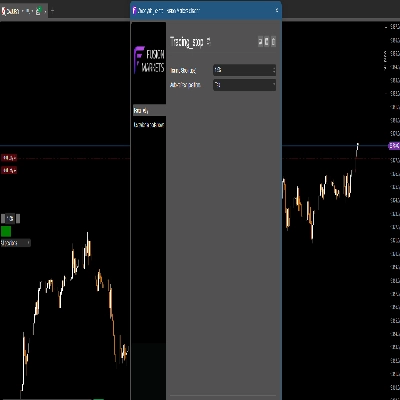
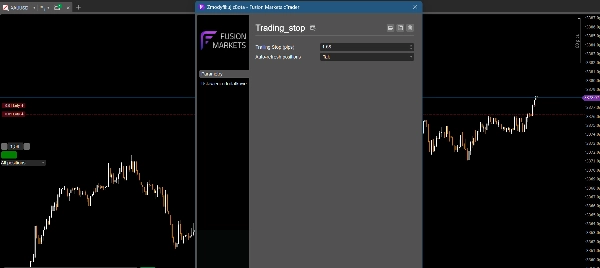
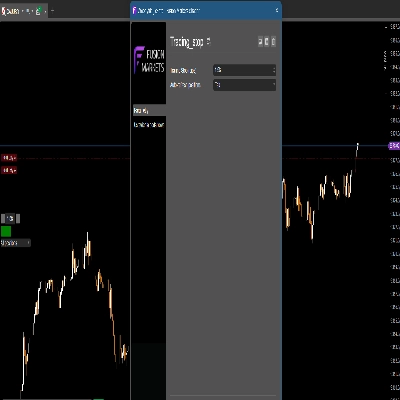
Trading_stop is a fast, lightweight trailing stop panel for cTrader, designed for traders who value convenience, safety, and precision.
Perfect for scalping, day trading, and active position management on any instrument and timeframe.
Key Features:
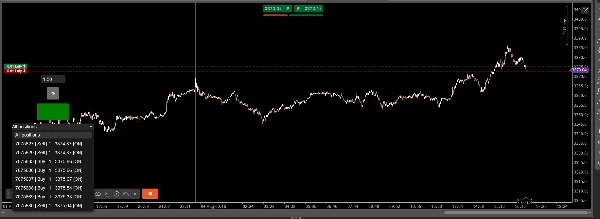
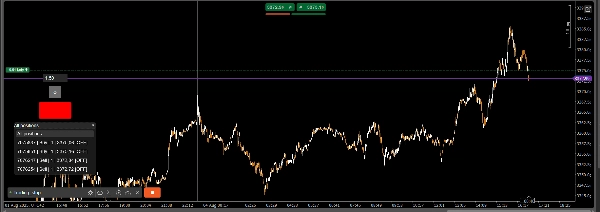
- Instant on-chart panel:
Minimalist, non-intrusive panel with trailing stop adjustment down to 0.01 pips. - Quick value change:
Adjust trailing stop with +/– buttons or enter manually. - One-click activation:
Button toggles trailing stop for all or selected positions (green = active, red = inactive). - Position selection:
Manage trailing stop for all or only selected positions on the instrument. - Auto-refresh position list:
Panel updates open positions automatically (auto-refresh can be turned off in bot settings). - Safety:
Trailing stop works independently of your broker – your stop loss is always updated with price movement.
How it works:
- Launch the bot on your chosen instrument.
- Set the trailing stop value (e.g. 1.5 pips) using the buttons or by typing.
- Choose whether to apply trailing stop to all or only selected positions.
- Click the activation button – green means trailing stop is active.
- The bot automatically moves your stop loss as the market moves in your favor.
Who is it for?
- Scalpers and day traders who want to quickly lock in profits.
- Anyone who wants full control over stop loss without manual adjustment.
- Traders who value simplicity, speed, and safety.
Parameters:
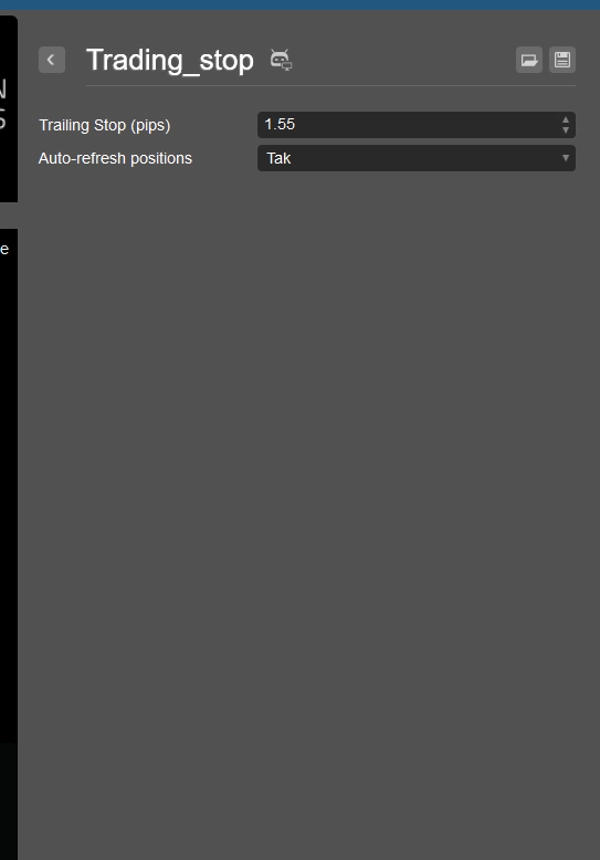
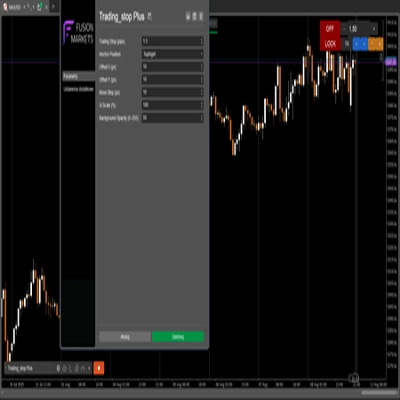
- Trailing Stop (pips): precision to 0.01 pips
- Auto-refresh positions: automatic position list update (ON/OFF)
DEMO Version:
- The bot works for 24 hours from the first launch on your computer.
- After 24 hours, the panel remains visible, but trailing stop is disabled and a "DEMO EXPIRED" message appears on the chart.
- Full version available after contacting the author.
Why choose Trading_stop?
- Lightning-fast operation and full position control
- Perfect for scalping and fast trading
- Minimalist, non-intrusive panel
- Safety and reliability
Try Trading_stop DEMO and see how convenient trailing stop management can be in cTrader!
Other tools by this author:
- Candle Timer & Strength DEMO
- Candle Timer & Strength FULL
- Candle Timer & Strength Panel
- FVG MultiTF Tracker
- ZigZag Pro DEMO
- ZigZag Pro FULL
Find more indicators and bots by searching "kobud.222" in the cTrader Store:
https://ctrader.com/pl?search=kobud.222&u=kobud.222
http://www.youtube.com/@Robi22-22
📩 Questions? Suggestions? Discount?
Contact available in my profile: Robi kobud
Summary
AI summary
Trading_stop Demo is a trailing stop management bot designed for the cTrader platform. It provides a fast, lightweight, and minimalist on-chart panel that allows traders to set and adjust trailing stops with precision down to 0.01 pips. The panel supports quick value changes via buttons or manual input and enables one-click activation to toggle trailing stops for all or selected positions on the current instrument. It automatically refreshes the list of open positions, with an option to disable auto-refresh in settings.
The bot operates independently of the broker, continuously updating stop loss levels as the market moves in favor of the trader. It is suitable for scalping, day trading, and active position management across any instrument and timeframe. Users can manage trailing stops for multiple positions simultaneously, enhancing convenience and control.
The demo version functions for 24 hours from the first launch, after which trailing stop functionality is disabled though the panel remains visible. This tool is intended for traders seeking speed, simplicity, and safety in trailing stop management within cTrader.
The bot operates independently of the broker, continuously updating stop loss levels as the market moves in favor of the trader. It is suitable for scalping, day trading, and active position management across any instrument and timeframe. Users can manage trailing stops for multiple positions simultaneously, enhancing convenience and control.
The demo version functions for 24 hours from the first launch, after which trailing stop functionality is disabled though the panel remains visible. This tool is intended for traders seeking speed, simplicity, and safety in trailing stop management within cTrader.
Trading profile
Discussion
Customer reviews
0.0
Reviews: 0
Customer reviews
No reviews for this product yet. Already tried it? Be the first to tell others!
FAQ
Products available through cTrader Store, including trading bots, indicators and plugins, are provided by third-party developers and made available for informational and technical access purposes only. cTrader Store is not a broker and does not provide investment advice, personal recommendations or any guarantee of future performance.











Price
Since 31/12/2024
7
Sales
1.36K
Free installs