

Description
Unix Scalper
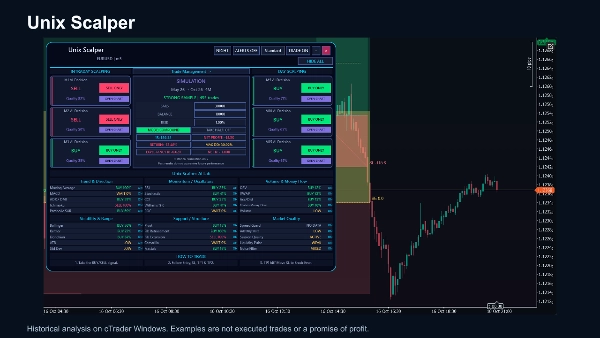
Read short-term market direction, review a defined trade plan and explore its historical outcomes in one cTrader Windows workspace. Unix Scalper combines six timeframe decisions with thirty technical evidence rows, chart signals and an interactive simulation panel.
Six timeframe decisions
M1, M2, M3, M5, M10 and M15 cards show BUY, SELL or WAIT with a technical agreement score. OPEN CHART takes you to the selected period. These cards describe the latest available closed bars, even while you inspect older chart history. Quality is a rule-agreement score, not a probability of profit.
Signals and trade plans
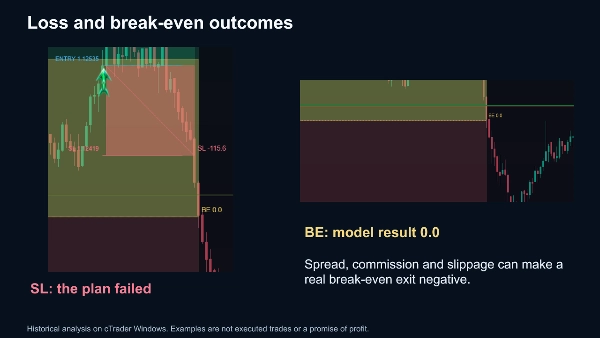
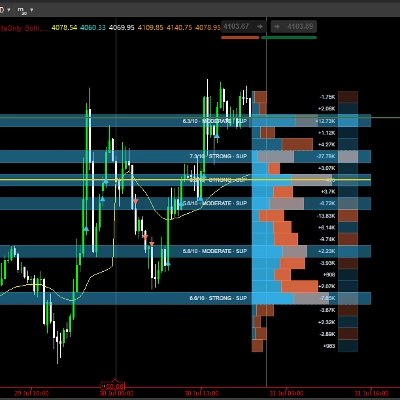
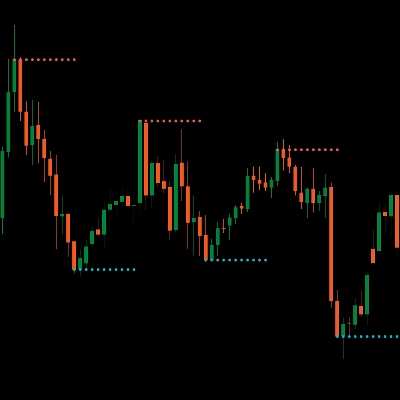
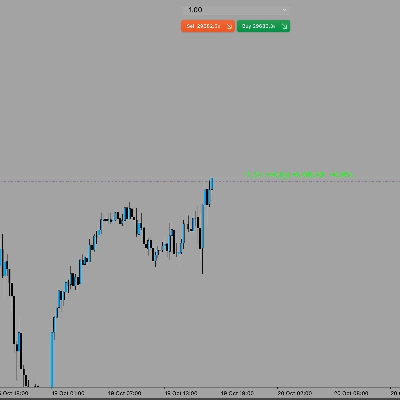
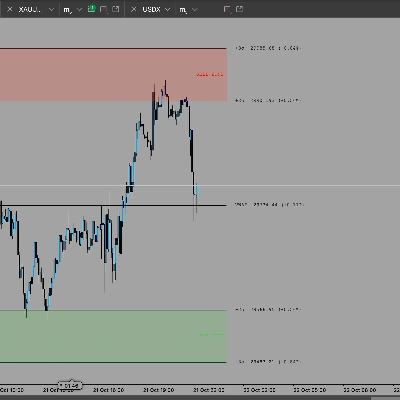
The chart displays accepted BUY and SELL setups with entry, stop, TP1 and TP2 levels. Translucent risk and reward regions keep the candles visible. Historical outcomes are marked as target hit, stop-loss or break-even, with a path connecting the entry and resolution. Labels describe analytical outcomes, not trades executed in your account.
Evidence behind the view
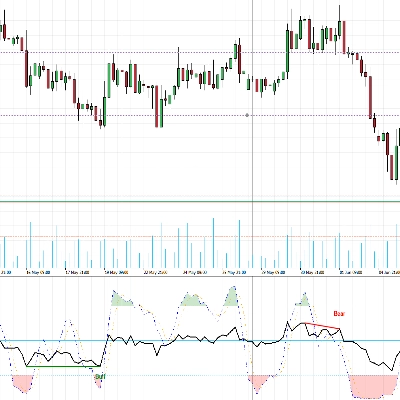
The AI Lab presents thirty local technical assessments across trend, momentum, volume, volatility, structure and market quality. It makes disagreements and unavailable data visible. It is a rule-based technical analysis system, not a remote prediction service.
Explore risk assumptions
Set the number of historical bars, starting balance and risk percentage. Compare fixed risk with compounding, and test the Take Half assumption. The performance curve shows settled cumulative net profit under the chosen model. These controls change the simulation, not the underlying signals. Broker costs, execution slippage and account constraints are not modeled.
An interactive workspace
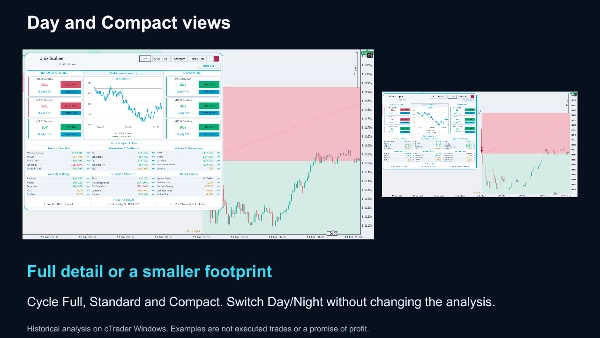
Drag or collapse the panel, cycle Full, Standard and Compact layouts, and select Day or Night. Hide the indicator drawings while keeping the panel available. Optional desktop and email notifications report new analytical events; email requires configured sender, recipient and cTrader email settings.
Use on a demo chart first
Unix Scalper is an indicator for cTrader Windows. It does not place, modify or close orders. Allow the broker's history to load before interpreting its readings. Historical examples are illustrative and may include losses and drawdowns. Past results do not guarantee future performance; all trading involves risk.
Summary
Discussion
Customer reviews
FAQ
More from this author











Price
