Penerangan
Sepanjang saya suka cTrader, kemas kini terkini untuk alat Risiko Ganjaran kadang-kadang mengecewakan. Saya tidak gemar bagaimana ia mengunci paksi y anda, jadi saya membina yang ini sebagai gantinya.
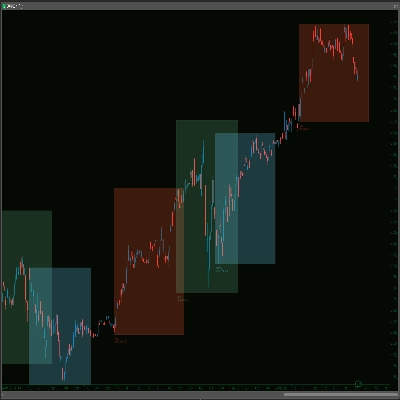
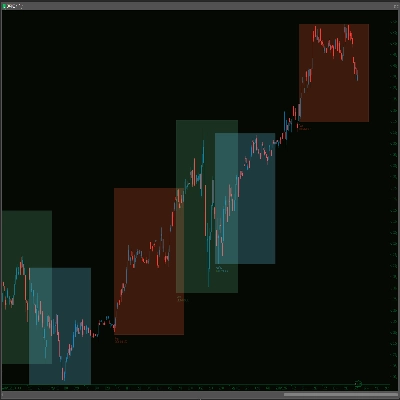
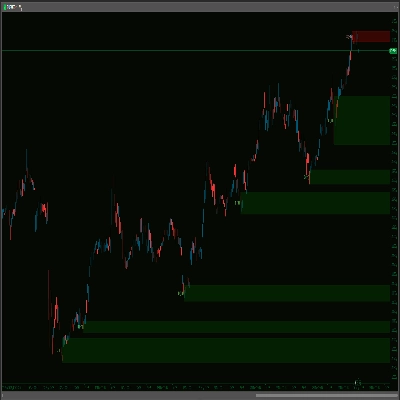
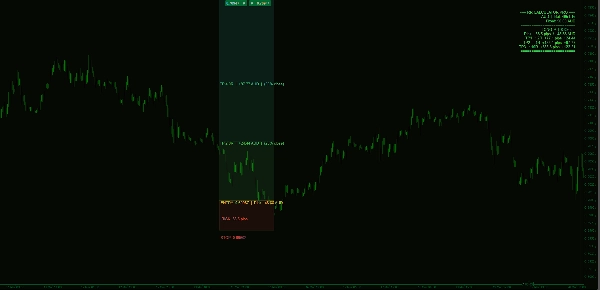
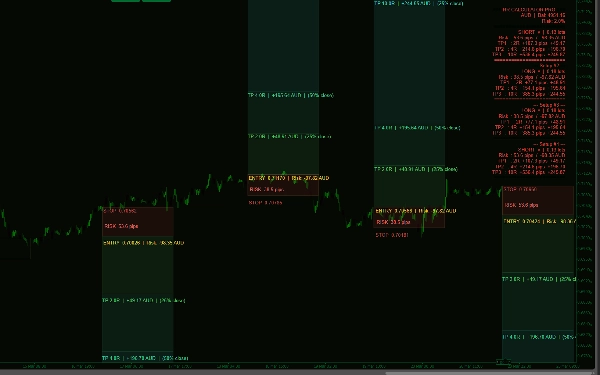
RR Calculator Pro memberi anda kebebasan carta sepenuhnya sambil menghapuskan setiap pengiraan manual dari perancangan dagangan anda. Lukis segi empat tepat yang merangkumi kemasukan dan henti rugi anda, labelkan ia di kawasan komen sama ada RRL untuk posisi panjang atau RRS untuk posisi pendek, dan penunjuk itu segera mengira dan memaparkan segala yang anda perlukan sebelum meletakkan dagangan.
Bagaimana ia berfungsi
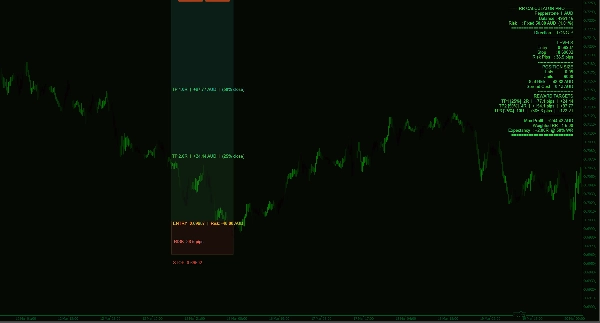
Segi empat tepat yang anda lukis adalah zon risiko anda. Ketinggiannya menentukan jarak henti anda dalam pips. Penunjuk membaca jarak itu, menggunakan jumlah risiko yang anda pilih, dan meramalkan tiga zon ambil untung di atas atau di bawahnya — semuanya terkandung rapi dalam lebar segi empat tepat anda. Tiada garis yang melintang carta anda, tiada kekacauan.
Saiz Posisi
Pilih dari profil risiko Konservatif (0.5%), Normal (1%), Agresif (2%) atau Tersuai — atau langkau saiz berdasarkan peratusan sepenuhnya dengan memasukkan jumlah dolar tetap. Tetapkan risiko kepada $58 dan setiap pengiraan mengalir dari nombor tepat itu. Saiz lot tepat anda, bilangan unit, risiko dolar dan kos spread dipaparkan serta-merta.
Zon Ambil Untung
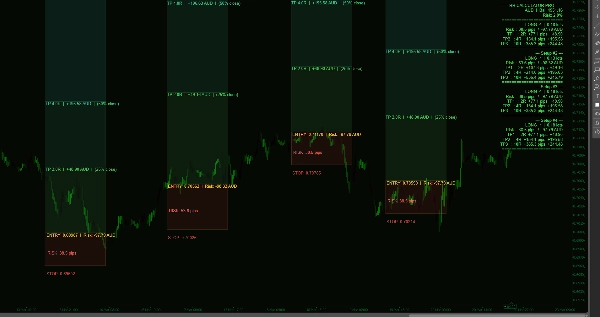
Tiga gandaan ganjaran yang boleh dikonfigurasi (lalai 1R, 2R, 3R) dilukis sebagai zon berwarna yang diramalkan dari kemasukan anda. Setiap zon menunjukkan jarak pip, keuntungan dolar pada sasaran itu, dan peratusan tutup separa anda. Zon-zon itu bergraduasi dari hijau muda ke hijau terang memberikan bacaan visual segera mengenai potensi ganjaran.
Risiko:Ganjaran Sekilas
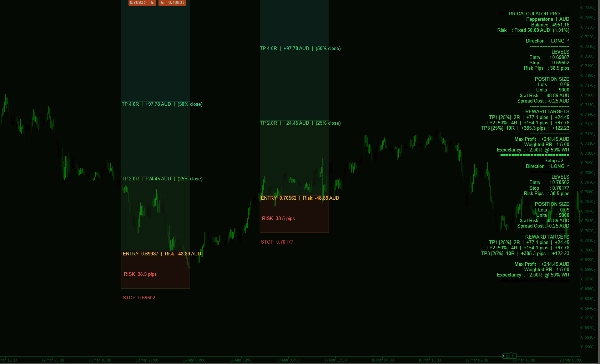
Papan pemuka menunjukkan R:R berwajaran anda (mengambil kira tutup separa), keuntungan maksimum keseluruhan merentasi semua sasaran, dan jangkaan pada kadar kemenangan 50% sebagai garis dasar. Mod Pantas memadatkan segala-galanya ke dalam enam baris untuk pedagang yang lebih suka ruang skrin yang minimum.
Beberapa Persediaan Serentak
Lukis sebanyak mana segi empat RRL dan RRS yang anda perlukan. Setiap satu dikira secara bebas dan papan pemuka menumpuk semua persediaan dalam satu panel — tiada pertindihan, tiada kekeliruan.
Penjajaran Label
Semua label boleh dipasang pada tepi kiri atau kanan segi empat tepat anda — berguna bergantung pada di mana segi empat tepat itu terletak pada carta anda.
Selamat berdagang! Semoga berjaya!