Opis
DemoTradePro : Live market data. Zero wallet risk.
Practise on the live market without risking a cent. Demo Trade Pro turns cTrader into a complete paper-trading desk on your broker's real-time prices. Open demo accounts with any balance, or take a prop-firm style challenge with fixed daily and maximum loss limits, and trade them side by side. Every trade is simulated by the plugin, so nothing ever reaches your broker. A full statistics dashboard and an automatic trading journal show you, day by day, whether your trading is getting better.
Install and launch
- Install Demo Trade Pro from the cTrader Store. It appears under Algo → Plugins.
- Make sure Demo Trade Pro is switched on in Settings → Plugins (or started in Algo → Plugins). It runs without any special access rights, so no permission prompt appears, and it starts again each time cTrader opens.
- A Demo Trade Pro button (bar-chart icon) appears in the chart toolbar. Each click opens a trading window sized to your screen, so you can open one per symbol or per account. Prefer tabs? Change "Open new windows as" in the Settings card.
Your first demo trade in one minute
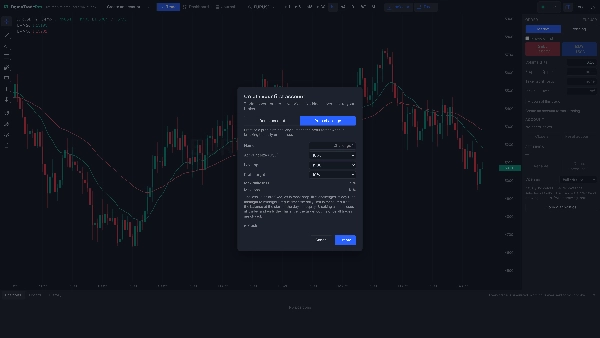
- Click the Demo Trade Pro button. The first time, the New account dialog opens.
- Choose Demo account and a starting balance, or Prop challenge and an account size (10k, 50k, 100k or 200k) with a 5% or 10% profit target. Pick your leverage (1:50 to 1:500) and click Create.
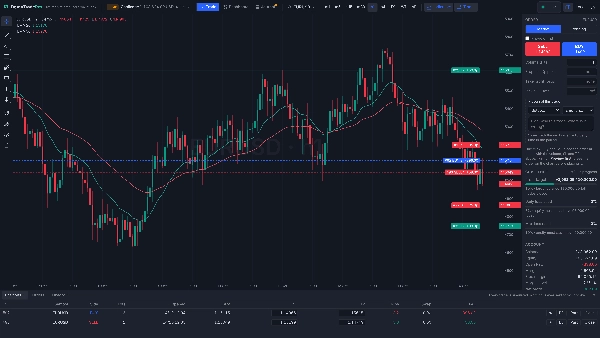
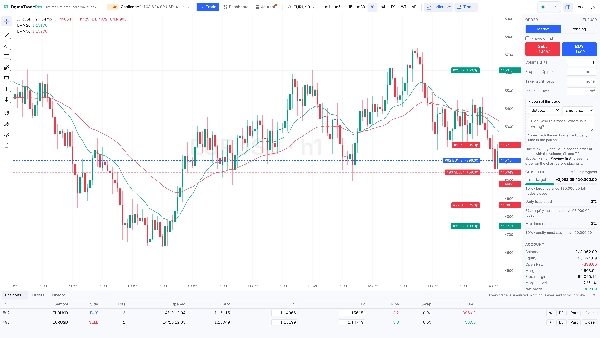
- The chart opens on the symbol of your cTrader chart. Click the symbol name, or just start typing on the chart, to switch to any of your broker's symbols.
- Set the volume in lots, or type a risk % to size the trade from your stop loss, and add a stop loss and take profit in pips.
- Click Buy or Sell: the order opens at once at the live ask or bid. Prefer to see it first? Turn on Preview first, drag the stop loss and take profit on the chart, then press Place. Nothing is ever sent to your broker.
Why traders choose Demo Trade Pro
- Your broker's live prices, inside cTrader. No separate app or data feed. Buys open on the ask and close on the bid, sells the reverse, on every tick of your broker's feed.
- Realistic costs. Your broker's own commission for each symbol (or a fixed amount per lot, or none), overnight swap with the triple day, optional slippage, and P&L converted to your account currency at live rates.
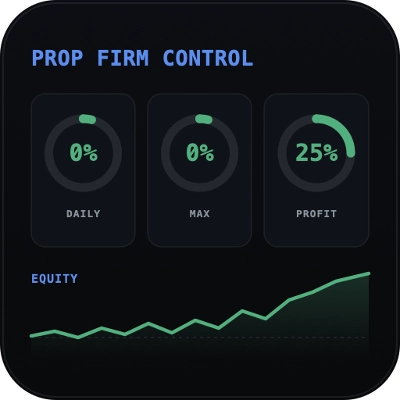
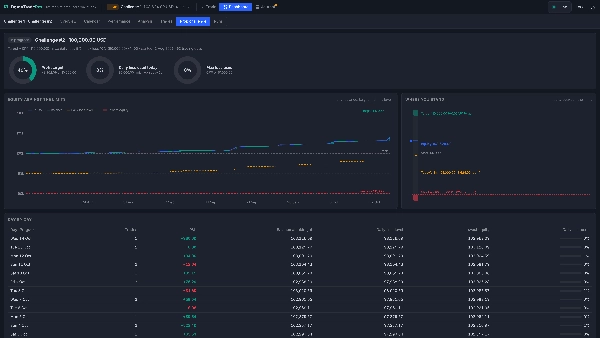
- Prop challenge practice. Account sizes 10k, 50k, 100k and 200k, a 5% or 10% profit target, a 5% daily loss limit and a 10% maximum loss, checked on equity on every tick. Warnings at 75% and 90% of a limit. Break a limit and the challenge fails with all trades closed; reach the target with all trades closed and it passes. Rehearse your plan before you pay for a real challenge.
- Several accounts at once. Run a demo account and two challenges side by side and switch between them from the top bar, which shows each account's balance and leverage. Reset a demo account or start a new challenge at any time; earlier runs stay saved, read-only, for comparison.
- Nothing is missed. Trades are tracked whenever cTrader runs with the plugin started, with or without a window open. When you reopen cTrader, the time it was closed is settled from one-minute bars: pending orders, stops, targets, swap and challenge limits, minute by minute.
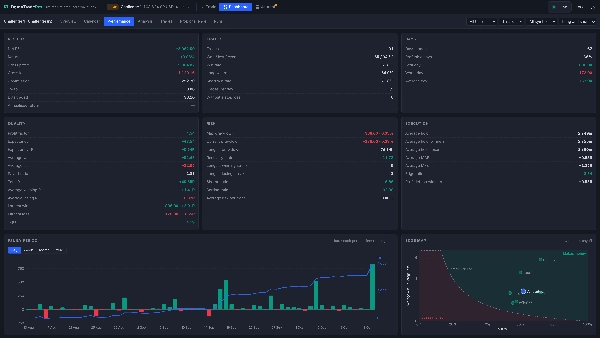
- A full statistics dashboard. Equity and drawdown curves, about 45 statistics (profit factor, expectancy, R, SQN, Sharpe, Sortino, streaks, MAE and MFE), a P&L calendar, results by symbol, session, weekday and hour, a trading clock, distributions, every trade in a searchable table, and a prop challenge view showing exactly how far you are from your target and limits.
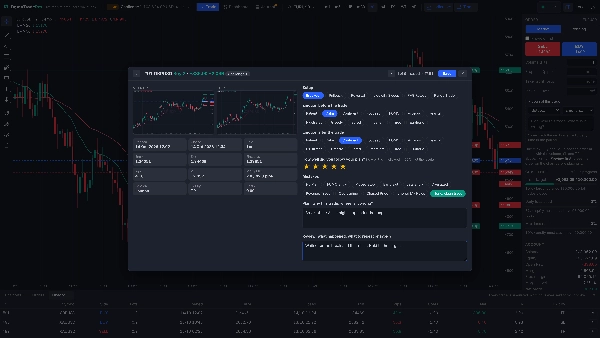
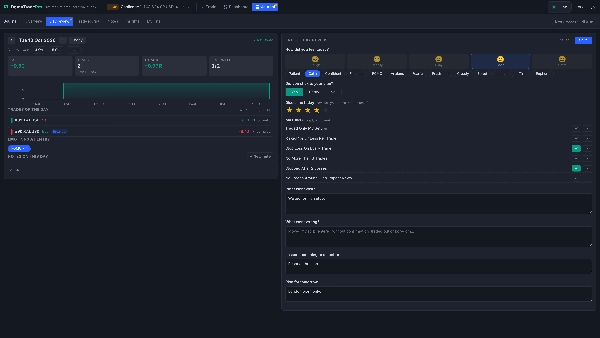
- A journal that does the work with you. Tag each trade with its setup, your emotion before and after, mistakes and a plan rating. Chart snapshots are saved automatically at entry and exit. Each evening, the end-of-day review asks the questions that matter: how you felt, whether you stuck to your plan, which rules you kept or broke, what went well, what went wrong, the lesson and your plan for tomorrow.
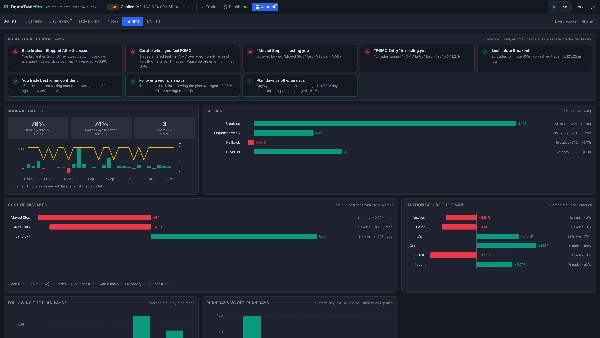
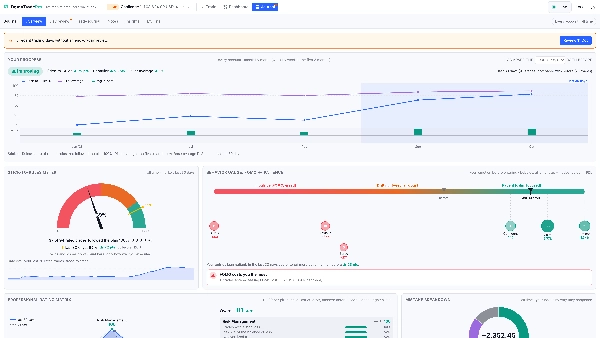
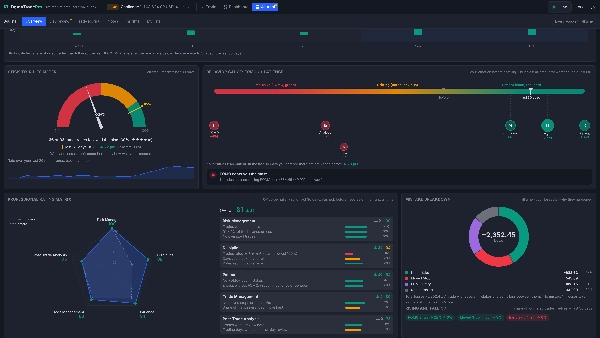
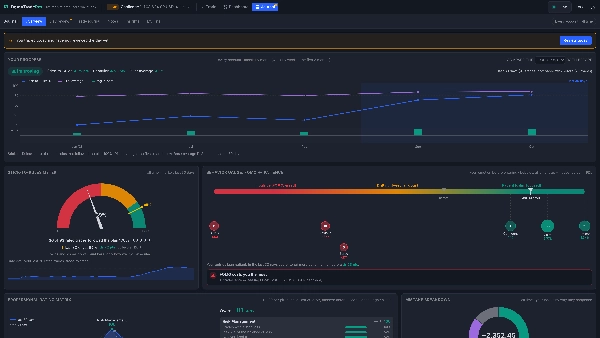
- See your progress. The journal covers every account, all time. Its Overview compares the last 7, 30 or 90 days with everything before and tells you plainly whether you are improving, steady or slipping. It also shows a Stick-to-Rules meter, a FOMO-to-patience behavior gauge, a five-pillar rating of your trading (risk management, discipline, patience, trade management and post-trade analysis) and what your mistakes cost you.
- Zero risk to your account. Demo Trade Pro never sends orders to your broker and runs without any special permissions.
Trading
- One-click Buy and Sell, or Preview first to see and adjust the order on the chart before placing it.
- Market, limit and stop orders with stop loss and take profit. Move them by dragging the lines on the chart or editing the table.
- Close, partial close, move the stop to break-even, close all.
- Volume in lots or from your risk %, margin and free margin, margin level and a stop-out below 50%.
- A Journal this trade box in the order ticket records your setup, emotion and plan with the order, before the outcome is known.
Dashboard
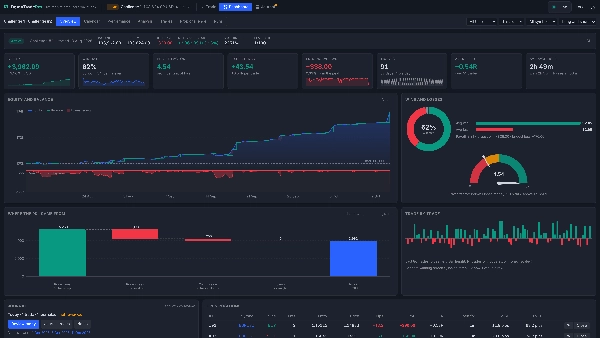
- Overview: live account strip, 8 headline numbers with sparklines, equity and balance curve with drawdown, wins and losses, profit factor, where your P&L came from (price, commission, swap) and open positions.
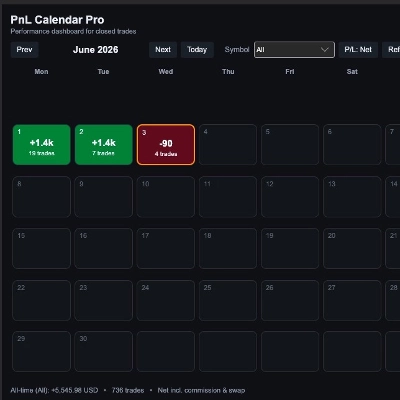
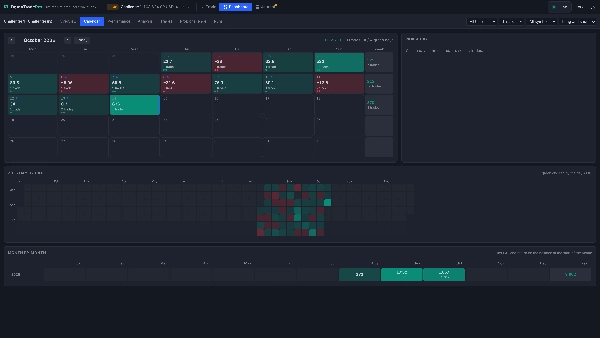
- Calendar: each day's P&L, trades and wins and losses, weekly totals, a timeline of any day, a year heatmap and monthly returns.
- Performance: statistics in six groups, P&L by day, week, month or year, an edge map, cumulative R and streaks.
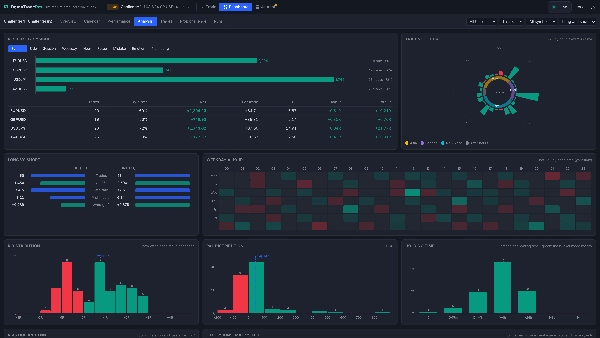
- Analysis: results by symbol, side, session, weekday or hour, a 24-hour trading clock, a weekday-by-hour heatmap, R and P&L distributions, holding time and MAE against MFE.
- Trades, Prop challenge and Runs tabs. Filters for period, run, symbol and side; every number shows how many trades it rests on.
Journal
- Overview: your progress against before, the Stick-to-Rules meter, the behavior gauge, the professional rating matrix and the mistake breakdown, with a reminder when a trading day has no review.
- Day review: the day in numbers across all accounts, its trades to journal one by one, and the end-of-day questions.
- Trade journal: every trade as a card with its setup, emotions, mistakes, rating, notes and chart snapshots, with filters.
- Notes: a trading notebook with tags, search and templates (my trading rules, weekly review, lesson learned, trade idea). Pin a note to see it above the chart while you trade.
- Insights: plain-language findings, such as which mistake costs you most, your best and worst setups, the emotions that hurt or help you and whether following your plan pays.
- My lists: your own setups, mistakes, emotions and trading rules. Export everything to CSV.
Chart and analysis
- 33 built-in indicators (moving averages, Supertrend, Ichimoku, Bollinger Bands, VWAP, RSI, MACD, Stochastic, ATR, volume and more) and 36 drawing tools (trend lines, channels, Fibonacci, Gann, shapes, text, and long and short position tools).
- Points snap to candles, with an optional magnet. Drawings are saved per symbol. Zoom, pan, crosshair, light and dark themes, local time or UTC.
Settings
- New account dialog: demo or prop challenge, name, starting balance or account size, leverage, profit target (challenges), commission (broker's own, fixed per lot or none), swap and slippage.
- Order panel: Preview first, market or pending order, volume in lots, stop loss and take profit in pips, risk % sizing, and the quick journal.
- Settings card: rename or delete the account, reset it, open new windows as a full window or a tab, Copy diagnostics for support.
- Toolbar: account switcher with balance and leverage, Trade, Dashboard and Journal views, symbol, timeframes (m1 to monthly), indicators, show or hide trades on the chart, live price status, local time or UTC, light or dark theme.
- Your accounts, trades, journal, settings, indicators and drawings are saved and restored the next time you open Demo Trade Pro.
Made for
- Practice a strategy on the live market before trading it with real money.
- Preparing for a prop-firm challenge: the same account sizes, targets and loss limits, with no fee to pay.
- Building discipline: rules, reviews and a progress view that show whether you are actually improving.
- Comparing approaches side by side, each on its own account.
- New traders learning order types, margin and position sizing without risk.
Good to know
- Fills are simulated on your broker's live ticks. They do not model requotes, partial fills or market depth, and stops fill at the market price, so a gap gives a worse price.
- The prop challenge day runs from midnight to midnight Prague time; swap is charged at 17:00 New York time.
- Time when cTrader was closed is settled from one-minute bars, not ticks.
- Chart snapshots are taken when the trade's symbol is showing in an open Demo Trade Pro window.
- Custom and third-party cTrader indicators can't be added to the Demo Trade Pro chart; the 33 built-in indicators are available.
- Your data is stored on your computer (in cTrader's storage and the plugin's data folder) and is not synced between computers.
- Tested on cTrader for Windows.
Disclaimer: Demo Trade Pro is a training and analysis tool. All trades are simulated, and results are not real trading results. Trading involves risk. Past performance does not guarantee future results.
Podsumowanie
Key features include one-click market, limit, and stop orders with adjustable stop loss and take profit, partial closes, and risk-based position sizing. The plugin tracks trades continuously, even when cTrader is closed, settling missed time from one-minute bars. Users can run multiple accounts simultaneously and compare performance side by side.
DemoTradePro provides a comprehensive statistics dashboard with equity curves, drawdown, profit factor, expectancy, and detailed trade analytics by symbol, session, and time. An integrated trading journal captures setups, emotions, mistakes, and plans, with automated chart snapshots and end-of-day reviews to monitor progress and discipline.
The plugin includes 33 built-in technical indicators and 36 drawing tools for chart analysis. Settings allow customization of account parameters, order preferences, and interface options. Data is stored locally on the user’s computer. DemoTradePro is designed for strategy practice, prop-firm challenge preparation, discipline building, and learning order types within cTrader on Windows.