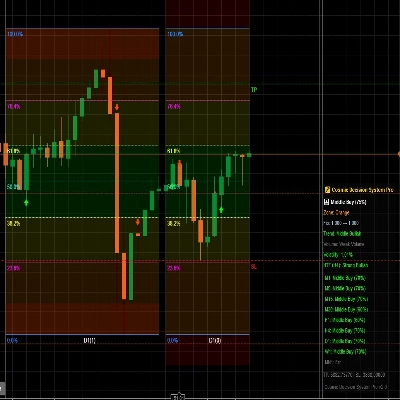
Trading Concept Suite
อินดิเคเตอร์
เวอร์ชัน 1.0, Mar 2026
Windows, Mac
"Trading Concept Suite" ภาพที่อัปโหลด"Trading Concept Suite" ภาพที่อัปโหลด"Trading Concept Suite" ภาพที่อัปโหลด"Trading Concept Suite" ภาพที่อัปโหลด"Trading Concept Suite" ภาพที่อัปโหลด"Trading Concept Suite" ภาพที่อัปโหลด"Trading Concept Suite" ภาพที่อัปโหลด"Trading Concept Suite" ภาพที่อัปโหลด
ตั้งแต่ 14/01/2025
45
การขาย
9.39K
ติดตั้งฟรี
เกี่ยวกับเวอร์ชันทดลองใช้
Try Smart Money Suite Pro free for 7 days — no commitment required. Get full, unrestricted access to every feature of Smart Money Suite Pro for one week. Market structure, order blocks, fair value gaps, liquidity levels, session killzones, premium/discount zones, and the multi-timeframe overlay are all active from the moment you install it — nothing locked, nothing watered down. The trial is your opportunity to run the indicator across your instruments and timeframes, see how the multi-timeframe overlay layers higher-timeframe confluences onto your current chart, and judge for yourself whether it fits your trading process. No settings are restricted and no watermarks are applied during the trial period. After 7 days, your access will expire unless you choose to purchase. There is no automatic charge.

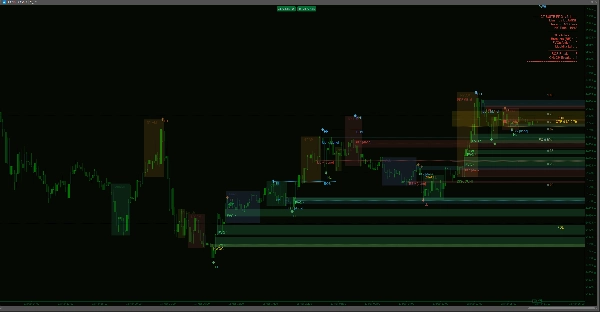
Smart Money Suite Pro — Complete Institutional Price Action Toolkit for cTrader

If you trade using smart money concepts or any price action methodology rooted in institutional order flow, you know the pain: a dozen indicators scattered across your chart, each one partially doing the job, none of them talking to each other. Smart Money Suite Pro was built to solve that entirely.

This is a single, self-contained indicator that covers every major concept within the institutional price action and smart money methodology — engineered from the ground up for cTrader, optimised to run cleanly on live charts without flickering, and packed with quality-of-life features that make it genuinely usable in real trading sessions.


Market Structure — Automatic and Precise

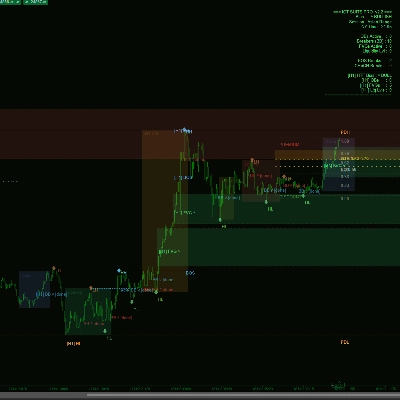
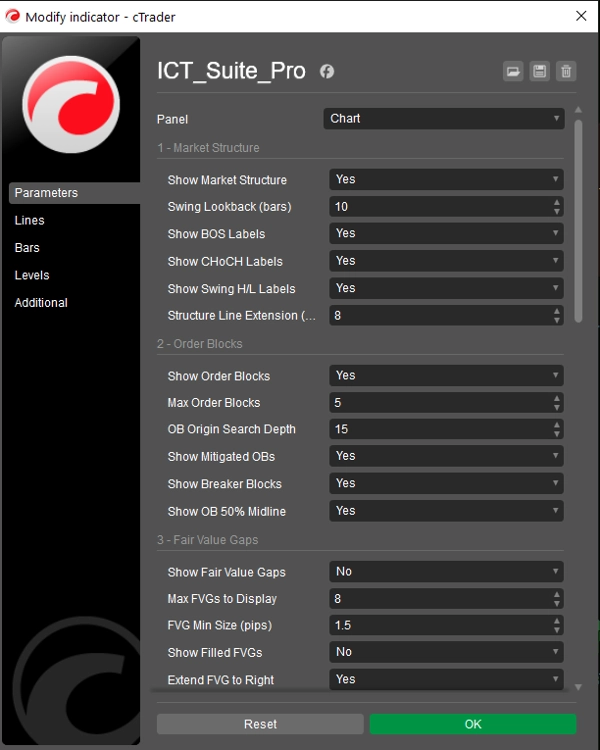
The indicator continuously scans your chart for confirmed swing highs and lows, classifying each as Higher High, Lower High, Higher Low, or Lower Low. Every Break of Structure (BOS) and Change of Character (CHoCH) is detected and labelled with a dotted level line so you can see exactly where price broke the prior structure. The distinction between BOS (trend continuation) and CHoCH (trend reversal) is colour-coded so it reads instantly at a glance. Swing lookback depth is fully adjustable.


Order Blocks — With Full Lifecycle Tracking

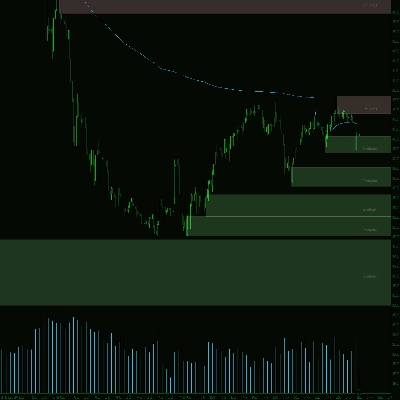
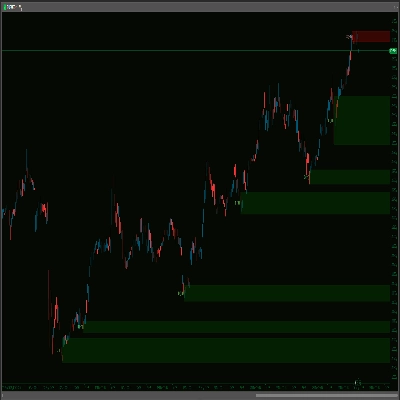
Order blocks are identified by locating the last opposing candle before each impulse move that led to a confirmed swing. Each block is drawn as a coloured box extending to the right of the chart so you can see at a glance whether price has returned to the zone. When an order block is mitigated, the rectangle is removed and replaced by a faint text marker — keeping your chart clean while preserving a record of the level. When price subsequently violates through the other side of a mitigated order block, it is reclassified as a Breaker Block and recoloured, signalling a potential reversal zone. A 50% midline is drawn inside each active block to highlight the premium/discount divide within the zone itself.


Fair Value Gaps — Tracked Until Filled

Three-candle price imbalances are detected in both directions across your entire lookback window. Each gap is filtered by a configurable minimum pip size to eliminate noise. Unfilled gaps extend to the right of the chart until price returns to close them, at which point they are either removed or marked as filled depending on your settings. Both bullish and bearish imbalances are handled simultaneously.


Liquidity Levels — Equal Highs and Equal Lows

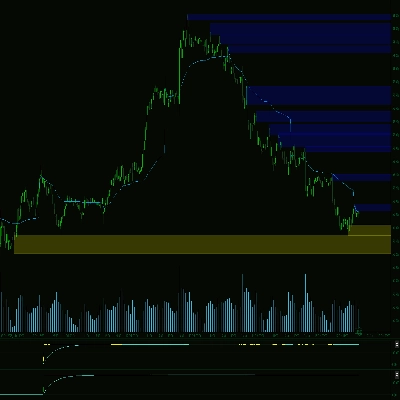
The indicator scans for clusters of swing highs or swing lows that sit within a configurable pip tolerance of each other — identifying the buy-side and sell-side liquidity pools that institutional order flow tends to target. Each level is drawn with tick marks at both swing points and a dotted line projecting to the right. Once price sweeps through a liquidity level it is either hidden or marked as swept depending on your preference.


Key Levels — Previous Day, Week, and Month

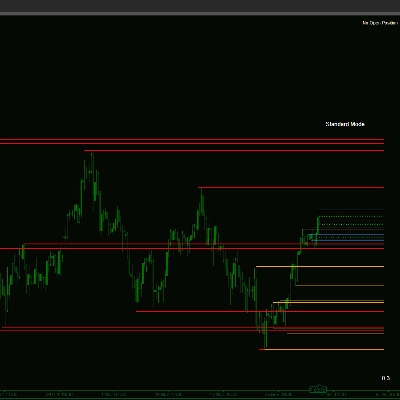
Previous Day High/Low, Previous Week High/Low, and Previous Month High/Low are automatically calculated from your chart's own price data. All date boundaries are derived from the broker's bar timestamps — not your local system clock — so they remain accurate regardless of your time zone or instrument rollover. Each level pair uses a distinct colour and line style so they layer cleanly on the chart.


Opening Gaps — Daily and Weekly

The indicator scans every daily and weekly open for a price gap between the prior session's close and the current session's open. Any gap exceeding your defined minimum pip size is drawn as a coloured rectangle. New Day Opening Gaps and New Week Opening Gaps are distinguished by different colours, giving you an instant read on which gaps remain unfilled.


Session Killzones — With Real Range Boxes

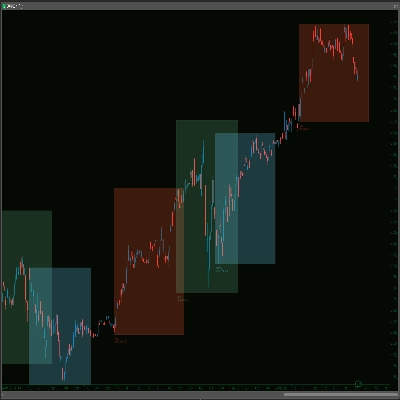
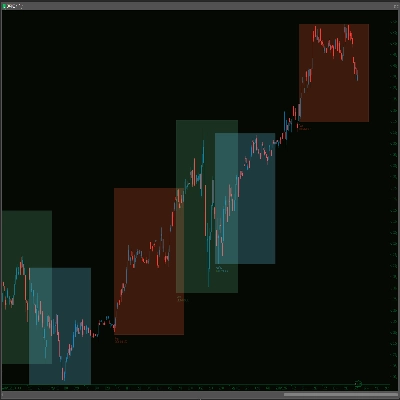
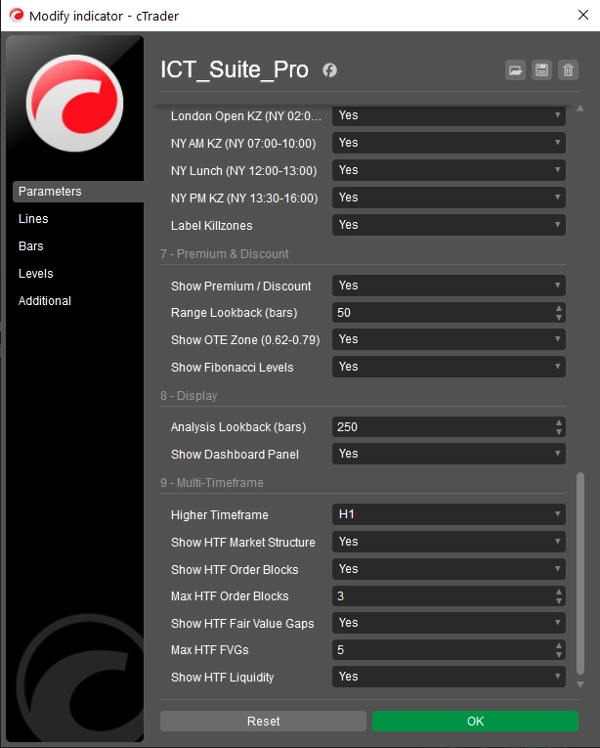
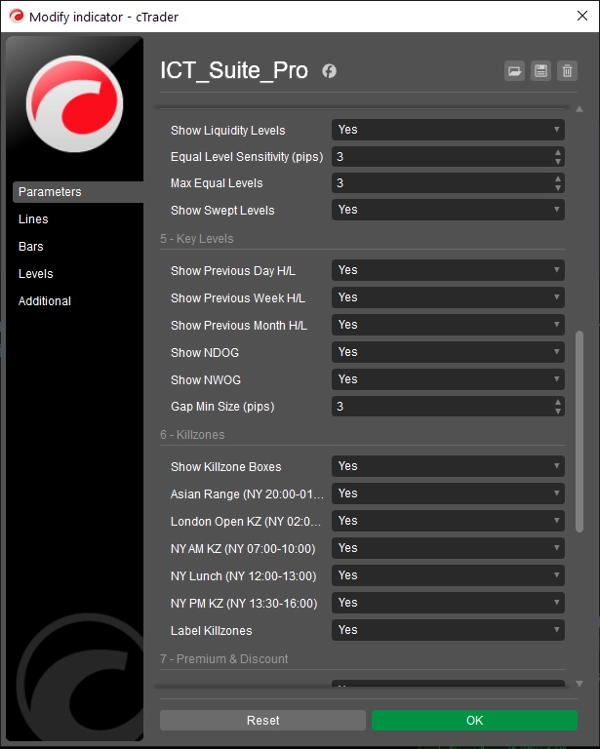
Asian, London Open, New York AM, New York Lunch, and New York PM session windows are drawn as filled boxes spanning the actual high-to-low range formed during each period. Times are based on New York time and automatically adjust for EDT/EST daylight saving. Each box can be individually toggled and labelled. Because the boxes reflect actual price range rather than fixed vertical lines, you can immediately see how active each session was and where price found its extremes.


Premium & Discount Zones — With Optimal Entry Range

A rolling range analysis calculates the highest high and lowest low over a configurable lookback. From this range, the indicator draws the Equilibrium (0.50), an optimal entry zone (0.62–0.79 Fibonacci), and the full set of key Fibonacci retracement levels. Premium and Discount labels are placed inside the range so you always know which half of the current dealing range price is trading in. The lookback is automatically clamped to match your visible bar window so no levels ever reference bars you cannot see.


Multi-Timeframe Overlay — The Standout Feature

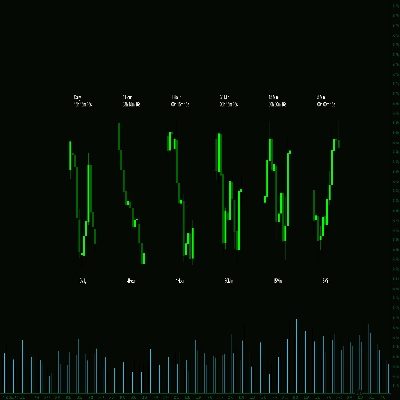
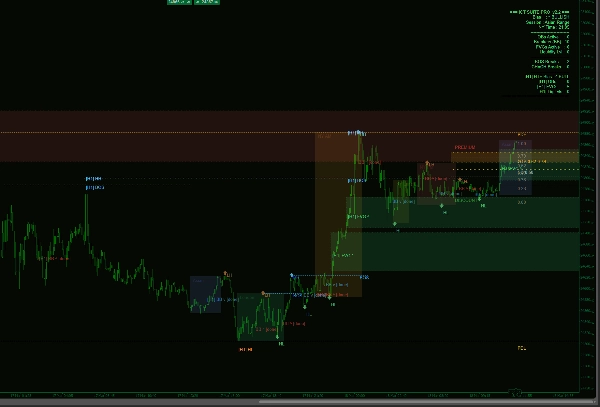
The MTF system reconstructs higher-timeframe candles by aggregating the current chart's bars into time-aligned slots — no separate data subscription required. Select your higher timeframe from the dropdown (M5, M15, M30, H1, H4, D1) and Smart Money Suite Pro will calculate and draw higher-timeframe Order Blocks, Fair Value Gaps, Market Structure, and Liquidity Levels directly over your current chart. Higher-timeframe items are visually distinct: thicker borders, dashed outlines, and labels prefixed with the timeframe tag (e.g. [H4] OB ^) so you always know which timeframe a level belongs to.

If you select a higher timeframe that is at or below your current chart timeframe — an impossible configuration — the indicator displays a clear warning on screen and draws nothing, preventing any misleading data from appearing.

The dashboard panel updates with a dedicated higher-timeframe section when the overlay is active, showing HTF bias, active order block count, fair value gap count, and liquidity level count alongside the current-timeframe summary.


Live Dashboard

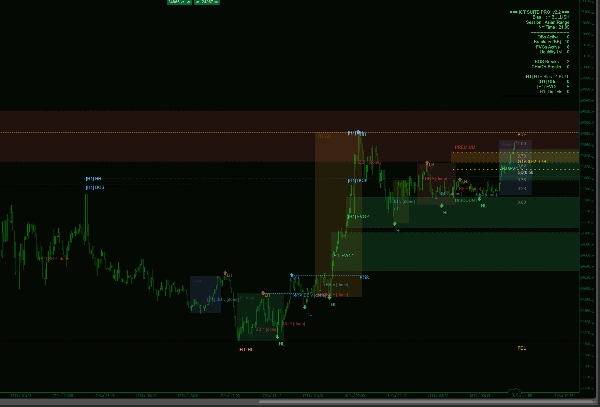
A clean, right-anchored panel displays: current market bias, active trading session, New York time, counts of all active order blocks, breaker blocks, fair value gaps, and liquidity levels, plus the total number of BOS and CHoCH breaks detected in the lookback window. When the multi-timeframe overlay is enabled, the higher-timeframe summary is appended automatically below.


Built for Live Trading

The indicator redraws only when a new bar forms — not on every incoming tick — eliminating the chart flicker that affects many all-in-one indicators. All analysis runs within a configurable lookback window so performance stays consistent even on lower timeframes with large bar counts.

เกี่ยวกับเวอร์ชันทดลองใช้
Try Smart Money Suite Pro free for 7 days — no commitment required. Get full, unrestricted access to every feature of Smart Money Suite Pro for one week. Market structure, order blocks, fair value gaps, liquidity levels, session killzones, premium/discount zones, and the multi-timeframe overlay are all active from the moment you install it — nothing locked, nothing watered down. The trial is your opportunity to run the indicator across your instruments and timeframes, see how the multi-timeframe overlay layers higher-timeframe confluences onto your current chart, and judge for yourself whether it fits your trading process. No settings are restricted and no watermarks are applied during the trial period. After 7 days, your access will expire unless you choose to purchase. There is no automatic charge.
Indicator profile
0.0
รีวิว: 0
รีวิวจากลูกค้า
ยังไม่มีรีวิวสำหรับผลิตภัณฑ์นี้ หากเคยลองแล้ว ขอเชิญมาเป็นคนแรกที่บอกคนอื่น!
NAS100
NZDUSD
XAUUSD
FVG
EURUSD
GBPUSD
BTCUSD
USDJPY
SMC
Products available through cTrader Store, including indicators, plugins and cBots, are provided by third-party developers and made available for informational and technical access purposes only. cTrader Store is not a broker and does not provide investment advice, personal recommendations or any guarantee of future performance.

เพิ่มเติมจากผู้เขียนคนนี้

"Market Sessions - Free" โลโก้
เรตติ้งสูง
4.0
(6)
ฟรี
Track major trading sessions (Tokyo, London, New York) with customizable colors and visual sessions on your chart.
Auto-detect supply & demand zones, remove broken levels, and trade smarter with real-time alerts. Precision made simple.
Market Session V2: Full Control. colors, history, session/text toggles, font size. Elevate your strategy!
Version 3: Full control of session display including start and end times of all 3 sessions!
"Supply Demand - BasicV1" โลโก้
เรตติ้งสูง
5.0
(3)
ฟรี
Supply and demand zones. They're important. Here's a free version to get you started!
The Multi-Timeframe Candle Indicator displays candles from multiple timeframes in one window, enhancing market analysis!
The Advanced Volume Profile Indicator calculates POC, Median, and Mode, revealing key price levels for smarter trading.
RCS: 8 majors! AUD,USD,EUR,JPY,GBP,CAD,CHF,NZD. Find how strong each currency is relatively and trade smarter!
Stay ahead with a real-time countdown to candle closes on all key timeframes: 5m, 15m, 30m, 1H, 4H, and Daily.

นอกจากนี้คุณยังอาจชอบ

Smart trendline breakout indicator with auto signals, targets, and ATR-based zones for precise trade execution.
Chart control panel — zoom presets, full chart switcher, favorite chart buttons, period separators, and bid/ask lines.
"Fibonacci Automated Level" โลโก้
ทดลองใช้ฟรี
$ 55
/
$75
The Fibonacci Automated Levels Indicator is a smart trading tool that automatically detects the most recent market.
Fimathe Channel Viewer — Ideal for live trading and backteting
HCCC MTF (Hurst Cycle Composite Channel), Designed for Semi-Automated Trading, Interactive MTF Dashboard
"SMT Divergence Pro" โลโก้
ทดลองใช้ฟรี
$ 47
SMT Divergence Pro detects bullish and bearish SMT divergences between correlated markets for precise trade entries.
"RSI Advanced" โลโก้
ทดลองใช้ฟรี
$ 20
/
$30
The standard Relative Strength Index (RSI), RSI & Signal Cloud, Smart Volatility Filter (ATR), On-Chart Info Dashboard
"HeikinAshi-Supertrend-Scanner-Pro" โลโก้
ทดลองใช้ฟรี
$ 79
/
$95
A multi-symbol, multi-timeframe -Universal standalone indicator-trend scanner
"ADX advanced" โลโก้
ทดลองใช้ฟรี
$ 20
/
$30
Average Directional Index (ADX), Directional Clouds (DI Cloud), On-Chart Info Panel, Built-in Volatility Filter (ATR)
"Squeeze Momentum Pro V2" โลโก้
ทดลองใช้ฟรี
$ 39
High-Tech 3-Level Squeeze Detection with HTF Filter, Carter Entry/Exit Rules, Signal Quality Grading & Real-Time
🔷 Multi-Layer Market Structure & Dynamic Regression Indicator / Trend Lines
ตั้งแต่ 14/01/2025
45
การขาย
9.39K
ติดตั้งฟรี