
Description
Bar Info Panel: Instant, configurable hover-info for any bar
Overview
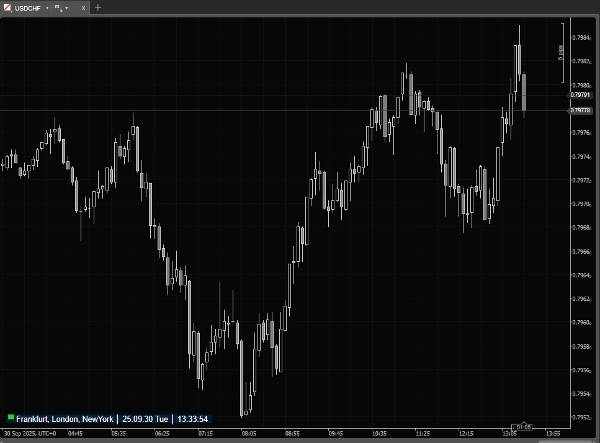
Bar Info Panel is a lightweight cTrader overlay that gives you instant, precise information about any bar on the chart. When your mouse is outside the chart it shows a compact status line with current market session and server/local/UTC time.
cTrader already provides bar information, but only in the main window status bar - meaning it’s not visible when you use detached charts. It also cannot be customized and the small font often makes it hard to read quickly. Bar Info Panel solves these issues by bringing a clear, fully customizable overlay directly onto the chart.
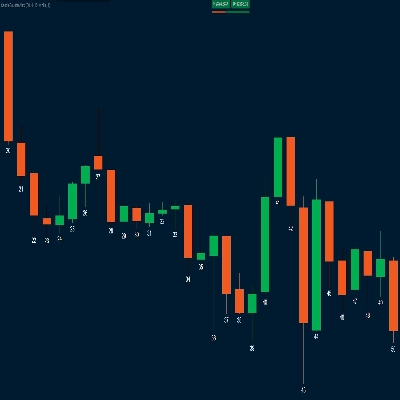
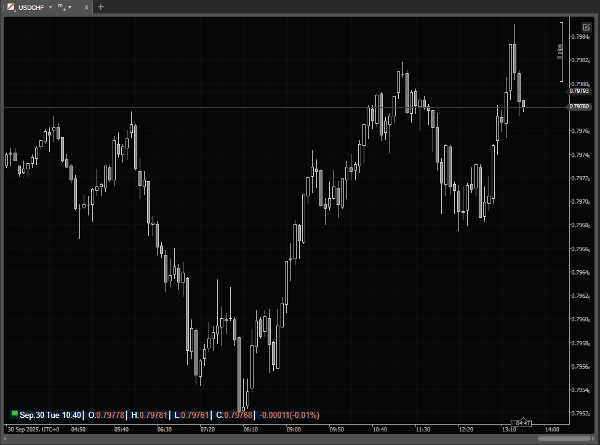
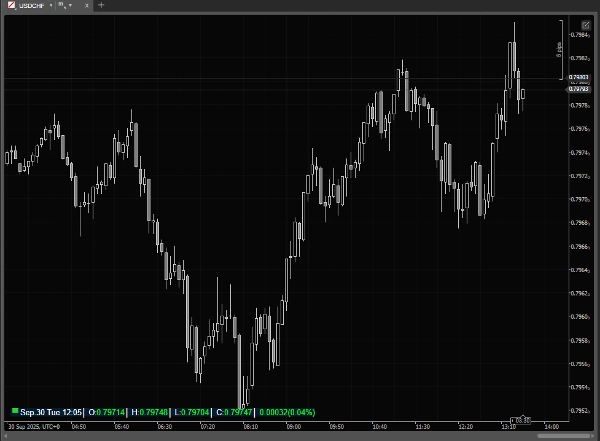
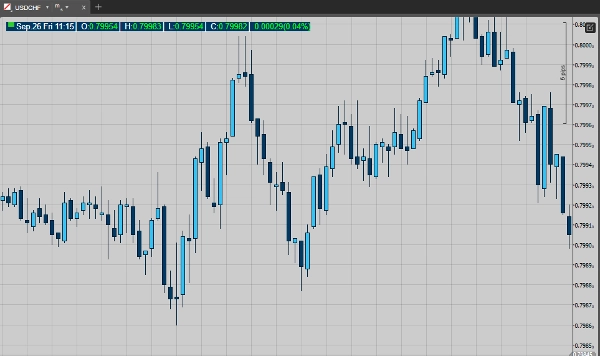
Move the mouse over bars and the panel expands to show the hovered bar’s Date, Time, Open, High, Low, Close, Tick Volume and (optionally) Percent Change vs the previous bar. All visual and layout elements are configurable so the panel fits your workflow and chart theme.
Key features
· Market-session indicator + live timestamp (Local / Server / UTC).
· Hover panel that shows the hovered bar’s: Date, Time, O/H/L/C, Tick Volume.
· Optional percent-change display (current vs previous bar).
· Two display modes: compact (mouse outside) and detailed (mouse over chart).
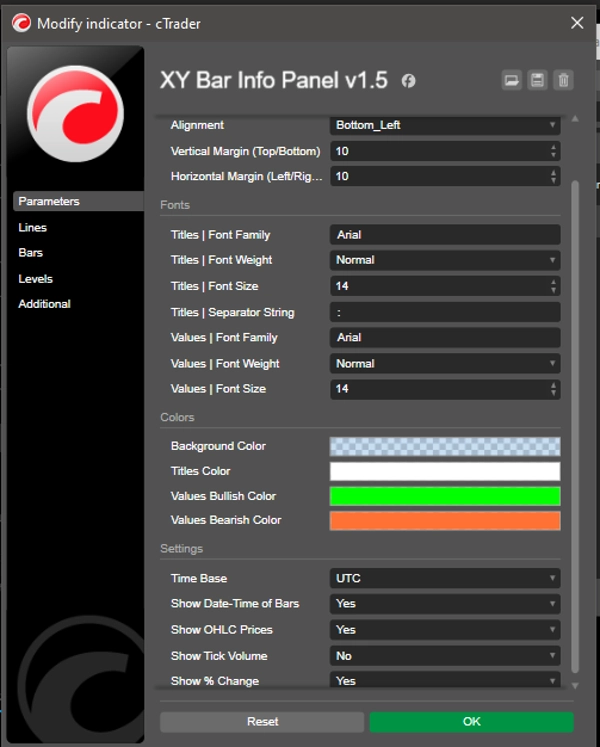
· Nine placement options + Pixel margins for vertical & horizontal offsets.
· Separate font controls for titles (labels) and values (family, weight, size).
· Title separator string for compact labeling.
· Customizable colors: panel background, title color, bullish (up) and bearish (down) value colors.
Use cases
· Quickly read exact OHLC and timestamp for any historical or live bar without manual crosshair.
· Check tick volume and percent change while scanning price action.
· Monitor market-session status and server/local/UTC time at a glance.
· Prepare chart screenshots or educational material with consistent, readable bar data.
· ...
Why traders will like it
Unlike the built-in cTrader status bar (which is fixed at the bottom of the main window, disappears in detached charts, and uses tiny, non-configurable fonts), Bar Info Panel is always visible where you want it, with clear fonts, colors, and layout. It saves time compared to manually reading the status bar or crosshair values, keeps your chart clean, and provides exactly the information you need at a glance. Lightweight and responsive, it’s designed for everyday use without slowing your platform.
Summary
Discussion
Customer reviews
5 | 100 % | |
4 | 0 % | |
3 | 0 % | |
2 | 0 % | |
1 | 0 % |