
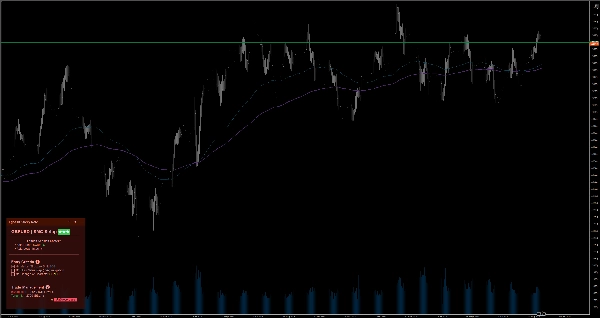

説明
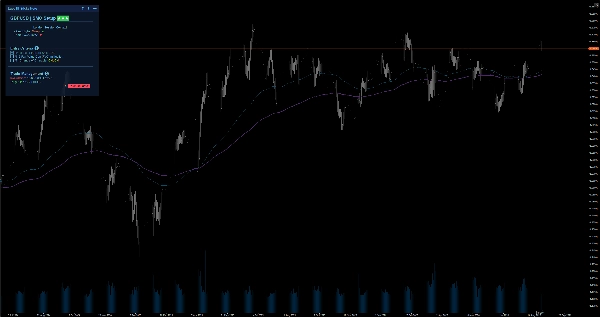
スマートなチャート上のノートで集中力を維持しましょう。Markdown対応、6つのテーマ、手動取引用のシンボルごとの自動保存機能を備えています。
月足から1分足にスケールダウンすると、大局を見失い感情的な取引をしやすくなります。EgosHf Sticky Noteは、ルール、チェックリスト、HTFバイアスを作業画面に直接固定することでこれを解決します。
🎯 対象者は?
厳格な規律、トップダウン分析、段階的な実行に依存する手動トレーダー、プライスアクション/SMC実践者、スイングトレーダーに最適です。
💡 典型的な使用例
- トップダウン分析: 実行時間軸にズームインする前に、日次/週次のバイアスを書き留めて逆トレンドの罠を避けます。
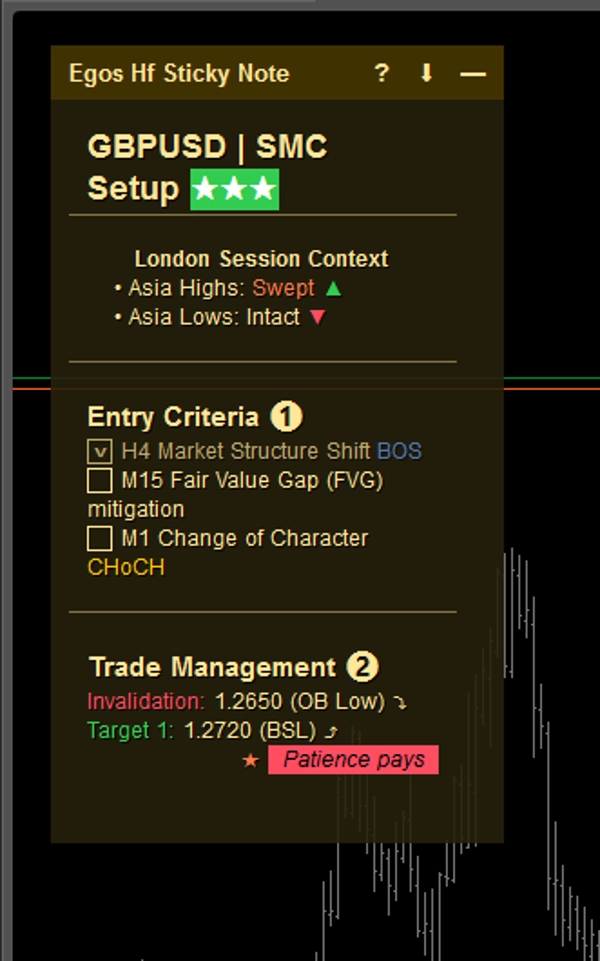
- エントリーチェックリスト: ポジションを開く前に特定の基準(例:EMAの整列、重要レベルの再テスト)をチェックします。
- リスク管理: 最大日次損失限度や今後の重要なニュース警告を常に見える場所に固定します。
⚡ 主な機能と視覚的解釈
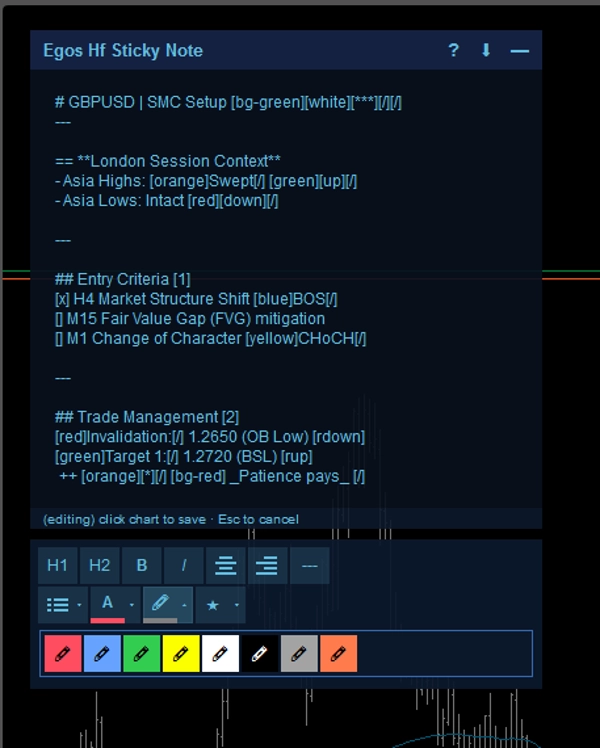
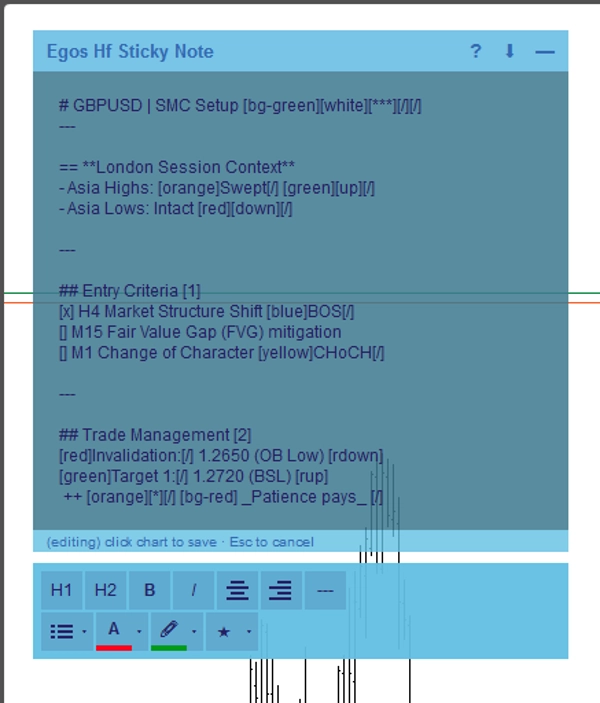
- Markdownフォーマット: シンプルなテキストタグを使って構造化されたノートを作成します。ヘッダーには
#、色のハイライトには[red]または[bg-yellow]、インタラクティブなチェックボックスには[x]または[]を使用します。 - シンボル別自動保存: ノートは資産ごとにデバイスのローカルストレージに自動保存されます。EURUSDからXAUUSDに切り替えると、そのシンボル専用のノートが即座に読み込まれます。
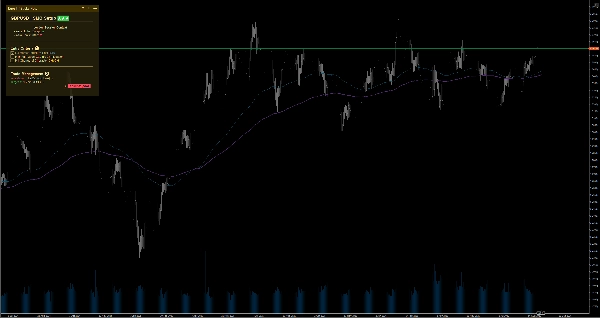
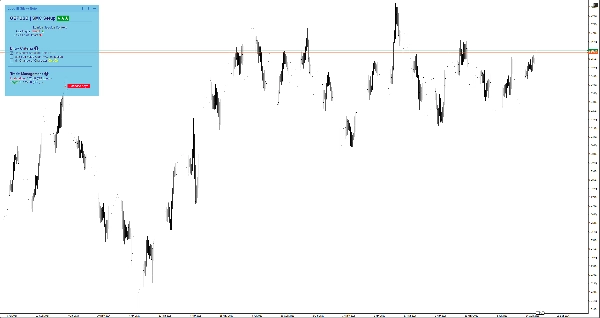
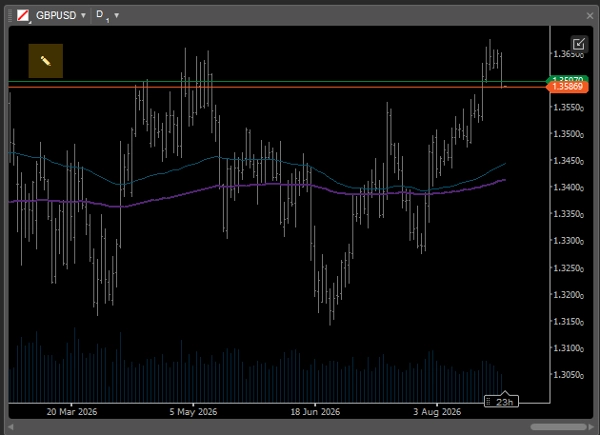
- スマート適応UI: 画面スペースが限られたマルチチャートレイアウト使用時には、ノートが自動的に最小化されてミニマルな
✎アイコンになり、価格アクションを遮りません。いつでも簡単に展開して記録を確認できます。 - WYSIWYGエディター: ノートをダブルクリックすると、組み込みのツールバーが開き、素早くテキストをフォーマットできます。
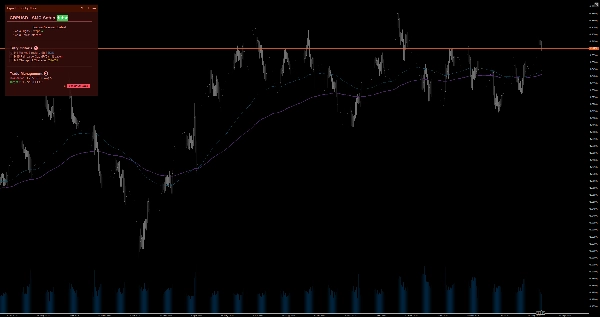
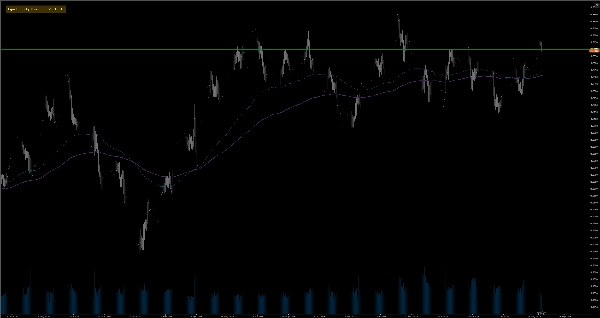
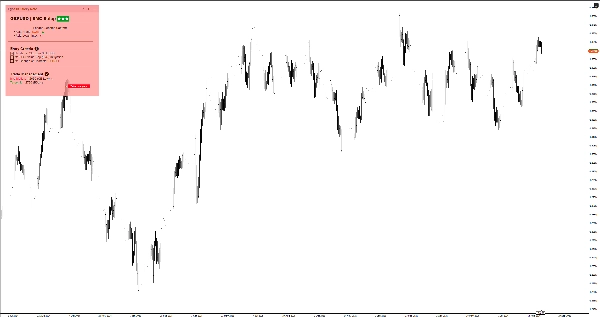
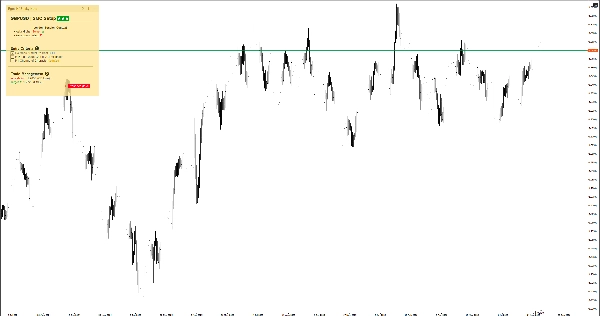
- 6つのカラーテーマ: ライトとダークのテーマ(イエロー、レッド、ブルー)から選択でき、チャートテンプレートに完璧にマッチし目の疲れを軽減します。ノートのヘッダーをダブルクリックするだけで、設定を開かずにテーマを即座に切り替えられます。
⚙️ 主要設定とパラメーター
- 配置: ノートをチャートの4つの角(左上、右上、左下、右下)のいずれかにスナップします。
- 自動折りたたみ幅(px): ノートが自動的に最小化されるチャート幅の閾値を定義します。
- デフォルトサイズとマージン: お好みのデフォルトの幅、高さ、端のマージンを設定します。
⚠️ 重要な制限事項と注意点
- これは視覚的なユーティリティツールであり、市場データの分析、取引シグナルの生成、取引の実行は行いません。
- すべてのデータはお使いのデバイスにローカル保存されます。
概要
AI summary
EGOs HF Sticky Note is a visual utility indicator designed for manual traders, Price Action/SMC practitioners, and swing traders who use disciplined, top-down analysis. It provides smart on-chart notes that help maintain focus by keeping trading rules, checklists, and higher timeframe bias visible directly on the chart. The tool supports Markdown formatting with headers, color highlights, and interactive checkboxes, enabling structured note-taking. Notes are saved automatically per trading symbol in local storage, allowing seamless switching between assets with symbol-specific notes loading instantly.
The interface adapts to multi-chart layouts by collapsing into a minimal icon to avoid obstructing price action, expandable on demand. A built-in WYSIWYG editor facilitates quick text formatting. Users can choose from six color themes (light and dark variants) to match chart templates. The note can be positioned in any of the four chart corners, with customizable default size, margins, and auto-collapse width threshold.
Typical use cases include documenting daily/weekly bias for top-down analysis, ticking off entry criteria checklists, and pinning risk management limits or news warnings. This tool does not analyze market data, generate signals, or execute trades; it functions solely as a customizable, on-chart note-taking utility.
The interface adapts to multi-chart layouts by collapsing into a minimal icon to avoid obstructing price action, expandable on demand. A built-in WYSIWYG editor facilitates quick text formatting. Users can choose from six color themes (light and dark variants) to match chart templates. The note can be positioned in any of the four chart corners, with customizable default size, margins, and auto-collapse width threshold.
Typical use cases include documenting daily/weekly bias for top-down analysis, ticking off entry criteria checklists, and pinning risk management limits or news warnings. This tool does not analyze market data, generate signals, or execute trades; it functions solely as a customizable, on-chart note-taking utility.
インジケーターのプロフィール
インジケーターのカテゴリー
統計
出力の種類
ビジュアル表示
データ要件
外部データ
カスタマーレビュー
0.0
レビュー: 0
カスタマーレビュー
この商品にはまだレビューがありません。お使いになったことがある方は、ぜひレビューをお願いします。
ディスカッション
よくあるご質問
EMA
Key Levels
RSI
Order Block
Volume
Market Structure
Support & Resistance
cTrader Storeで入手可能な取引ボット、インジケーター、プラグインなどの商品は、第三者の開発者が提供するものであり、情報と技術の取得のみを目的としてご利用いただけます。cTrader Storeはブローカーではなく、投資助言や個人的な推奨を行うことも、将来のパフォーマンスを保証することもありません。
この作成者の他の商品






価格
14
無料インストール