
Beschreibung
Market Session BT — Session Boxes Overlay (UTC)
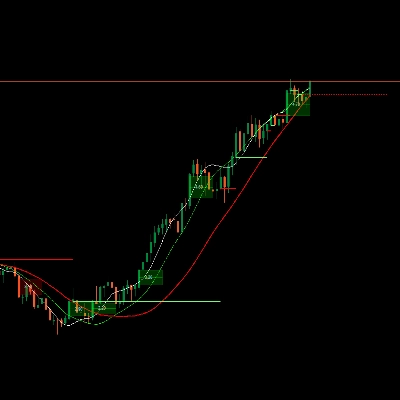
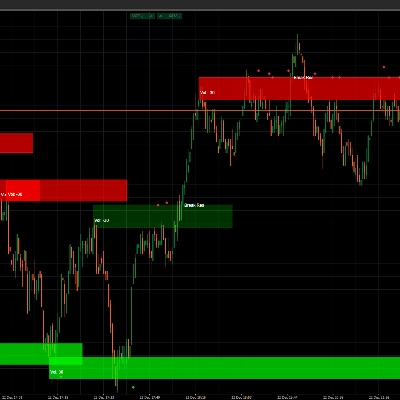
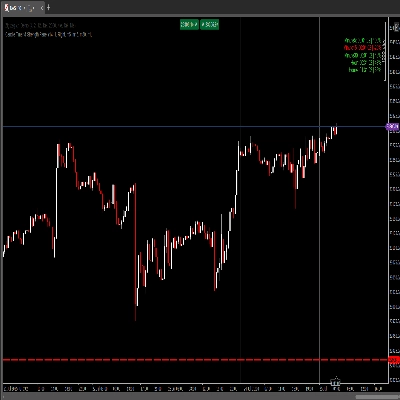
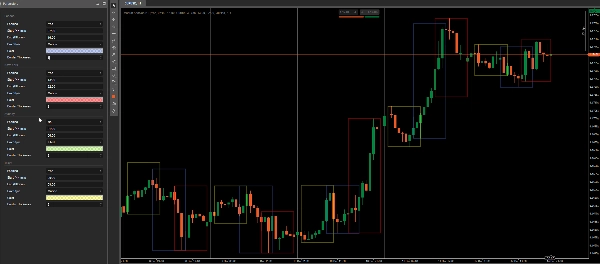
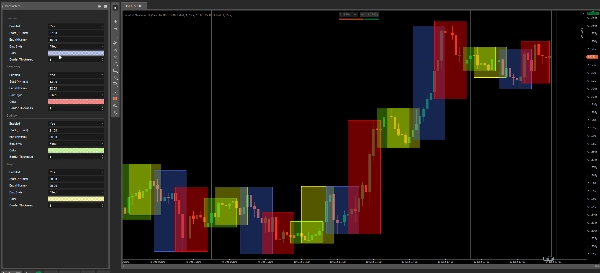
Market Session BT zeichnet saubere, anpassbare Handels-Sessions direkt auf Ihrem cTrader-Chart (Overlay).
Jede Session kann einzeln aktiviert/deaktiviert und entweder als gefüllte Zone oder als nur Rahmenumriss angezeigt werden. Die Farben verwenden den nativen cTrader-Farbauswähler, sodass Sie die Transparenz über den Deckkraft-Regler in der Palette steuern können.
Standard-Sessionszeiten (UTC)
- Sydney: 21:00 – 06:00 (UTC)
- Tokio: 00:00 – 09:00 (UTC)
- London: 07:00 – 16:00 (UTC)
- New York: 13:00 – 22:00 (UTC)
Hinweis: Forex „Sessions“ basieren auf gängiger Marktkonvention (OTC). Da die DST-Regeln je nach Region variieren, sollten Sie die Sessionszeiten während der DST-Übergänge manuell anpassen. Der Indikator selbst bleibt strikt bei UTC.
Funktionen
- ✅ Einstellungen pro Session: Aktivieren, Start/Ende (HH:mm), Box-Stil, Farbe, Rahmenstärke
- ✅ Box-Stil Optionen:
-
- Gefüllt: zeichnet eine transparente Füllung + einen immer sichtbaren Rahmen oben drauf
- Umriss: zeichnet nur den Session-Rahmen (keine Füllung)
- ✅ Native Farbpalette: wählen Sie jede Farbe und stellen Sie die Transparenz direkt im Farbwähler ein
- ✅ Übernacht-Sessions unterstützt (Sessions, die Mitternacht überschreiten)
Anwendungsfälle
- Markieren Sie Session-Bereiche und Überschneidungen auf einen Blick
- Heben Sie Zeitfenster mit hoher Liquidität hervor (London/NY) vs. ruhigere Perioden (Tokio/Sydney)
- Erstellen Sie konsistente zeitbasierte Regeln für Setups, Einstiege und Risikomanagement
FIX: Aktualisierungsmodus geändert: OnBar → OnTick (Echtzeit). Session-Boxen werden jetzt Tick für Tick aktualisiert; die Historie wird einmalig beim Laden aufgebaut.
Zusammenfassung
Kundenbewertungen
5 | 67 % | |
4 | 0 % | |
3 | 33 % | |
2 | 0 % | |
1 | 0 % |