Description
A pivot point is a technical analysis indicator that is used to determine the overall trend of the market using different time frames and it plays the role of identifying support and resistance levels. The most popular timeframe for a pivot point indicator is daily.
How to Adjust the Indicator
You can easily turn off the support and resistance levels 1,2 and 3 so you can just see the main pivot point, this is dome in the setting Show R/S. The term R/S means resistance and support levels.
Pivot Point Formulas Available
There are a few options for the calculations on where the support and resistance levels are shown, this indicator allows the choice of 3.
- Standard (Classical)
- Fibonacci
- Woodie
Multi-Timeframe Options
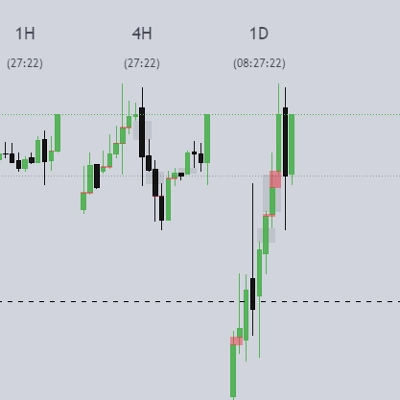
The indicator also has the option to show different timeframe pivot points on your chart which may be showing a different timeframe, the available timeframes are as follows:
- Current chart timeframe
- 1-hour
- 4-hour
- Daily
- Weekly
- Monthly
How to Trade With Indicator
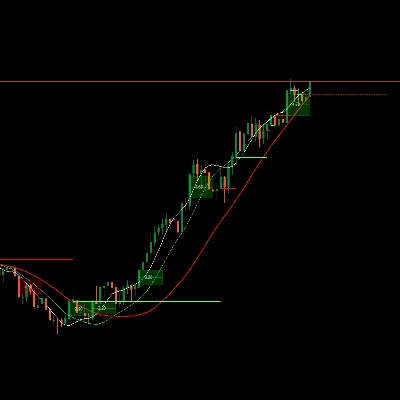
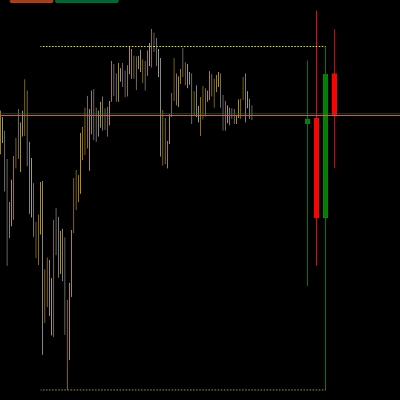
An example of how to trade with this indicator is shown below:
- Entry 1: reject by R1 level and there is an engulfing candle
- Entry 2: break out the pivot point and retest again
- Take Profit: reach the S2 level and this is also the bottom of the range
Summary
It offers multi-timeframe functionality, enabling the visualization of pivot points from various timeframes such as the current chart timeframe, 1-hour, 4-hour, daily, weekly, and monthly. This flexibility helps traders analyze market conditions across different periods.
The indicator is primarily used to find pullback entries within trends. Typical trading strategies include entering on rejection at resistance levels confirmed by candlestick patterns (e.g., engulfing candles), entering on breakout and retest of pivot points, and setting take profit targets at specified support levels like S2.
Overall, [CB] Pivot Points Pro facilitates the identification of trend direction and potential reversal or continuation points by plotting pivot levels and their associated support and resistance zones across multiple timeframes and calculation methods.
Discussion
Customer reviews
5 | 33 % | |
4 | 67 % | |
3 | 0 % | |
2 | 0 % | |
1 | 0 % |