Description
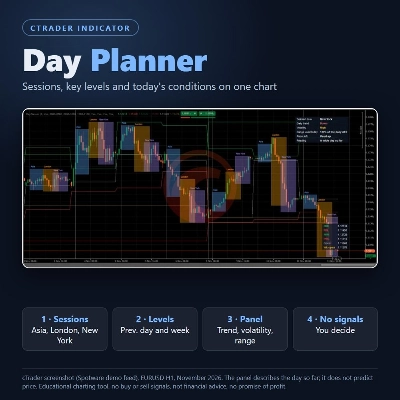
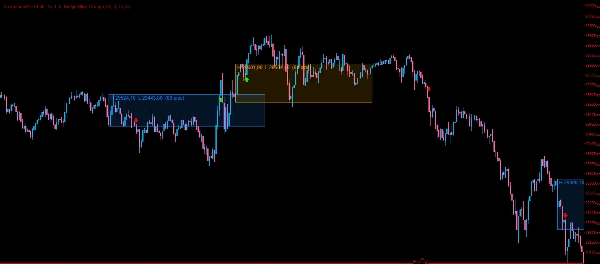
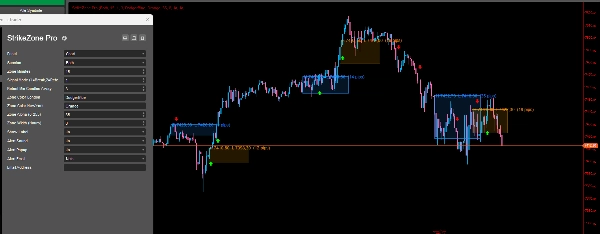
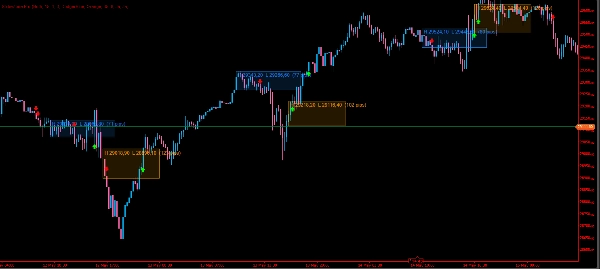
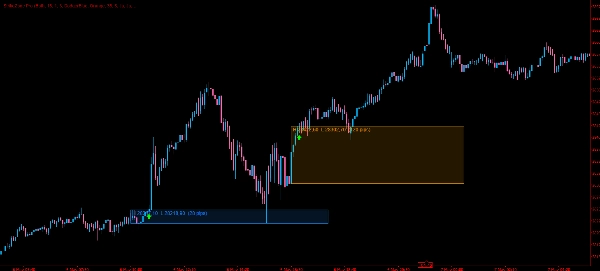
StrikeZone Pro automatically identifies and draws price zones based on the opening minutes of the London (08:00) and/or New York (14:30) trading sessions. Once the zone is established, it monitors price action and fires alerts the moment price breaks out of or retests the zone boundary.
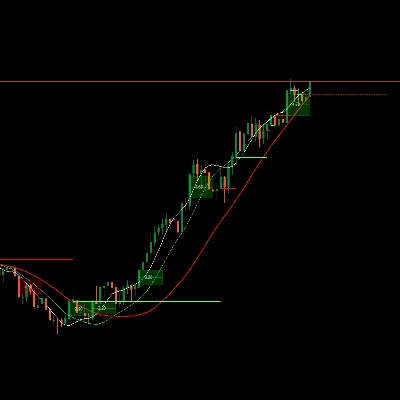
How the Zone Is Built At session open, StrikeZone Pro records all candles for the configured number of minutes (default: 15). The highest high and lowest low of that window form the zone. Once complete, a filled rectangle is drawn on the chart with a label showing the exact High, Low, and pip width.
Two Signal Modes
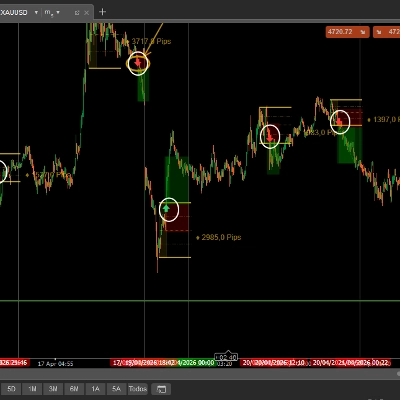
Mode 1 Breakout: Fires once when price closes above the zone high (long) or below the zone low (short). Each direction triggers only once per session day.
Mode 2 Retest: First waits for a confirmed breakout, then watches for price to return and touch the zone boundary, close back on the breakout side, and confirm at least a set minimum number of candles have passed since the breakout. After each retest signal the cycle resets, allowing multiple signals per day.
Alerts All alerts fire only on closed bars to avoid false triggers. Each alert can trigger a popup message, an audio sound (alert.wav), and/or an email notification. Every signal is also written to the cTrader log. The alert message includes the symbol, time, session label, and signal type.
Key Settings Session: London, New York, or Both, each tracked independently with its own color. Zone Minutes: Length of the opening range window (default: 15). Signal Mode: 1 for breakout, 2 for retest. Retest Min Candles Away: Minimum bars between breakout and retest confirmation (Mode 2). Zone Width (Hours): How far the zone rectangle extends to the right. Zone Alpha: Transparency of the zone fill (0 to 255).
Recommended Use Apply to a 1-minute or 5-minute chart for best zone detection accuracy. StrikeZone Pro relies on exact candle open times matching the session start, so ensure your broker's server time aligns with the expected session times. London zones appear in blue, New York zones in orange when both sessions are active.
Summary
The indicator offers two signal modes:
1. Breakout mode triggers a single alert per session when price closes above or below the zone boundaries.
2. Retest mode waits for a breakout and then signals when price returns to retest the zone boundary, allowing multiple alerts per day.
Alerts are generated only on closed bars to reduce false signals and can be configured to display popups, play sounds, or send email notifications. Each alert includes details such as symbol, time, session, and signal type.
StrikeZone Pro supports independent tracking of London and New York sessions with distinct colors and is optimized for use on 1-minute or 5-minute charts. Users should ensure their broker's server time aligns with session start times for accurate zone detection.
Discussion
Customer reviews
5 | 100 % | |
4 | 0 % | |
3 | 0 % | |
2 | 0 % | |
1 | 0 % |