
Description
Aperçu
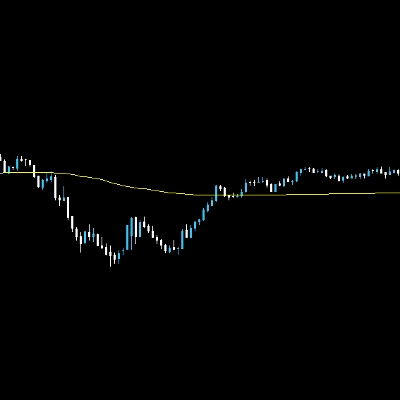
Arrêtez de deviner la direction du marché. EMA MTF Cloud & Dashboard est un ensemble complet d'outils de suivi de tendance conçu pour les scalpers et les day traders. Il combine la fluidité des moyennes mobiles exponentielles avec la puissance de l'analyse multi-échelles, le tout dans une interface graphique épurée.
Contrairement aux indicateurs standards, cet outil inclut une logique de Zone Neutre Intelligente pour filtrer les marchés instables, vous protégeant ainsi des faux signaux durant les périodes plates.
Fonctionnalités clés
✅ Nuages EMA Dynamiques
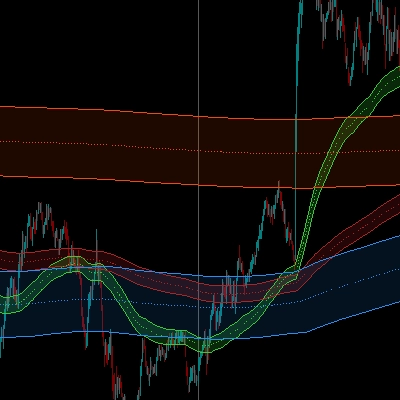
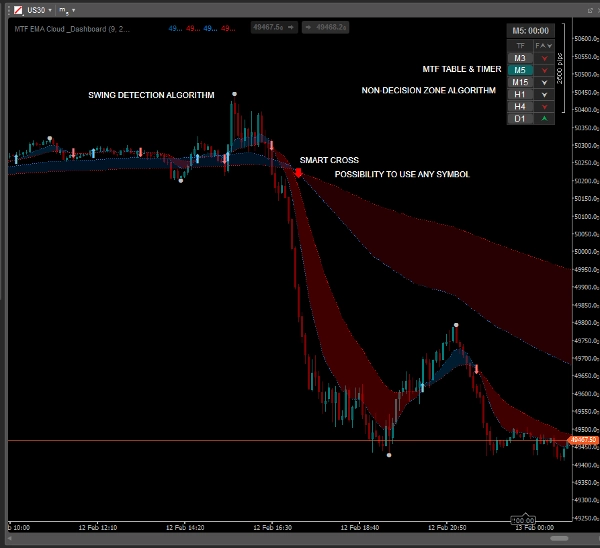
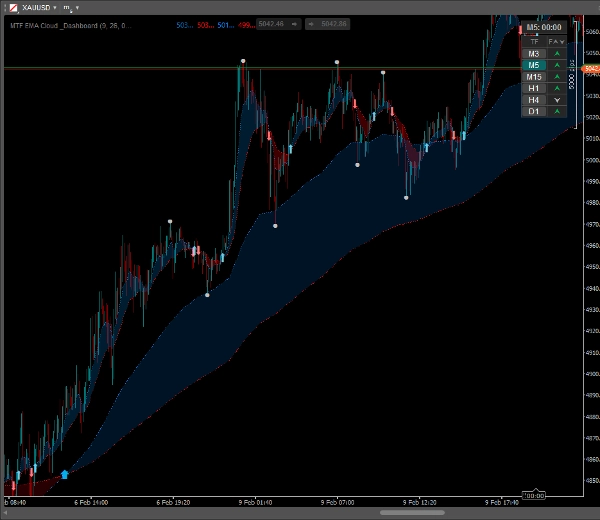
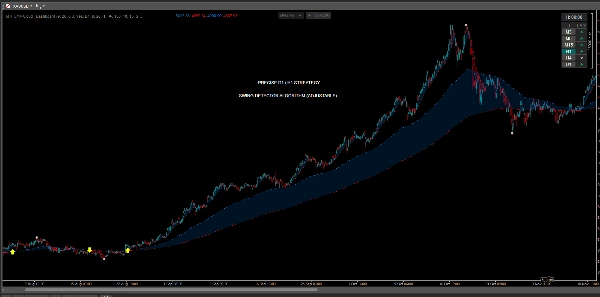
Visualisez instantanément la tendance. L'espace entre les EMA rapides et lentes est rempli d'un nuage semi-transparent, facilitant l'identification de la force de la tendance et des zones potentielles de support/résistance.
✅ Superposition MTF (Multi-Échelles)
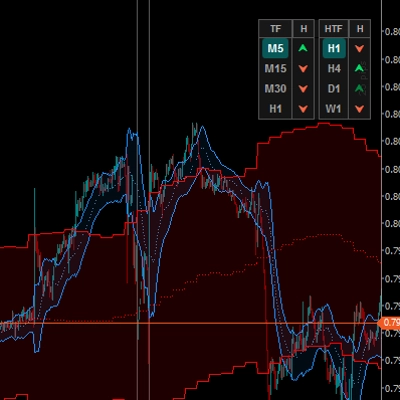
Voyez la "vue d'ensemble" sans changer de graphique. Affichez les EMA des périodes supérieures (par exemple, H1) directement sur votre graphique de période inférieure (par exemple, M5).
- Comprend des flèches de croisement distinctes pour la tendance MTF !
✅ Tableau de Bord de Tendance Intelligent
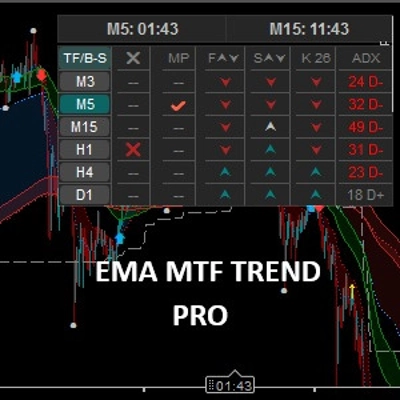
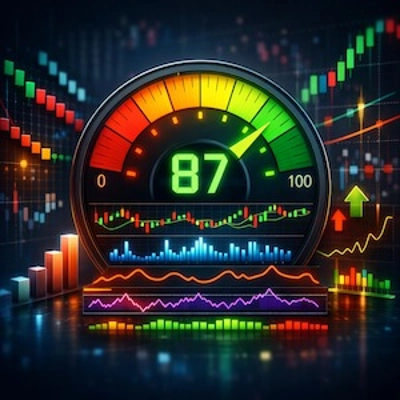
Un tableau compact et cliquable affichant le statut de la tendance pour 6 périodes (de M3 à Daily).
- Logique de Zone Neutre : Le tableau détecte les marchés plats (consolidation) et les marque en gris/argent, vous aidant à éviter les mauvais trades.
- Interactif : Cliquez sur n'importe quel bouton de période dans le tableau pour changer instantanément le graphique.
✅ Points Hauts / Bas de Swing
Marque automatiquement les sommets et creux locaux significatifs. Parfait pour placer des Stop Loss ou identifier des niveaux de Take Profit basés sur la structure récente des prix.
✅ Signaux Visuels de Croisement
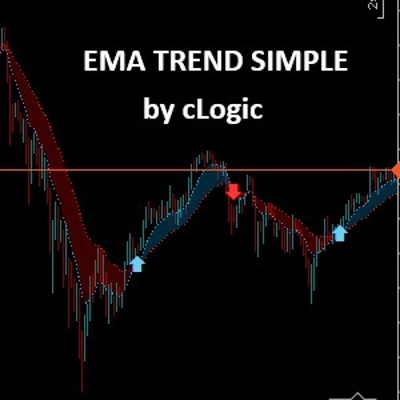
Des flèches claires et personnalisables apparaissent exactement lorsque l'EMA rapide croise l'EMA lente.
- Personnalisez les couleurs, tailles et styles de flèches.
✅ Minuteur de Bougie
Un minuteur intégré affiche exactement le temps restant avant la clôture de la bougie, essentiel pour synchroniser vos entrées.
Comment Trader (Exemple de Stratégie)
- Vérifiez le Tableau de Bord : Assurez-vous que les périodes supérieures (par ex., H1, H4) correspondent (Vert/Rouge). Évitez de trader s'ils affichent "Neutre" (Gris).
- Attendez le Signal : Recherchez une flèche de croisement dans la direction de la tendance principale.
- Confirmez avec l'Action des Prix : Utilisez les points "Swing High/Low" pour confirmer la structure du marché.
- Entrez & Gérez : Entrez à la clôture de la bougie. Utilisez le Nuage EMA comme support dynamique pour déplacer votre stop loss.
Personnalisation
L'indicateur est hautement personnalisable pour s'adapter à votre style :
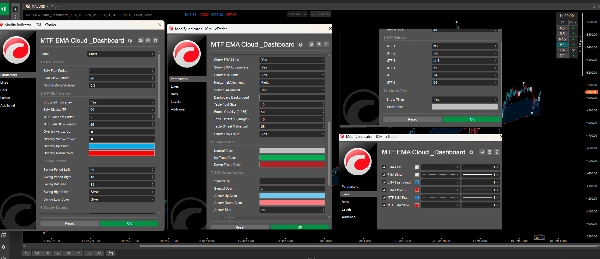
- Ajustez les périodes EMA pour les modes actuel et MTF.
- Changez les couleurs des Nuages, Flèches, Swings et du Tableau de Bord.
- Configurez la position et la transparence du Tableau de Bord.
- Activez ou désactivez chaque fonctionnalité indépendamment.
Résumé
A smart dashboard displays trend status across six timeframes (from 3 minutes to daily), incorporating a neutral zone logic that highlights flat or consolidating markets to help avoid false signals. The dashboard is interactive, enabling quick chart switching by clicking on timeframe buttons. The tool automatically marks swing high and low points to assist in setting stop loss and take profit levels based on recent price structure. Visual crossover arrows signal EMA fast and slow line crossovers, with customizable colors and styles. Additionally, a candle timer shows the remaining time until the current candle closes, aiding precise trade timing.
The indicator is highly customizable, allowing adjustments to EMA periods, colors, dashboard position, transparency, and feature toggling to fit individual trading styles. It supports markets including Forex, Crypto, and commodities like gold (XAUUSD), and is tagged for use with symbols such as BTCUSD and USDJPY.
Discussion
Avis clients
5 | 50 % | |
4 | 50 % | |
3 | 0 % | |
2 | 0 % | |
1 | 0 % |