

Penerangan
Penerangan:
Pengimbas Silver Bullet mengautomasikan keseluruhan persediaan ICT Silver Bullet — konsep ICT yang paling banyak dibincangkan — daripada membiarkan anda memerhati jam dan memeriksa jurang secara manual.
Apa yang dianalisis: ketiga-tiga zon pembunuhan Silver Bullet (London 03:00–04:00, AM 10:00–11:00, PM 14:00–15:00, semua waktu NY), ayunan tinggi/rendah untuk sapuan kecairan, peralihan struktur pasaran (MSS) yang mengesahkan pembalikan, dan Jurang Nilai Adil yang terbentuk dalam tetingkap tersebut.
Cara membacanya:
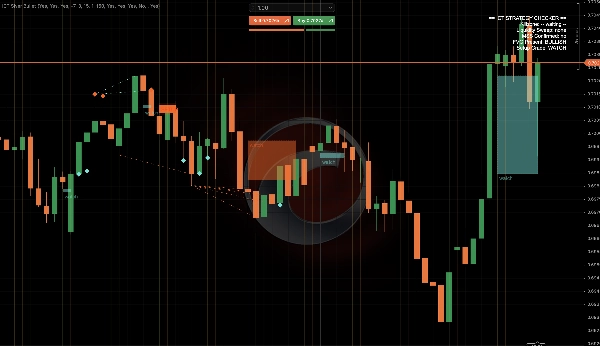
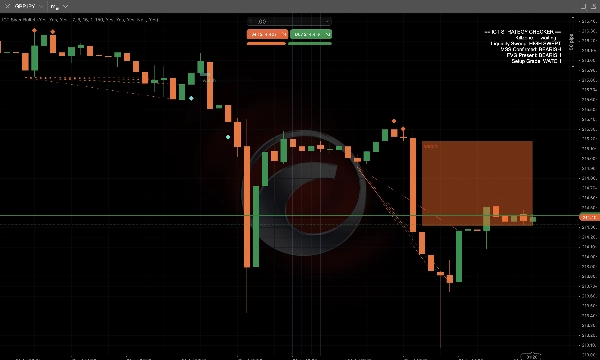
- Zon pembunuhan diwarnakan secara langsung di seluruh carta supaya anda sentiasa tahu bila tetingkap yang sah dibuka.
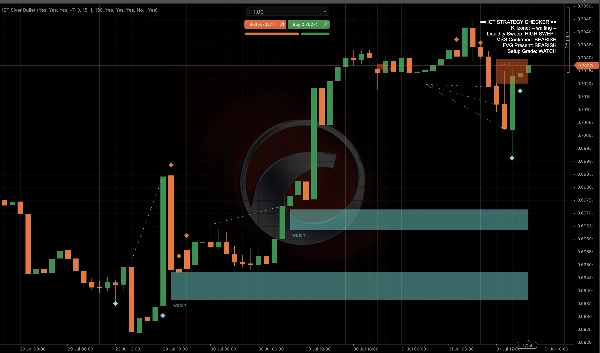
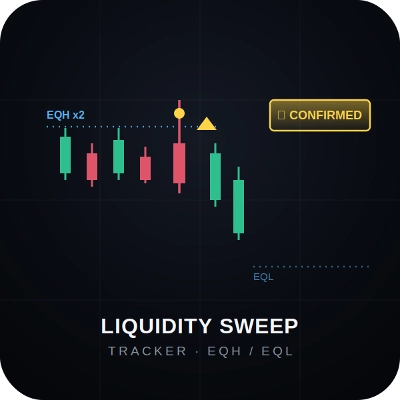
- Penanda berlian menandakan lilin tepat di mana sapuan kecairan berlaku (sumbu melebihi ayunan tinggi/rendah yang ditutup kembali di dalam).
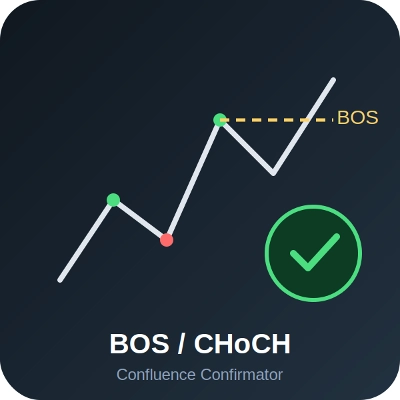
- Garis bertitik menandakan Peralihan Struktur Pasaran yang disahkan.
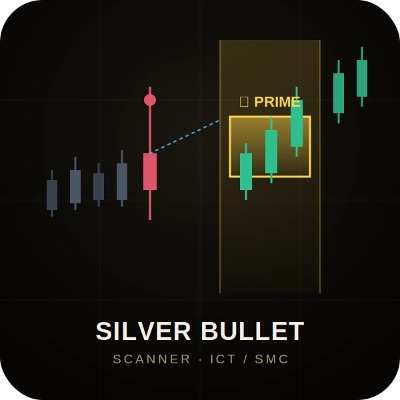
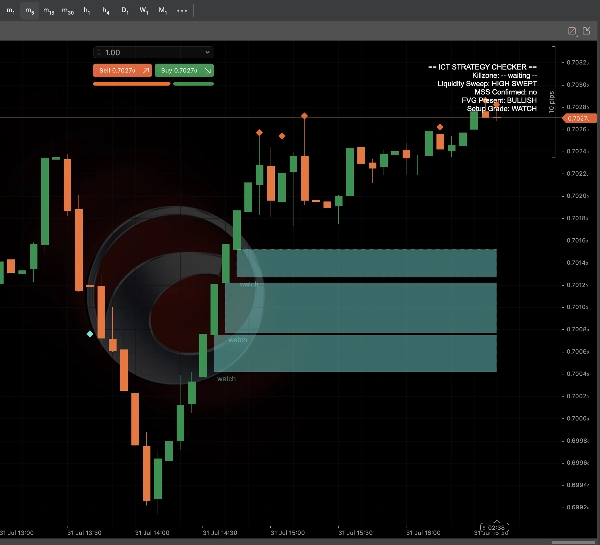
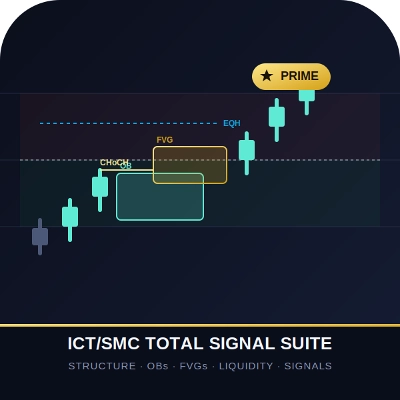
- Zon Jurang Nilai Adil dinilai dan dikodkan warna: emas PRIME zon (senarai semak penuh disahkan — zon pembunuhan + sapuan + MSS + FVG semua selari), SETUP (sapuan + FVG selari, MSS belum selesai), dan WATCH (konfluens separa, garis putus-putus) — jadi anda segera tahu berapa banyak cerita yang telah berlaku.
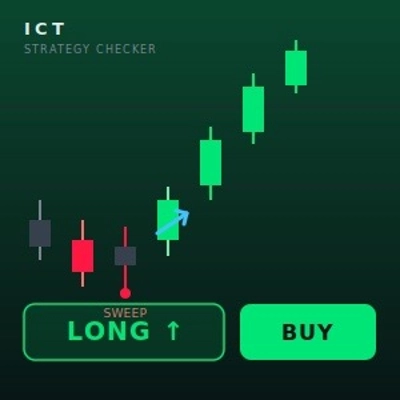
- Panel Pemeriksa Strategi ICT secara langsung di sudut menunjukkan zon pembunuhan aktif, status sapuan, pengesahan MSS, kehadiran FVG, dan gred persediaan semasa — senarai semak tepat yang dijalankan oleh pedagang ICT secara manual, diautomatikkan.
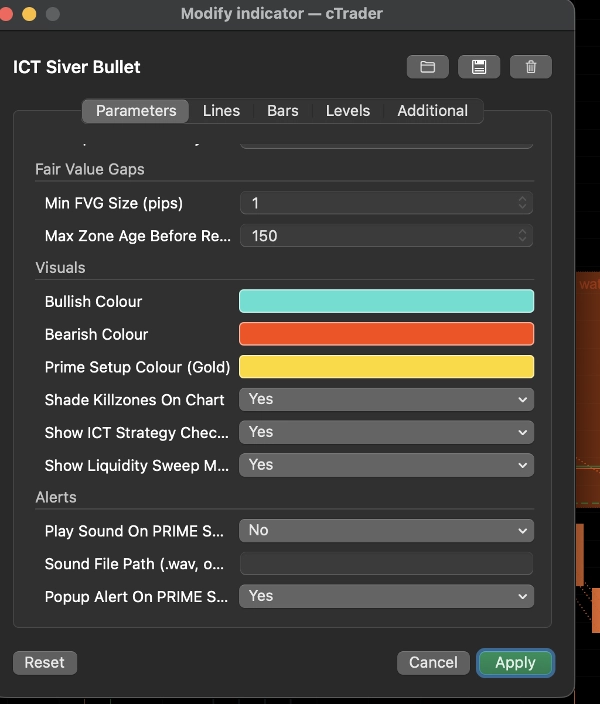
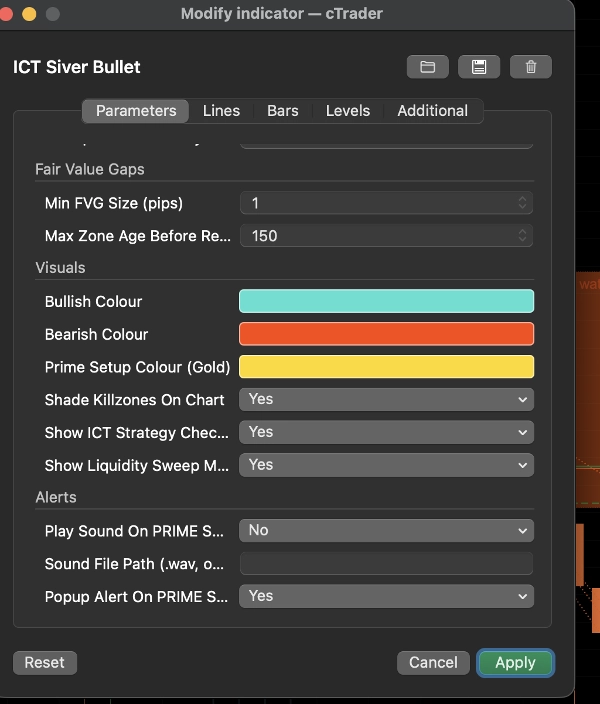
- Amaran popup dan bunyi pilihan akan diaktifkan sebaik sahaja persediaan PRIME disahkan.
Tetapan utama: togol hidup/mati bebas untuk ketiga-tiga zon pembunuhan, kepekaan ayunan yang boleh dilaras, tetingkap kesahihan sapuan-ke-FVG, saiz minimum FVG, dan penyesuaian warna penuh.
Kes penggunaan tipikal: melakukan dagangan pada tetingkap Silver Bullet London, AM, atau PM pada forex utama, emas, dan indeks; menggunakan gred PRIME/SETUP/WATCH sebagai penapis untuk hanya bertindak pada persediaan dengan konfluens tertinggi; mengesahkan bacaan Silver Bullet secara budi bicara dengan pendapat kedua yang objektif.
Sesuai untuk: pedagang ICT/SMC intrahari yang sudah biasa dengan konsep kecairan, struktur pasaran, dan Jurang Nilai Adil yang mahu masa zon pembunuhan dan pemeriksaan konfluens diautomatikkan. Kurang berguna untuk pedagang yang tidak biasa dengan terminologi ICT, kerana ia menganggap pengetahuan asas itu.
Had: zon pembunuhan dikira dalam waktu New York dari waktu pelayan broker anda — tetapkan "Server Time → NY Time Offset" sekali untuk disesuaikan dengan broker anda. Ini adalah alat visualisasi dan analisis; ia tidak membuat dagangan, tetapi ia memberi nasihat.
Ringkasan
Key features include diamond markers pinpointing liquidity sweeps (wicks beyond swing highs/lows that close back inside), dotted lines indicating confirmed MSS, and graded, color-coded FVG zones classified as PRIME (full confluence), SETUP (partial confluence), or WATCH (minimal confluence). A live ICT Strategy Checker panel summarizes active killzone status, sweep confirmation, MSS, FVG presence, and setup grade, replicating the manual checklist ICT traders use.
Users can customize settings such as toggling killzones, adjusting swing sensitivity, defining sweep-to-FVG validity windows, and setting minimum FVG size, along with full color customization. Optional popup and sound alerts notify when a PRIME setup confirms.
This tool is designed for intraday ICT/SMC traders familiar with liquidity concepts, market structure, and FVGs, supporting analysis on forex majors, gold, and indices. It provides visual and analytical assistance but does not execute trades.
Perbincangan
Ulasan pelanggan
Soalan Lazim
Lebih banyak produk daripada penulis ini





![Logo "[Stellar Strategies] Inside Bar with Signals"](https://cdn.ctrader.com/image/webp/1d9e8bfa-3b2c-4440-bb37-5856902008a7_30683)




Harga