
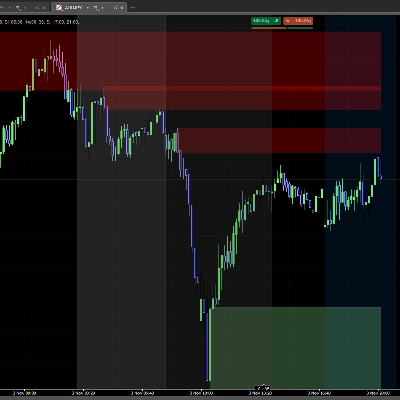
ICT Order Block
Gösterge
858 i̇ndirmeler
Sürüm 1.0, Nov 2025
Windows, Mac
3.5
Değerlendirmeler: 2

Başlangıç 24/02/2025
18
Satışlar
2.19K
Ücretsiz yüklemeler
Açıklama
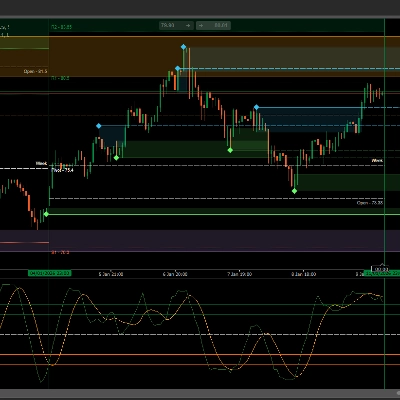
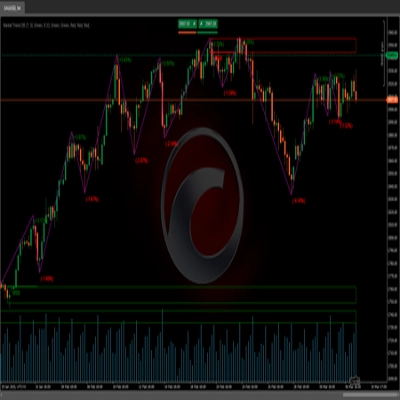
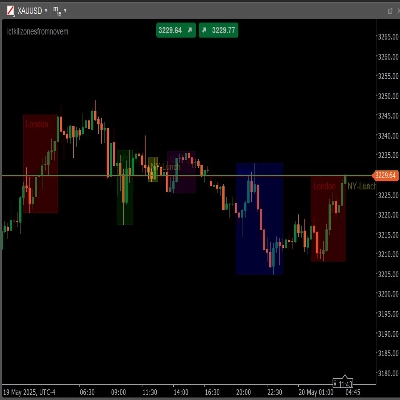
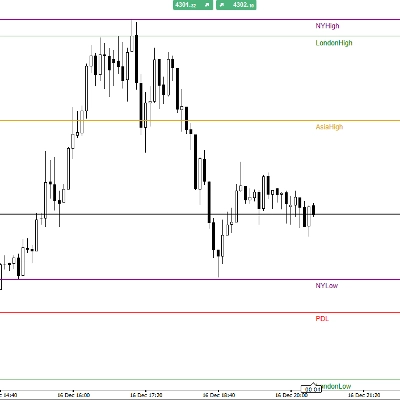
ICT Sipariş Bloğu - Kurumsal Sipariş Blokları
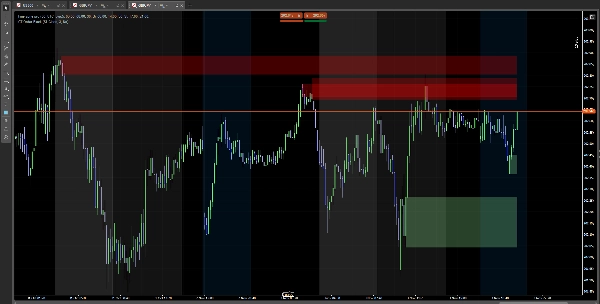
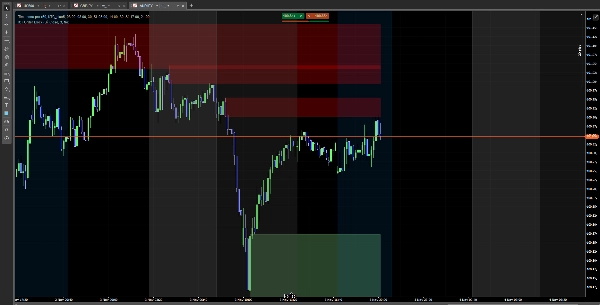
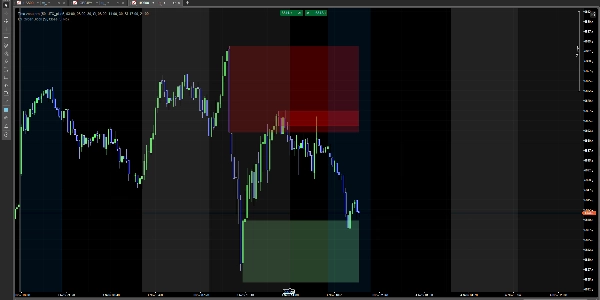
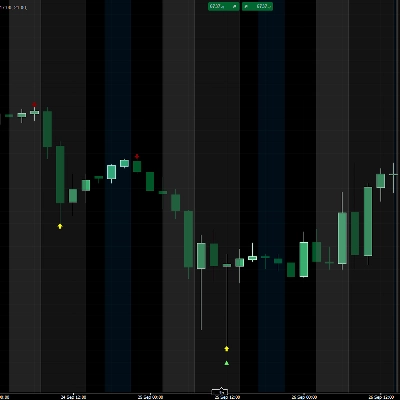
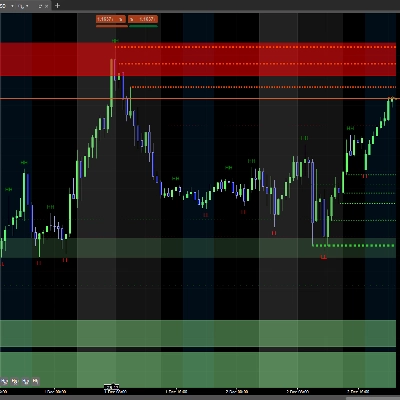
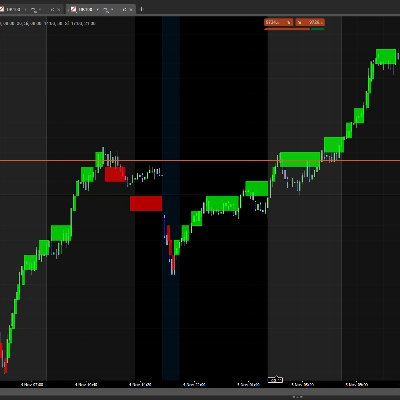
Grafiklerinizde kurumsal sipariş bloklarını otomatik olarak tanımlar. Fiyatın tepki verebileceği önemli bölgeleri görselleştirin.
Ne yapar
✅ Boğa bloklarını algılar (kurumsal alım bölgeleri) ✅ Ayı bloklarını algılar (kurumsal satış bölgeleri) ✅ Önemli bölgelerde renkli dikdörtgenler gösterir ✅ Fiyat blokları kırdığında bloklar kaybolur
Nasıl Kullanılır
Basit Kurulum
- Göstergiyi indirin
- cTrader'da grafiğinize ekleyin
- Tamam! Blokları otomatik olarak göreceksiniz
Yapılandırma
Ana Ayarlar
- SCOB Göster: Blokları göster veya gizle
- Azaltma Yöntemi:
-
- Kapanış: Mum kapanışında blok kaybolur
- Fitil: Blok dokunulduğunda kaybolur
- Son X SCOB'u Göster: Gösterilecek blok sayısı (1-15)
- Volatilite Filtresi Uygula: Blokları volatiliteye göre filtrele
Renkler
- Boğa Rengi: Boğa blokları için renk (varsayılan açık yeşil)
- Ayı Rengi: Ayı blokları için renk (varsayılan kırmızı)
- Renk seçici ile şeffaflığı ayarlayın
Yorumlama
🟢 Yeşil Bloklar (Boğa): Olası destek bölgeleri 🔴 Kırmızı Bloklar (Ayı): Olası direnç bölgeleri
Not: Bu teknik analiz göstergesidir. Uygun risk yönetimi ile kullanın.
Özet
AI summary
ICT Order Block is a technical analysis indicator designed for use on cTrader charts. It automatically identifies institutional order blocks, highlighting key price zones where market reactions may occur. The indicator detects bullish order blocks (potential institutional buying zones) and bearish order blocks (potential institutional selling zones), displaying them as colored rectangles—green for bullish support areas and red for bearish resistance areas. These blocks visually represent important supply and demand zones that traders can monitor.
Key features include automatic block detection, configurable display options such as the number of blocks shown (1–15), and a volatility filter to refine block selection. Users can choose how blocks disappear: either when a candle closes beyond the block or when the block is touched by price wicks. Color customization and transparency adjustments are also available for better chart integration.
Installation involves adding the indicator to a cTrader chart, after which the blocks appear automatically. This tool supports analysis across Forex, Indices, and Cryptocurrency markets. It serves as a visual aid for identifying potential support and resistance zones based on institutional trading activity and should be used alongside proper risk management practices.
Key features include automatic block detection, configurable display options such as the number of blocks shown (1–15), and a volatility filter to refine block selection. Users can choose how blocks disappear: either when a candle closes beyond the block or when the block is touched by price wicks. Color customization and transparency adjustments are also available for better chart integration.
Installation involves adding the indicator to a cTrader chart, after which the blocks appear automatically. This tool supports analysis across Forex, Indices, and Cryptocurrency markets. It serves as a visual aid for identifying potential support and resistance zones based on institutional trading activity and should be used alongside proper risk management practices.
Gösterge profili
Müşteri değerlendirmeleri
3.5
Değerlendirmeler: 2
5 | 50 % | |
4 | 0 % | |
3 | 0 % | |
2 | 50 % | |
1 | 0 % |
Müşteri değerlendirmeleri
January 27, 2026
the zones are blocking the candles, zones need to be behind the candles .other than that it is good
Tartışma
SSS
Forex
Indices
Crypto
cTrader Store üzerinden erişilebilen işlem botları, göstergeler ve eklentiler gibi ürünler, üçüncü taraf sağlayıcılar tarafından sağlanır ve yalnızca bilgilendirme ve teknik erişim amaçlarıyla sunulur. cTrader Store bir broker değildir ve yatırım tavsiyesi, kişisel öneriler vermez veya gelecekteki performansı garanti etmez.











Fiyat
Başlangıç 24/02/2025
18
Satışlar
2.19K
Ücretsiz yüklemeler