Descripción
Signal Generator and Trade Simulator converts your cTrader chart into a dedicated workspace to configure, simulate, and evaluate trading strategies. It allows you to combine different signal sources with technical filters, schedules, trading days, and exit management alternatives.
Each configuration generates a historical simulation with its own trades and statistics: win rate, profit factor, net result, drawdown, expectancy per trade, and result distribution across hours and days.
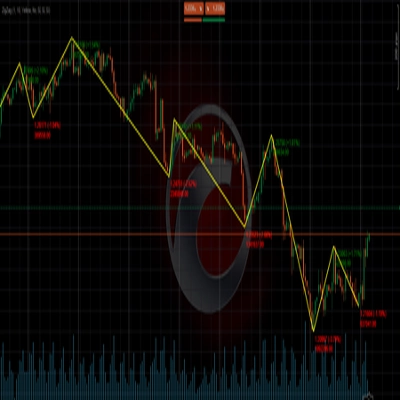
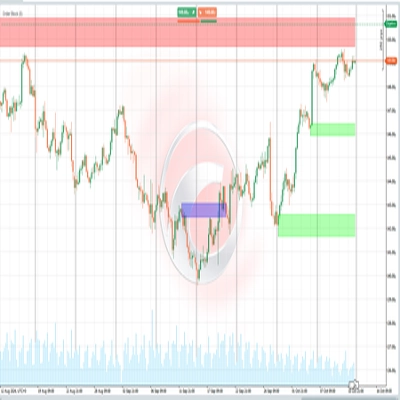
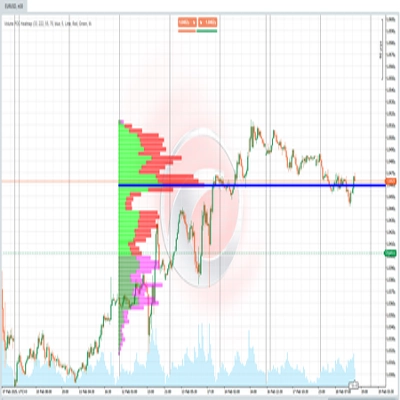
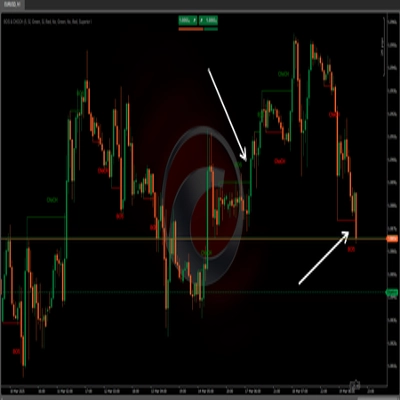
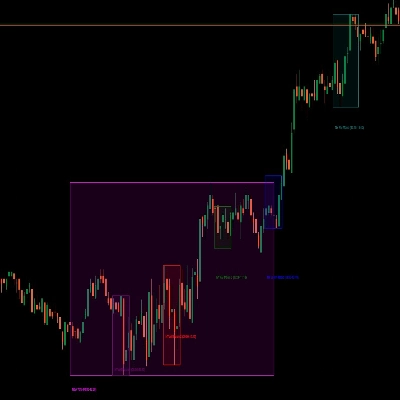
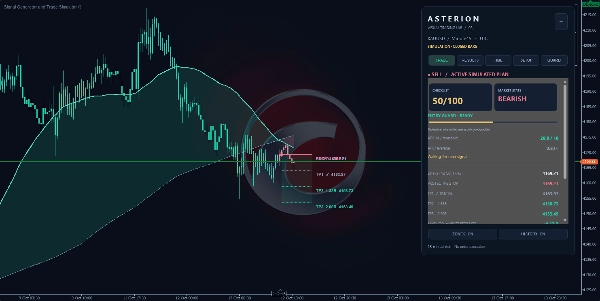
Furthermore, it overlays market context, simulated entries, protection levels, and targets directly on the chart. This bridges statistical results with what visually occurred on the price action.
Signal Generator and Trade Simulator is an analysis and simulation indicator. It does not execute orders or manage live trades on your account.
🛠️ Three modes to build your simulations
1. Integrated signals — BuiltInCross
Uses the indicator's built-in configurations as a starting point to study a strategy.
The selector offers three presets and a Custom option, allowing you to adjust periods and moving average types directly from the parameters. You can also select the price series used.
On top of this configuration, you can add filters, schedule restrictions, and various exit management approaches. This allows you to evaluate different iterations of the same trading concept.
2. External series — ExternalCross
Allows you to select two compatible external data series as your signal source.
This mode is designed to study configurations based on outputs from other indicators, leveraging Signal Generator and Trade Simulator's simulation, target, protection, and statistical tools.
The connection requires numeric series available for selection within cTrader's parameter menu.
3. External triggers — ExternalTriggers
Allows you to connect one series for buy signals and another for sell signals.
You can select how received series are interpreted and enable their execution via Arm connected triggers.
This is useful for evaluating an external signal source under different combinations of filters and trade management rules. Its operation depends on the compatibility and behavior of the connected indicator.
🔀 Multiple combinations to evaluate a strategy
The signal source is only one part of the setup. You can combine it with:
- 🧭 Direction: Longs only, shorts only, or both.
- 🛡️ Context filters: Trend, movement strength, volatility, slope, and technical checklist.
- 🎯 Entry confirmations: RSI, candle size, directional candle characteristics, and price extension.
- ⏰ Sessions: UTC schedules and enabled days of the week for new entries.
- ⏱️ Entry spacing: A configurable candle interval between trades.
- 🚪 Exit management: Protective stop, targets, partial exits, break-even, trailing, and exit on valid opposite signals.
- 💰 Costs and restrictions: Spread, commission, slippage, and risk controls for accepting new entries.
For example, you can study an integrated setup with trend and schedule filters; an external source with RSI confirmation and partial exits; or keep identical entries while comparing different stop and target distances.
Each applied combination yields its own distinct results. When parameter settings are modified, Signal Generator and Trade Simulator reconstructs the historical simulation automatically. To compare strategies effectively, record the configuration and its metrics before applying the next setup.
📋 A configurable trading plan
Signal Generator and Trade Simulator allows you to select a protective stop from three configurable distances and enable up to three targets: TP1, TP2, and TP3.
Distances can be expressed in ATR, ticks, or price units. You can also assign different weights to targets to distribute partial exits across enabled take-profit levels.
Management features include:
- Moving the stop to breakeven after reaching TP1.
- Utilizing close-based trailing stops.
- Allowing exits upon a valid opposite signal.
- Factoring in estimated trading costs.
This makes it easy to study how strategy behavior evolves when adjusting exits, even while keeping the same signal source.
📊 Statistics for every configuration
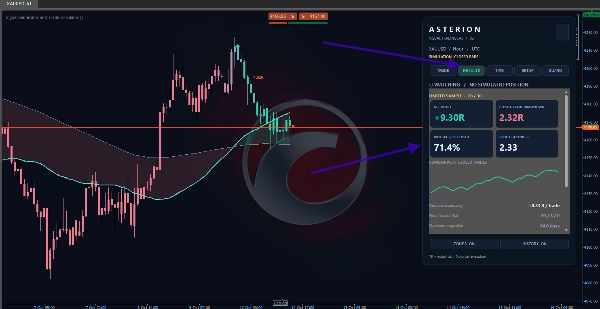
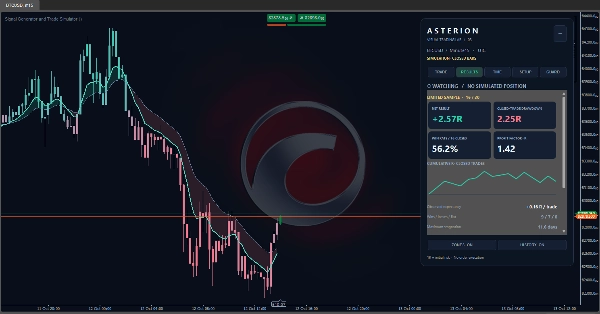
The RESULTS tab consolidates performance data from closed simulated trades:
- 📈 Win rate: Percentage of closed trades with a positive net result.
- ⚖️ Profit factor: Ratio between cumulative gains from winning trades and cumulative losses from losing trades, measured in R.
- 💵 Net result: Cumulative simulation performance in risk units.
- 📉 Closed-trade drawdown: Maximum peak-to-trough decline of the cumulative performance curve.
- 🎯 Observed expectancy: Average result in R per closed trade.
- 🟢 Wins, losses, and neutrals: Breakdown of trade outcomes.
- ⏳ Maximum stagnation: Longest duration observed without reaching a new peak in the cumulative curve, expressed in days.
- 🎯 TP1, TP2, and TP3 hit frequency: Proportion of closed trades that reached each enabled target, accompanied by a 95% confidence interval.
- 📉 Cumulative curve: Visual representation showing the progression of closed trade results.
Profit factor and the ratio between target and stop distance describe different aspects: profit factor summarizes sample history, whereas risk-to-reward ratio defines the trade plan.
When evaluating a setup, review win rate, average result, drawdown, and total trade count together.
📅 Results by hours, days, and weeks
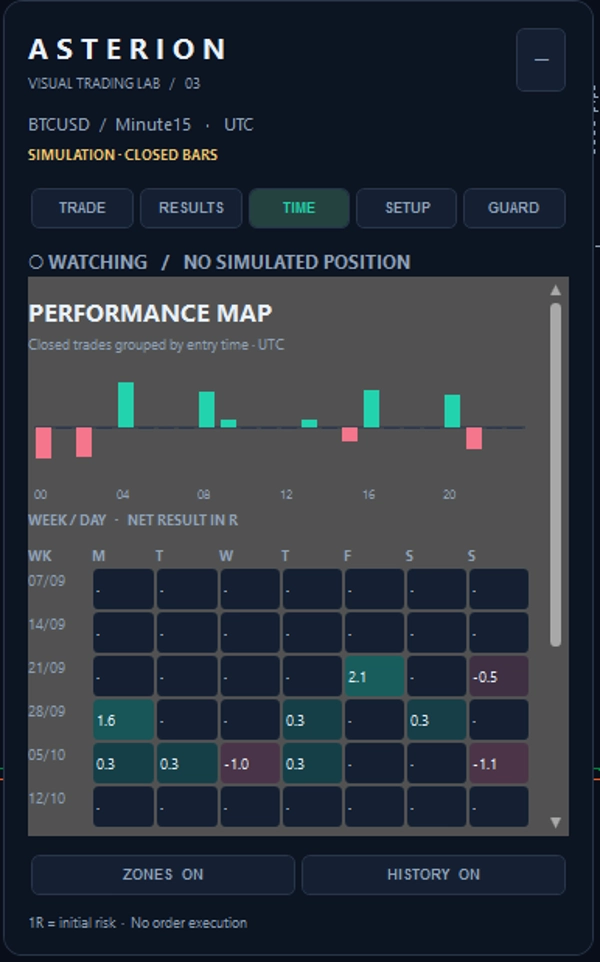
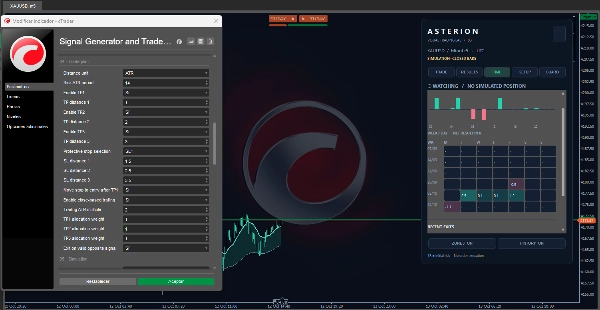
The TIME tab allows you to explore the temporal distribution of results:
- 🕒 An hourly entry chart displaying cumulative results in R for closed trades.
- 📆 A six-week calendar structured by day, showing net outcomes in R.
- 📜 Recent closures, featuring date, time, direction, and performance.
- ⌛ Analyzed historical period and total candle count processed.
Trades are grouped by their entry date and time, even if closed later. Schedules are presented in UTC.
This view highlights variations across specific hours and days within the sample. It describes historical performance and does not predict future market sessions.
👁️ How to interpret the visual display
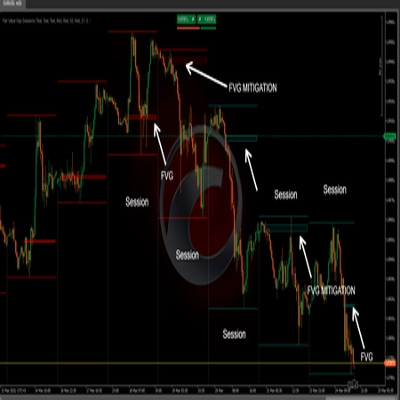
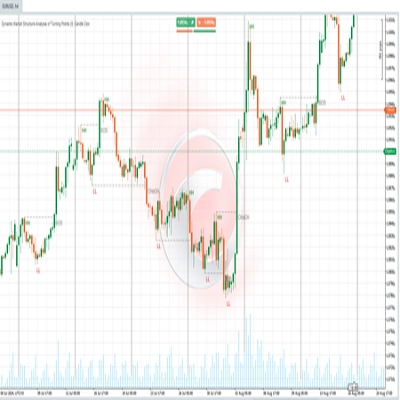
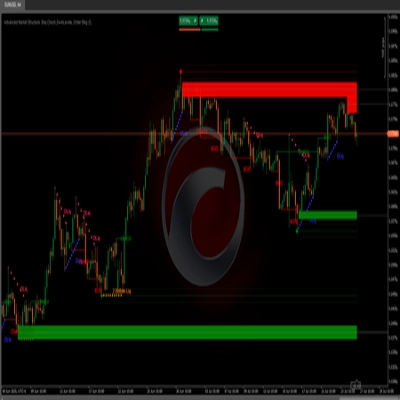
Pulse and Base lines, the cloud, and candle coloring help identify directional context. Turquoise and pink shades distinguish bullish and bearish biases; a color shift alone does not mean an entry was accepted.
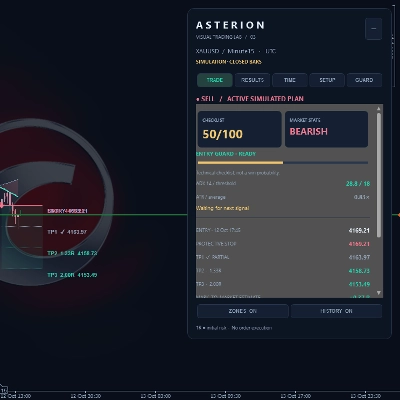
When a simulated plan is active, the chart can display:
- Entry direction and marker.
- Entry price and protective stop.
- Enabled targets and their distance expressed in R.
- Visual risk and target zones.
- Confirmation markers for reached targets.
Historical overlays plot entries of closed trades, trace their path to exit, and present their final result in R.
The ZONES and HISTORY buttons control the visibility of active plans and historical trades.
🎛️ What you will find in the panel
- 📊 TRADE: Market context, technical checklist, simulation status, and active plan details. Displays entry, stop, targets, partials, and remaining exposure.
- 📈 RESULTS: Statistics and cumulative performance curve for the applied configuration.
- ⏰ TIME: Breakdown of results by hour, daily calendar, and recent trade closures.
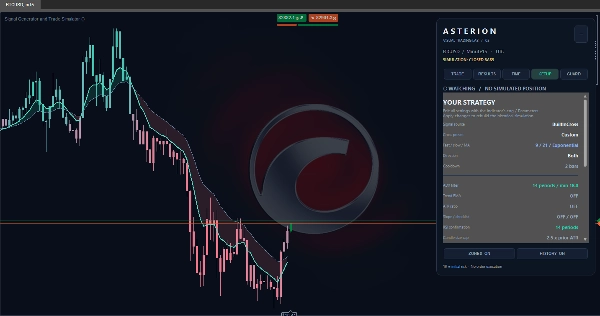
- ⚙️ SETUP: Summary of the active strategy. Adjustments are made via indicator parameters in cTrader.
- 🛡️ GUARD: Status of entry controls and blocking reasons. Allows review of filtered signals, rejected entries, estimated costs, and daily limits.
Optional controls include daily entry limits, net loss caps on closed trades, pauses after consecutive losses, maximum cost thresholds, open gaps, and minimum net reward requirements if all targets are reached.
🚀 How to use it in your trading workflow
- 🔀 Select a signal mode: Integrated, external series, or external triggers.
- 📐 Build the configuration: Direction, filters, schedules, and days.
- 🎯 Define exits: Stop, targets, partial distributions, and trailing options.
- 💰 Configure estimated costs and the historical period you wish to analyze.
- ⚙️ Apply parameters: Review trades directly on the chart and metrics across RESULTS and TIME.
- 📝 Record performance and test another combination to compare structural changes.
- 🔍 During market tracking, consult TRADE and GUARD to differentiate between a detected signal, a blocked condition, and an accepted simulated plan.
Signals are confirmed on closed candles. When an entry is accepted, the simulation uses the open of the subsequent candle as its reference point.
If you choose to apply this analysis to manual trading, you must determine position sizing and place orders and protective stops manually within cTrader.
⚠️ Simulation scope and limitations
1R represents the initial risk of a simulated trade, defined by the distance between entry and initial stop. Results are presented in normalized risk units; they do not include lot size calculations or account compounding.
The simulation maintains one active plan at a time. Results depend on available history, timeframe, connected data sources, parameters, and configured costs.
The LIMITED SAMPLE warning indicates that the configured threshold for closed trades has not yet been met. This threshold is a sample size benchmark, not a guarantee of validity.
The technical checklist does not represent win probability. Similarly, target hit frequency reflects historical observation.
Exits confirm upon processing closed candles. Current price calculations serve as estimates. If a single candle reaches both stop and target, the simulation prioritizes the stop due to path ambiguity within that candle.
Signal Generator and Trade Simulator provides tools to study strategies, practice, and structure decisions. Historical results do not guarantee future profits.