present
Sign up and get $50 off your first purchase
Trading product for Killzone-Indicator Indicator Forex Breakout, image 1
Killzone-Indicator
Indicator
Version 1.0, Apr 2026
Windows, Mac
4.2
Reviews: 4
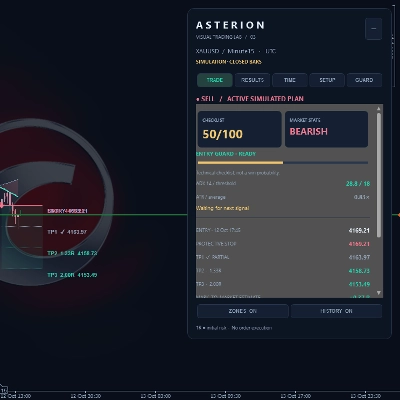
Trading product for Killzone-Indicator Indicator Forex Breakout, image 2
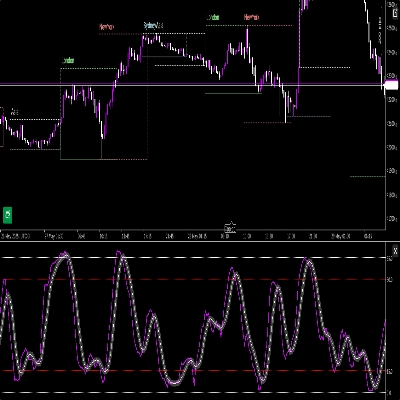
Trading product for Killzone-Indicator Indicator Forex Breakout, image 3
Trading product for Killzone-Indicator Indicator Forex Breakout, image 4

Description

Killzone Session Indicator — Asia · London · New York · NY PM

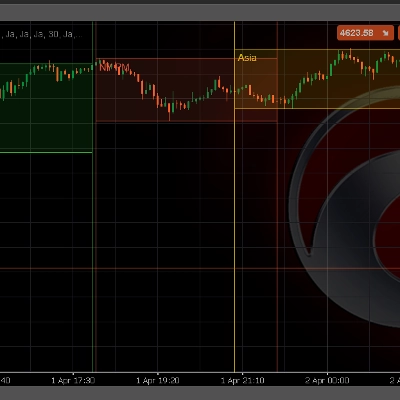
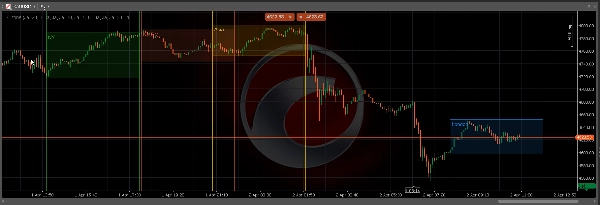
Automatically highlights all four major ICT Killzone sessions directly on your cTrader chart. No manual drawings, no missed windows — the indicator calculates and displays every session zone in real time.

─────────────────────────────

KEY FEATURES

─────────────────────────────

► Four Sessions

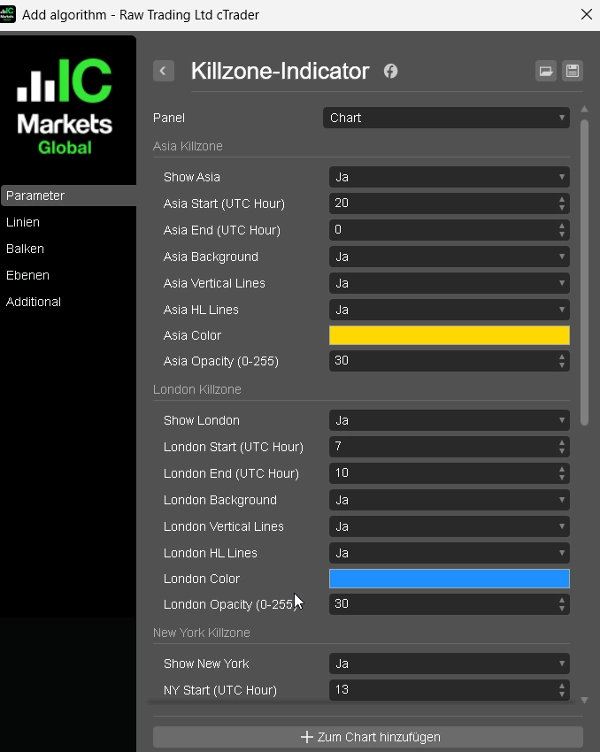
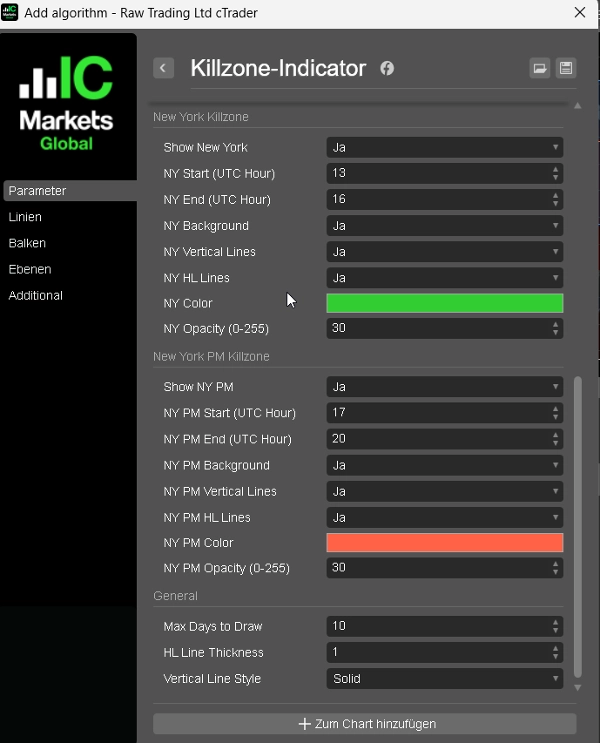
Asia, London, New York, and New York PM — each session is fully independent with its own start time, end time, color, and toggle.

► Background Highlight

Optional filled rectangle for each session zone — instantly identify the active Killzone on any timeframe.

► High / Low Lines

Clear horizontal lines at the session High and Low — the key levels for manipulation, reversal, and entry confirmation.

► Vertical Boundary Lines

Optional vertical lines at session open and close — for clean visual separation between sessions.

► Free Color Choice

Each session has its own native cTrader color picker with adjustable opacity (0–255).

► Configurable Lookback

Draw up to 60 days of historical session zones — ideal for backtesting and session analysis.

─────────────────────────────

DEFAULT SESSION TIMES (UTC)

─────────────────────────────

Asia → 20:00 – 00:00

London → 07:00 – 10:00

New York → 13:00 – 16:00

NY PM → 17:00 – 20:00

All times are fully adjustable to match your broker's server time.

─────────────────────────────

HOW TO USE

─────────────────────────────

1. Attach the indicator to any chart and timeframe.

2. Adjust session times to match your broker's server time (UTC by default).

3. Enable or disable Background, Vertical Lines, and HL Lines per session.

4. Choose your preferred color and opacity for each session.

5. Set Max Days to control how many historical sessions are drawn.

The session High and Low levels are your primary reference points — use them for Killzone entries, stop placement, and liquidity targets.

─────────────────────────────

IDEAL FOR

─────────────────────────────

✔ ICT / SMC traders working with Killzone concepts

✔ Session-based manipulation and reversal analysis

✔ Order Block and Fair Value Gap confluence trading

✔ FTMO / prop firm traders who need clear session structure

─────────────────────────────

COMPATIBILITY

─────────────────────────────

Platform : cTrader (Windows & Mac)

Language : C# / cAlgo

Timeframes : All (M1 to W1)

Instruments: Forex, Gold, Indices, Crypto

Summary

AI summary
The Killzone Session Indicator for cTrader automatically highlights four major ICT Killzone trading sessions—Asia, London, New York, and New York PM—directly on your chart in real time. Each session is independently configurable with customizable start and end times, colors, and toggles. The indicator visually marks session zones with optional background highlights and vertical boundary lines for clear separation. It also plots horizontal lines at each session’s high and low levels, which serve as key reference points for manipulation, reversal, and entry confirmation. Users can adjust opacity and colors per session and set a configurable lookback period to display up to 60 days of historical session zones, aiding in backtesting and analysis. The default session times are set in UTC but can be adjusted to match any broker’s server time. Compatible with all timeframes (M1 to W1) and instruments including Forex, Gold, Indices, and Crypto, this indicator supports traders employing ICT, Smart Money Concepts, order flow, and session-based strategies. It is designed for use on the cTrader platform (Windows and Mac) and coded in C# (cAlgo).
Indicator profile
Indicator category
Market structure (SMC)
Output type
Visualisation
Data requirements
Bars only
Supported signals
Cross
Breakout
Reversal
Level break
Session opening range

Customer reviews

4.2
Reviews: 4
5
25 %
4
75 %
3
0 %
2
0 %
1
0 %
Customer reviews
April 9, 2026
Demo first, then maybe small size if the notes look sane. Weak ideas still need to be skipped.
April 5, 2026
April 5, 2026
ngl, structure is easier to read and that is enough to keep testing it. Overconfidence is the part to watch.
April 5, 2026
The decision feels less rushed, but the stop still matters.

Discussion

FAQ

Forex
Breakout
Indices
EURUSD
Commodities
GBPUSD
NZDUSD
Prop
Fair Value Gap
SMC
Stocks
XAUUSD
NAS100
USDJPY
Products available through cTrader Store, including trading bots, indicators and plugins, are provided by third-party developers and made available for informational and technical access purposes only. cTrader Store is not a broker and does not provide investment advice, personal recommendations or any guarantee of future performance.

More from this author

Indicator
SMC
Prop
+5
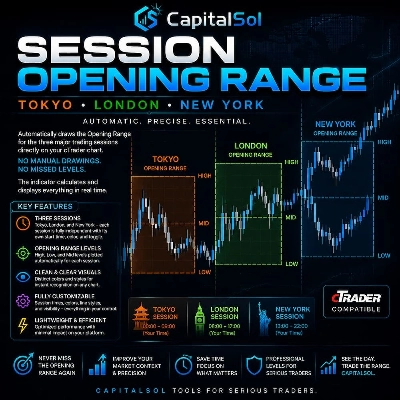
Automatically draws the Opening Range (High & Low) for Tokyo, London, and New York sessions. Configurable start times,
Indicator
Liquidity Grab
Liquidity Sweep
+2
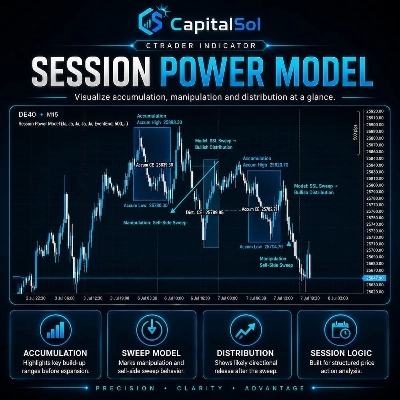
Visualizes accumulation ranges, manipulation sweeps and distribution phases on your cTrader chart.
Indicator
BOS
Key Levels
+2
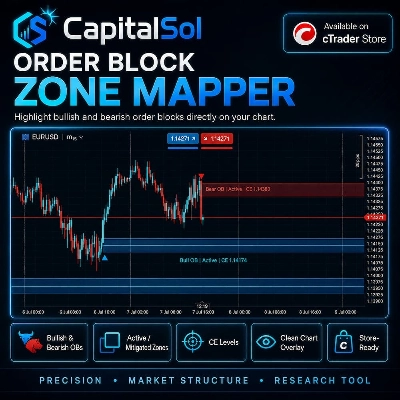
Maps bullish and bearish order block zones, CE levels and structure-based price action context.
Indicator
MSS
Key Levels
+2
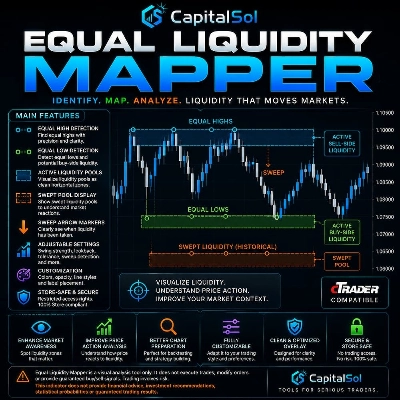
Maps equal highs, equal lows and active liquidity pools directly on your cTrader chart.
Indicator
MSS
Key Levels
+4
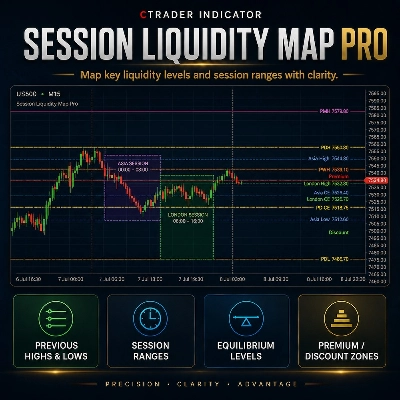
Maps session ranges, previous highs/lows, equilibrium and premium/discount zones on your cTrader chart.
Indicator
BOS
MSS
+3
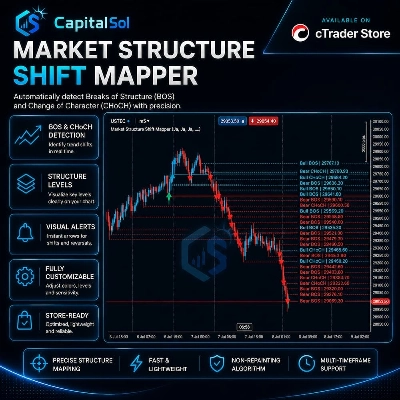
Maps BOS, CHoCH, swing breaks and market structure shifts directly on your cTrader chart.
Indicator
EMA
RSI
+2
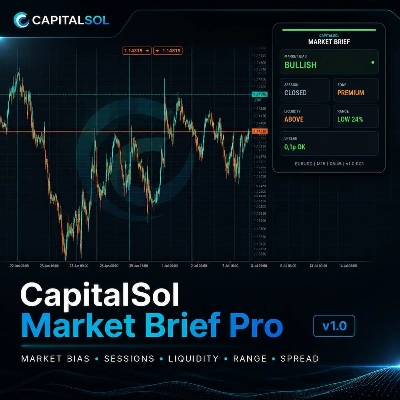
Compact premium cTrader dashboard for market bias, sessions, premium/discount context, liquidity direction, ADR range an
cBot
ATR
EMA
+4
Professional Supply & Demand Execution Bot for cTrader. CS Apex Hunter Pro is a fully automated execution bot designed
7.6%
ROI
3.17
Profit factor

You may also like

Indicator
ATR
BOS
+5
Know how strong each Supertrend flip is: scored BUY/SELL, structure stop + 3 targets, live win-rate dashboard, alerts.
Indicator
Prop
Forex
+4
Personal trade tracker for a single symbol. Clear net profit summary — FreshNet, ManageNet, DayNet, WTDNet, MTDNet.
Indicator
ATR
Forex
+5
Most used candle patterns. (1 candle, 2 candles and 3 candles patterns) and Marubozu. Bonus Fibo Risk control.
Indicator
AI
ATR
+27
Overbought Oversold Indicator
Indicator
MSS
Key Levels
+2
Fractal based market structure indicator that identifies HH, HL, LH, and LL pivot with confirmed, non-repainting fractal
Indicator
RSI
Signal
+2
Identifies trends with moving averages & volatility. Base levels = bullish 🐂 or bearish 🐻 signals. Reversals detected!
Indicator
AI
ATR
+12
The standard Relative Strength Index (RSI), RSI & Signal Cloud, Smart Volatility Filter (ATR), On-Chart Info Dashboard
Indicator
Spot Strong Trends Early & Filter Market Noise
Indicator
AI
ATR
+23
The ZigZag Trend is a market structure tool that filters out small price fluctuations and highlights major swing.
Indicator
SMC
Forex
+5
Pinpoint FVGs, track fills and see mitigation stats — trade imbalances with clarity and confidence.
Indicator
SMC
Forex
+5
ICT liquidity engine for Gold: maps stop clusters, scores zones & projects the next target. Now with 4 ICT killzones.
Indicator
VWAP
Forex
+12
Unlock VWAP in cTrader! Choose anchor periods, price sources, and display deviation bands with real-time tick updates.
Indicator
Volume
Key Levels
+1
Fixed-grid volume profile: bull and bear volume at every price level, with Point of Control and value area.
Indicator
ATR
Forex
+11
Elliott Wave 2 indicator with Markov probability analysis and a confidence score to assess Wave 3 continuation quality.
Indicator
ADX
ATR
+5
Range-filter BUY/SELL flips with an ATR or swing stop, three targets, five confluence stars and a live panel
Indicator
Forex
Crypto
+2
Market Structure Indicator – Your Trading Map in a Noisy Market. No more Panicking Which one, Where, Why and How.
Indicator
Indices
Breakout
+1
You can use the cTrader Pivot Points Pro indicator to find a good pullback entry in a trend
Indicator
Breakout
Institutional Flow Radar scans the chart for abnormal volume events and classifies them into two groups: Capital &Public

Price

4
Sales