

Description
Description:
Silver Bullet Scanner automates the full ICT Silver Bullet setup — the single most talked-about ICT concept — instead of leaving you to manually watch the clock and eyeball gaps.
What it analyses: all three Silver Bullet killzones (London 03:00–04:00, AM 10:00–11:00, PM 14:00–15:00, all NY time), swing highs/lows for liquidity sweeps, market structure shifts (MSS) confirming reversals, and Fair Value Gaps forming inside those windows.
How to read it:
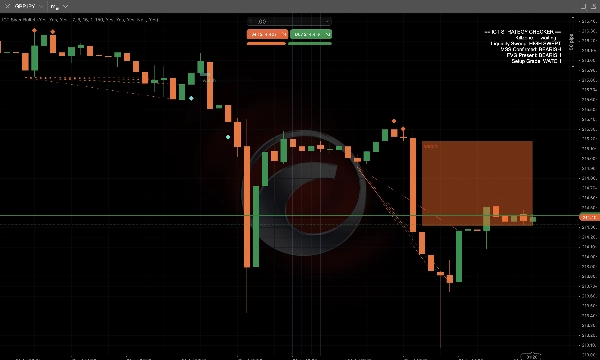
- Killzones are shaded live across the chart so you always know when a valid window is open.
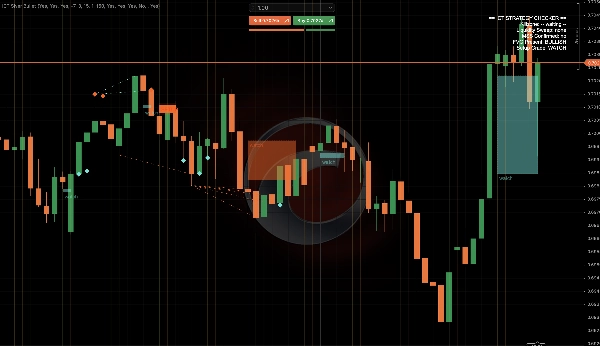
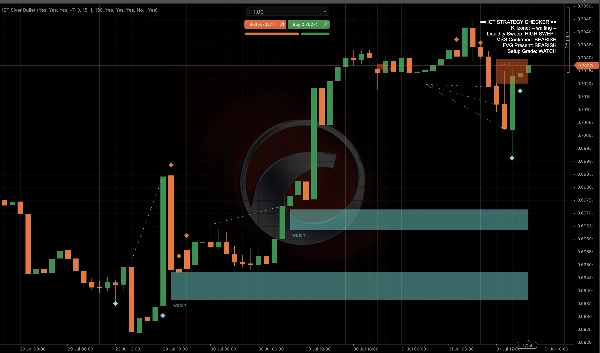
- Diamond markers mark the exact candle where a liquidity sweep occurred (a wick beyond a swing high/low that closes back inside).
- Dotted lines mark confirmed Market Structure Shifts.
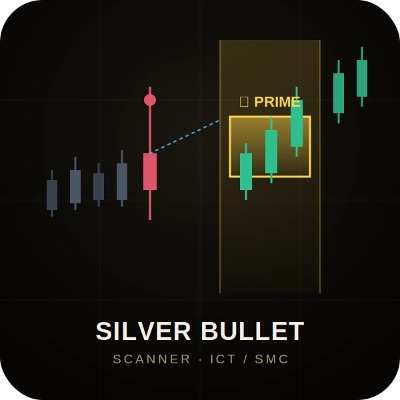
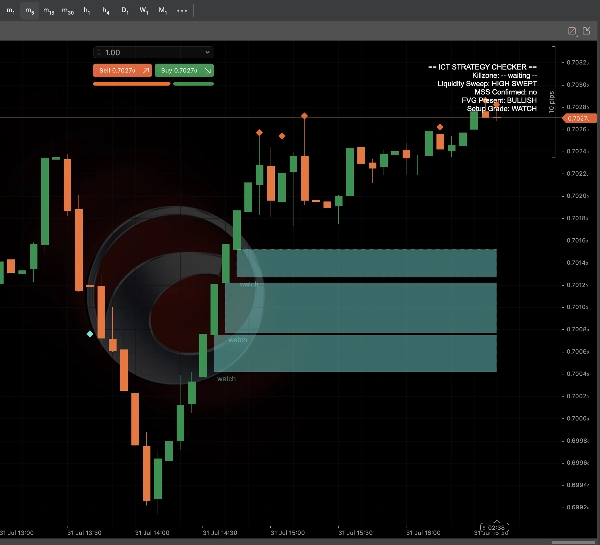
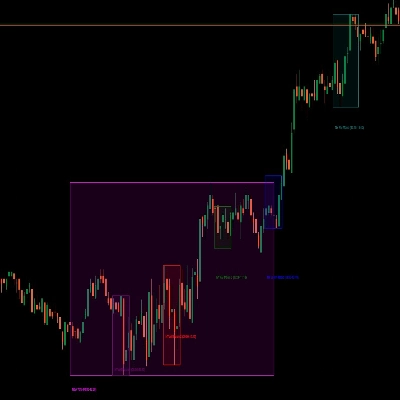
- Fair Value Gap zones are graded and colour-coded: gold PRIME zones (full checklist confirmed — killzone + sweep + MSS + FVG all aligned), SETUP (sweep + FVG aligned, MSS pending), and WATCH (partial confluence, dashed outline) — so you instantly know how much of the story has played out.
- A live ICT Strategy Checker panel in the corner shows the active killzone, sweep status, MSS confirmation, FVG presence, and current setup grade — the exact checklist ICT traders run through manually, automated.
- Optional popup and sound alerts fire the moment a PRIME setup confirms.
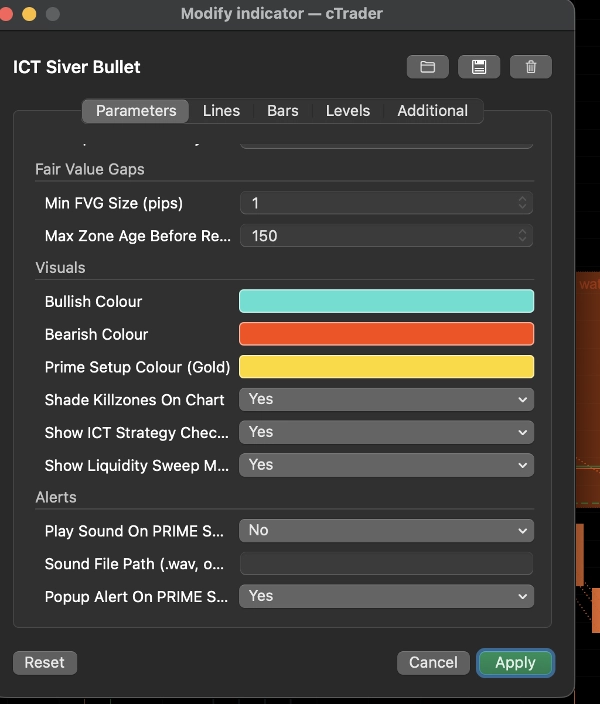
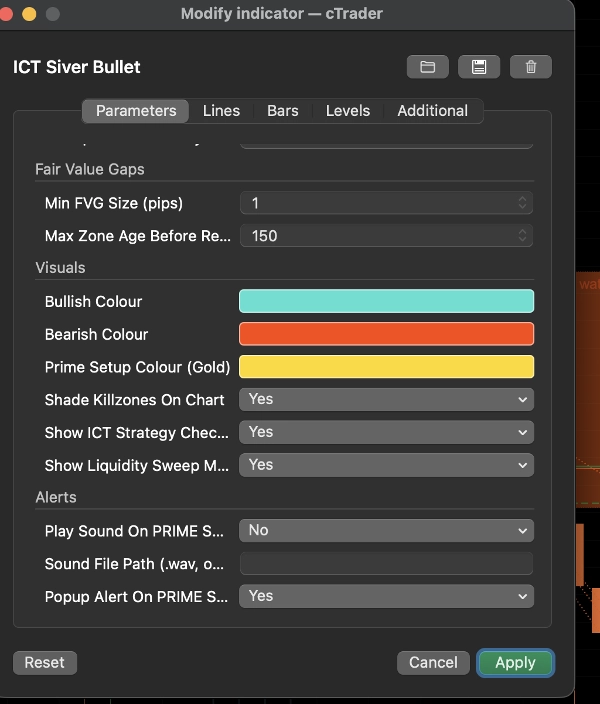
Key settings: independent on/off toggles for all three killzones, adjustable swing sensitivity, sweep-to-FVG validity window, minimum FVG size, and full colour customisation.
Typical use cases: trading the London, AM, or PM Silver Bullet windows on forex majors, gold, and indices; using the PRIME/SETUP/WATCH grading as a filter to only act on the highest-confluence setups; confirming discretionary Silver Bullet reads with an objective second opinion.
Best suited for: intraday ICT/SMC traders already familiar with liquidity, market structure, and Fair Value Gap concepts who want the killzone-timing and confluence-checking automated. Less useful for traders unfamiliar with ICT terminology, as it assumes that base knowledge.
Limitations: the killzones are calculated in New York time from your broker's server time — set the "Server Time → NY Time Offset" once to match your broker. This is a visualisation and analysis tool; it does not place trades, however it does advise.
Summary
Key features include diamond markers pinpointing liquidity sweeps (wicks beyond swing highs/lows that close back inside), dotted lines indicating confirmed MSS, and graded, color-coded FVG zones classified as PRIME (full confluence), SETUP (partial confluence), or WATCH (minimal confluence). A live ICT Strategy Checker panel summarizes active killzone status, sweep confirmation, MSS, FVG presence, and setup grade, replicating the manual checklist ICT traders use.
Users can customize settings such as toggling killzones, adjusting swing sensitivity, defining sweep-to-FVG validity windows, and setting minimum FVG size, along with full color customization. Optional popup and sound alerts notify when a PRIME setup confirms.
This tool is designed for intraday ICT/SMC traders familiar with liquidity concepts, market structure, and FVGs, supporting analysis on forex majors, gold, and indices. It provides visual and analytical assistance but does not execute trades.
Discussion
Customer reviews
FAQ
More from this author








Price