
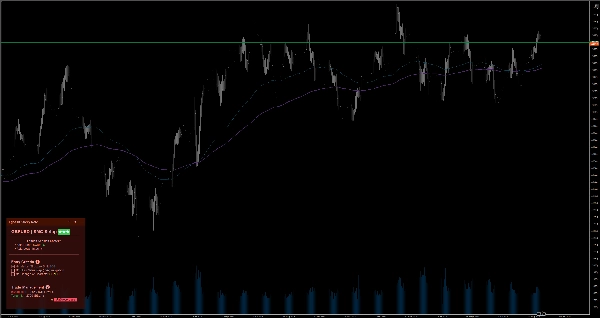

Description
Keep your focus with smart on-chart notes. Features Markdown, 6 themes, and auto-save per symbol for manual trading.
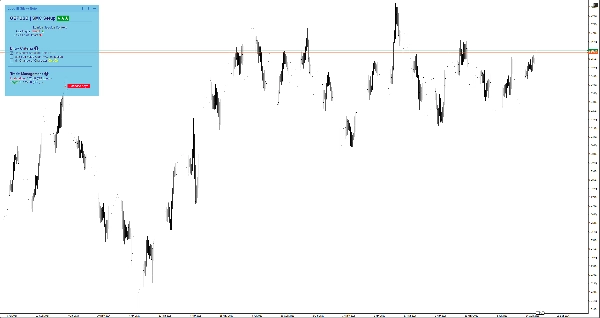
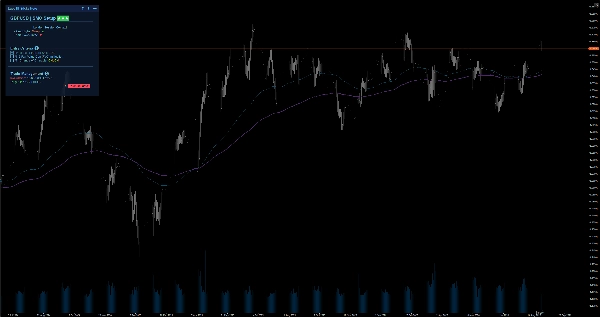
When scaling down from a Monthly to a 1-minute chart, it's easy to lose the bigger picture and make emotional trades. EgosHf Sticky Note solves this by keeping your rules, checklists, and HTF bias pinned directly to your working screen.
🎯 Who is this for?
Perfect for manual traders, Price Action/SMC practitioners, and swing traders who rely on strict discipline, top-down analysis, and step-by-step execution.
💡 Typical Use Cases
- Top-Down Analysis: Write down your Daily/Weekly bias before zooming into execution timeframes to avoid counter-trend traps.
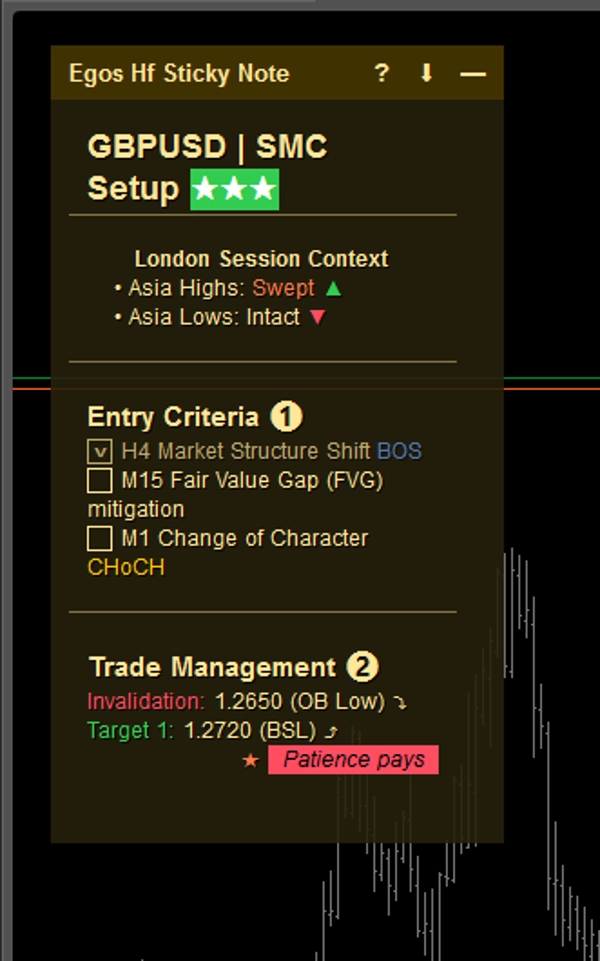
- Entry Checklists: Tick off specific criteria (e.g., EMA alignment, Key Level retest) before opening a position.
- Risk Management: Pin your max daily loss limits or upcoming high-impact news warnings right where you can always see them.
⚡ Core Features & Visual Interpretation
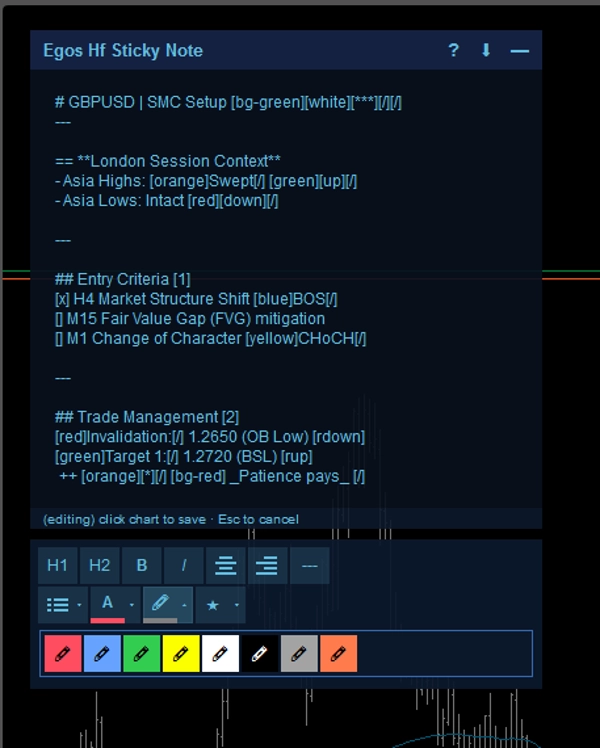
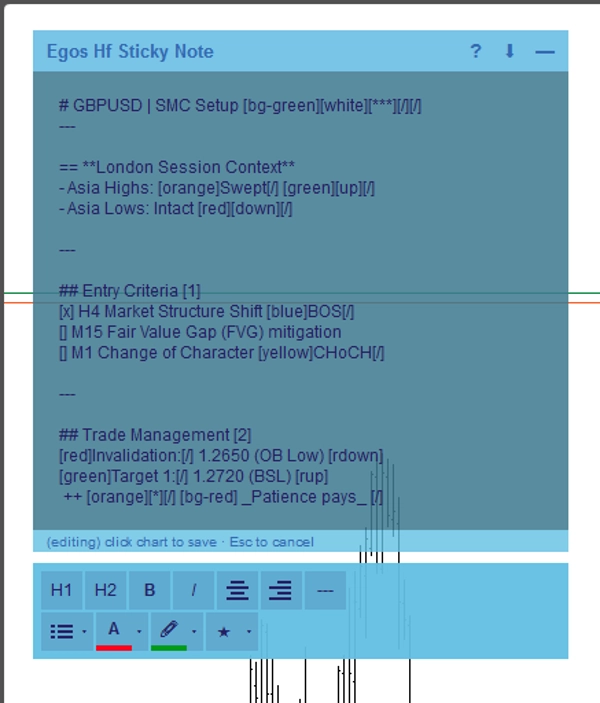
- Markdown Formatting: Create structured notes using simple text tags. Use
#for headers,[red]or[bg-yellow]for color highlights, and[x]or[]for interactive checkboxes. - Symbol-Specific Auto-Save: Notes are saved automatically to your device's local storage per asset. Switch from EURUSD to XAUUSD, and your specific notes for that symbol will instantly load.
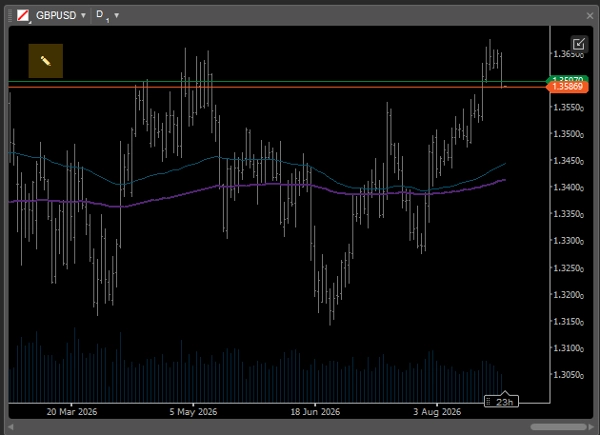
- Smart Adaptive UI: When using multi-chart layouts where screen space is limited, the note automatically collapses into a minimalistic
✎icon so it never blocks the price action. You can easily expand it anytime to review your records. - WYSIWYG Editor: Double-click the note to open the built-in toolbar for quick text formatting.
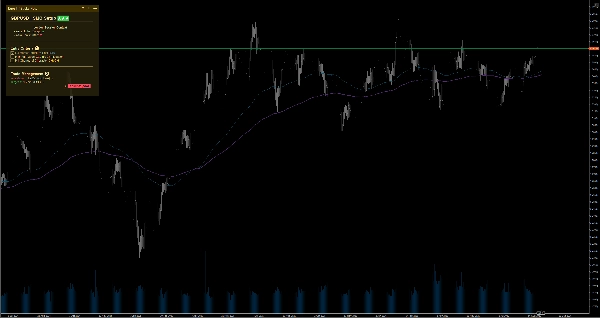
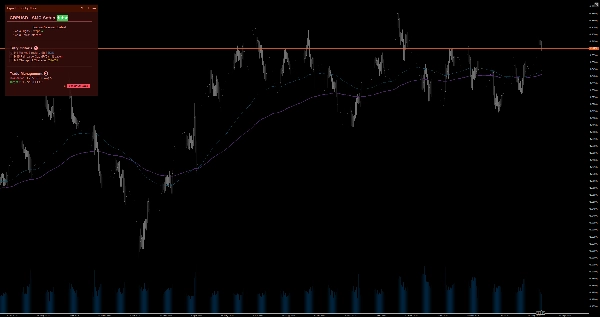
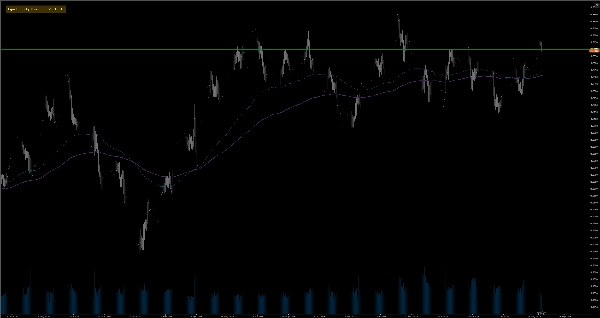
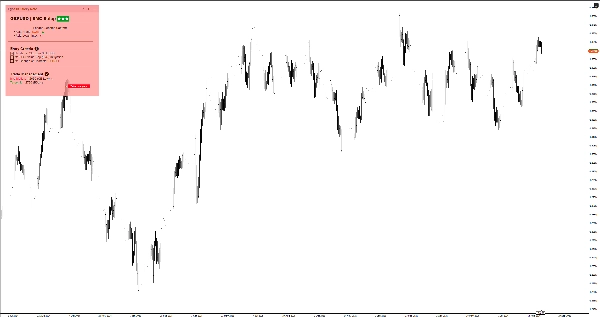
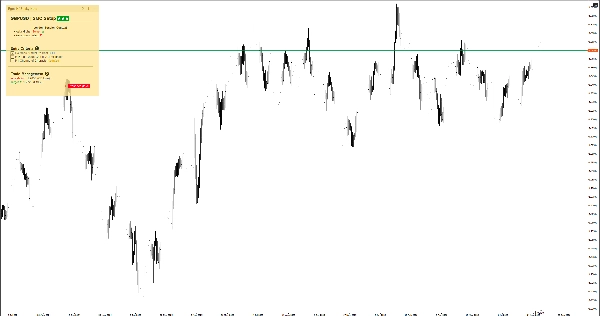
- 6 Color Themes: Choose between Light and Dark themes (Yellow, Red, Blue) to perfectly match your chart template without straining your eyes. Simply double-click the note's header to instantly switch between themes without digging into settings.
⚙️ Key Settings & Parameters
- Placement: Snap the note to any of the 4 chart corners (Top-Left, Top-Right, Bottom-Left, Bottom-Right).
- Auto-Collapse Width (px): Define the chart width threshold at which the note minimizes automatically.
- Default Size & Margin: Set your preferred default width, height, and edge margins.
⚠️ Important Limitations & Notes
- This is a visual utility tool; it does not analyze market data, generate trading signals, or execute trades.
- All data is stored locally on your device.
Summary
AI summary
EGOs HF Sticky Note is a visual utility indicator designed for manual traders, Price Action/SMC practitioners, and swing traders who use disciplined, top-down analysis. It provides smart on-chart notes that help maintain focus by keeping trading rules, checklists, and higher timeframe bias visible directly on the chart. The tool supports Markdown formatting with headers, color highlights, and interactive checkboxes, enabling structured note-taking. Notes are saved automatically per trading symbol in local storage, allowing seamless switching between assets with symbol-specific notes loading instantly.
The interface adapts to multi-chart layouts by collapsing into a minimal icon to avoid obstructing price action, expandable on demand. A built-in WYSIWYG editor facilitates quick text formatting. Users can choose from six color themes (light and dark variants) to match chart templates. The note can be positioned in any of the four chart corners, with customizable default size, margins, and auto-collapse width threshold.
Typical use cases include documenting daily/weekly bias for top-down analysis, ticking off entry criteria checklists, and pinning risk management limits or news warnings. This tool does not analyze market data, generate signals, or execute trades; it functions solely as a customizable, on-chart note-taking utility.
The interface adapts to multi-chart layouts by collapsing into a minimal icon to avoid obstructing price action, expandable on demand. A built-in WYSIWYG editor facilitates quick text formatting. Users can choose from six color themes (light and dark variants) to match chart templates. The note can be positioned in any of the four chart corners, with customizable default size, margins, and auto-collapse width threshold.
Typical use cases include documenting daily/weekly bias for top-down analysis, ticking off entry criteria checklists, and pinning risk management limits or news warnings. This tool does not analyze market data, generate signals, or execute trades; it functions solely as a customizable, on-chart note-taking utility.
Indicator profile
Indicator category
Statistics
Output type
Visualisation
Data requirements
External data
Customer reviews
0.0
Reviews: 0
Customer reviews
No reviews for this product yet. Already tried it? Be the first to tell others!
Discussion
FAQ
EMA
Key Levels
RSI
Order Block
Volume
Market Structure
Support & Resistance
Products available through cTrader Store, including trading bots, indicators and plugins, are provided by third-party developers and made available for informational and technical access purposes only. cTrader Store is not a broker and does not provide investment advice, personal recommendations or any guarantee of future performance.
More from this author








Price
14
Free installs