Description
Discover High-Probability Trading Zones with Advanced Supply Demand!
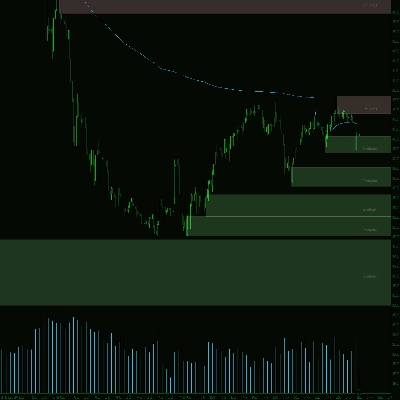
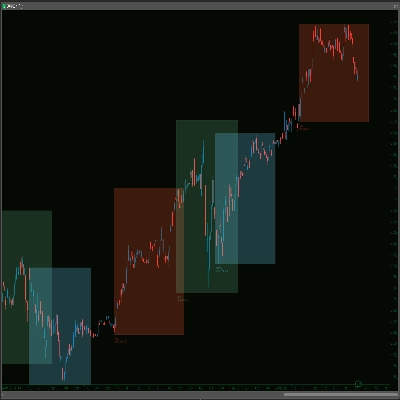
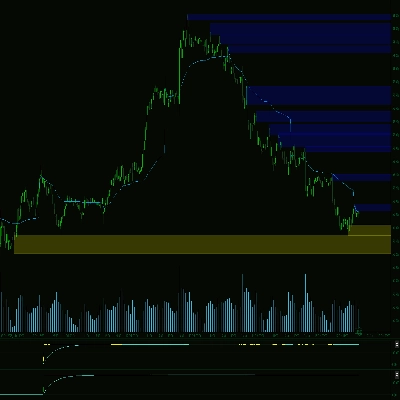
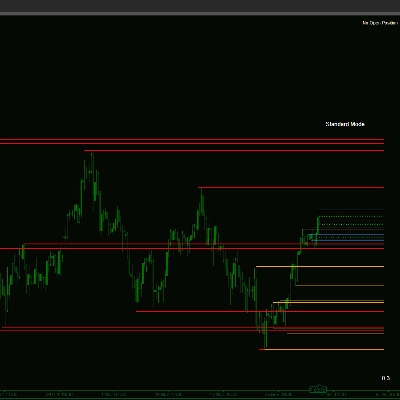
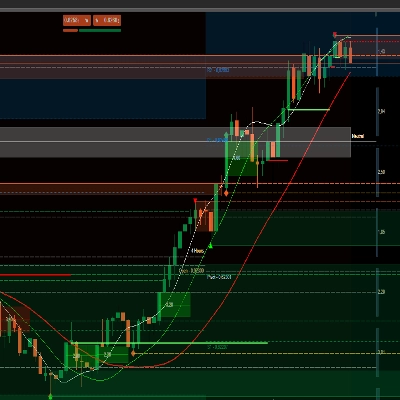
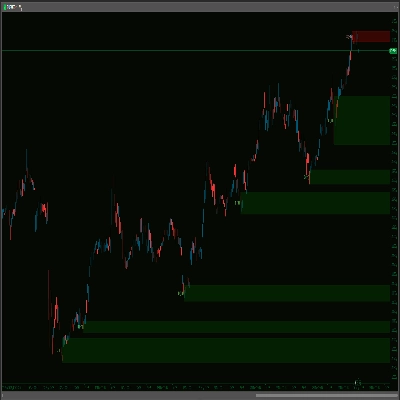
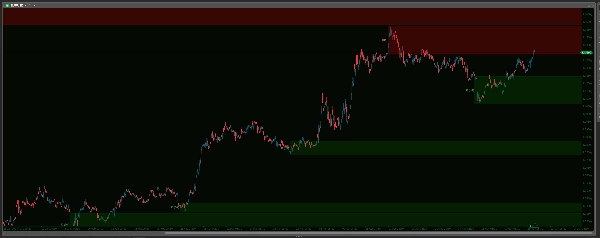
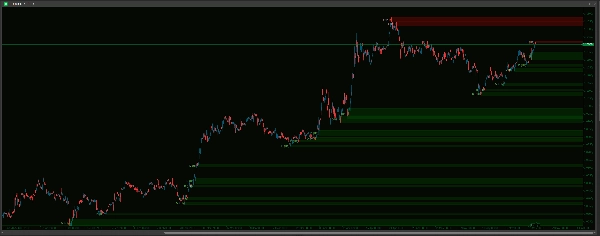
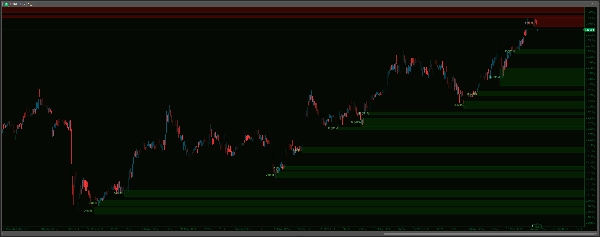
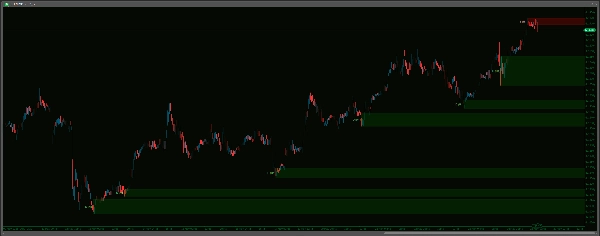
Unlock a clearer view of the market with the Advanced Supply Demand Zones V2 indicator. This powerful tool automatically identifies and highlights crucial supply and demand areas on your chart, potentially pinpointing where significant price reactions may occur. Featuring a sophisticated swing-point detection algorithm, multi-timeframe (MTF) capabilities, and extensive customization options, you can tailor the indicator perfectly to your trading style. Manage zones effectively with options to remove broken or coincident areas, apply time limits, and keep your chart clean. Enhance your analysis with customizable zone appearances, clear timeframe labels, and a robust sound alert system – complete with a live data buffer to prevent historical noise – ensuring you're notified of key price approaches to your defined zones. Take your technical analysis to the next level and make more informed trading decisions!
-------------------
Improvements over V1:
Advanced Supply Demand V2 delivers significant enhancements for a more precise, user-friendly, and effective trading experience:
- Smarter, Quieter Alerts – No More Historical Noise!
- Alerts fire on real-time price action after loading, eliminating annoying historical alerts! Plus, choose your sounds from an easy dropdown menu, a big step up from typing filenames. You also get Max Alerts Per Zone to prevent notification spam.
- Effortless Configuration – Settings Simplified!
- Enjoy a vastly more intuitive setup with dropdown menus for most options (Timeframes, Yes/No choices, Line Styles, Sound Files). Get it right the first time, every time!
- Clearer Zone Logic & Management – Less Clutter, More Clarity!
- Streamlined to a more direct and actionable approach. V2 uses clear rules for removing broken zones, intelligently handles overlapping (coincident) zones to keep your chart tidy, and offers a simple time-based expiry for old zones, plus an option to limit the number of zones displayed.
- Superior Visual Control – Your Chart, Your Way!
- Get granular control with separate appearance settings (Color, Thickness, Style) for Supply and Demand zones. Tailor the visuals precisely to your preference and make zones interactive on your chart!
- More Flexible Zone Definition!
- Now includes the
IncludeBarBodyoption, allowing you to choose between wick-only zones or zones that incorporate the candle body for a potentially wider and different market perspective.
- Now includes the
-------------------
Settings Guide: Advanced Supply Demand Zones
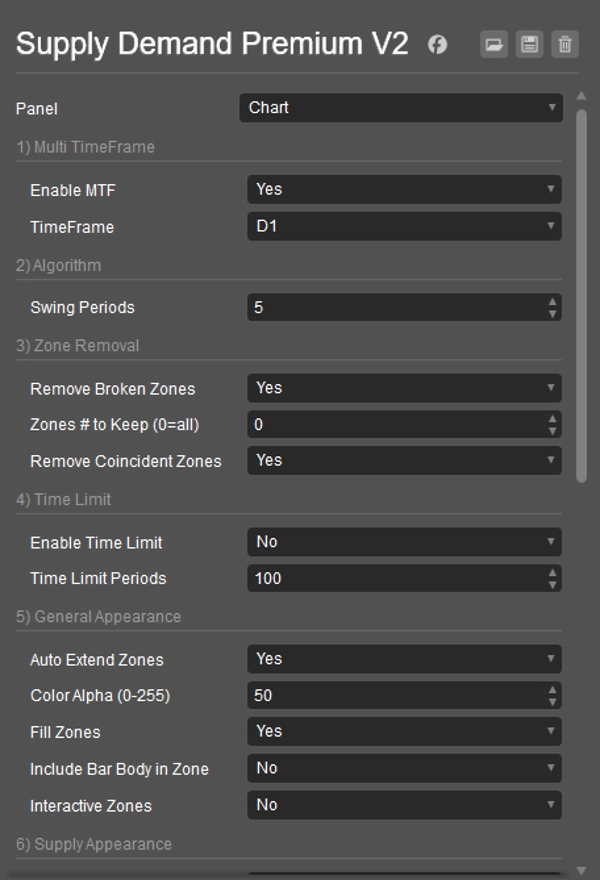
1) Multi TimeFrame
- Enable MTF: Yes to see zones from a different timeframe on your current chart. No for current chart zones.
- TimeFrame: If MTF is Yes, choose the other timeframe here (e.g., H4 zones on an M15 chart).
2) Algorithm
- Swing Periods: Sets how many bars define a strong market turn (swing point) for creating zones. Higher numbers mean stronger (and usually fewer) zones.
3) Zone Removal
- Remove Broken Zones: Yes to automatically delete zones once price breaks clearly through them.
- Zones # to Keep (0=all): Limits how many of the most recent zones are shown.
0shows all. - Remove Coincident Zones: Yes to automatically remove the older of two zones if they heavily overlap, keeping the chart cleaner.
4) Time Limit
- Enable Time Limit: Yes to make very old zones disappear automatically.
- Time Limit Periods: If time limit is enabled, zones older than this many bars will be removed.
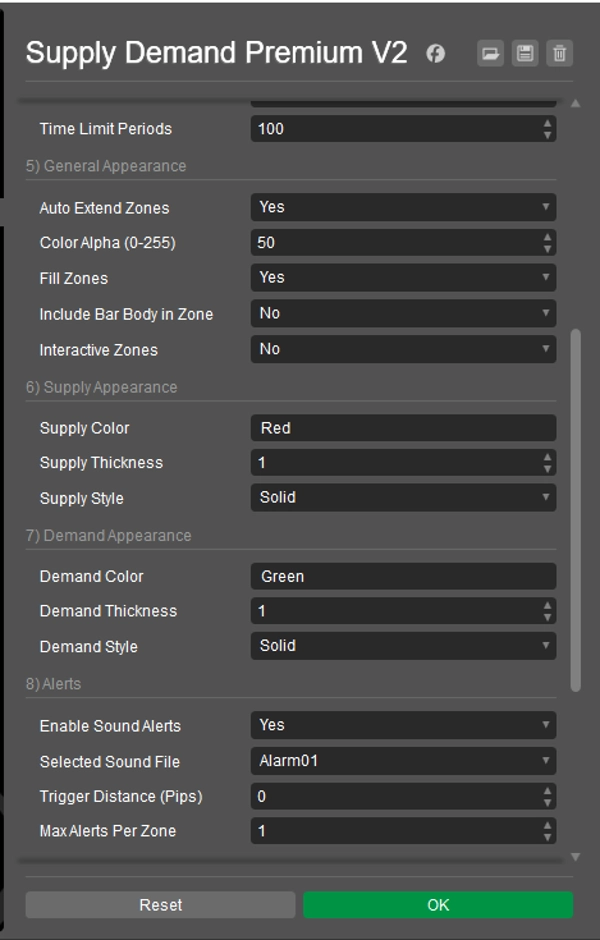
5) General Appearance
- Auto Extend Zones: Yes to draw zones far into the future. No for shorter zones.
- Color Alpha (0-255): Sets how see-through the zone colors are (0 = invisible, 255 = solid).
- Fill Zones: Yes to fill zones with color. No for outlines only.
- Include Bar Body in Zone: Yes to use the candle body (plus wicks) for zone width. No to use only the wicks.
- Interactive Zones: Yes to allow you to click and move zones on the chart.
6) Supply Appearance
- Supply Color: Sets the color for supply (upper) zones. (e.g., "Red", "#FF0000")
- Supply Thickness: Sets the border line thickness for supply zones.
- Supply Style: Sets the border line style (Solid, Dots, etc.) for supply zones.
7) Demand Appearance
- Demand Color: Sets the color for demand (lower) zones. (e.g., "Green", "#00FF00")
- Demand Thickness: Sets the border line thickness for demand zones.
- Demand Style: Sets the border line style (Solid, Dots, etc.) for demand zones.
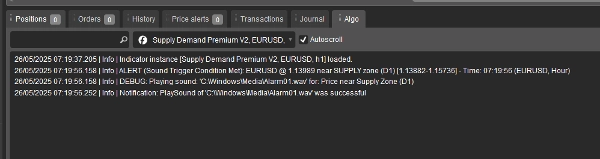
8) Alerts Note: To prevent alerts on old data or right at startup, sound alerts will only become active after 20 live price ticks have occurred since the indicator loaded on your chart.
- Enable Sound Alerts: Yes to turn on sound notifications when price nears a zone.
- Selected Sound File: Choose the sound you want to hear for alerts. System sounds (like "Alarm01") try to play from
C:\Windows\Media\; ensure the file exists and cTrader can access it. "cTraderDefaultAlert" uses a standard cTrader sound. "None" plays no sound. - Trigger Distance (Pips): How close (in pips) the price must get to a zone's edge to trigger an alert.
- Max Alerts Per Zone: Limits how many times an alert will sound for the same zone.
9) TimeFrame Label
- Show Timeframe Label: Yes to display the timeframe (e.g., H1, D1) on each zone.
- Supply Label Color: Text color for supply zone labels.
- Demand Label Color: Text color for demand zone labels.
- Label X Offset (Bars): Adjusts the horizontal position of the label from the zone's start.
- Label Font Size: Sets the size of the label text.
10) Others
- Cleanup on Start: Yes to remove old drawings from this indicator when cTrader starts or the indicator is added to a chart.
- Re-identify Removed Zones: (This setting has a limited direct impact in the current version. Zones are re-evaluated on each tick; if criteria for a zone are met again and it's not considered broken, it will reappear regardless of this setting being Yes or No).
----------------------------
Please feel free to check out my other indicators:
https://ctrader.com/products/1181
https://ctrader.com/products/1182
https://ctrader.com/products/1180
https://ctrader.com/products/1015
https://ctrader.com/products/555
https://ctrader.com/products/553
https://ctrader.com/products/554
https://ctrader.com/products/552
https://ctrader.com/products/557
https://ctrader.com/products/845
https://ctrader.com/products/848
https://ctrader.com/products/847
https://ctrader.com/products/846
https://ctrader.com/products/551
https://ctrader.com/products/574
https://ctrader.com/products/573
https://ctrader.com/products/556
https://ctrader.com/products/558
https://ctrader.com/products/559
https://ctrader.com/products/560
Summary
Visual customization is granular, with separate settings for supply and demand zone colors, thickness, and line styles. Zones can be configured to include candle wicks only or both wicks and bodies, providing flexible market perspectives. Interactive zones allow users to click and move zones directly on the chart.
The alert system is designed to minimize noise by triggering notifications only on live price action after the indicator loads, with configurable sound options and limits on alert frequency per zone. Timeframe labels can be displayed on zones with customizable appearance settings.
Additional features include automatic cleanup of old drawings on startup and options to re-identify zones dynamically. This indicator aims to enhance technical analysis by clearly marking high-probability trading zones for more informed decision-making.
Customer reviews
5 | 67 % | |
4 | 33 % | |
3 | 0 % | |
2 | 0 % | |
1 | 0 % |