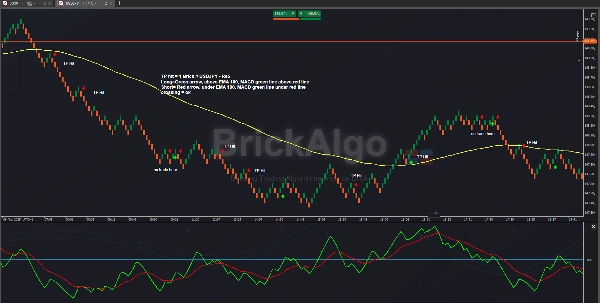
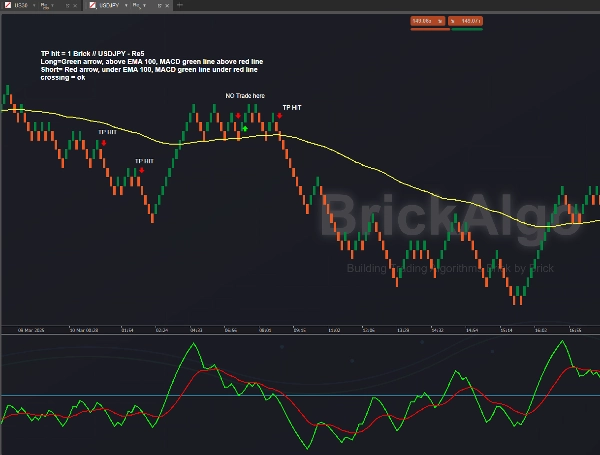
Description
Unlock Precision Trading with Our Revolutionary Trend Tracking Technology
BrickAlgo TrendTracker is the ultimate trend identification indicator designed specifically for cTrader. This powerful technical tool helps you spot key market reversals with ease, providing clear visual signals for optimal entry and exit points.
Key Features:
- Dynamic Trend Detection: Identifies trend changes based on price action analysis
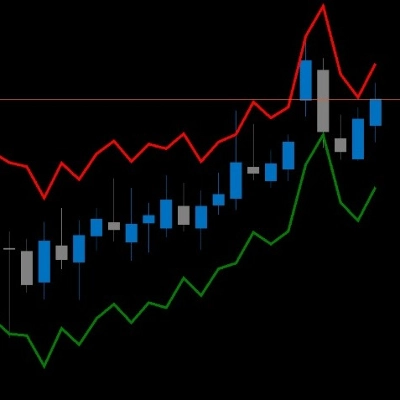
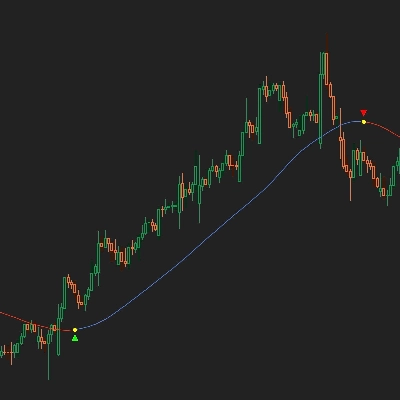
- Visual Signal System: Color-coded arrows show bullish and bearish trend shifts
- Performance Tracking: Optional pip value display shows profit/loss between signals
- Customizable Settings: Adjust parameters to match your trading style and timeframe
- Clean Chart Interface: Overlay design keeps your charts clutter-free
How It Works:
BrickAlgo TrendTracker analyzes price movements by comparing current values against smoothed averages of high and low prices. When a significant pattern change is detected, the indicator generates a signal, helping you identify potential trend reversals before they become obvious to other traders.
Here’s a concise explanation of how to use the indicator:
- Load the Indicator: Add the indicator to your chart from the indicators menu in cTrader.
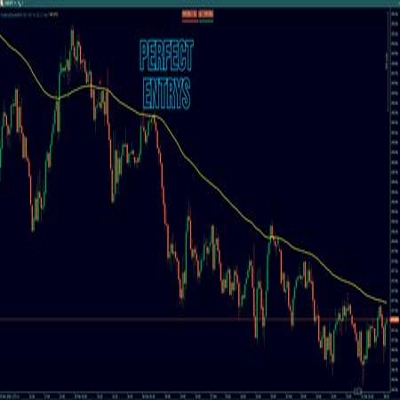
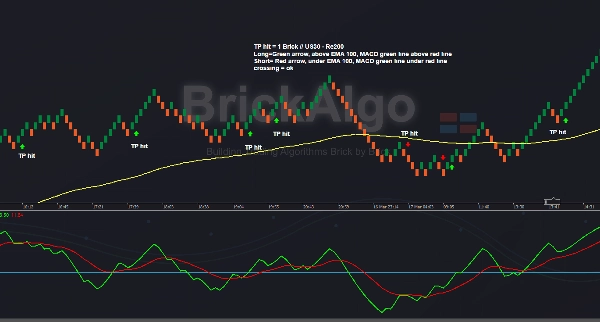
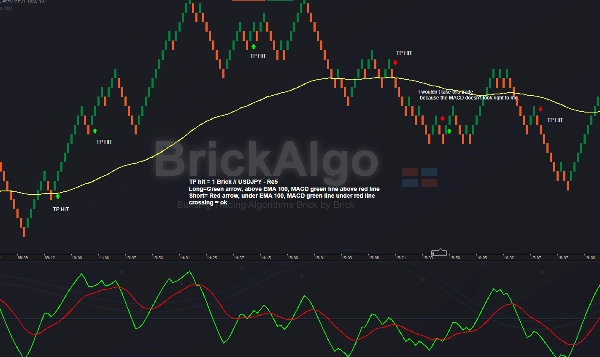
- Use Renko Chart (e.g., Re5): Ensure you are using a Renko chart, such as Re5, which is just an example. The indicator works with different brick sizes. Personally, I trade USDJPY on Re5 and US30 on Re100 and Re200 with this indicator.
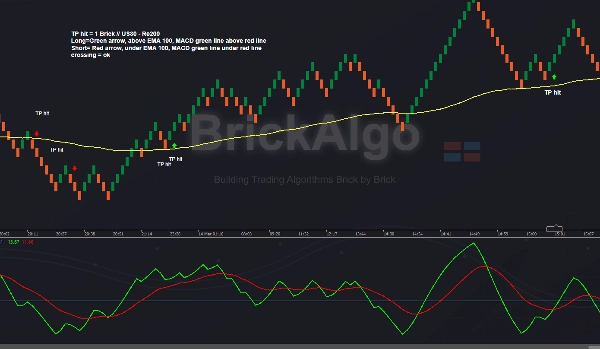
- Adjust Settings: Refer to the provided screenshots for the recommended indicator settings.
- Filter Signals: For better trade confirmation, use MACD as shown in the screenshots, HTF confirmation, Support & Resistance, EMA, or other BrickAlgo indicators like BrickAlgo TrendPulse.
- TP & SL: I use 1 brick size for Take Profit (TP), while Stop Loss (SL) is variable, usually between 1 and 3 bricks.
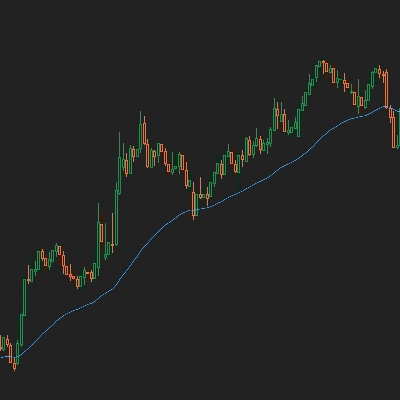
I personally prefer to trade USDJPY on the Re5 chart and use a 100 EMA and MACD, as shown in the screenshots. I use BrickAlgo TrendPulse to take additional trades.