
Renko trading tools
Explore powerful Renko trading tools for cTrader — including indicators and automated trading bots built for Renko chart strategies. Reduce market noise, spot trends earlier and improve trade timing with tools designed specifically for Renko-based trading systems.
Công cụ
So sánh công cụ
Câu hỏi thường gặp








So sánh công cụ
Sản phẩm | Đánh giá | Lượt tải | Lượt bán | Giá | Nền tảng tương thích |
|---|---|---|---|---|---|
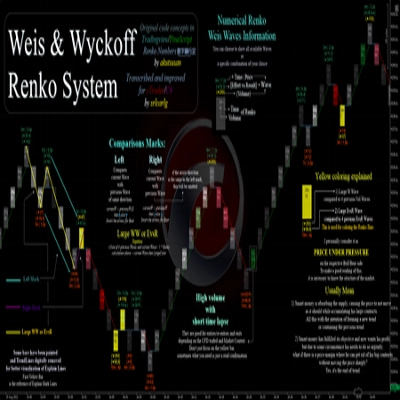
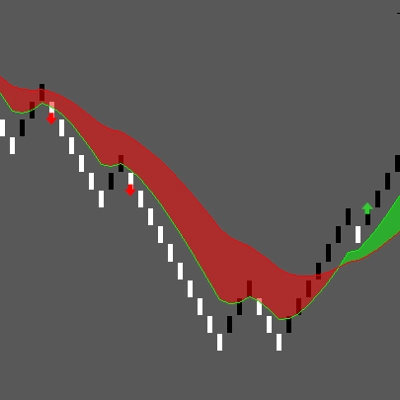
Weis & Wyckoff System v2.0 | 5.0 (3) | 2.59K | — | Miễn phí | Windows, Mac |
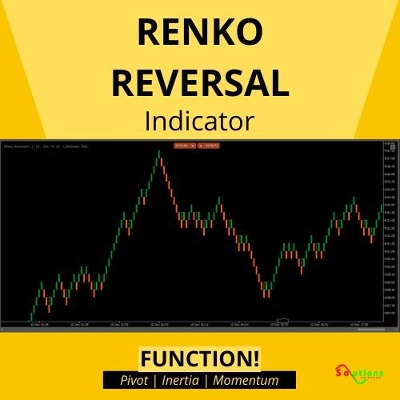
Renko Reversal | 4.3 (3) | — | 16 | $25 | Windows, Mac |
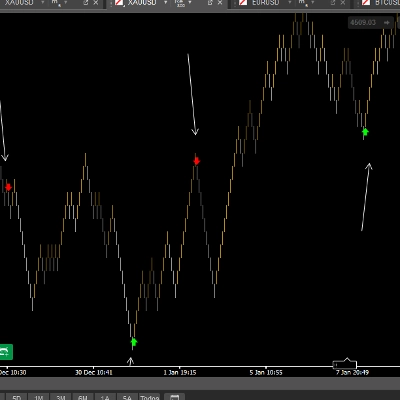
Renko Wicks | 4.6 (5) | 1.86K | — | Miễn phí | Windows, Mac |
SmartArrows AI V2 | 5.0 (3) | — | 9 | $199 | Windows, Mac |
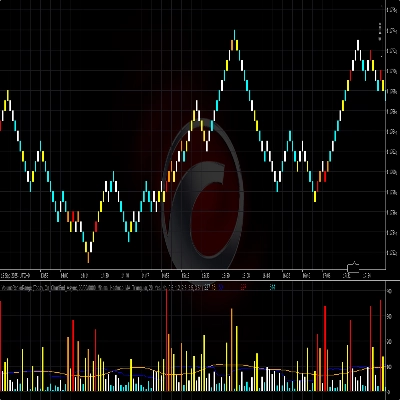
VolumeRenkoRange | 5.0 (1) | 1.53K | — | Miễn phí | Windows, Mac |
renko super scalping | 5.0 (1) | — | 7 | $50 | Windows, Mac |
Period Separator | 5.0 (2) | 422 | — | Miễn phí | Windows, Mac |
RenkoProfit | 5.0 (2) | — | 7 | $20 | Windows, Mac |
Renko 4k Pips | — | 285 | — | Miễn phí | Windows, Mac |
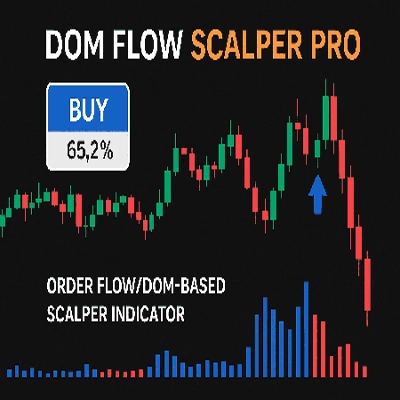
DOMFlowScalperPRO | 3.5 (4) | — | 6 | $75 | Windows, Mac |
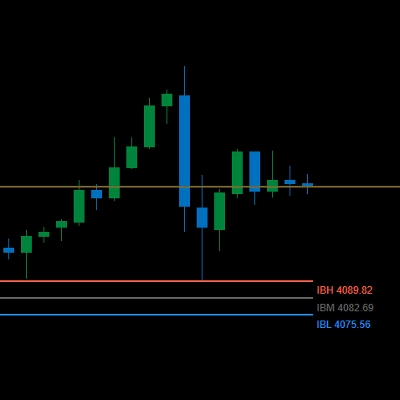
Gold Inicial Balance Basic | — | 257 | — | Miễn phí | Windows, Mac |
VegaXLR - Bar Close Alert Manager | 5.0 (3) | — | 6 | $20 | Windows, Mac |
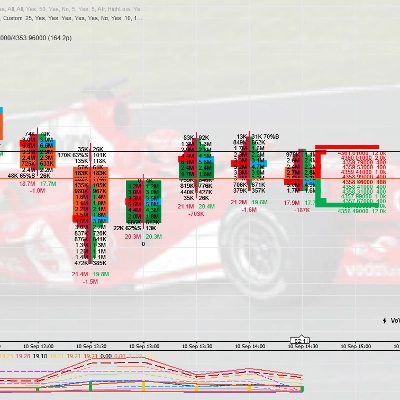
NEW ORDER FLOW MARKET DEPTH | 4.0 (1) | — | 6 | từ $85 | Windows, Mac |
Signal Quality - Score | 5.0 (4) | — | 4 | $24 | Windows, Mac |
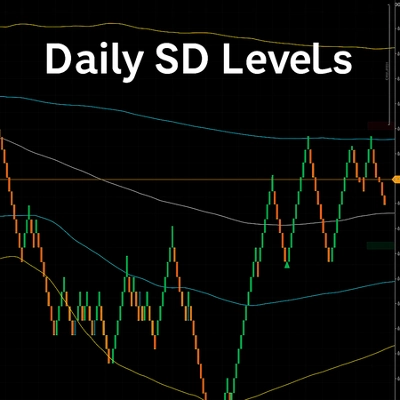
Daily SD Levels - Indicator | 4.3 (3) | — | 4 | $19 | Windows, Mac |
Renko Bands Pro | 4.7 (6) | — | 3 | $19 | Windows, Mac |
Renko Strategy | 3.0 (1) | — | 3 | $500 | Windows, Mac, Mobile, Web |
Price Change Bundle 1.0 BT | 4.0 (1) | — | 2 | $50 | Windows, Mac |
Grid Classic (Renko Chart) | 4.5 (2) | — | 2 | $39 | Windows, Mac, Mobile, Web |
Moving Average PRO | 5.0 (3) | — | 1 | $20 | Windows, Mac |
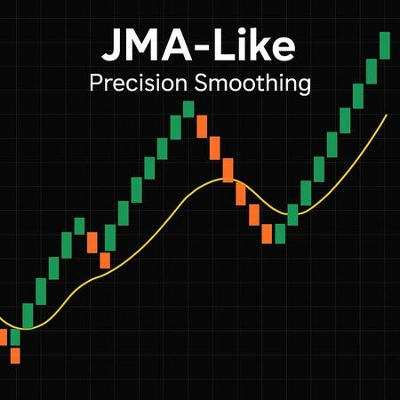
JMA-Like | 5.0 (3) | — | 1 | $19 | Windows, Mac |
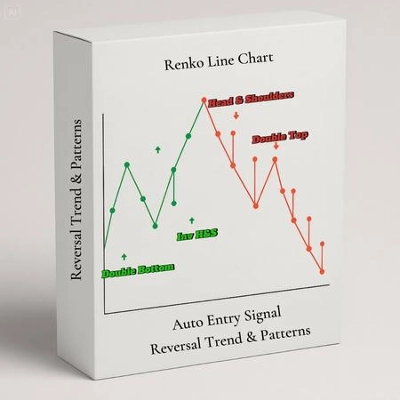
Renko Line Chart | — | — | 1 | $50 | Windows, Mac |
Market Regime_Detector | 4.6 (5) | — | 1 | $23 | Windows, Mac |
Câu hỏi thường gặp
A Renko chart adds a brick only when price travels a set distance, the brick size, so smaller wiggles never appear and time plays no part. Tools in this collection, mostly indicators plus a couple of cBots, add signals, trend readings or alerts on top of those bricks.
Renko is one of cTrader's built-in chart types, so you can open one without any add-on. Store tools add analysis on top, such as indicators drawn on the bricks or a cBot that reacts when a brick completes, and those custom indicators run only in the desktop apps for Windows and Mac.
A brick that is too small on a volatile symbol such as gold brings back the noise the chart was meant to hide. One that is too large reacts late and can give back much of a move, and a price gap can print several bricks at once, so compare sizes on history and a demo account first.
Brick size and symbol should be identical in the chart you studied and the bot's parameters, otherwise the bot acts on bricks you never reviewed. Also check whether a product uses cTrader's own Renko bars or builds bricks from regular candles, since the two can disagree.
Backtest a Renko cBot in cTrader Windows or Mac first, and use Market Replay in cTrader Windows to practise manual decisions on historical prices. A demo account, if your broker offers one, then shows how bricks form on live quotes; once a bot runs on real funds, its trades and losses are yours.