
Description
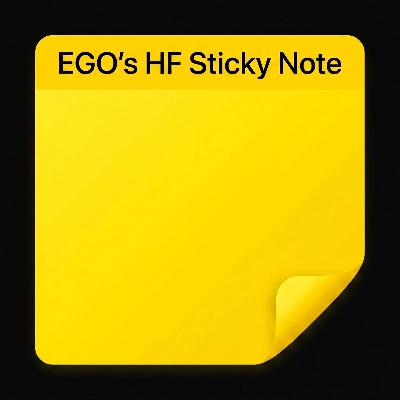
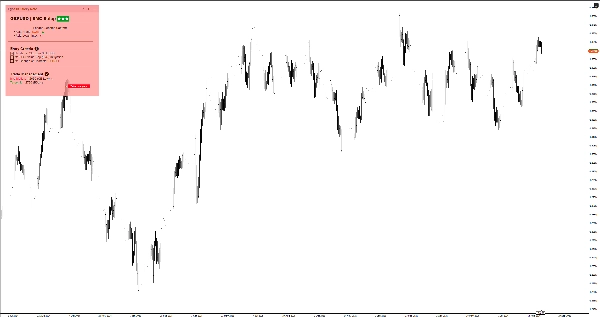
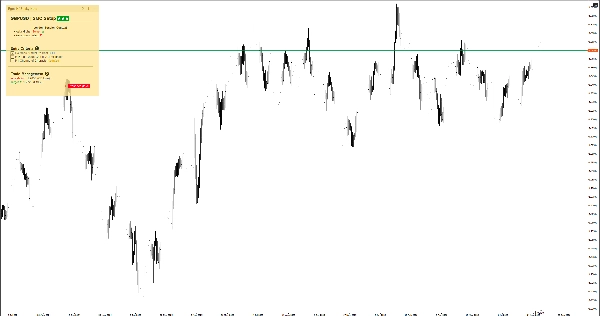
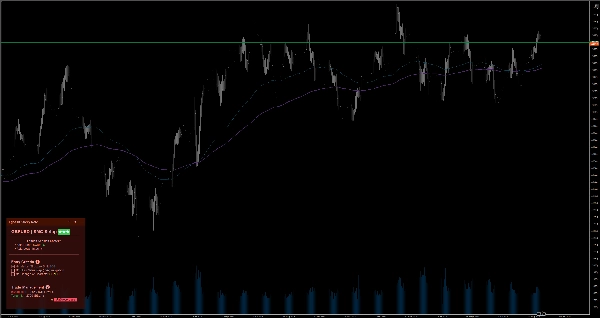
Gardez votre concentration grâce aux notes intelligentes directement sur le graphique. Comprend Markdown, 6 thèmes, et une sauvegarde automatique par symbole pour le trading manuel.
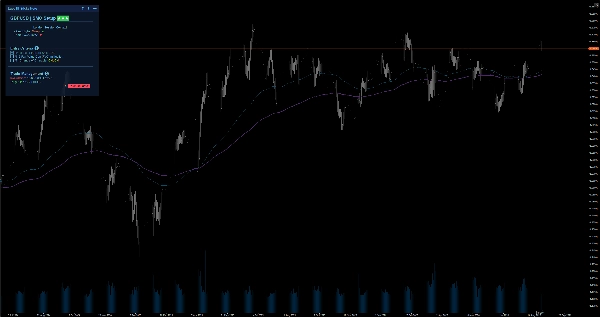
Lorsqu'on passe d'un graphique mensuel à un graphique d'une minute, il est facile de perdre la vue d'ensemble et de faire des trades émotionnels. EgosHf Sticky Note résout ce problème en gardant vos règles, listes de contrôle et biais HTF épinglés directement sur votre écran de travail.
🎯 À qui cela s'adresse-t-il ?
Parfait pour les traders manuels, les praticiens du Price Action/SMC, et les swing traders qui s'appuient sur une discipline stricte, une analyse descendante, et une exécution étape par étape.
💡 Cas d'utilisation typiques
- Analyse descendante : Notez votre biais quotidien/hebdomadaire avant de zoomer sur les périodes d'exécution pour éviter les pièges contre-tendance.
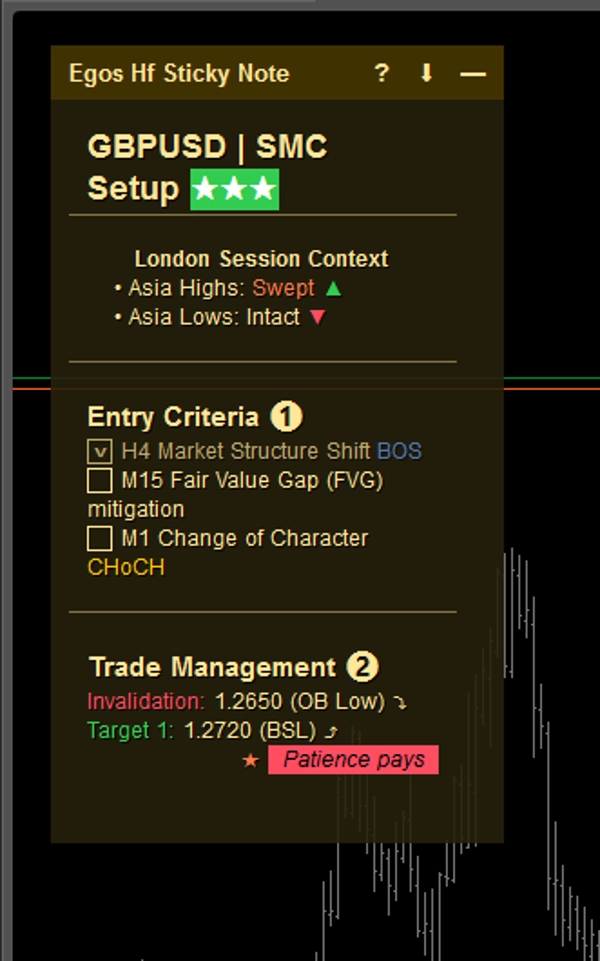
- Listes de contrôle d'entrée : Cochez des critères spécifiques (par ex., alignement EMA, retest d'un niveau clé) avant d'ouvrir une position.
- Gestion des risques : Épinglez vos limites maximales de perte quotidienne ou les avertissements de nouvelles à fort impact à un endroit visible en permanence.
⚡ Fonctionnalités principales & interprétation visuelle
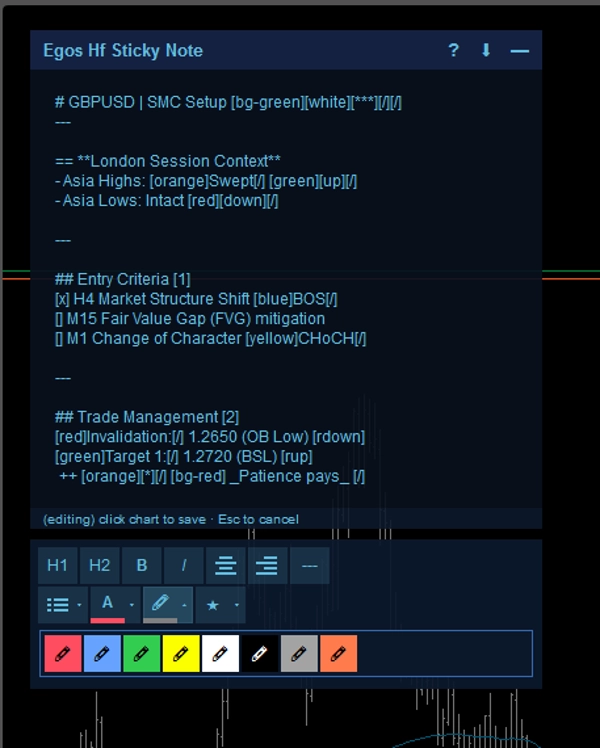
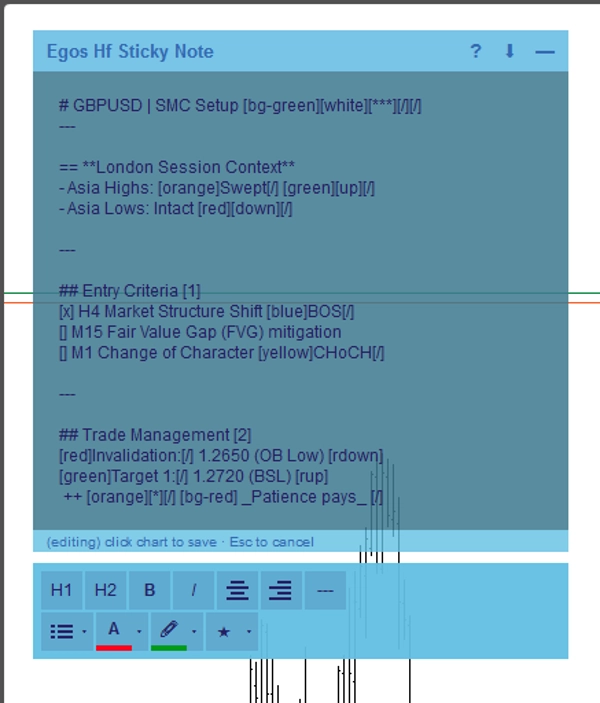
- Formatage Markdown : Créez des notes structurées en utilisant des balises texte simples. Utilisez
#pour les titres,[red]ou[bg-yellow]pour les surlignages colorés, et[x]ou[]pour les cases à cocher interactives. - Sauvegarde automatique spécifique au symbole : Les notes sont sauvegardées automatiquement dans le stockage local de votre appareil par actif. Passez de EURUSD à XAUUSD, et vos notes spécifiques à ce symbole se chargeront instantanément.
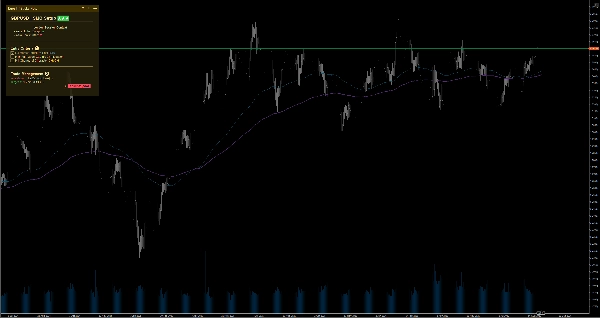
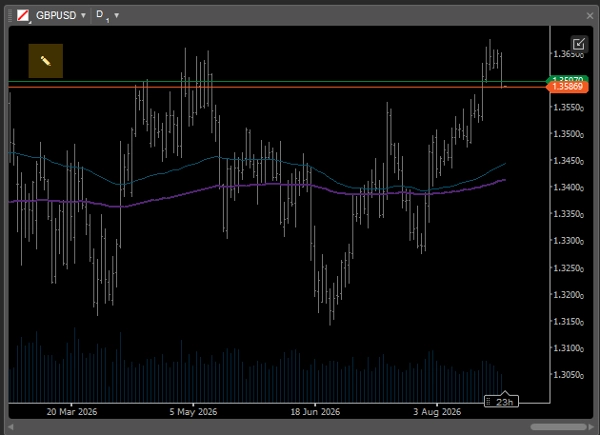
- Interface utilisateur adaptative intelligente : Lors de l'utilisation de mises en page multi-graphique où l'espace écran est limité, la note se replie automatiquement en une icône minimaliste
✎pour ne jamais bloquer l'action des prix. Vous pouvez facilement l'agrandir à tout moment pour revoir vos notes. - Éditeur WYSIWYG : Double-cliquez sur la note pour ouvrir la barre d'outils intégrée pour un formatage rapide du texte.
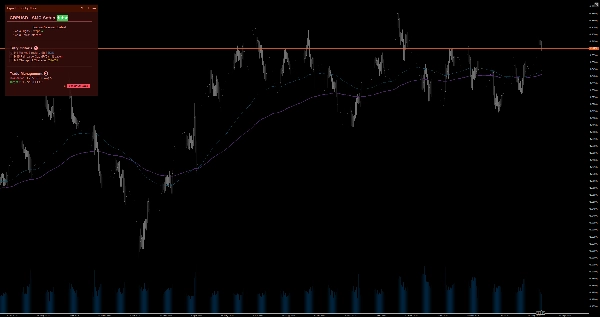
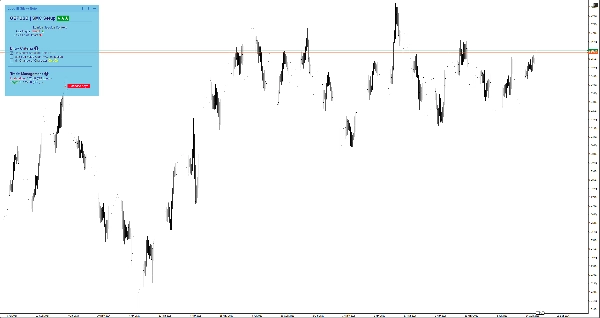
- 6 thèmes de couleur : Choisissez entre les thèmes Clair et Sombre (Jaune, Rouge, Bleu) pour parfaitement assortir votre modèle de graphique sans fatiguer vos yeux. Il suffit de double-cliquer sur l'en-tête de la note pour changer instantanément de thème sans chercher dans les paramètres.
⚙️ Paramètres clés & paramètres
- Placement : Épinglez la note à l'un des 4 coins du graphique (Haut-Gauche, Haut-Droite, Bas-Gauche, Bas-Droite).
- Largeur de repli automatique (px) : Définissez le seuil de largeur du graphique à partir duquel la note se minimise automatiquement.
- Taille & marge par défaut : Définissez votre largeur, hauteur et marges préférées par défaut.
⚠️ Limitations importantes & notes
- Ceci est un outil utilitaire visuel ; il n'analyse pas les données du marché, ne génère pas de signaux de trading, ni n'exécute de transactions.
- Toutes les données sont stockées localement sur votre appareil.
Résumé
The interface adapts to multi-chart layouts by collapsing into a minimal icon to avoid obstructing price action, expandable on demand. A built-in WYSIWYG editor facilitates quick text formatting. Users can choose from six color themes (light and dark variants) to match chart templates. The note can be positioned in any of the four chart corners, with customizable default size, margins, and auto-collapse width threshold.
Typical use cases include documenting daily/weekly bias for top-down analysis, ticking off entry criteria checklists, and pinning risk management limits or news warnings. This tool does not analyze market data, generate signals, or execute trades; it functions solely as a customizable, on-chart note-taking utility.
![Logo de "[Stellar Strategies] Market Session Ultimate"](https://cdn.ctrader.com/image/webp/61ffd537-0125-4246-9e72-42eca1791d64_28232)