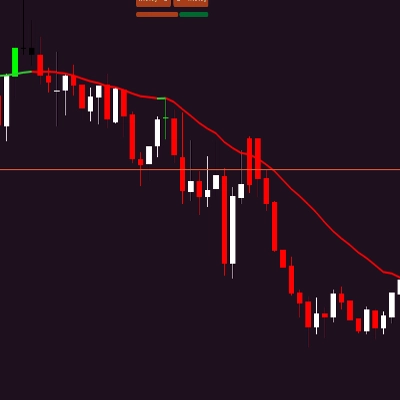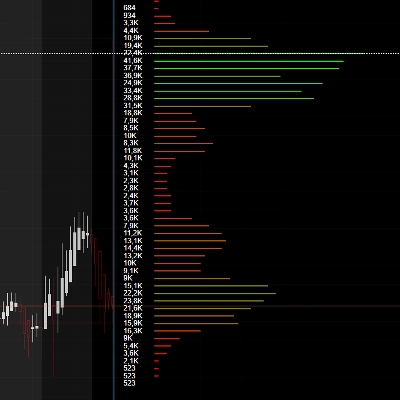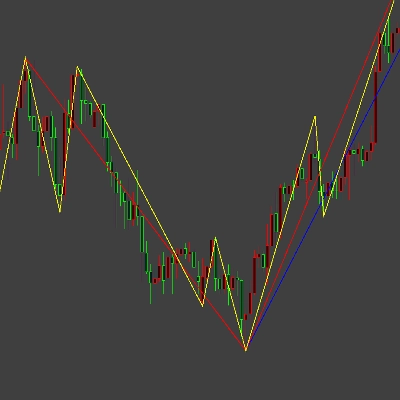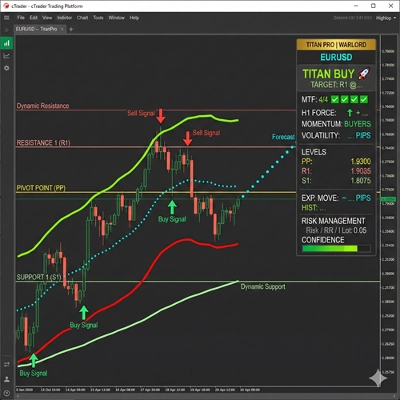
Opis
🔷 Trend Lines Premium Engine
Wielowarstwowa Struktura Rynku i Dynamiczny Wskaźnik Regresji
https://chartshots.spotware.com/c/69d3c949a2e08
📌 Co to jest?
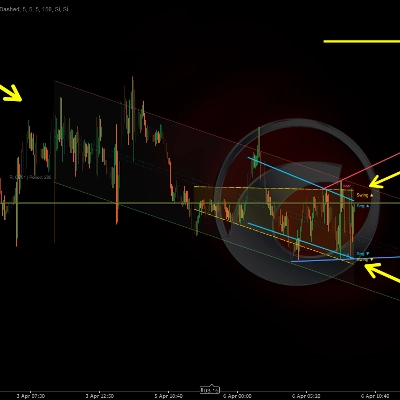
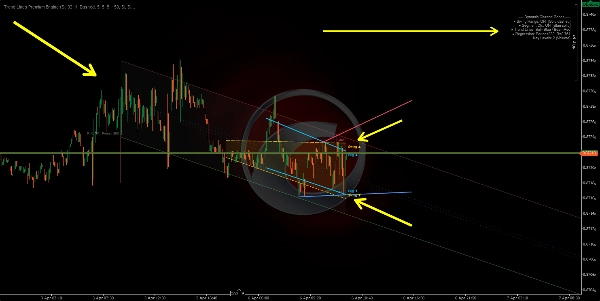
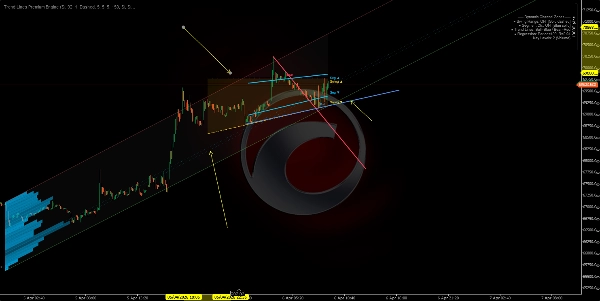
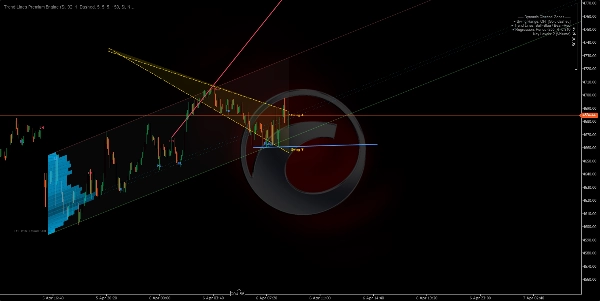
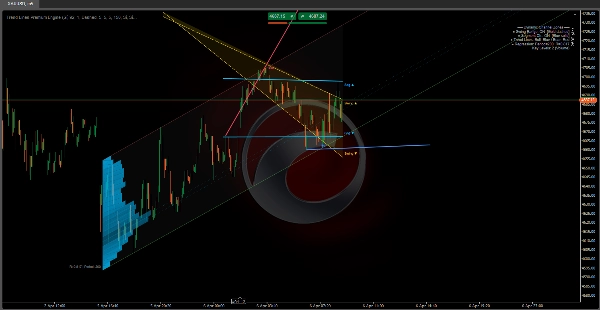
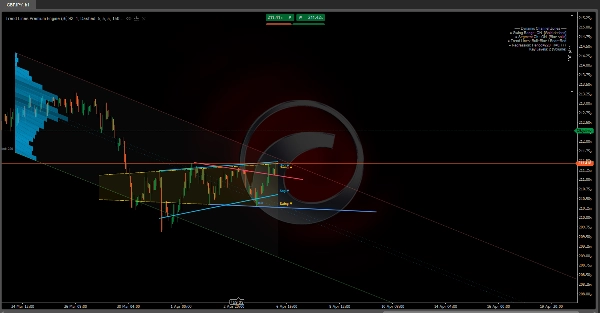
Trend Lines Premium Engine jest wskaźnikiem nakładkowym, który łączy 5 niezależnych modułów w jedno narzędzie. Każdy moduł można włączać lub wyłączać. Mapuje strukturę rynku, dynamiczne kanały oraz strefy regresji oparte na wolumenie bezpośrednio na wykresie cenowym.
Odpowiada na trzy podstawowe pytania:
- Gdzie znajduje się cena w obecnej strukturze?
- Jaki jest dominujący trend i gdzie są punkty przełamania?
- Na jakich poziomach cenowych koncentruje się aktywność?
🧩 5 Modułów
1️⃣ Swing Range Connector
https://chartshots.spotware.com/c/69d3cab9b805b
Wykrywa najnowsze lokalne maksima i minima, a następnie rysuje pochylony kanał łączący najstarszy z najnowszym punktem po obu stronach. Obszar pomiędzy jest wypełniony jako dynamiczna strefa zakresu.
Jak to działa:
- Słup kwalifikuje się jako punkt swing, gdy jego maksimum (lub minimum) jest najbardziej ekstremalne w porównaniu do N słupków przed i N słupków po nim.
- Rysowana jest prosta linia od najstarszego zapisanego punktu swing do najnowszego, tworząc górne i dolne granice.
- Kanał przesuwa się automatycznie za każdym razem, gdy potwierdzony zostanie nowy punkt swing.
Jak to czytać:
- Cena wewnątrz kanału → zdefiniowany zakres strukturalny.
- Przebicie powyżej/poniżej → rozszerzenie zmienności lub zmiana struktury.
- Nachylenie kanału → dominujący kierunek zakresu.
Parametr
Cel
Słupki Przed / Po Swingu
Liczba słupków po każdej stronie potrzebna do potwierdzenia swing. Większa wartość = ważniejsze swingi
Maksymalna liczba punktów swing
Ile swingów przechowywać. Kontroluje głębokość kanału
Okno historii
Jak daleko wstecz rysowany jest kanał
2️⃣ Segment Linear Channel
https://chartshots.spotware.com/c/69d3cb221bba1
Dzieli okno analizy na 5 równych segmentów, znajduje najwyższe maksimum i najniższe minimum w każdym, a następnie dopasowuje linię regresji metodą najmniejszych kwadratów przez te 5 punktów górnych i kolejną przez 5 punktów dolnych.
Jak to działa:
- Okno jest podzielone na 5 części. Z każdej części wyciągany jest jeden reprezentatywny ekstremum.
- Na tych 5 punktach dla każdej granicy stosowana jest regresja liniowa.
- Wynikiem jest kanał dostosowujący się do segmentowanej struktury cenowej zamiast tylko dwóch punktów końcowych.
Jak to czytać:
- Kanał rosnący → strukturalny trend wzrostowy.
- Kanał opadający → strukturalny trend spadkowy.
- Powtarzające się dotknięcia granicy → dynamiczne wsparcie/opór.
Różnica w stosunku do Modułu 1: Swing Range łączy tylko pierwszy i ostatni swing. Segment Channel używa regresji 5-punktowej, co czyni go gładszym i mniej reaktywnym na pojedynczy swing.
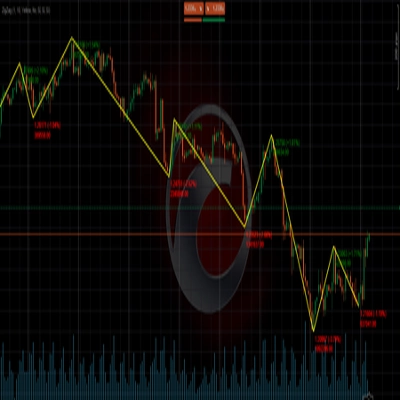
3️⃣ Etykiety Punktów Swing
Wykrywa lokalne maksima i minima i klasyfikuje je do 4 kategorii struktury rynku:
Etykieta
Znaczenie
Wskazuje
HL
Wyższe minimum
Struktura bycza
HH
Wyższe maksimum
Struktura bycza
LH
Niższe maksimum
Struktura niedźwiedzia
LL
Niższe minimum
Struktura niedźwiedzia
Jak to działa:
- Każde nowe minimum jest porównywane z poprzednim minimum. Wyższe → HL. Niższe → LL.
- Każde nowe maksimum jest porównywane z poprzednim maksimum. Wyższe → HH. Niższe → LH.
Jak to czytać:
- HL + HH sekwencja → trend wzrostowy utrzymany.
- LH + LL sekwencja → trend spadkowy utrzymany.
- HL przełamujące LL lub LH przełamujące HH → zmiana struktury (BOS/CHoCH).
Domyślnie wyświetlane są tylko HL i LH, aby wykres był czytelny. HH i LL można włączyć dla pełnej widoczności struktury.
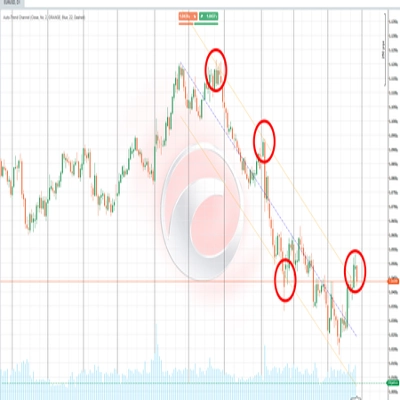
4️⃣ Automatyczne Linie Trendu
https://chartshots.spotware.com/c/69d3cc071272e
Rysuje linie trendu łączące dwa najnowsze lokalne minima (linia bycza) oraz dwa najnowsze lokalne maksima (linia niedźwiedzia). Aktywna linia jest wyraźna; poprzednie linie zanikają.
Jak to działa:
- Wykryto nowe minimum → linia rysowana od poprzedniego minimum do nowego (linia trendu byczego).
- Wykryto nowe maksimum → linia rysowana od poprzedniego maksimum do nowego (linia trendu niedźwiedziego).
- Linia jest przedłużana do przodu o konfigurowalną liczbę słupków.
- Gdy tworzona jest nowa linia, poprzednia zanika do półprzezroczystego koloru.
Sygnały wybicia (opcjonalne): Po włączeniu wskaźnik wykrywa, czy cena zamknięcia przekracza aktywną linię trendu:
- 🔼 Strzałka w górę → wybicie bycze.
- 🔽 Strzałka w dół → wybicie niedźwiedzie.
Parametr
Cel
Maksymalna liczba par linii
Ile par linii ma być widocznych. Ustaw na 1 dla najczystszego widoku
Maksymalna liczba słupków przedłużenia
Jak daleko linia jest przedłużana do przodu. Zapobiega przecinaniu całego wykresu przez linie
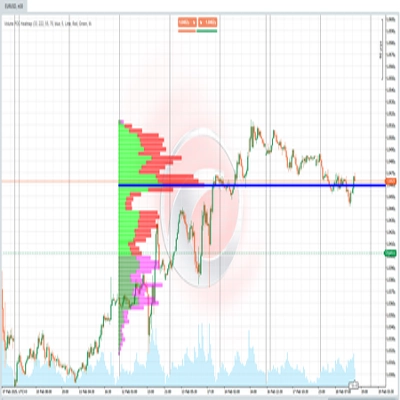
5️⃣ Dynamiczna Strefa Regresji
Najbardziej zaawansowany moduł. Oblicza kanał regresji liniowej na cenach zamknięcia i nakłada profil aktywności (histogram) pokazujący, gdzie wolumen lub dotknięcia koncentrują się w kanale. Oznacza również kluczowe poziomy w strefach o najwyższej aktywności.
A) Kanał regresji:
- Regresja liniowa metodą najmniejszych kwadratów jest stosowana do cen zamknięcia w określonym okresie.
- Obliczana jest odchylenie standardowe cen od linii regresji.
- Górne i dolne pasma są umieszczone w odległości N odchyleń standardowych od środka (domyślnie: 2,0).
- Opcjonalnie obliczane na skali logarytmicznej dla lepszej dokładności na instrumentach o wysokich cenach lub dużej zmienności.
B) Automatyczne wykrywanie okresu:
- Algorytm testuje wiele okresów (50 do 400 słupków) i oblicza współczynnik korelacji Pearsona dla każdego.
- Wybiera okres z najwyższą korelacją — gdzie regresja liniowa najlepiej dopasowuje się do ruchu cen.
- Wartość korelacji jest wyświetlana na wykresie (np. R = 0.85).
C) Histogram aktywności:
- Kanał jest podzielony na poziome sekcje (do 25).
- Dla każdej sekcji algorytm liczy, ile słupków dotknęło tego poziomu cenowego, ważone przez wolumen lub liczbę dotknięć (konfigurowalne).
- Sekcje o wyższej aktywności pojawiają się jako dłuższe, bardziej nieprzezroczyste słupki.
- To ujawnia Punkt Kontroli (POC) oraz strefy wysokiej/niskiej aktywności w kanale.
D) Kluczowe poziomy:
- Sekcje o najwyższej aktywności są rzutowane do przodu jako linie poziome.
- Funkcjonują jako wsparcie i opór oparte na wolumenie w kontekście regresji.
Jak to czytać:
- Cena blisko górnego pasma → statystycznie wykupiona strefa.
- Cena blisko dolnego pasma → statystycznie wyprzedana strefa.
- R bliskie 1 lub -1 → silny, wiarygodny trend liniowy. R bliskie 0 → rynek boczny lub regresja nieistotna.
- Kluczowe poziomy działają jak magnesy cenowe — strefy z historyczną koncentracją aktywności mają tendencję do przyciągania ceny z powrotem.
🎯 Przypadki użycia
Przypadek użycia
Moduły
Identyfikacja struktury rynku (bycza/niedźwiedzia/zasięg)
Etykiety Swing + Linie Trendu
Wykrywanie dynamicznego wsparcia i oporu
Swing Range + Segment Channel
Znajdowanie stref wartości według wolumenu
Regression Zone + Key Levels
Potwierdzanie przełamań struktury
Trend Lines + Breakout Signals
Pomiar siły trendu
Korelacja Pearsona (Regression Zone)
⚙️ Zalecane ustawienia według stylu
Styl
Sugerowane moduły
Scalping (M1–M15)
Etykiety Swing + Linie Trendu
Intraday (M15–H1)
Wszystkie moduły
Swing Trading (H4–D1)
Swing Range + Regression Zone + Key Levels
Czysta analiza struktury
Tylko Etykiety Swing + Linie Trendu
⚠️ Ważne uwagi
Podsumowanie
The five modules include:
1. Swing Range Connector: Detects recent swing highs and lows to draw a sloped channel representing the structural range.
2. Segment Linear Channel: Divides the analysis window into five segments, fitting regression lines through highs and lows for a smoother channel.
3. Swing Point Labels: Classifies swing highs and lows into four market structure categories (Higher High, Higher Low, Lower High, Lower Low) to indicate bullish or bearish trends and structure shifts.
4. Automatic Trend Lines: Connects the two most recent swing highs and lows with trend lines, highlighting active lines and optionally signaling breakouts.
5. Dynamic Regression Zone: Calculates a linear regression channel on closing prices with an activity histogram showing volume or touch concentration, marking key volume-based support and resistance levels.
The indicator supports various trading styles, recommending specific module combinations for scalping, intraday, swing trading, and pure structure analysis. It requires price bars and volume data and provides visualizations and signals including breakout, trend strength, and level touches or breaks.