

Description
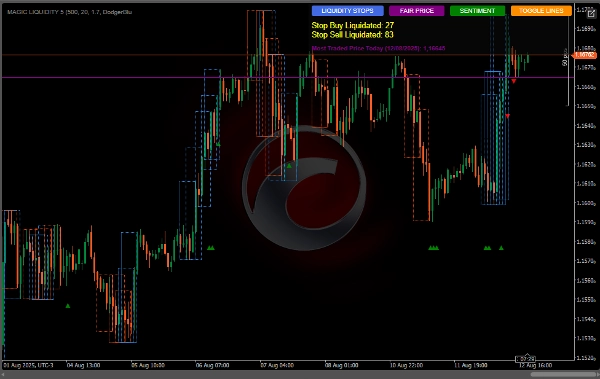
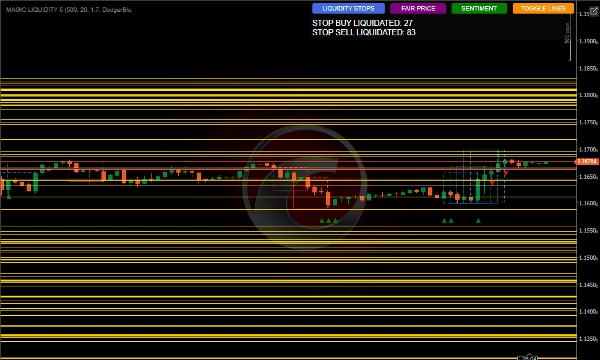
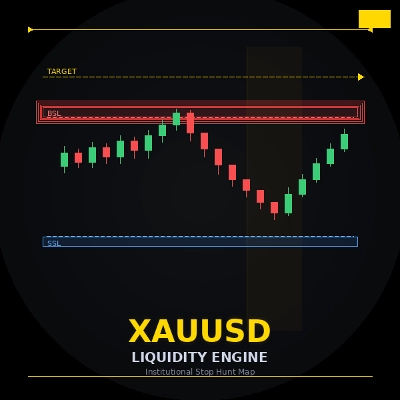
The MagicLiquidity indicator is an advanced tool that identifies liquidity zones, order blocks, and stop-loss levels in the market, helping traders identify key support/resistance areas and potential reversal points.
Main Concepts
Order Blocks: Areas where large market participants may have placed significant orders
Liquidity Pools: Levels where there is a concentration of stops or pending orders
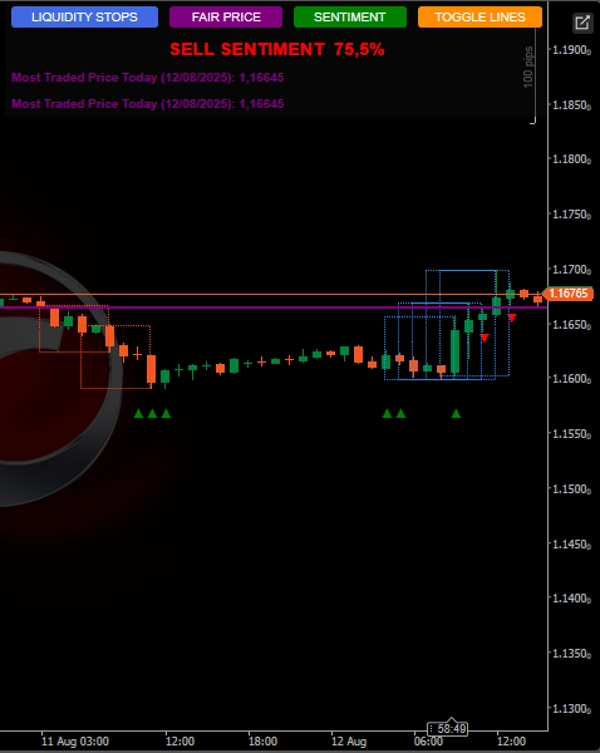
Most Traded Price Fair Price: The price level with the highest trading volume of the day
How the Indicator Works
Order Block Identification
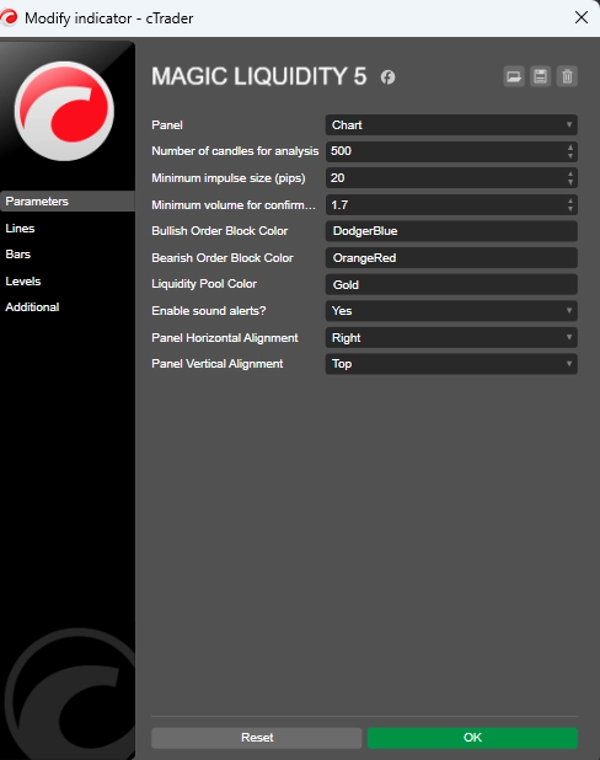
Detects impulsive movements a configurable minimum size in pips
Identifies consolidations after these movements
Classifies as a bullish or bearish block based on the direction of the impulse
Liquidity Pool Detection
Identifies highs and lows in the analyzed period
Tracks levels above and below the current price
Counts how many liquidity pools have been liquidated reached
Information Panel
Shows the count of buy/sell stops liquidated
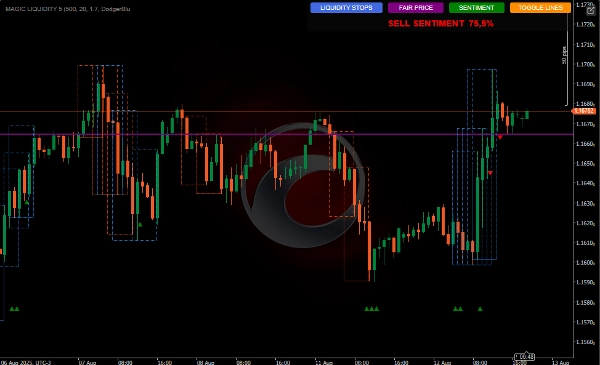
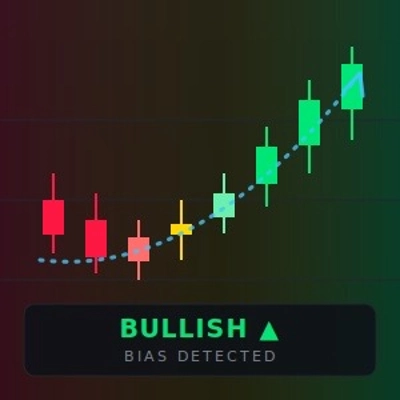
Displays market sentiment bullish/bearish
Shows the most traded price day
Allows you to enable/disable the display of lines
Volume confirmation
Reversal pattern
Stop loss above the block
Trading Liquidity
Buy Stop Liquidation: When the price reaches a liquidity pool above:
May indicate buying exhaustion - prepare to sell
Entry after reversal confirmation
Sell Stop Liquidation: When the price reaches a liquidity pool below:
May indicate selling exhaustion - prepare to buy
Entry after reversal confirmation
Using Sentiment
When there are more liquidity pools liquidated above: bias Sell-side
When there are more liquidity pools liquidated below: buy bias
Use as a filter to align trades with prevailing sentiment
Most Traded Price (Fair Price)
Can serve as a breakeven level
Trades above: bullish bias
Trades below: bearish bias
Can be used as a target or reversal point
.
Summary
Key features include detection of liquidity pools—areas with concentrated stop or pending orders—above and below the current price, and tracking how many of these pools have been liquidated. An integrated information panel displays the count of buy and sell stops liquidated, market sentiment bias (bullish or bearish), and the most traded price of the day, which serves as a fair price reference.
The tool supports volume confirmation and reversal pattern recognition, offering stop-loss placement guidance above order blocks. It interprets buy stop liquidation as potential buying exhaustion signaling a sell opportunity after reversal confirmation, and sell stop liquidation as potential selling exhaustion signaling a buy opportunity.
Market sentiment is derived from the relative liquidation of liquidity pools, providing a bias filter for trade alignment. The most traded price can act as a breakeven level, target, or reversal point, with trading above it indicating bullish bias and below it indicating bearish bias.
Customer reviews
Discussion
FAQ
















Price