Descrição
📊 Trading Pro Market
https://chartshots.spotware.com/c/69f0ec41d4cfc
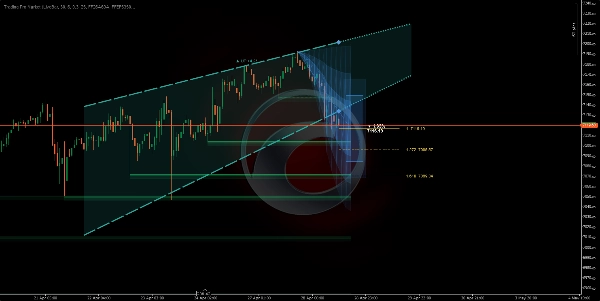
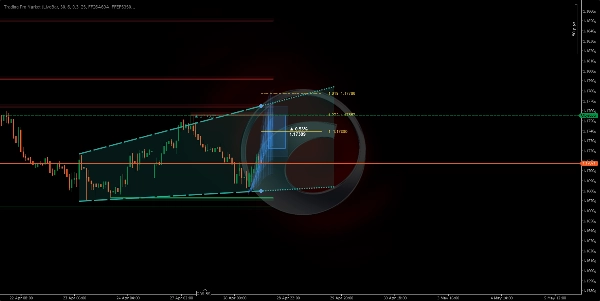
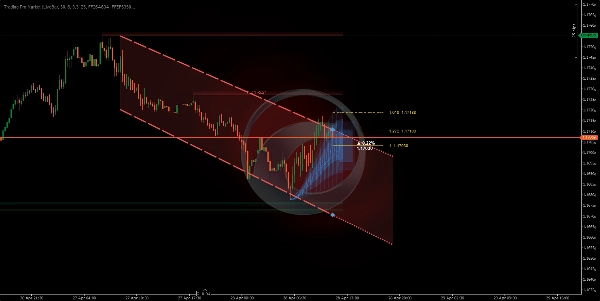
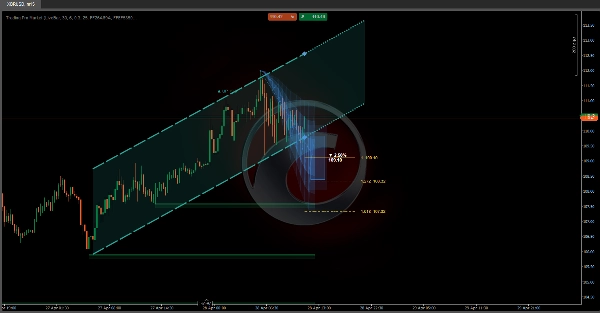
Canal de tendência + previsão de preço + zonas automáticas de suporte e resistência — tudo em um único indicador sobreposto
🔍 O que é?
https://chartshots.spotware.com/c/69f0ec1fa9930
Trading Pro Market é um indicador avançado de análise técnica que combina três motores independentes em uma única ferramenta: um canal de tendência com projeção futura, um sistema de previsão de preço baseado em padrões históricos de movimento e um detector automático de zonas de suporte e resistência. Tudo é exibido diretamente no gráfico de preços — sem necessidade de painel separado.
📐 Módulo 1 → Canal ICP🔮 Módulo 2 → Previsão MFP 🧲 Módulo 3 → Zonas S/R
https://chartshots.spotware.com/c/69f0ec8faa957
📐 Módulo 1 — Canal de tendência (ICP)
⚙️ Como ele detecta a tendência?
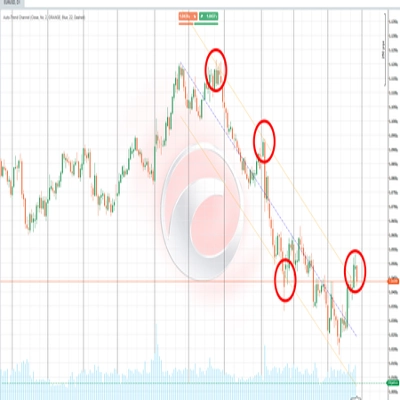
O indicador divide as barras visíveis em blocos de tempo (padrão: 30 barras por bloco, 6 blocos no total). Dentro de cada bloco, calcula o ponto médio geométrico entre a máxima mais alta e a mínima mais baixa usando uma escala de preço logarítmica. Em seguida, conecta esses pontos médios entre os blocos para determinar se o preço está em tendência de alta, baixa ou lateral.
A inclinação dessa linha de conexão é convertida em um ângulo expresso em graus. Se o ângulo ficar abaixo do limite configurado (padrão 0,3°), o mercado é classificado como lateral. Acima desse limite, o indicador atribui uma direção de alta ou baixa.
💡 A volatilidade é medida usando o estimador Yang-Zhang — uma fórmula estatística que utiliza preços de abertura, fechamento, máxima e mínima para calcular a verdadeira volatilidade do mercado. Esse número normaliza os ângulos para que o canal se comporte de forma consistente em qualquer ativo ou período.
🎨 O que ele desenha no gráfico?
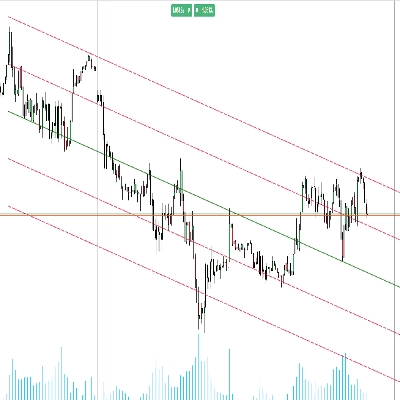
Ele traça duas linhas formando o canal (teto e piso), com uma zona preenchida sombreada entre elas. À direita, o canal se estende como uma projeção pontilhada seguindo a inclinação atual. As cores mudam automaticamente com base na direção:
🟢 Verde — tendência de alta🔴 Vermelho — tendência de baixa⬜ Cinza — mercado lateral
🔁 Máquina de estados — onde o preço está dentro do canal?
O indicador acompanha a posição em tempo real do preço de fechamento em relação aos limites do canal e classifica a situação em cinco estados distintos:
🟦 Dentro→⚡ Rompimento→📏 Distanciado→↩️ Reteste→✅ Confirmado
Cada estado é descrito em texto simples no painel de informações do gráfico, junto com a distância percentual até o teto ou piso do canal em qualquer momento.
🔮 Módulo 2 — Previsão de movimento (MFP)
⚙️ Como ele gera a previsão?
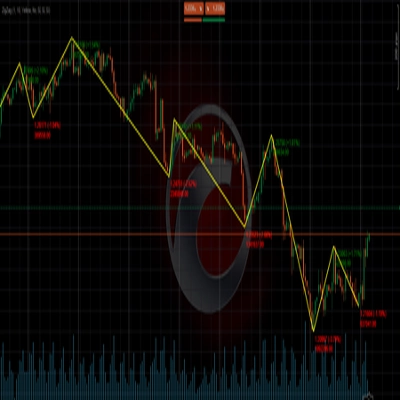
O motor detecta pivôs significativos de preço (máximas e mínimas locais) olhando para trás um número configurável de barras. Cada pivô confirmado registra dois pontos de dados: a porcentagem do movimento de preço completada e o número de barras que levou. Até 20 movimentos históricos são armazenados, e o próximo movimento esperado é calculado usando um de três métodos:
⚖️ Ponderado — movimentos recentes têm mais peso➕ Média simples — todos os movimentos têm peso igual📊 Mediana — valores extremos são filtrados
🎨 O que ele desenha no gráfico?
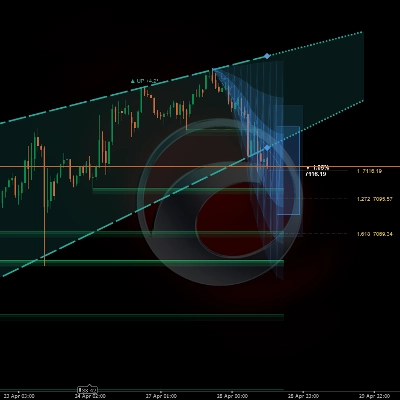
Três elementos visuais opcionais são projetados para o futuro com base na origem do pivô atual:
1
🔵 Zona de projeção: três camadas de opacidade decrescente que ilustram a faixa provável do movimento. Um cone mais amplo significa maior incerteza baseada na variância histórica.
2
🎯 Caixa de alvo: um retângulo colocado no preço estimado de destino, com o movimento percentual esperado e o nível exato de preço rotulados em texto.
3
📏 Níveis de Fibonacci: linhas horizontais projetadas da origem ao destino usando razões configuráveis (padrão: 1.0, 1.272, e 1.618).
⚠️ A previsão não prevê o futuro. É uma média estatística de movimentos passados semelhantes. Seu valor está em estabelecer expectativas realistas para magnitude e duração — não como um sinal isolado de entrada ou saída.
🧲 Módulo 3 — Zonas de suporte e resistência
⚙️ Como ele detecta as zonas?
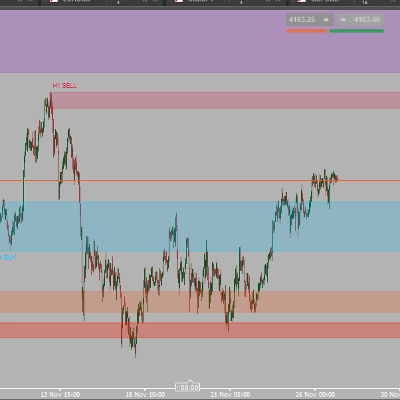
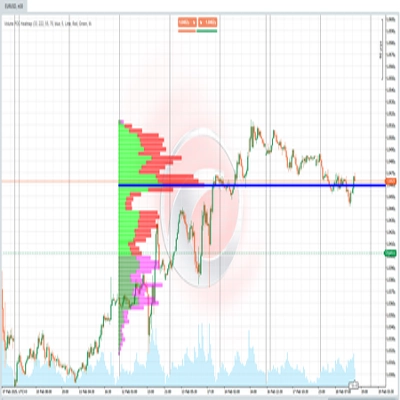
Cada vez que um pivô é confirmado, o indicador desenha uma zona horizontal usando o ATR (Average True Range) para determinar a espessura da zona. Zonas de resistência são desenhadas em vermelho, zonas de suporte em verde — ambas com duas camadas de opacidade para criar profundidade visual e clareza.
As zonas se comportam dinamicamente: se o preço fechar do outro lado da zona, ela é marcada como "quebrada" — mudando para uma linha pontilhada com opacidade reduzida. As zonas desaparecem automaticamente após o número de barras configurado em "Vida útil da zona".
🚀 Como usar
1
Confirme a tendência: verifique a cor e direção do canal. O ângulo em graus indica a força da tendência — um ângulo mais íngreme significa mais momentum.
2
Leia o estado do preço: o painel de informações no gráfico descreve se o preço está dentro, rompendo ou retestando o limite do canal em tempo real.
3
Avalie a projeção: o cone e a caixa de alvo fornecem uma referência de onde e quão longe o preço pode se mover, com base na biblioteca de padrões históricos acumulada durante a sessão.
4
Respeite as zonas: caixas de S/R não quebradas marcam níveis de preço onde o mercado já reagiu anteriormente. Uma zona que não foi perfurada tem mais importância do que uma já rompida.
🖥️ Compatibilidade e requisitos
✅ cTrader✅ cAlgo API✅ Qualquer ativo✅ Qualquer período✅ Sobreposição de preço
Não é necessário acesso à internet ou permissões especiais. Todos os cálculos são realizados localmente usando os dados de preço já disponíveis na plataforma.
⏱️ Para melhores resultados, use em períodos de 15 minutos ou superiores. Em períodos muito baixos (1–5 minutos), o ruído do mercado pode produzir pivôs com baixa confiabilidade estatística, reduzindo a qualidade tanto das zonas de S/R quanto da previsão.
Resumo
1. Trend Channel (ICP): Divides visible bars into time blocks, calculates geometric midpoints on a logarithmic price scale, and connects these to identify trend direction (bullish, bearish, or ranging) with a slope angle. It visualizes the trend channel with color-coded lines and shaded zones, projecting the channel forward. The indicator tracks the price’s position relative to the channel, classifying it into five states (Inside, Breakout, Distanced, Retest, Confirmed) displayed on an info panel.
2. Movement Forecast (MFP): Detects significant price pivots and analyzes up to 20 historical moves to statistically estimate the next price movement using weighted, average, or median methods. It projects a probabilistic range (Projection Zone), a target price box with expected move percentage, and Fibonacci levels for reference.
3. Support & Resistance Zones: Automatically identifies horizontal support and resistance zones based on confirmed pivots and ATR for zone thickness. Zones are color-coded (green for support, red for resistance), dynamically update when broken, and expire after a configurable lifespan.
All calculations are performed locally without internet access or special permissions. The tool provides visual signals for trend strength, breakout, and key level interactions directly on the price chart.
Conversa
Avaliações de clientes
5 | 33 % | |
4 | 67 % | |
3 | 0 % | |
2 | 0 % | |
1 | 0 % |










![Logótipo de "Gaussian Channel [Iridio Capital]"](https://cdn.ctrader.com/image/webp/2c4f9ca9-4e9b-476d-b5a6-787c8095032b_61546)