Brokers & props
For business
00
Days
:
00
Hours
:
00
Minutes
:
00
Seconds
ICT Killzone and Sessions high_low
"ICT Killzone and Sessions high_low" logo
Since 19/11/2024
Sales
15
Free installs
3178
"ICT Killzone and Sessions high_low" uploaded image"ICT Killzone and Sessions high_low" uploaded image"ICT Killzone and Sessions high_low" uploaded image"ICT Killzone and Sessions high_low" uploaded image

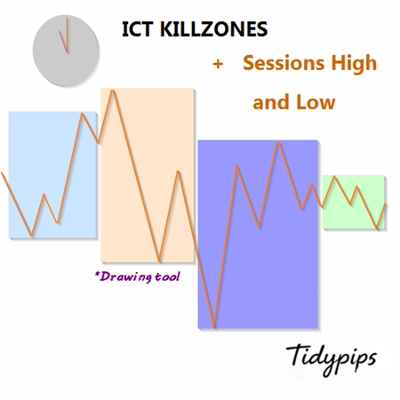
It allows users to mark the opening and closing times of major trading sessions—Asian, London, New York, and London Close—with customizable colors, styles, and thicknesses. This indicator draws high and low trendlines for each session, providing insights into market behavior. With user-friendly drag-and-drop(+Alt Key) functionality it makes plotting sessions highand low quick. Perfect for both novice and experienced traders, this indicator makes it easier to navigate the complexities of different market sessions.

Features

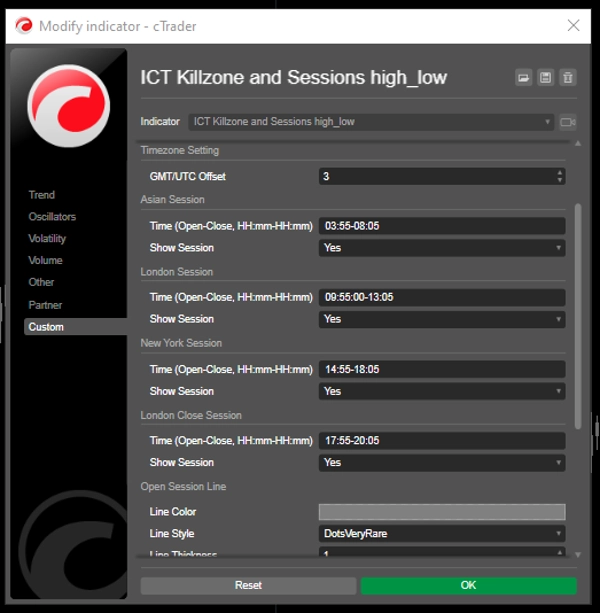
Customizable Session Times: Users can define the opening and closing times for major trading sessions (Asian, London, New York, and London Close), allowing for tailored visualization that fits their trading strategies.

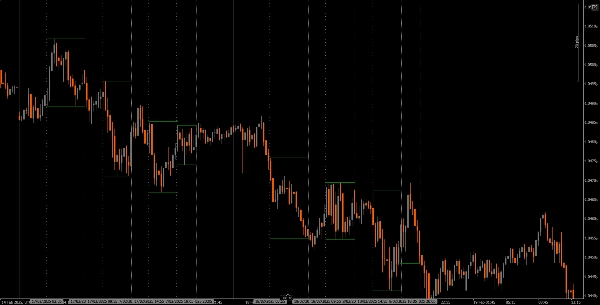
Dynamic Vertical Lines: The indicator draws vertical lines at session open and close times, making it easy to identify key market events at a glance.

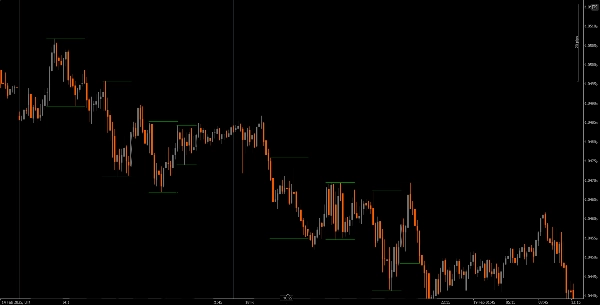
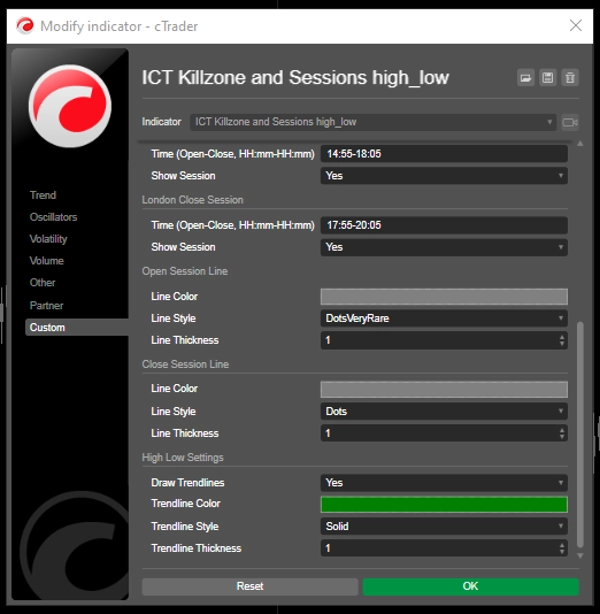
Trendline Visualization: It can automatically draw high and low trendlines for each session, allowing traders to see potential support and resistance levels based on session price action.

User-Friendly Drag-and-Drop(+Alt Key): The drag-and-drop(+Alt Key) functionality enables traders to easily select specific time ranges to analyze, enhancing the overall user experience.

Session Labels: The option to display labels next to session trendlines adds clarity, helping traders quickly identify which session they are analyzing.

Timezone Adjustment: Users can set a GMT/UTC offset, ensuring that session times are accurately represented according to their local time zone.

Tutorial
Installation: Download and install the The ICT Killzone and Sessions high_low indicator on your cAlgo platform.
Setup: Open the settings to customize your session times, colors, line styles, and thickness according to your preferences.
Using the Indicator: Click and drag (+ Alt Key)on the chart to create a rectangle that encompasses the time range you want to analyze. The indicator will automatically draw vertical lines and trendlines for the specified sessions.
Analyze: Observe the session lines and trendlines as you trade. Use this information to identify potential support and resistance levels based on session dynamics.

Recommended Companion Tools
cTrader: The native platform for cAlgo, providing a seamless experience for using and customizing indicators.
Market Analysis Tools: Combine this indicator with market analysis tools, such as moving averages or oscillators, to enhance your trading strategy.
Risk Management Tools: Use position size calculators and stop-loss tools to effectively manage risk while trading.
By integrating the The ICT Killzone and Sessions high_low indicator with these tools, traders can improve their market analysis and increase their chances of success in navigating the complexities of different trading sessions.

3.7
Reviews: 4
5
50 %
4
25 %
3
0 %
2
0 %
1
25 %
Customer reviews
November 6, 2025
not working
July 27, 2025
I applied it to the chart but nothing is appearing. Could you guide me?
July 9, 2025
Pros: Highlights ICT Killzones and session highs/lows. Clear, customizable, GMT/DST support. Helps plan entries and exits. Cons: No alerts or tooltips. No history of previous zones. Requires additional confirmation tools for trading.
April 21, 2025
great idea. works well
More from this author
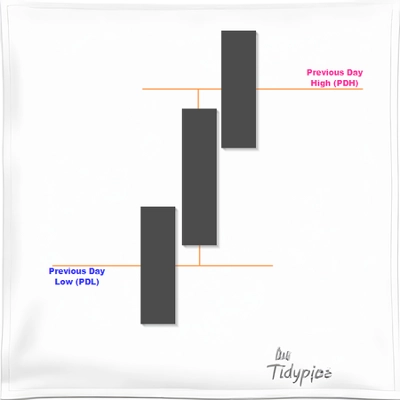
Previous Day Liquidity Zones (PDH - PDL)
Useful indicator for traders who want to visualize key price levels based on previous daily highs and lows.
Indicator
XAUUSD
Commodities
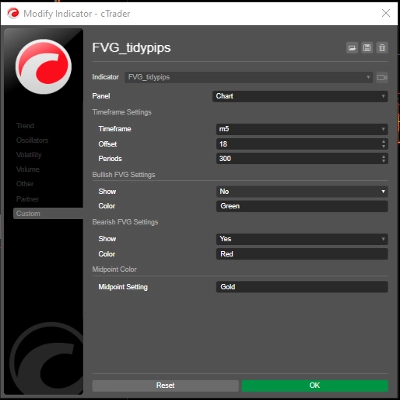
FVG_tidypips
A Fair Value Gap (FVG) indicator that identifies potential price imbalances, potential reversal and continuation zones
Moving Average channel
This indicator is designed to display customizable moving averages (MAs) on a chart.
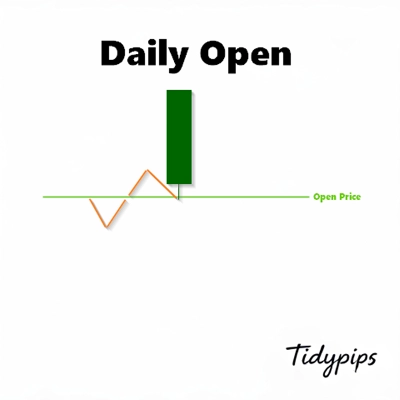
Daily Open Pivot Level
This indicator is a valuable tool for traders looking to identify significant opening price level of any asset.
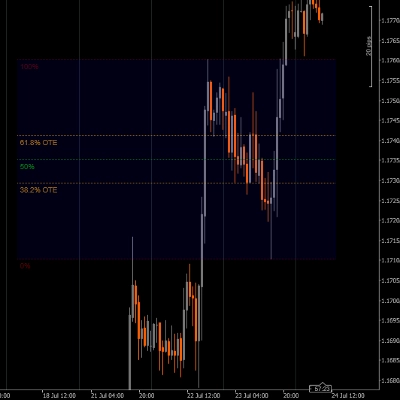
Drawing Utility
A rectangular box with 5 adjustable Fibonacci level or even custom ones.
Indicator
XAUUSD
Commodities
True Open Pivot Levels
This indicatorFull Description: Th shows the open price lines at key market times based on Eastern Standard Time (EST).
Previous Day Equilibrium (Premium & Discount)
Plots the equilibrium price levels based on previous daily highs and lows.
You may also like
E7 Polynomial Regression Channel
Polynomial Regression Channel which also reflects the volatility of the underlying asset.
Indicator
NZDUSD
Forex
EURUSD
+2
4 RCS Relative Strength w Alerts_NSC
Forex Strength Meter for cTrader: 4 custom currencies, cross alerts, visual arrows. Trade smarter!
vpdi
VPDI (open, close, high and low with % of the previous day and price changes in % of the previous day's close)
Volume Edge Pro
Pro Volume Profile with Delta, Session Filters & CSV Export. Precision order flow analysis.
Indicator
XAUUSD
Commodities
Forex
+4
GoldLine_V1.2
Advanced price levels! Rounded prices with full style settings. Suitable for all currency pairs and timeframes.
Indicator
Indices
Prop
Stocks
+3
4MA
This indicator consists of 3 moving averages that can be configured to your liking, from the type of moving average....
Indicator
Indices
Prop
Stocks
+3
Fractals
Fractals is a precision-engineered trading indicator for cTrader that reveals the hidden architecture of price action.
Indicator
Breakout
3 Bar Triangle by Linda Raschke
3 bar triangle = high below 2 day high, low above 2 day low
IR Macd + MacdLine
some user add moving average to macd to see better. in ctrader 4.3.11 there is a problem with this . I make a macd tha
Indicator
Indices
Prop
Breakout
+3
RVI
A precision-crafted indicator that compares current volume to its historical average for the same time of day.
Indicator
Breakout
ATR
Scalping
Trend Volatility Trail
A volatility-adaptive trend-following indicator that dynamically adjusts to market conditions.
Indicator
NAS100
NZDUSD
XAUUSD
+10
Inside CandlePRO
Inside Candle PRO - Professional Inside Bar Pattern Detector
Candle Timer & Strength
Candle Timer & Strength for cTrader Description: Candle Timer & Strength is a powerful and intuitive indicator for cTrad
Indicator
Indices
Prop
Stocks
+3
Smooth Heiken Ashi
The Smooth Heiken Ashi indicator is a refined charting tool designed to filter out market noise and highlight true price
Indicator
NAS100
XAUUSD
Commodities
+11
WHT AIRRA
Indicator that auto-calculates SL/TP via volatility. 3 layers: digital filtering, recursive Bayes, adaptive factor
Tabajara corrigido[fix]
corrigido todos os bugs e cores invertidas tabajara antigo deleetado
Indicator
Indices
Prop
Stocks
+3
[Hamster-Coder] Moving Average MTF
Universal multi time frame 'Moving Average' indicator with extended features
Indicator
Breakout
AutoLines™ Support & Resistance
FlexSR auto‑detects pivot highs/lows to plot dynamic support & resistance lines Features customizable styling and option