Açıklama
Trading Sessions Suite — [BeyondTrading] tarafından
Çoğu trader fiyatı izler. En iyi traderlar ise fiyatın hangi seans tarafından oluşturulduğuna göre göreceli olduğunu izler. Trading Sessions Suite size bu bağlamı anında sunar — araç değiştirmeden, zihinsel hesaplama yapmadan, saate bakmadan.
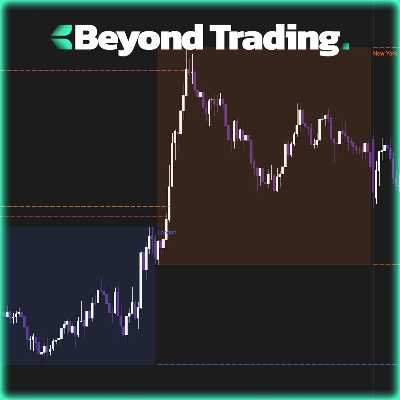
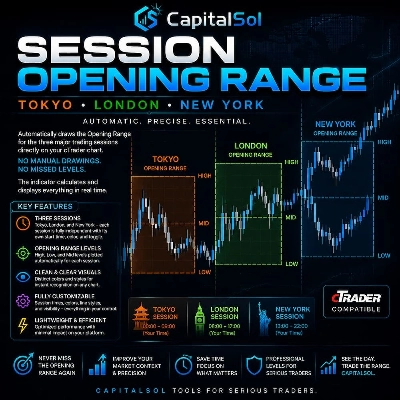
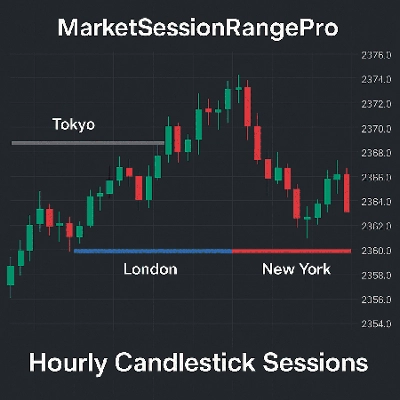
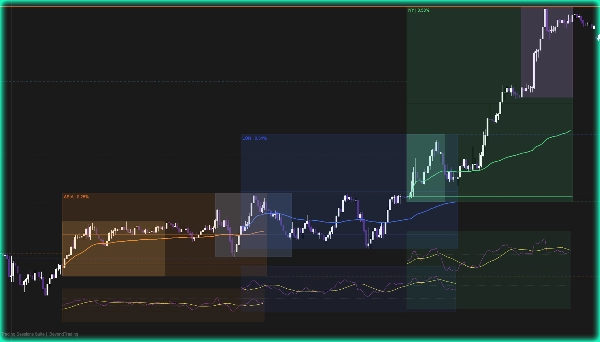
Bir seans açıldığı anda, kutusu oluşmaya başlar. Aralığın gerçek zamanlı olarak oluştuğunu görürsünüz, seans açılışı referans seviyesi olarak işaretlenir, yeni yüksek ve düşükler oluşurken denge orta çizgisi güncellenir ve o seansın ilk barına dayalı bir VWAP bulunur. Seans kapandığında, yüksek ve düşük değerler bir sonraki seansa kesikli çizgilerle uzatılır — böylece yeni fiyat hareketinin önceki aralığı kabul edip etmediğini hemen anlarsınız.
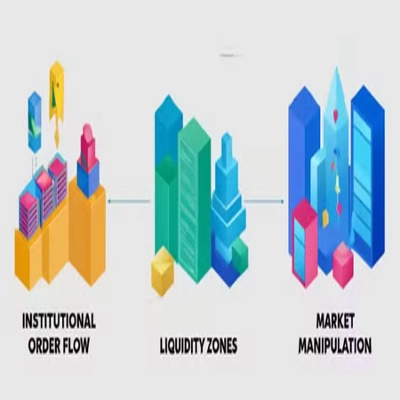
Kill zone’lar doğrudan her seans grubunun içinde gösterilir: Asya açılışı, Londra açılışı, New York açılışı ve New York kapanışı. Bunlar tarihsel olarak kurumsal emir akışının en aktif olduğu zaman dilimleridir. Bunları ait oldukları seans içinde görmek, etraflarındaki piyasa yapısını okuma şeklinizi değiştirir.
Bir seans kapandığında, hemen altında otomatik olarak küçük bir RSI paneli belirir. Osilatör ve sinyal çizgisi, seans aralığına göre ölçeklendirilmiştir. Ayrı bir gösterge penceresi açmadan, seansın temiz bir trend izleyip izlemediğini, konsolide olup olmadığını veya dönüş yapıp yapmadığını hızlıca okumanızı sağlar.
Neden bu, diğer tüm seans göstergelerinden üstün
Çoğu seans aracı sadece renkli bir kutu çizer. Size ne zaman bir seans olduğunu söyler. İçinde ne olduğunu anlatmaz. Trading Sessions Suite her seansı tam bir analiz birimi olarak ele alır: kendi aralığı, kendi ortalama fiyatı, kendi momentum bağlamı ve kendi likidite pencereleri — hepsi tek bir üst üste bindirmede, ekstra panel olmadan.
Diğer göstergeler sizi seçim yapmaya zorlar: seans kutuları veya VWAP veya kill zone’lar. Burada her şey birlikte katmanlanmış ve mantıklı şekilde gruplanmıştır — Asya ayarları Asya kill zone ile, Londra ayarları Londra kill zone ile, New York ayarları ise hem açılış hem kapanış kill zone’larını içerir. Piyasayı, bağlantısız parametreler listesi değil, siz yapılandırırsınız.
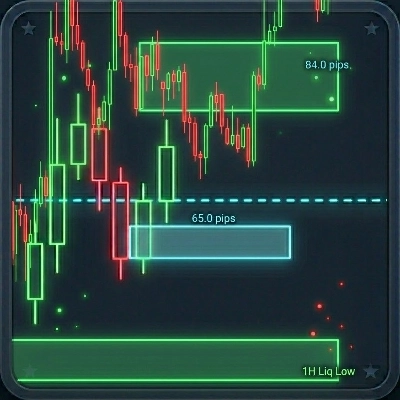
Aralık uzatma çizgileri bir üst seviyededir. Bir seans kapandığında, yüksek ve düşük değerleri ileriye yansıtılır ve bir sonraki seans açılır açılmaz otomatik olarak sonlandırılır. Manuel temizlik yok, grafik üzerinde eski çizgilerle karışıklık yok — sadece önceki aralığın ne kadarının yeni seans tarafından geri alındığını veya hala saygı gördüğünü tam olarak yansıtan temiz, dinamik seviyeler.
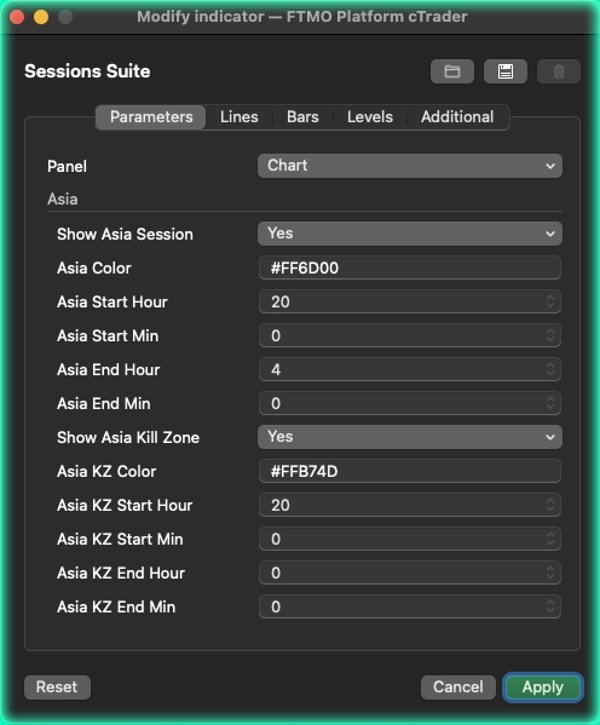
Her seans tamamen bağımsızdır. Renkler, zamanlar ve kill zone’lar temiz, gruplanmış bir parametre panelinde seans bazında yapılandırılır. Zaman dilimi tek bir açılır menüdür — dize formatlamaya gerek yoktur.
Size sunulanlar:
Yüksek, düşük, açılış seviyesi, orta çizgi ve VWAP ile canlı seans kutuları — Seans aralığı uzantıları bir sonraki seansa, açılışta otomatik sonlandırılır — Seanslarıyla gruplanmış dört kill zone — Seans kapanışında mini RSI + sinyal paneli — Seans başına tam renk ve zaman özelleştirmesi — Tüm büyük piyasalar için zaman dilimi açılır menüsü
Özet
The indicator includes kill zones for Asia open, London open, New York open, and New York close—periods of historically high institutional order flow—integrated within their respective session groups. A mini RSI panel appears below each session upon close, providing a quick momentum read without requiring a separate window.
All sessions are fully customizable with independent colors, times, and kill zone settings, selectable via a timezone dropdown covering major markets. This tool consolidates session range, average price, momentum, and liquidity context into one cohesive overlay, eliminating the need for multiple separate indicators. It supports analysis of key levels, market structure, VWAP, and RSI within the context of major global trading sessions.
Tartışma
Müşteri değerlendirmeleri
5 | 50 % | |
4 | 50 % | |
3 | 0 % | |
2 | 0 % | |
1 | 0 % |