
Signal Tools & Signal Execution Bots
Explore signal tools and bot solutions that help turn alerts into structured execution. Compare chart tools for signal filtering, notifications, and level marking, plus expert adviser options that can execute pre-defined rules. Useful for traders who follow signals but want cleaner workflows, fewer manual errors, and a more consistent trading strategy process.
도구
우수 실적 봇
도구 비교
자주 묻는 질문(FAQ)
Free and paid trading robots for forex, indices, metals, crypto and other supported markets.



Free and paid technical indicators for analysing forex, indices, metals and other supported markets.









Trading plugins built for cTrader Windows and Mac. Add panels, shortcuts and extra features to your desktop workspace.

우수 실적 봇
도구 비교
상품 | 리뷰 | 다운로드 | 판매 | 가격 | 호환되는 플랫폼 |
|---|---|---|---|---|---|
Free Smart Money Concepts (SMC) from TradingView | 5.0 (13) | 4.38K | — | 무료 | Windows, Mac |
SMART TRADING PRO 07 | — | — | 10 | $59 | Windows, Mac, Mobile, Web |
Follow Line | 4.5 (6) | 2.82K | — | 무료 | Windows, Mac |
ScalpingSignalIndicator | 5.0 (3) | — | 9 | $75 | Windows, Mac |
buy sell | 5.0 (2) | 2.06K | — | 무료 | Windows, Mac |
signal indicator 1 | — | — | 1 | $50 | Windows, Mac |
ScalpingSignals9000 | 4.7 (3) | 1.62K | — | 무료 | Windows, Mac |
DRXFootprint | — | — | 1 | $19부터 | Windows, Mac |
Buy Sell Signal Bot_noSourceCode | — | 1.54K | — | 무료 | Windows, Mac, Mobile, Web |
Session Volume Profile | — | — | 1 | $69 | Windows, Mac |
Protein Demo.v2 | 4.0 (1) | 1.24K | — | 무료 | Windows, Mac |
PipGrid Pro | — | — | 1 | $20 | Windows, Mac |
RSI Trend Trigger | 4.7 (3) | 1.1K | — | 무료 | Windows, Mac |
Regime Compass | — | — | — | $99 | Windows, Mac |
Price Action Context Scanner | 5.0 (2) | 724 | — | 무료 | Windows, Mac |
LTtradingBox | — | — | — | $20 | Windows, Mac |
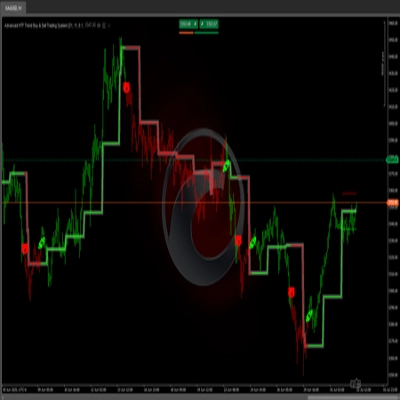
Advanced HTF Trend Buy & Sell Trading System | 4.0 (1) | 724 | — | 무료 | Windows, Mac |
Unicorn Confluence Scanner | — | — | — | $19 | Windows, Mac |
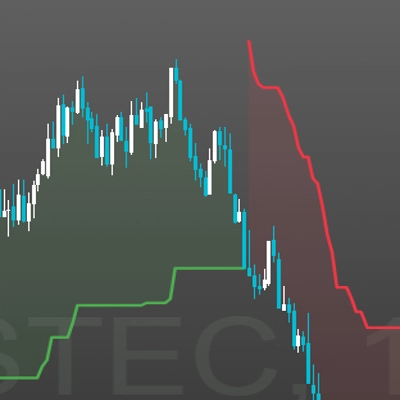
Supertrend TV | 5.0 (3) | 682 | — | 무료 | Windows, Mac |
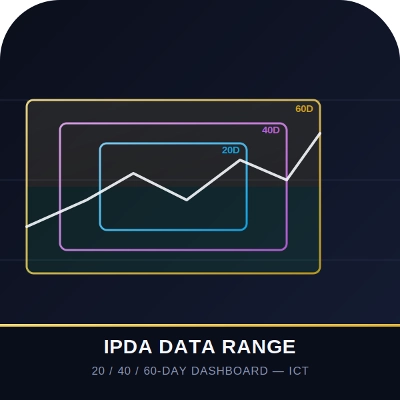
IPDA Data Range Dashboard | 5.0 (1) | — | — | $19 | Windows, Mac |
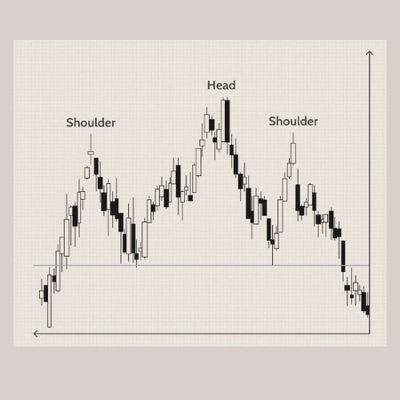
Head Shoulders Finder | 5.0 (1) | 517 | — | 무료 | Windows, Mac |
MarketLensBot | 4.7 (3) | — | — | $289부터 | Windows, Mac, Mobile, Web |
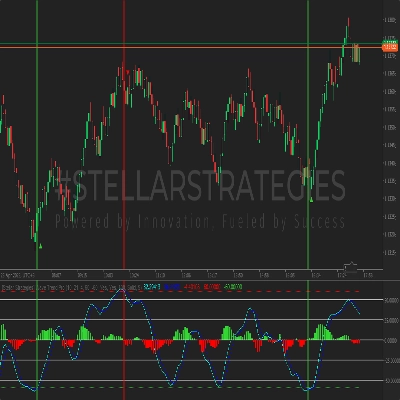
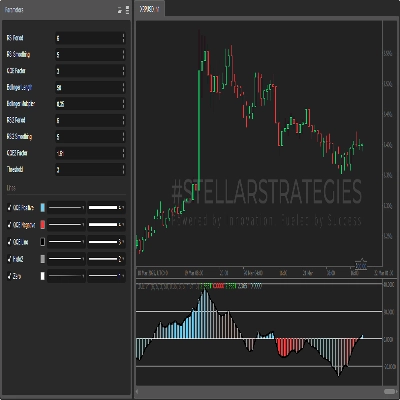
[Stellar Strategies] Wave Trend Pro | 5.0 (1) | 513 | — | 무료 | Windows, Mac |
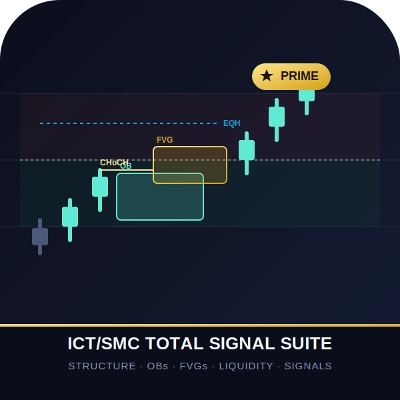
ICTSMC Total Signal Suite | — | — | — | $19 | Windows, Mac |
VolumeThermometer | — | 504 | — | 무료 | Windows, Mac |
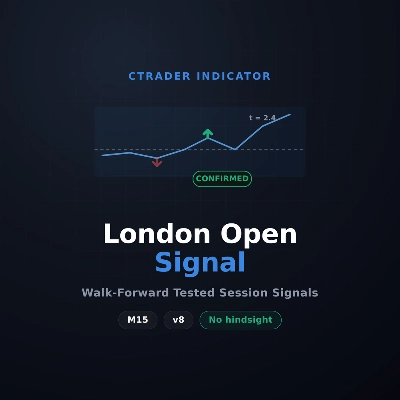
LondonOpenSignal | — | — | — | $50부터 | Windows, Mac |
MA_Cross_Signal | — | 503 | — | 무료 | Windows, Mac |
MyZTrade High TF candle v1.0 | — | — | — | $19 | Windows, Mac |
WeTrade Trendline Breakout | 5.0 (1) | 458 | — | 무료 | Windows, Mac |
Clean Trade Optimization Line Pro | — | — | — | $19 | Windows, Mac |
PREMIUM SSL CHANNEL | 5.0 (1) | 450 | — | 무료 | Windows, Mac |
MyZtrade W1 MN zones | — | — | — | $19 | Windows, Mac |
MeetAlgo_ChannelTrading_cTrader | 5.0 (3) | 450 | — | 무료 | Windows, Mac |
Pattern Scanner | 4.0 (1) | 438 | — | 무료 | Windows, Mac |
Master Dragom SR | 5.0 (1) | 431 | — | 무료 | Windows, Mac |
Signals Volatility Cloud Breakout | — | 368 | — | 무료 | Windows, Mac |
[Stellar Strategies] QQE | 5.0 (1) | 329 | — | 무료 | Windows, Mac |
SMC_Guardian_Visual_Pro | 5.0 (1) | 316 | — | 무료 | Windows, Mac |
[Stellar Strategies] Visual Trend Momentum | 5.0 (1) | 303 | — | 무료 | Windows, Mac |
STVL Pro by Zofesu | — | 293 | — | 무료 | Windows, Mac |
Shielded Trend | — | 292 | — | 무료 | Windows, Mac |
Rsi_custom | 5.0 (1) | 289 | — | 무료 | Windows, Mac |
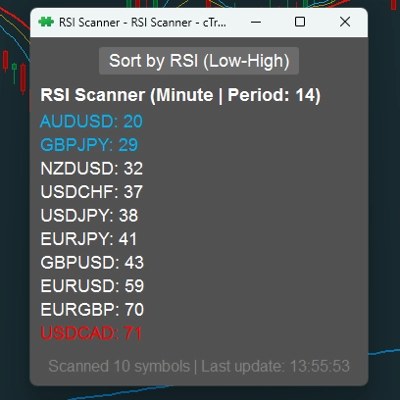
RSI Scanner | — | 250 | — | 무료 | Windows, Mac |
Instantaneous Trendline | 5.0 (1) | 237 | — | 무료 | Windows, Mac |
dark-cloud | — | 199 | — | 무료 | Windows, Mac |
Support Resistance Breaks | 4.7 (3) | 192 | — | 무료 | Windows, Mac |
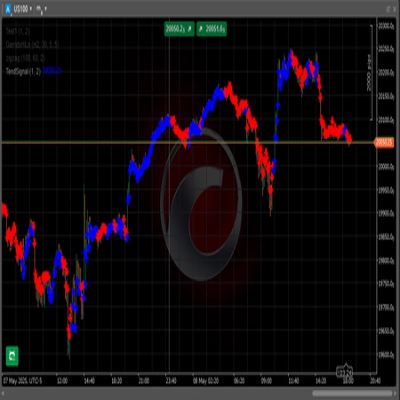
TendSignal_indicator | — | 184 | — | 무료 | Windows, Mac |
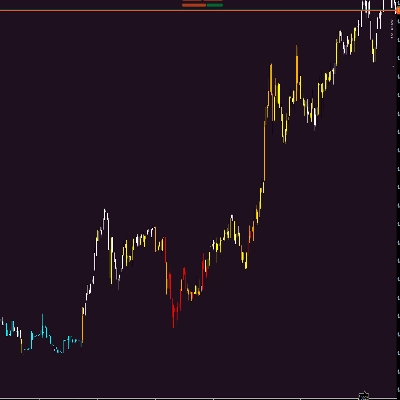
HeatMap Candle | — | 165 | — | 무료 | Windows, Mac |
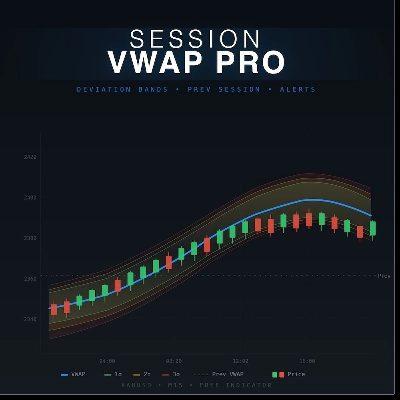
Session VWAP Pro_ThePsyTrader | 5.0 (1) | 124 | — | 무료 | Windows, Mac |
CQL Trend Strength Index | 5.0 (1) | 87 | — | 무료 | Windows, Mac |
Squeeze Mometntum Pro | 4.5 (2) | 82 | — | 무료 | Windows, Mac |
자주 묻는 질문(FAQ)
A signal tool marks conditions on the chart with arrows, levels or alerts and leaves every decision to you. A signal execution bot is a cBot that sends orders by itself when its coded conditions are met, so a wrong setting reaches the account directly and calls for closer testing.
Yes, a zero price tells you nothing about how often a signal fires, whether its marks shift after a bar closes or how it behaves across sessions. Most tools here are free indicators, so apply one to several symbols and periods and watch its marks form in real time before acting on them.
Yes, once you start its instance it opens and manages positions under its rules without asking each time. Every order still counts as yours, so start with a demo account, read the instance log, and note that stopping the bot leaves its open positions in place.
Alerts coded into a custom indicator fire only while cTrader Windows or Mac is running with that chart open. Built-in price alerts behave differently, staying active after the app closes and notifying by email, while a cloud cBot keeps running but cannot play sounds or show pop-ups.
Yes, how trading signals and automated execution are treated depends on where you live and on your broker's terms, so check both first. The tools here only handle the technical side, marking or acting on conditions you configure; they are not advice, and cTrader Store does not issue signals or vouch for any.