
Free Trading Panels and Chart Tools for cTrader
Compare free trading panels and chart tools for cTrader that improve execution and workspace control. These solutions help forex and CFD traders manage orders, monitor charts, adjust positions and work faster during active sessions.
เครื่องมือ
เปรียบเทียบเครื่องมือ
คำถามที่พบบ่อย
หุ่นยนต์เทรดอัตโนมัติที่ทำงานตลอด 24/7 บนแพลตฟอร์มใดก็ได้ผ่าน cTrader คลาวด์
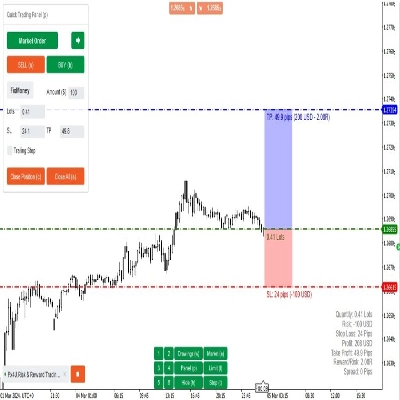
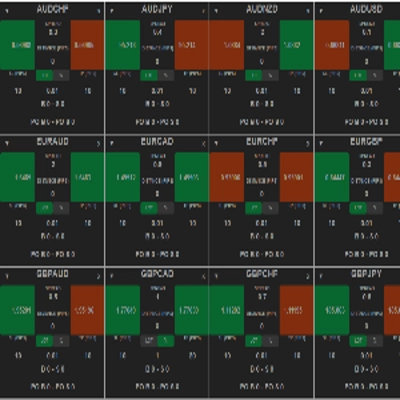


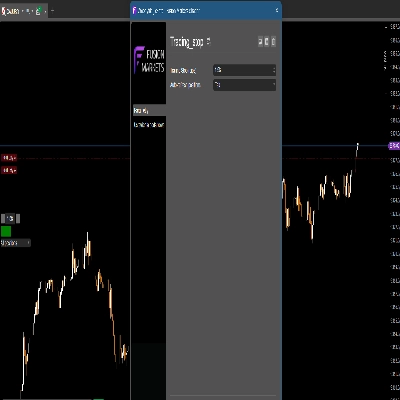







ส่วนเสริมคลาสสิกสำหรับ cTrader Windows และ Mac ขยายเวิร์กสเปซของคุณด้วยเครื่องมือขั้นสูงที่สร้างขึ้นสำหรับนักเทรดมืออาชีพ

ปลั๊กอินเจเนอเรชันใหม่ที่รันบนแพลตฟอร์ม cTrader ใดๆ: Windows, Mac, Web และ Mobile เปิดใช้งานได้ทันทีและเทรดโดยตรงจากอินเทอร์เฟซ

เปรียบเทียบเครื่องมือ
ผลิตภัณฑ์ | รีวิว | ดาวน์โหลด | การขาย | ราคา | แพลตฟอร์มที่รองรับ |
|---|---|---|---|---|---|
AI Assistant | 5.0 (3) | 4.71K | — | ฟรี | Windows, Mac, Mobile, Web |
Risk & Reward Trading Tool Pro | 5.0 (2) | — | 1 | $590 | Windows, Mac, Mobile, Web |
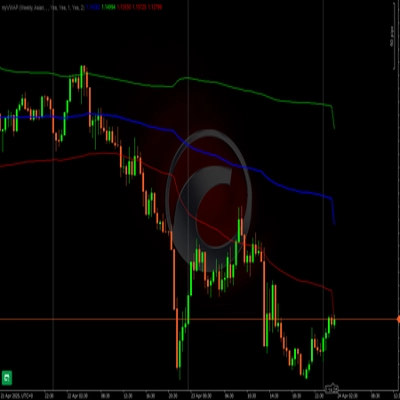
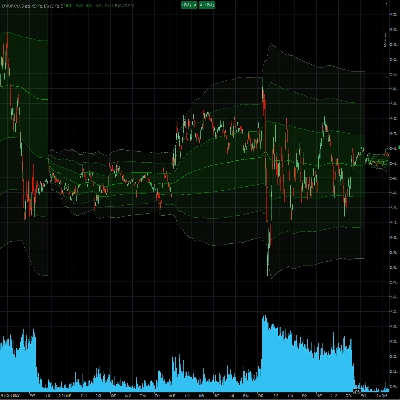
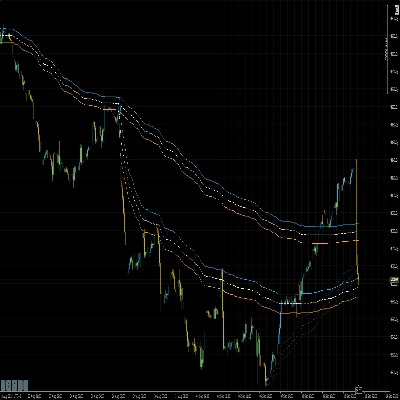
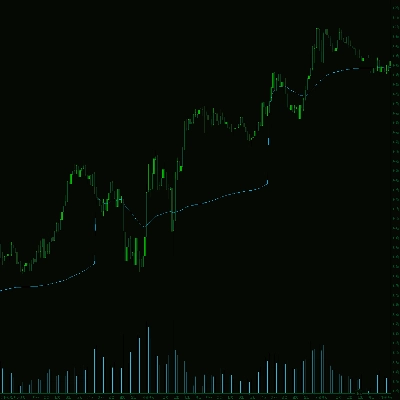
VWAP Pro | 5.0 (7) | 3.02K | — | ฟรี | Windows, Mac |
xhobaniFX_Anchored VWAP | 5.0 (2) | — | — | $25 | Windows, Mac |
EKVWAP | 4.4 (7) | 2.77K | — | ฟรี | Windows, Mac |
AlgoCorner Trading Dashboard MP | 4.5 (2) | — | — | $39 | Windows, Mac, Mobile, Web |
Anchored VWAP Buttons | 4.6 (5) | 2.2K | — | ฟรี | Windows, Mac |
Lot Sizer Pro | 4.6 (12) | 2.19K | — | ฟรี | Windows, Mac, Web |
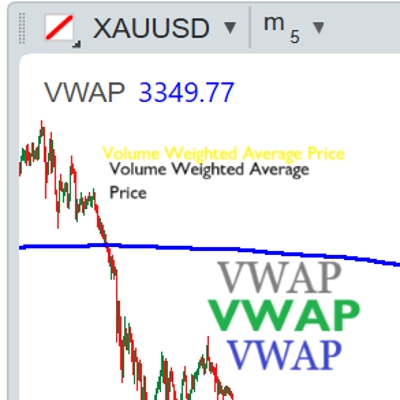
VWAP (Volume Weighted Average Price) | 5.0 (1) | 1.82K | — | ฟรี | Windows, Mac |
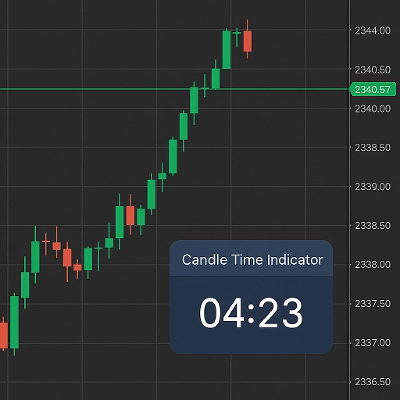
Dynamic Candle Timer v1.5 2025 | 5.0 (10) | 1.71K | — | ฟรี | Windows, Mac |
vWAP Free | 5.0 (1) | 1.51K | — | ฟรี | Windows, Mac |
Protein Demo.v2 | 4.0 (1) | 1.24K | — | ฟรี | Windows, Mac |
Vwap PRO | 5.0 (2) | 1.2K | — | ฟรี | Windows, Mac |
🎯 Cwebhook Trade Manager | 4.3 (3) | 961 | — | ฟรี | Windows, Mac, Web |
TN Trade Manager - Free | — | 751 | — | ฟรี | Windows, Mac, Mobile, Web |
VWAP - London Open | 5.0 (1) | 705 | — | ฟรี | Windows, Mac |
ms_Candle_ColseTime | — | 613 | — | ฟรี | Windows, Mac |
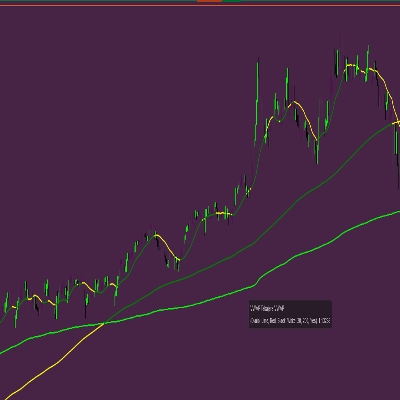
VWAP Tabajara | 5.0 (1) | 508 | — | ฟรี | Windows, Mac |
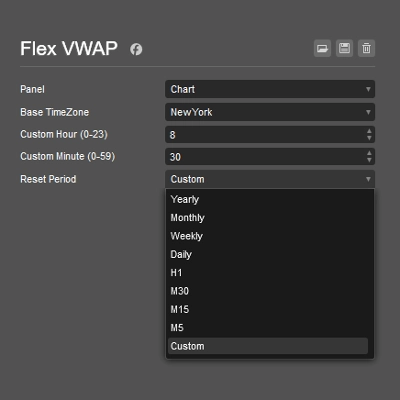
Flex VWAP | 5.0 (1) | 487 | — | ฟรี | Windows, Mac |
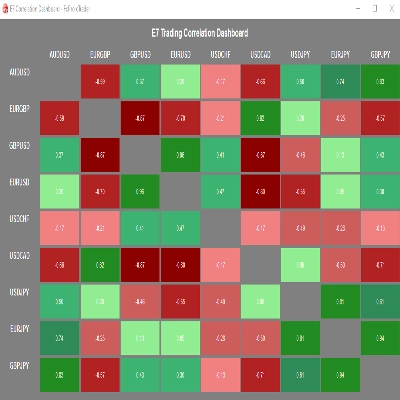
E7 Correlation Dashboard | 5.0 (1) | 446 | — | ฟรี | Windows, Mac |
VWAP Tokyo Open | 5.0 (1) | 390 | — | ฟรี | Windows, Mac |
Precio Promedio Ponderado por Volumen | — | 363 | — | ฟรี | Windows, Mac |
H Capital Liquidity Map Lite V1 | — | 330 | — | ฟรี | Windows, Mac |
Candle Timer & Strength Demo | — | 304 | — | ฟรี | Windows, Mac |
Quick Close Plugin | — | 295 | — | ฟรี | Windows, Mac |
STVL Pro by Zofesu | — | 282 | — | ฟรี | Windows, Mac |
Economic Calendar on Chart & Alert Pro | 5.0 (1) | 279 | — | ฟรี | Windows, Mac |
Candle Timer & Strength Panel Demo - | — | 214 | — | ฟรี | Windows, Mac |
XY Bar Info Panel v1.5 | 5.0 (3) | 182 | — | ฟรี | Windows, Mac |
Trading_stop Demo | — | 170 | — | ฟรี | Windows, Mac, Mobile, Web |
Chart Tools | 5.0 (1) | 160 | — | ฟรี | Windows, Mac |
HeatMap Candle | — | 158 | — | ฟรี | Windows, Mac |
VWAP Tank Btn | — | 142 | — | ฟรี | Windows, Mac |
HCCC MTF cbot indicator | — | 140 | — | ฟรี | Windows, Mac |
QuickSmart One-Click Indicator | — | 115 | — | ฟรี | Windows, Mac |
CHART-THEME | 5.0 (1) | 91 | — | ฟรี | Windows, Mac |
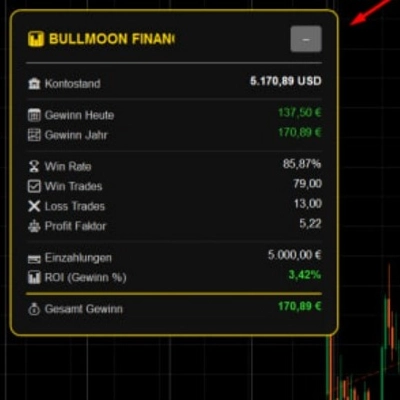
BullMoonPerformance | 5.0 (1) | 78 | — | ฟรี | Windows, Mac |
Price Distance Calculator_noSourceCode | — | 64 | — | ฟรี | Windows, Mac |
Tracking Performance by Quantara | — | 45 | — | ฟรี | Windows, Mac |
คำถามที่พบบ่อย
Free trading panels add on-screen controls for placing, adjusting and closing orders, while companion drawing tools add overlays, levels and session markers. Many are indicators that only draw, whereas cBot and plugin versions can act on orders, and you stay responsible for what they send.
It depends on the type: custom indicators and native plugins run only in cTrader Windows and Mac, while web-based plugins run in every cTrader app. A cBot panel with on-chart buttons usually needs a local instance, so check the description before installing.
Confirm whether it is an indicator, a cBot or a plugin, which apps it supports, and whether it can send or modify orders. Read the version notes and reviews too; a zero price says nothing about fit, and paid items carry a money-back period.
Yes, if its default volume or stop distance does not match your intent, a single click can send an order you did not plan. Set the defaults on a demo account first, and note that on a netting account an opposite order reduces or reverses the position.
Indicators attach from the chart's indicator list, and cBots start as instances; either way the product shows up in your desktop apps after you obtain it. Every chart can carry its own copy with separate parameters, colours and line styles.