
Trade Analytics Dashboards
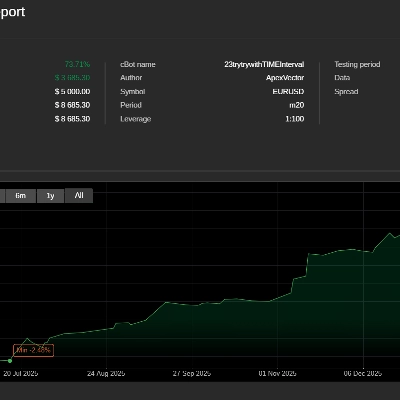
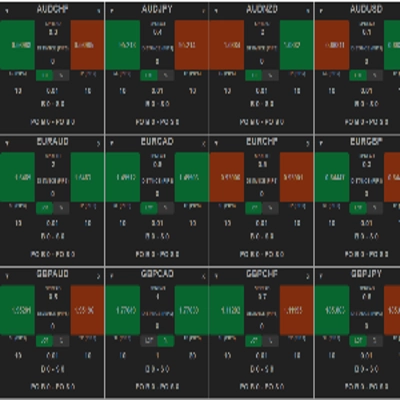
Trade analytics dashboards turn raw history into actionable insights. Review win rate, expectancy, drawdown, and distribution of outcomes, then drill down by symbol, session, or setup. Ideal for optimizing a trading strategy, understanding when a forex robot performs best, and keeping performance transparent across accounts.
Herramientas
Comparación de herramientas
Preguntas frecuentes
Robots para operar de forma automatizada que funcionan las 24 horas en cualquier plataforma a través de la Nube de cTrader.



Herramientas para gráficos que señalan patrones y le ayudan a operar manualmente en el ordenador.









Comparación de herramientas
Producto | Valoraciones | Descargas | Ventas | Precio | Plataformas compatibles |
|---|---|---|---|---|---|
DataWindow | 4.0 (1) | 1.05K | — | Gratis | Windows, Mac |
Samurai Breakout Pro II | 5.0 (4) | — | 24 | $69 | Windows, Mac |
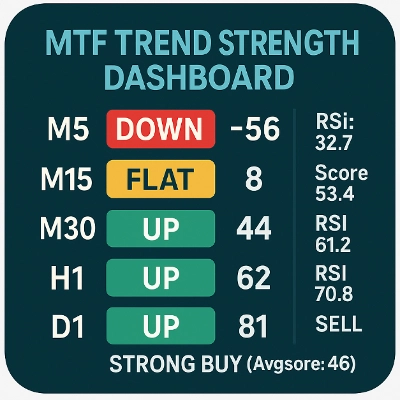
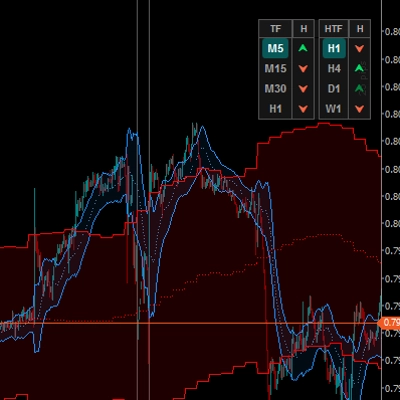
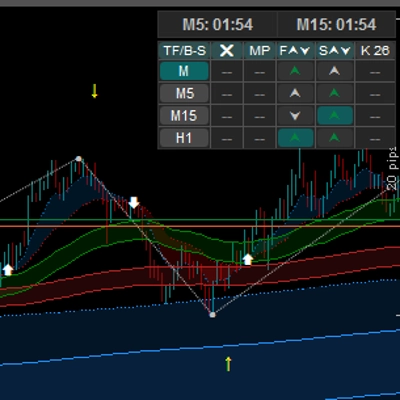
Multi Timeframe Trend Scanner | 5.0 (3) | 931 | — | Gratis | Windows, Mac |
PP. PnL Journal Analytics Dashboard | 4.7 (3) | — | 15 | $39 | Windows, Mac |
VolumeThermometer | — | 486 | — | Gratis | Windows, Mac |
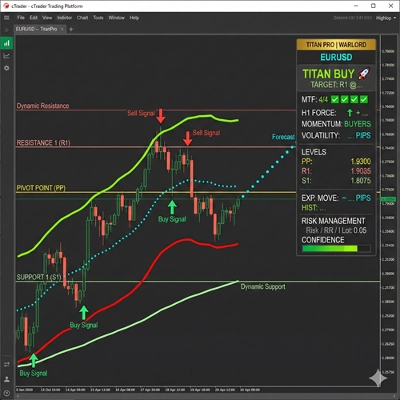
Titan Pro | 4.3 (3) | — | 6 | $19 | Windows, Mac |
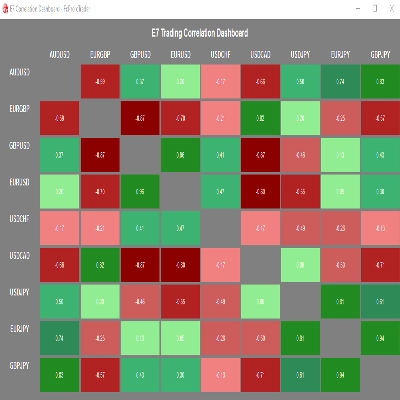
E7 Correlation Dashboard | 5.0 (1) | 443 | — | Gratis | Windows, Mac |
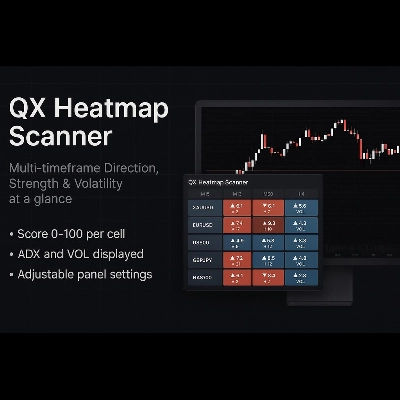
QX Heatmap Scanner | 4.3 (3) | — | 5 | $19 | Windows, Mac |
Go To Date 1.0 | 3.7 (3) | 440 | — | Gratis | Windows, Mac |
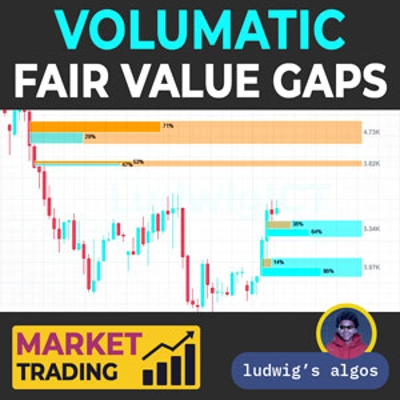
Volumatic Fair Value Gaps | 4.3 (3) | — | 2 | $49 | Windows, Mac |
ATR on Chart | — | 296 | — | Gratis | Windows, Mac |
Weekly Opening Gaps | 4.3 (3) | — | 2 | $25 | Windows, Mac |
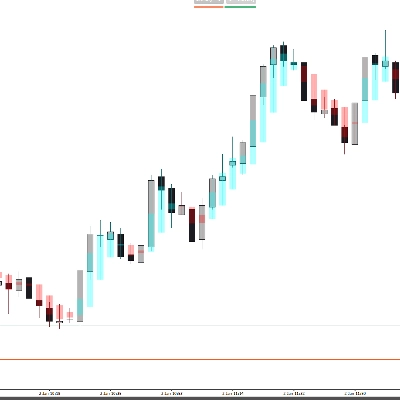
HeatMap Candle | — | 156 | — | Gratis | Windows, Mac |
Complete Professional Trading Dashboard | 5.0 (3) | — | 2 | $24 | Windows, Mac |
Kaufman Adaptive MA with Trend Vision | — | 151 | — | Gratis | Windows, Mac |
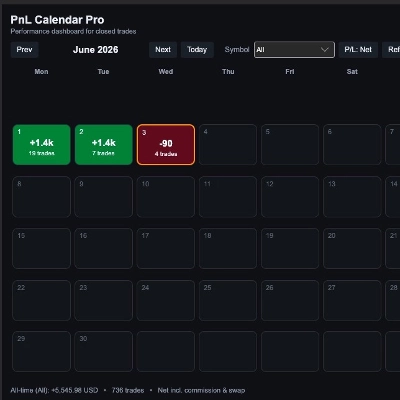
PnL Calendar Pro | — | — | 2 | $29 | Windows, Mac |
WT - RR Tool | 4.0 (1) | 139 | — | Gratis | Windows, Mac |
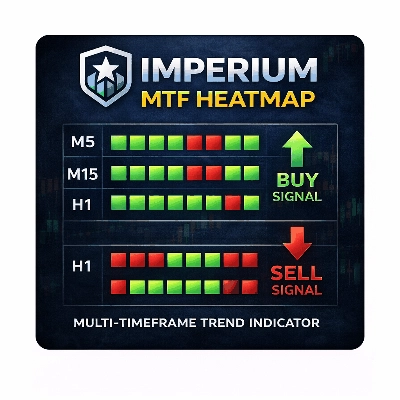
Imperium MTF Heatmap | 4.5 (4) | — | 2 | $99 | Windows, Mac |
HCCC MTF cbot indicator | — | 138 | — | Gratis | Windows, Mac |
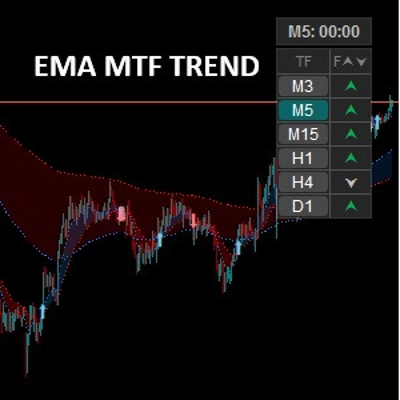
EMA MTF TREND | 4.5 (2) | — | 2 | $20 | Windows, Mac |
MultiMA-display | — | 136 | — | Gratis | Windows, Mac |
Edge Matrix Pro | 5.0 (1) | — | 2 | $219 | Windows, Mac, Mobile, Web |
Tracking Performance by Quantara | — | 44 | — | Gratis | Windows, Mac |
cPanel 1.1 | 4.5 (2) | — | 2 | $39 | Windows, Mac, Mobile, Web |
HA | 4.5 (2) | — | 2 | $19 | Windows, Mac |
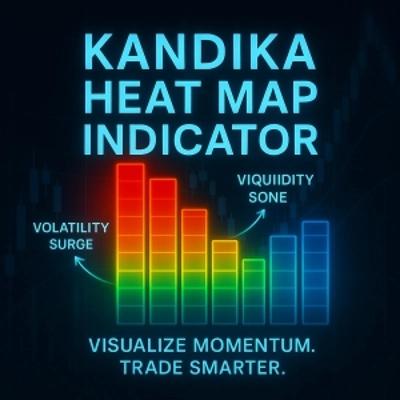
KANDIKA HEAT MAP | 4.6 (5) | — | 1 | $19 | Windows, Mac |
WVAP Neural Activity Scalp-Swing-Brake_noSourceCode | 4.5 (2) | — | 1 | $59 | Windows, Mac |
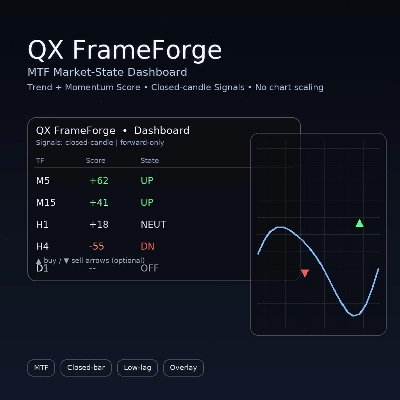
QX FrameForge | 5.0 (3) | — | 1 | $19 | Windows, Mac |
Screener | 4.5 (2) | — | 1 | $35 | Windows, Mac |
Temporal_Volatility_Alpha_forPropFirm | 4.0 (4) | — | 1 | $44 | Windows, Mac, Mobile, Web |
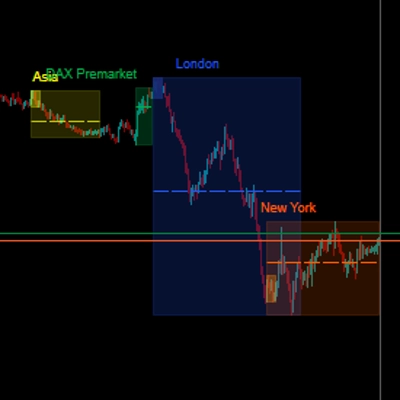
Sessions PRO | 4.0 (2) | — | 1 | $20 | Windows, Mac |
VelaInterna | — | — | 1 | $19 | Windows, Mac |
OrderFlow Structure SMC Indicator cTrader | — | — | 1 | $30 | Windows, Mac |
Liquidity and IFVG | — | — | 1 | $30 | Windows, Mac |
Support and Resistance Toolkit | — | — | 1 | $19 | Windows, Mac |
MiniBull Observer Pro | 5.0 (1) | — | — | desde 50 $ | Windows, Mac |
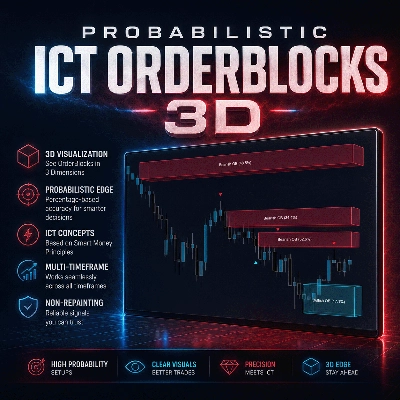
Probabilistic ICT OrderBlocks 3D | — | — | — | desde 17 $ | Windows, Mac |
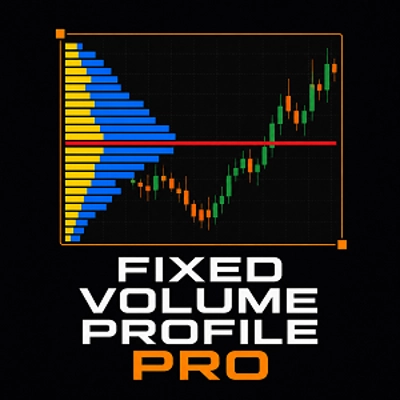
Fixed Volume Profile Pro | — | — | — | $30 | Windows, Mac |
EMA cBot Strategy Indicator | — | — | — | $39 | Windows, Mac |
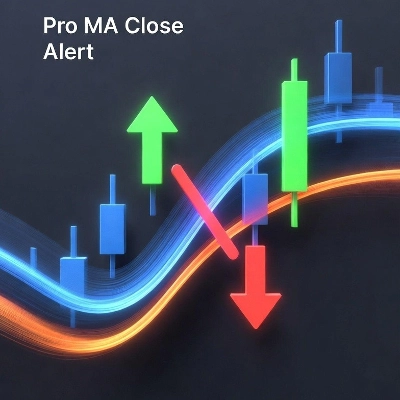
Pro MA Close Alert | — | — | — | $19 | Windows, Mac |
Cross-Timeframe Trend-vs-Noise Index | — | — | — | $30 | Windows, Mac |
ApexMarketStructurePro | — | — | — | $697 | Windows, Mac |
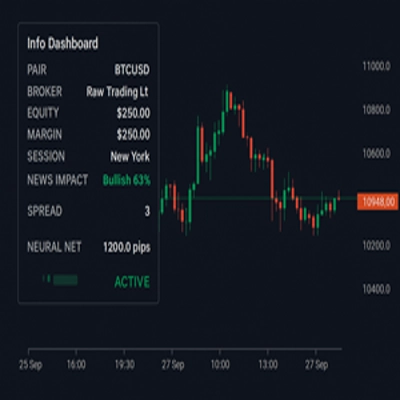
Info Dashboard_noSourceCode | 4.3 (3) | — | — | $19 | Windows, Mac |
AlgoCorner Trading Dashboard MP | 4.5 (2) | — | — | $39 | Windows, Mac, Mobile, Web |
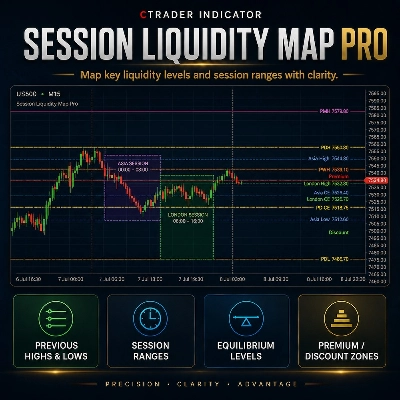
Session Liquidity Map Pro | — | — | — | desde 9 $ | Windows, Mac |
MACRO_ZERO VOLUME IMBALANCE STRIP | 5.0 (1) | — | — | $40 | Windows, Mac, Web |
Preguntas frecuentes
Trade analytics dashboards turn closed trades into statistics such as win rate, expectancy, drawdown and the spread of outcomes. Many let you drill into a symbol, a session or a setup, which shows where results come from rather than only what the account total did.
Expectancy is the average result per trade, combining how often trades win with the typical size of wins and losses. A positive figure from a short sample can be luck, so look at how many trades it rests on, and keep in mind that history describes the past without predicting the future.
Mostly not, because the majority of products here are indicators, and indicators from cTrader Store need the Windows or Mac app. A web-based plugin is the exception, opening in every cTrader app, so the description tells you which kind a given dashboard is.
Dashboards that filter history by symbol, time or strategy tag can isolate a cBot's trades from manual ones, which a blended account total cannot do. Check which filters a product offers, whether it covers several accounts and whether you can try it free or on trial before you commit.
No, an analytics indicator only reads account history and draws results; it cannot send or modify orders. A dashboard built as a cBot has the technical ability to trade, so confirm in its description that it only reads data and start it on a demo account before attaching it to live funds.