
Signal Tools & Signal Execution Bots
Explore signal tools and bot solutions that help turn alerts into structured execution. Compare chart tools for signal filtering, notifications, and level marking, plus expert adviser options that can execute pre-defined rules. Useful for traders who follow signals but want cleaner workflows, fewer manual errors, and a more consistent trading strategy process.
Công cụ
Bot có hiệu suất hàng đầu
So sánh công cụ
Câu hỏi thường gặp
Robot giao dịch tự động hoạt động 24/7 trên mọi nền tảng thông qua cTrader Đám mây.


Các công cụ biểu đồ giúp làm nổi bật mô hình và hỗ trợ bạn giao dịch thủ công trên máy tính.




![Logo "[Stellar Strategies] Wave Trend Pro"](https://cdn.ctrader.com/image/webp/5f226fbb-245a-41cd-9cdd-b018257d5e6d_28617)


![Logo "[Stellar Strategies] QQE"](https://cdn.ctrader.com/image/webp/e702104a-874c-4b39-97dd-fb34518d1015_27712)
![Logo "[Stellar Strategies] Visual Trend Momentum"](https://cdn.ctrader.com/image/webp/48aee0a5-f10e-4bc8-9671-78e156fcc5df_27548)




Các tiện ích bổ sung cổ điển dành cho cTrader Windows và Mac. Mở rộng không gian làm việc với những công cụ nâng cao dành riêng cho các nhà giao dịch chuyên nghiệp.

Bot có hiệu suất hàng đầu
So sánh công cụ
Sản phẩm | Đánh giá | Lượt tải | Lượt bán | Giá | Nền tảng tương thích |
|---|---|---|---|---|---|
Free Smart Money Concepts (SMC) from TradingView | 5.0 (12) | 4.12K | — | Miễn phí | Windows, Mac |
ScalpingSignalIndicator | 5.0 (3) | — | 9 | $75 | Windows, Mac |
Follow Line | 4.5 (6) | 2.79K | — | Miễn phí | Windows, Mac |
SMART TRADING PRO 07 | — | — | 6 | $59 | Windows, Mac, Mobile, Web |
buy sell | 5.0 (2) | 2.03K | — | Miễn phí | Windows, Mac |
Session Volume Profile | — | — | 1 | $69 | Windows, Mac |
ScalpingSignals9000 | 4.5 (2) | 1.58K | — | Miễn phí | Windows, Mac |
PipGrid Pro | — | — | 1 | $20 | Windows, Mac |
Buy Sell Signal Bot_noSourceCode | — | 1.44K | — | Miễn phí | Windows, Mac, Mobile, Web |
DRXFootprint | — | — | 1 | từ $19 | Windows, Mac |
Protein Demo.v2 | 4.0 (1) | 1.24K | — | Miễn phí | Windows, Mac |
signal indicator 1 | — | — | 1 | $50 | Windows, Mac |
RSI Trend Trigger | 4.7 (3) | 1.07K | — | Miễn phí | Windows, Mac |
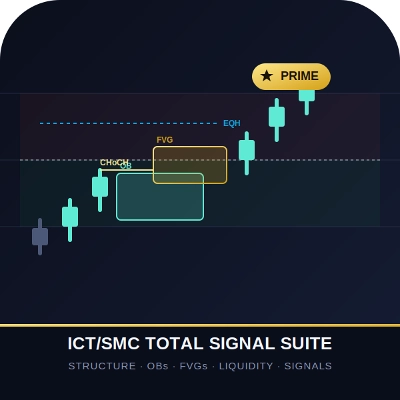
ICTSMC Total Signal Suite | — | — | — | $19 | Windows, Mac |
Advanced HTF Trend Buy & Sell Trading System | — | 705 | — | Miễn phí | Windows, Mac |
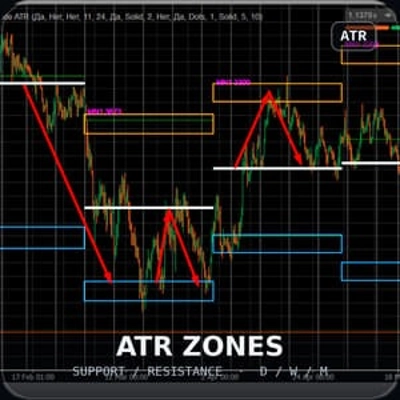
MyZtrade W1 MN zones | — | — | — | $19 | Windows, Mac |
Price Action Context Scanner | 5.0 (2) | 691 | — | Miễn phí | Windows, Mac |
MyZTrade High TF candle v1.0 | — | — | — | $19 | Windows, Mac |
Supertrend TV | 5.0 (3) | 663 | — | Miễn phí | Windows, Mac |
Unicorn Confluence Scanner | — | — | — | $19 | Windows, Mac |
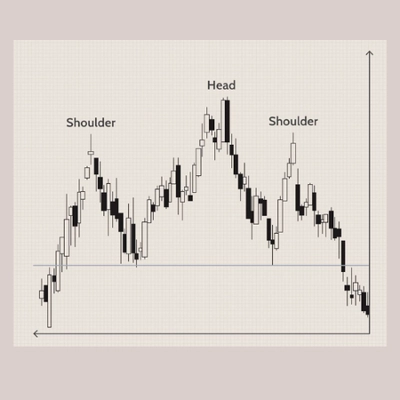
Head Shoulders Finder | 5.0 (1) | 505 | — | Miễn phí | Windows, Mac |
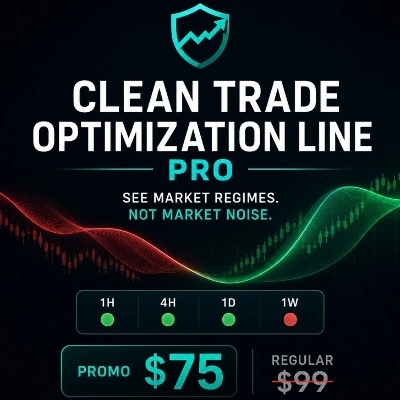
Clean Trade Optimization Line Pro | — | — | — | $19 | Windows, Mac |
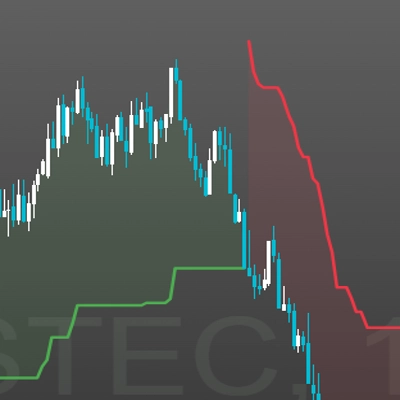
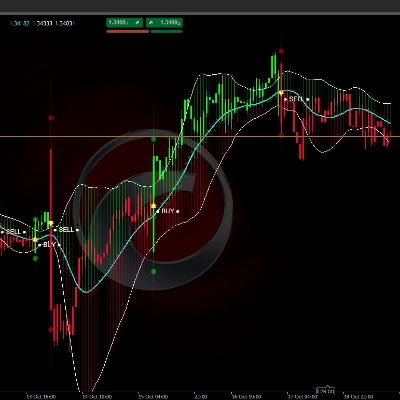
[Stellar Strategies] Wave Trend Pro | 5.0 (1) | 499 | — | Miễn phí | Windows, Mac |
Regime Compass | — | — | — | $99 | Windows, Mac |
VolumeThermometer | — | 486 | — | Miễn phí | Windows, Mac |
LondonOpenSignal | — | — | — | từ $50 | Windows, Mac |
MA_Cross_Signal | — | 481 | — | Miễn phí | Windows, Mac |
LTtradingBox | — | — | — | $20 | Windows, Mac |
MeetAlgo_ChannelTrading_cTrader | 5.0 (3) | 443 | — | Miễn phí | Windows, Mac |
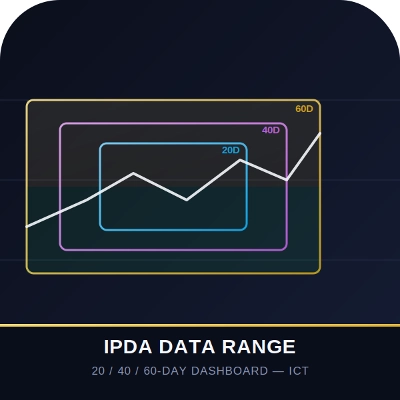
IPDA Data Range Dashboard | 5.0 (1) | — | — | $19 | Windows, Mac |
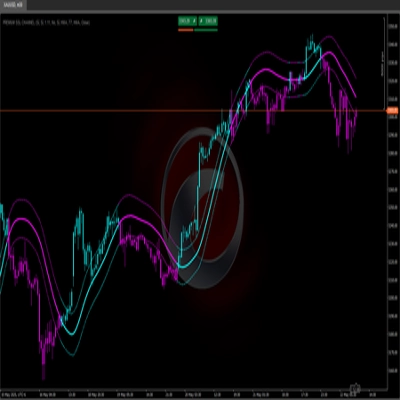
PREMIUM SSL CHANNEL | 5.0 (1) | 437 | — | Miễn phí | Windows, Mac |
WeTrade Trendline Breakout | 5.0 (1) | 430 | — | Miễn phí | Windows, Mac |
Master Dragom SR | 5.0 (1) | 416 | — | Miễn phí | Windows, Mac |
Pattern Scanner | 4.0 (1) | 392 | — | Miễn phí | Windows, Mac |
Signals Volatility Cloud Breakout | — | 350 | — | Miễn phí | Windows, Mac |
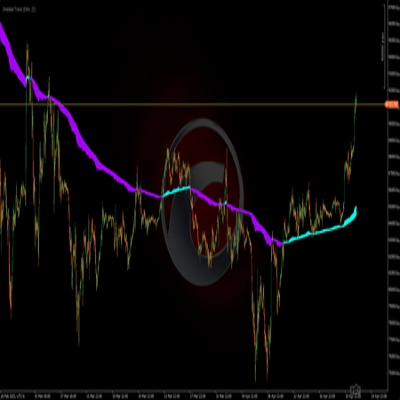
[Stellar Strategies] QQE | 5.0 (1) | 319 | — | Miễn phí | Windows, Mac |
[Stellar Strategies] Visual Trend Momentum | 5.0 (1) | 297 | — | Miễn phí | Windows, Mac |
SMC_Guardian_Visual_Pro | 5.0 (1) | 291 | — | Miễn phí | Windows, Mac |
Shielded Trend | — | 284 | — | Miễn phí | Windows, Mac |
Rsi_custom | 5.0 (1) | 278 | — | Miễn phí | Windows, Mac |
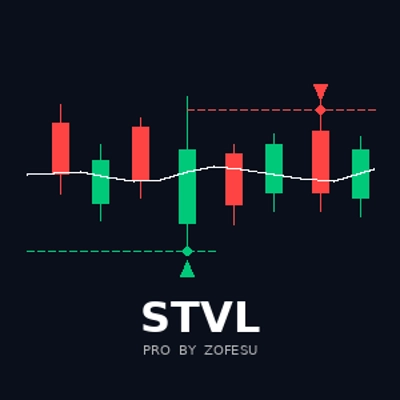
STVL Pro by Zofesu | — | 278 | — | Miễn phí | Windows, Mac |
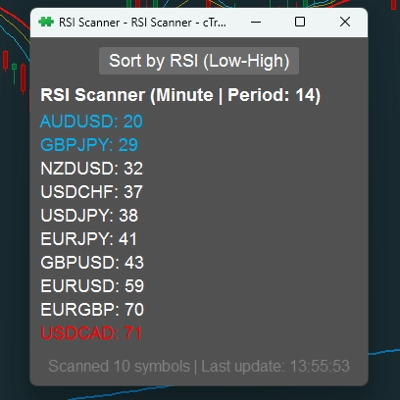
RSI Scanner | — | 246 | — | Miễn phí | Windows, Mac |
Instantaneous Trendline | 5.0 (1) | 225 | — | Miễn phí | Windows, Mac |
dark-cloud | — | 196 | — | Miễn phí | Windows, Mac |
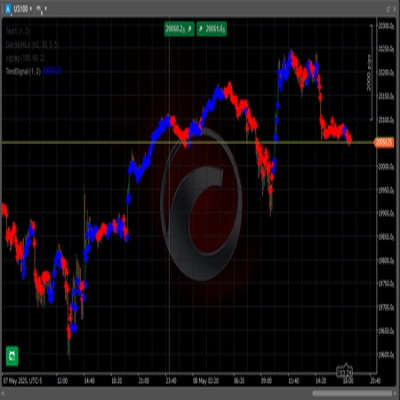
TendSignal_indicator | — | 178 | — | Miễn phí | Windows, Mac |
Support Resistance Breaks | 4.5 (2) | 175 | — | Miễn phí | Windows, Mac |
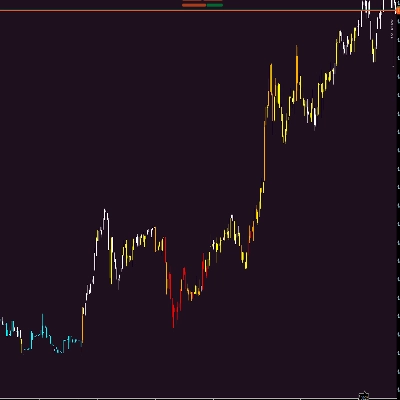
HeatMap Candle | — | 156 | — | Miễn phí | Windows, Mac |
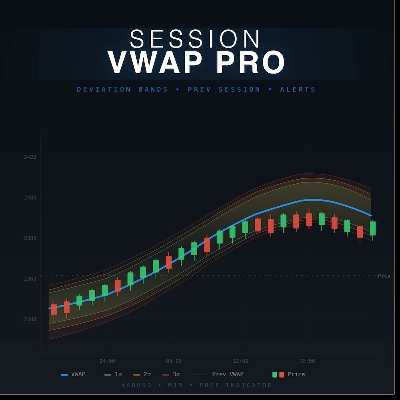
Session VWAP Pro_ThePsyTrader | 5.0 (1) | 78 | — | Miễn phí | Windows, Mac |
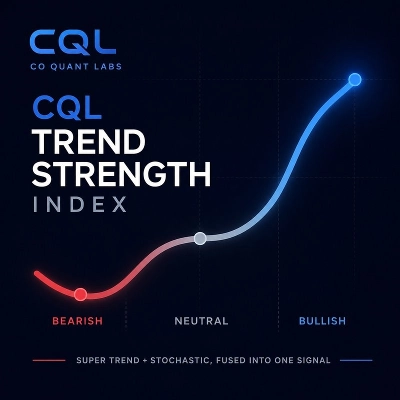
CQL Trend Strength Index | 5.0 (1) | 77 | — | Miễn phí | Windows, Mac |
Squeeze Mometntum Pro | 4.5 (2) | 75 | — | Miễn phí | Windows, Mac |
Câu hỏi thường gặp
A signal tool marks conditions on the chart with arrows, levels or alerts and leaves every decision to you. A signal execution bot is a cBot that sends orders by itself when its coded conditions are met, so a wrong setting reaches the account directly and calls for closer testing.
Yes, a zero price tells you nothing about how often a signal fires, whether its marks shift after a bar closes or how it behaves across sessions. Most tools here are free indicators, so apply one to several symbols and periods and watch its marks form in real time before acting on them.
Yes, once you start its instance it opens and manages positions under its rules without asking each time. Every order still counts as yours, so start with a demo account, read the instance log, and note that stopping the bot leaves its open positions in place.
Alerts coded into a custom indicator fire only while cTrader Windows or Mac is running with that chart open. Built-in price alerts behave differently, staying active after the app closes and notifying by email, while a cloud cBot keeps running but cannot play sounds or show pop-ups.
Yes, how trading signals and automated execution are treated depends on where you live and on your broker's terms, so check both first. The tools here only handle the technical side, marking or acting on conditions you configure; they are not advice, and cTrader Store does not issue signals or vouch for any.