
Breakout Trading Tools & Bots
Explore breakout tools and bot solutions built for range expansion and session-driven volatility. Compare chart tools that mark ranges, alerts, and key levels, plus trading robot options that execute breakout rules consistently. Useful for FX pairs, XAUUSD, and indices when you want a clear breakout trading strategy with disciplined entries and risk controls.
工具
表现最佳的交易机器人
工具比较
常见问答







!["[StellarStrategies] Scheduled Trade Executor" 标识](https://cdn.ctrader.com/image/webp/daefc6af-7eca-453e-878d-1b981be2c401_25646)








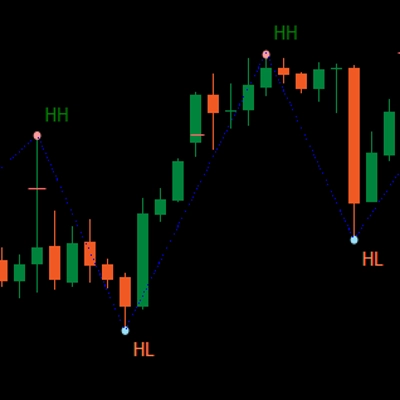
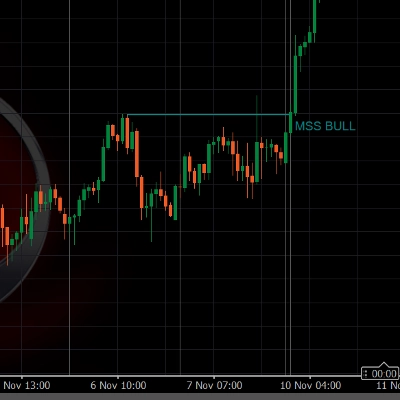
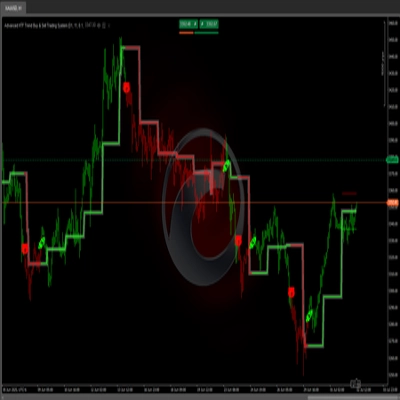
!["[Stellar Strategies] Market Structure Breakout" 标识](https://cdn.ctrader.com/image/webp/bceec265-3247-4b11-915f-6295a29c106d_28465)
!["[Stellar Strategies] Inside Bar with Signals" 标识](https://cdn.ctrader.com/image/webp/1d9e8bfa-3b2c-4440-bb37-5856902008a7_30683)

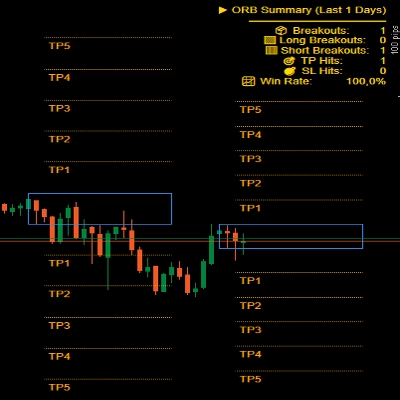











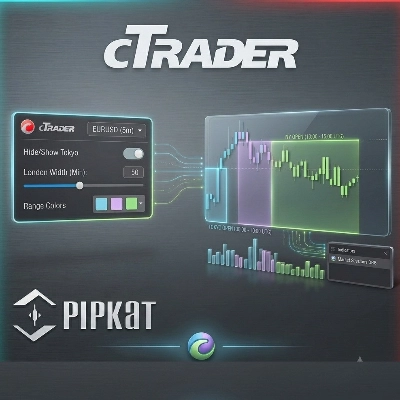


表现最佳的交易机器人
工具比较
产品 | 评价 | 下载 | 销售 | 价格 | 兼容平台 |
|---|---|---|---|---|---|
Volatility Sniper Breakout BETA | 3.6 (7) | 2.88K | — | 免费 | Windows 版、Mac 版, Mobile, Web |
Lisa EURUSD Breakout | 4.7 (3) | — | 60 | $117 | Windows 版、Mac 版, Mobile, Web |
Lisa EURUSD Breakout - TEST VERSION | 2.0 (1) | 1.04K | — | 免费 | Windows 版、Mac 版, Mobile, Web |
Breakout Premium Pro v2.0 | 4.3 (3) | — | 19 | $49 | Windows 版、Mac 版, Mobile, Web |
Pivot Breakout Detector | — | 770 | — | 免费 | Windows 版、Mac 版 |
ORB Bot | 4.3 (3) | — | 18 | $39 | Windows 版、Mac 版, Mobile, Web |
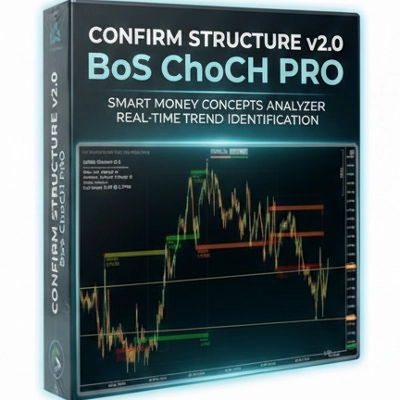
BOS CHOCH PRO 3.0 | 4.0 (1) | 726 | — | 免费 | Windows 版、Mac 版 |
LT_SmartSwings | 5.0 (2) | — | 7 | $19 | Windows 版、Mac 版 |
Free_ICT Breakers_BOS_MSS_withSourceCode | 5.0 (2) | 726 | — | 免费 | Windows 版、Mac 版 |
ORB | 4.3 (3) | — | 7 | $39 | Windows 版、Mac 版, Mobile, Web |
Advanced HTF Trend Buy & Sell Trading System | — | 705 | — | 免费 | Windows 版、Mac 版 |
Breakout Premium AI | 4.5 (2) | — | 5 | $59 | Windows 版、Mac 版, Mobile, Web |
[Stellar Strategies] Market Structure Breakout | 5.0 (1) | 698 | — | 免费 | Windows 版、Mac 版 |
[Stellar Strategies] Inside Bar with Signals | 5.0 (3) | — | 5 | $19 | Windows 版、Mac 版 |
Breakout channel | — | 618 | — | 免费 | Windows 版、Mac 版 |
ORB v1.1 | 4.0 (4) | — | 4 | $25 | Windows 版、Mac 版 |
[StellarStrategies] Scheduled Trade Executor | 5.0 (1) | 480 | — | 免费 | Windows 版、Mac 版, Mobile, Web |
Sessions | 5.0 (4) | — | 3 | $19 | Windows 版、Mac 版 |
Ninja cBot free trial | 3.3 (3) | 468 | — | 免费 | Windows 版、Mac 版, Mobile, Web |
ORB v1 | 5.0 (3) | — | 3 | $19 | Windows 版、Mac 版 |
MeetAlgo_ChannelTrading_cTrader | 5.0 (3) | 441 | — | 免费 | Windows 版、Mac 版 |
Bollinger Bands Breakout Oscillator (+ Alerts) | 4.5 (4) | — | 2 | $19 | Windows 版、Mac 版 |
Breakout Mode Patterns | — | 437 | — | 免费 | Windows 版、Mac 版 |
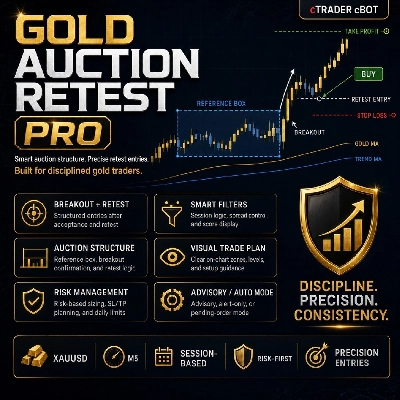
GoldAuctionRetestPro | — | — | 2 | $100 | Windows 版、Mac 版, Mobile, Web |
WeTrade Trendline Breakout | 5.0 (1) | 427 | — | 免费 | Windows 版、Mac 版 |
Breakout SR Volume Pro | 4.0 (2) | — | 1 | $75 | Windows 版、Mac 版, Mobile, Web |
Smart Trend Scanner | — | 402 | — | 免费 | Windows 版、Mac 版 |
Smart Trading Ultimate | — | — | 1 | $70 | Windows 版、Mac 版, Mobile, Web |
Trend Bias Structure | 5.0 (1) | 345 | — | 免费 | Windows 版、Mac 版 |
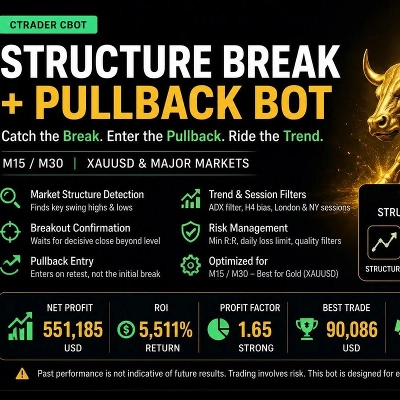
GoldBreakoutPro | — | — | 1 | $39 | Windows 版、Mac 版, Mobile, Web |
Smart SR Levels | — | 338 | — | 免费 | Windows 版、Mac 版 |
ORB MultiSession | 5.0 (1) | — | — | $30 | Windows 版、Mac 版 |
Samurai Breakout Lite | — | 328 | — | 免费 | Windows 版、Mac 版 |
GOLD Breakout breakout Bot | — | — | — | $39 | Windows 版、Mac 版, Mobile, Web |
Volatility Regime ALMA | 5.0 (3) | 267 | — | 免费 | Windows 版、Mac 版 |
SlverTerminal | — | — | — | $39 | Windows 版、Mac 版, Mobile, Web |
ORB SMA | 4.0 (1) | 260 | — | 免费 | Windows 版、Mac 版 |
SAL-07-Algorion-BTCUSD-ORB-Pro | 5.0 (1) | — | — | $234 起 | Windows 版、Mac 版, Mobile, Web |
We Smart Breakout Retest | — | 237 | — | 免费 | Windows 版、Mac 版 |
Xaulgnition_v2.0_store | — | — | — | $75 | Windows 版、Mac 版, Mobile, Web |
ScalperSignalVisual | — | 215 | — | 免费 | Windows 版、Mac 版 |
ORB Range Marker | — | — | — | $19 | Windows 版、Mac 版 |
Dynamic Trendline Indicator-cBot | — | 214 | — | 免费 | Windows 版、Mac 版 |
Waddah Attar Explosion | — | 193 | — | 免费 | Windows 版、Mac 版 |
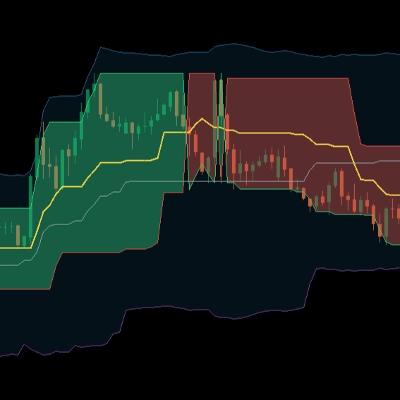
Donchian Flux Cloud | 5.0 (1) | 192 | — | 免费 | Windows 版、Mac 版 |
DATABOT | — | 190 | — | 免费 | Windows 版、Mac 版, Web |
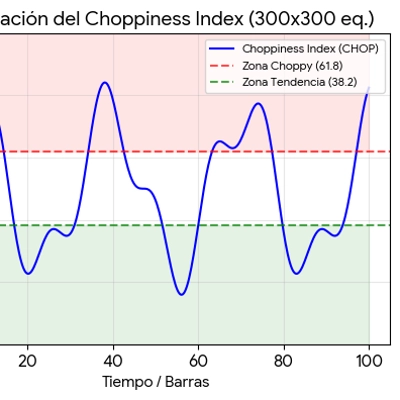
ChoppinessIndex | — | 165 | — | 免费 | Windows 版、Mac 版 |
常见问答
Breakout tools mark a price range, such as the Asian session high and low or a recent consolidation, and highlight when price closes beyond it. Indicator versions draw boxes and raise alerts, while breakout cBots can place orders at those levels.
A common split is to let an indicator draw the range and alert you, then decide manually or hand execution to a cBot with matching levels. Keep the range definition identical in both, or the bot may trade levels you never saw on the chart.
Price often pokes beyond a range, triggers waiting orders and then returns, especially in thin sessions or around news. Filters such as a close beyond the level, an ATR distance or volume confirmation reduce some false signals, but none removes them, and gaps can skip past stops.
They differ in how the range is built, whether entry waits for a candle close, and where stops and targets go. On a netting account an opposite fill shrinks or reverses the open position rather than adding a hedge, so check which account type each bot expects.
Yes, the Help Centre's knowledge base has a sample breakout cBot that shows how such rules look in code. Run any candidate through a backtest in the desktop apps and then a demo account; live fills can differ from simulated ones, and orders from a running bot remain your responsibility.