
Multi-Symbol Scanner and Market Screener Tools
Use multi-symbol scanner and market screener tools to monitor forex pairs and CFD instruments from one place. These cTrader solutions help traders find momentum, volatility, trend shifts and setup opportunities faster.
Herramientas
Comparación de herramientas
Preguntas frecuentes
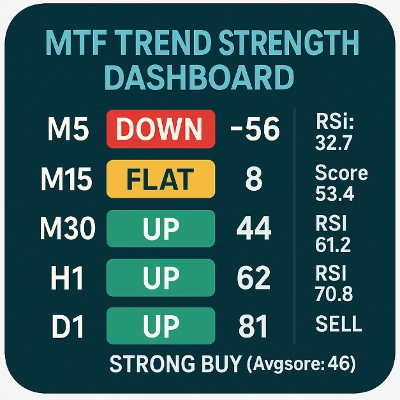
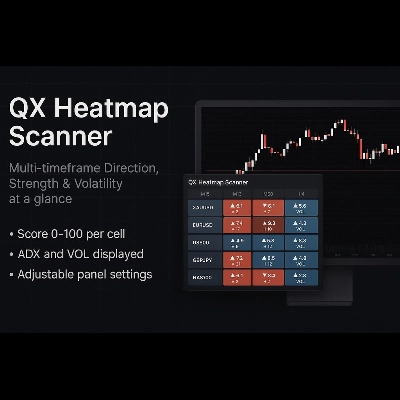
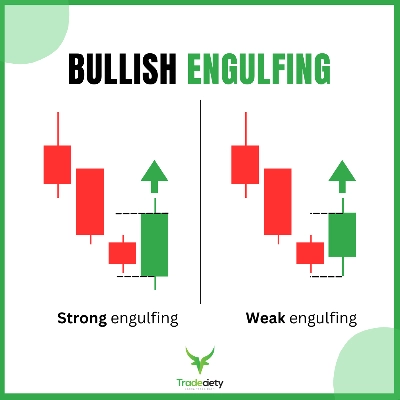



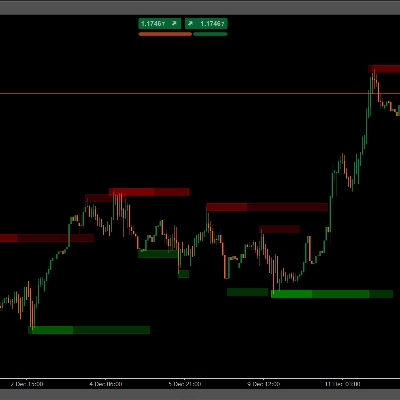
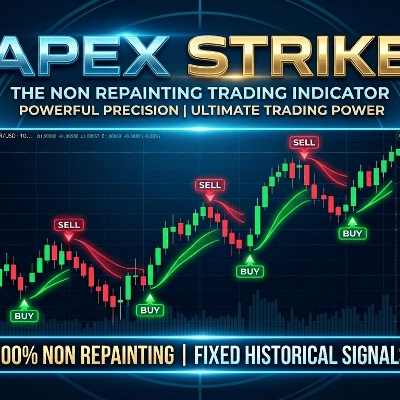


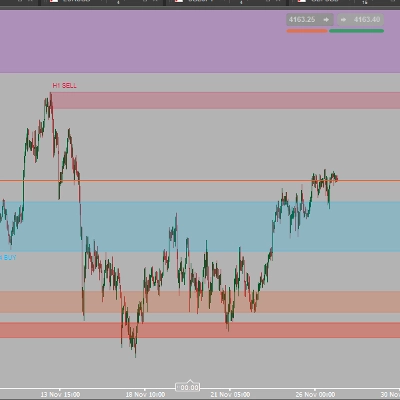

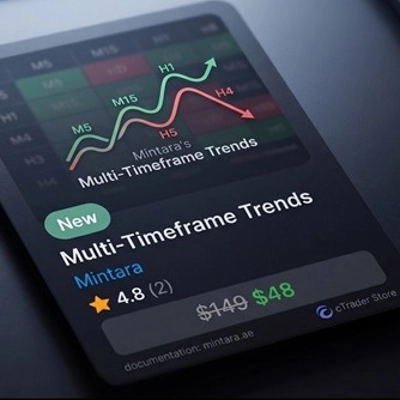
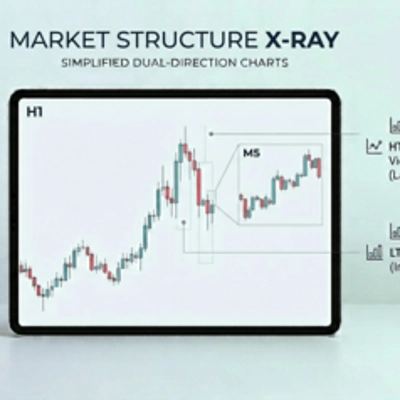

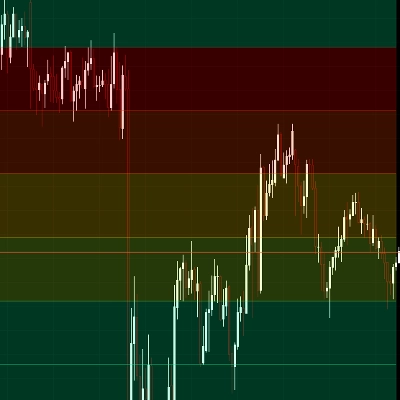


Comparación de herramientas
Producto | Valoraciones | Descargas | Ventas | Precio | Plataformas compatibles |
|---|---|---|---|---|---|
Multi Timeframe Trend Scanner | 4.0 (4) | 948 | — | Gratis | Windows, Mac |
QX Heatmap Scanner | 4.3 (3) | — | 5 | $19 | Windows, Mac |
Price Action Context Scanner | 5.0 (2) | 702 | — | Gratis | Windows, Mac |
Order Block Scanner by PrimeQuant | 4.0 (3) | — | 4 | $29 | Windows, Mac |
VolumeThermometer | — | 492 | — | Gratis | Windows, Mac |
SuperTrend Scanner | 4.4 (5) | — | 4 | $19 | Windows, Mac |
Pattern Scanner | 4.0 (1) | 402 | — | Gratis | Windows, Mac |
Divergence Suite VPro | 4.5 (4) | — | 3 | $25 | Windows, Mac |
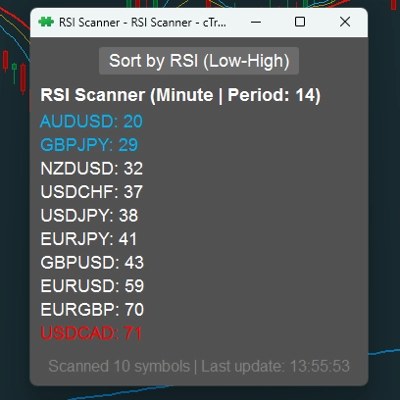
RSI Scanner | — | 249 | — | Gratis | Windows, Mac |
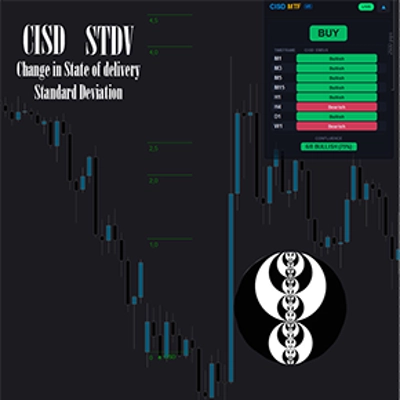
CISD with STDV ICT | 4.5 (4) | — | 3 | desde 15 $ | Windows, Mac |
IVT Global Scanner | 5.0 (1) | 173 | — | Gratis | Windows, Mac |
[Stellar Strategies] Smart ADX | 4.5 (2) | — | 3 | $39 | Windows, Mac |
HeatMap Candle | — | 158 | — | Gratis | Windows, Mac |
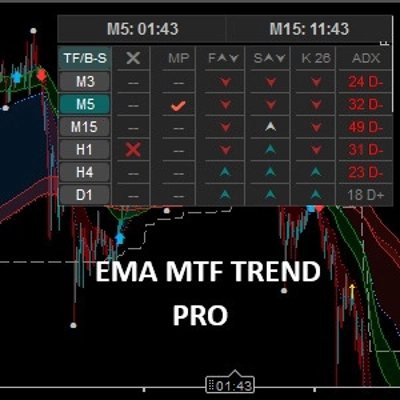
EMA MTF Trend Pro | 4.0 (2) | — | 3 | $39 | Windows, Mac |
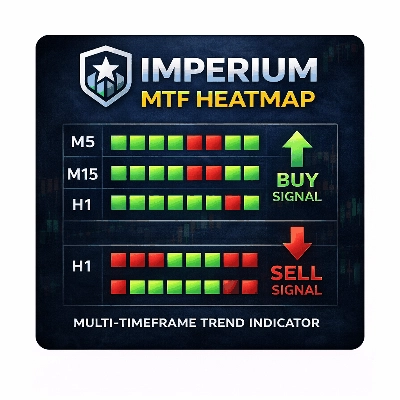
Imperium MTF Heatmap | 4.5 (4) | — | 2 | $99 | Windows, Mac |
Liquidity Heatmap | 5.0 (3) | — | 2 | $75 | Windows, Mac |
Complete Professional Trading Dashboard | 5.0 (3) | — | 2 | $24 | Windows, Mac |
Apex Strike | — | — | 2 | $150 | Windows, Mac |
HIO Inside Bar Scanner Standard | 5.0 (3) | — | 2 | $19 | Windows, Mac |
MACD Indicator | — | — | 1 | $19 | Windows, Mac |
KANDIKA HEAT MAP | 4.6 (5) | — | 1 | $19 | Windows, Mac |
Screener | 4.5 (2) | — | 1 | $35 | Windows, Mac |
Heatmap Volume Candles | 5.0 (3) | — | 1 | $599 | Windows, Mac |
Oscillator Scanner | 4.8 (4) | — | 1 | $20 | Windows, Mac |
Smart Auto-Scroll Center | — | — | 1 | $21 | Windows, Mac |
Heatmap Pro | 4.3 (3) | — | 1 | $19 | Windows, Mac |
HeikinAshi-Supertrend-Scanner-Pro | 4.3 (3) | — | — | desde 9 $ | Windows, Mac |
Sniper Edge | — | — | — | $80 | Windows, Mac |
HIO Inside Bar Scanner Pro | 4.5 (2) | — | — | $29 | Windows, Mac |
GoldFlow Pro | 4.3 (3) | — | — | $599 | Windows, Mac |
Trends | — | — | — | $48 | Windows, Mac |
Heatmap Volume | 5.0 (2) | — | — | $99 | Windows, Mac |
Market structure Xray | 4.0 (3) | — | — | $149 | Windows, Mac |
HiLo | 4.0 (3) | — | — | $500 | Windows, Mac, Mobile, Web |
Heatmap | 4.5 (4) | — | — | $25 | Windows, Mac |
Lass_System | — | — | — | $50 | Windows, Mac |
Elite Quantum Confluence X | 4.3 (3) | — | — | $249 | Windows, Mac |
Dynamic Support Resistance with buy sell signal | 4.5 (2) | — | — | $199 | Windows, Mac |
Pressure Scanner | 4.3 (3) | — | — | $20 | Windows, Mac |
Preguntas frecuentes
A multi-symbol scanner checks a watchlist of instruments against conditions you set, such as momentum, volatility or a trend change, and lists the matches in one window. It replaces flicking through one chart per symbol, while the decision about any match remains with the trader.
It reads the quotes and bar history that your broker streams into cTrader for every symbol on its list. Which instruments it can cover depends on that broker's symbol names, so a watchlist built on one account may need edits before it works on another.
They differ in the conditions they can test, the timeframes they handle, how matches are displayed and whether they can raise an alert. Product type matters too: indicators and native plugins need cTrader Windows or Mac, while web-based plugins also open in the Web and Mobile apps.
No, a scanner match only shows that a coded condition is currently true on a symbol, not whether a trade from there would work out. Conditions on short timeframes can flip within a few bars and any trade taken on a match can still end in a loss, so study the chart and plan the stop before acting.
Once the product is on your cTrader ID, add the scanner to a chart and enter its symbol list, timeframe and conditions in the settings. Begin with a short watchlist so you can confirm its output against the charts, and use a trial, where one is offered, to judge it before paying.