
Regression Channel and Band Indicators
Use regression channel and band indicators to analyze trend direction, deviation and potential mean-reversion zones. These cTrader tools support forex and CFD traders who want clearer context around price extremes and dynamic channels.
ツール
ツール比較
よくあるご質問
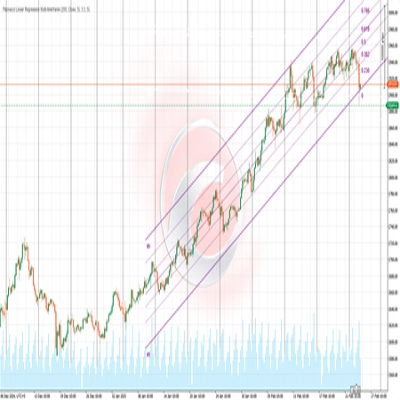

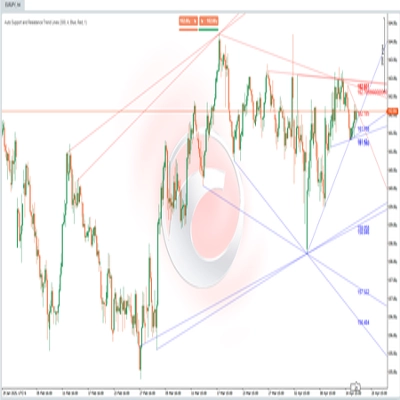


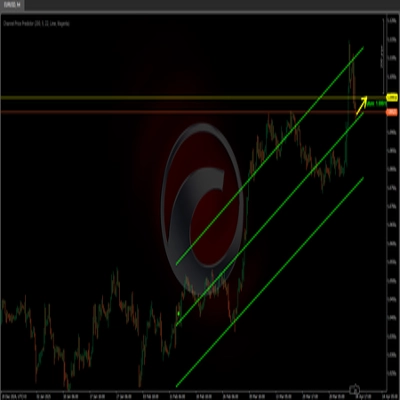
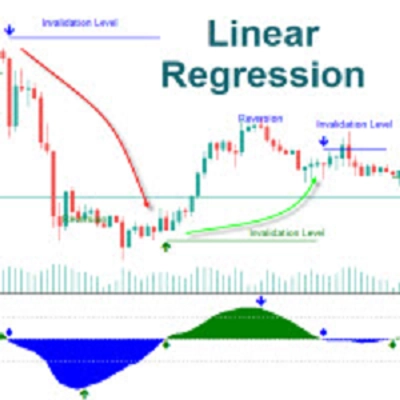
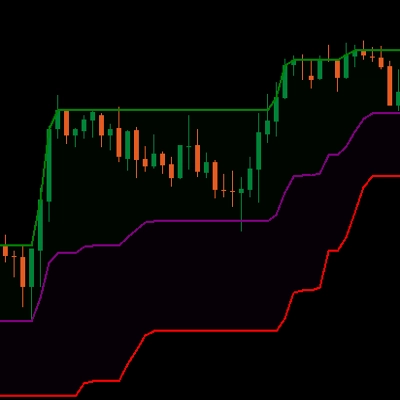
![「[Stellar Strategies] Linear Regression Candles 1.1」ロゴ](https://cdn.ctrader.com/image/webp/8b9cff9f-2431-46d2-b0ec-c7f55f4a4a6d_27918)






ツール比較
よくあるご質問
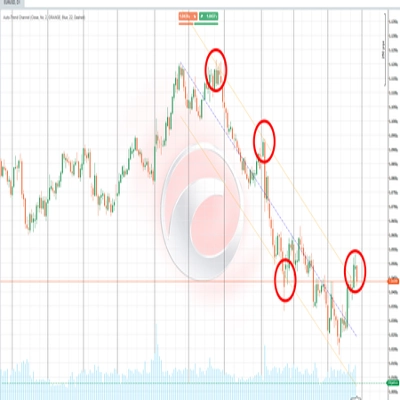
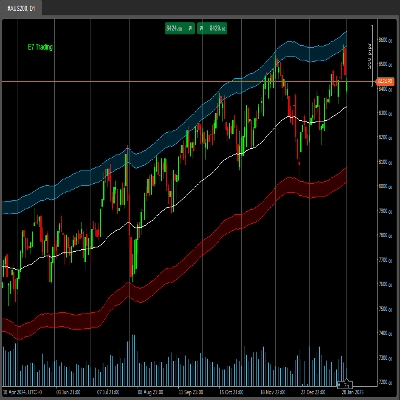
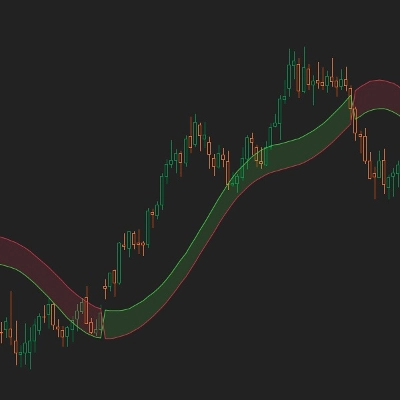
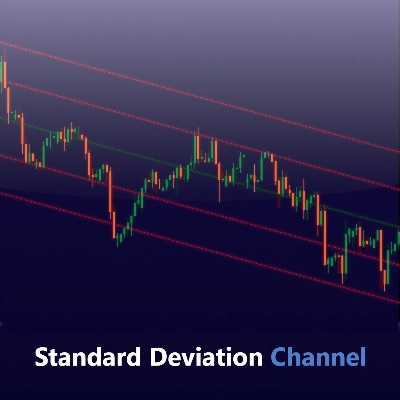
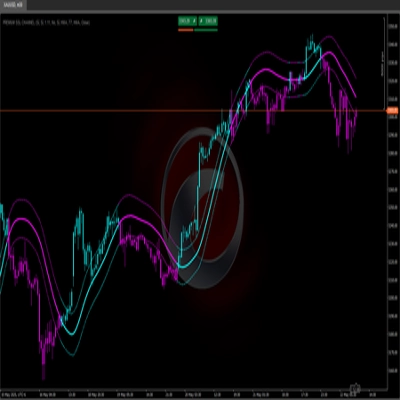
A regression channel fits a least-squares line through the closes of a chosen number of bars and draws bands a set number of standard deviations around it. cTrader's built-in Polynomial Regression Channels fit a curve of chosen degree instead, and Store variants may add options such as alerts.
The lookback decides which swing the line describes and the deviation multipliers set band width, so short lookbacks hug recent moves. Long lookbacks show the broader trend, and on polynomial versions the degree controls curvature, with higher degrees bending sharply near the latest bar.
The line is refitted to the latest window every time, so the whole channel, including its past section, shifts as data enters and leaves. Earlier touches of the outer band can therefore look cleaner on history than they did live, which flatters any visual review.
An equidistant channel is a line study you place by hand on chosen swing points, and it stays fixed until you move it. A regression channel is calculated from every close in its window, which removes judgment about anchor points but makes the result depend on the lookback.
Yes, Store versions install like any other custom indicator on the Windows or Mac desktop app and are set up through their parameters, with no code needed. The harder part is interpretation: a touch of the outer band marks a statistical extreme, not an instruction, price can keep running past it, and the indicator never places trades.