
Best ICT Trading Indicators for cTrader 2026
Compare ICT trading indicators for cTrader focused on smart money concepts and forex market structure. These tools help identify liquidity zones, order blocks, displacement, fair value gaps and potential entry areas for rule-based analysis.
Ferramentas
Comparação de ferramentas
Perguntas frequentes

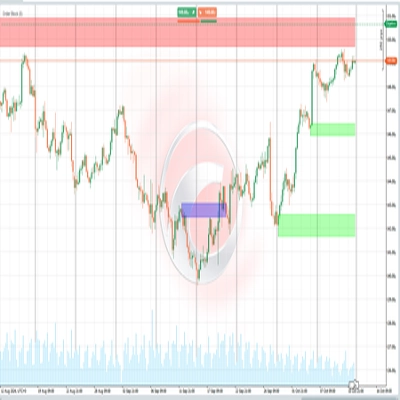

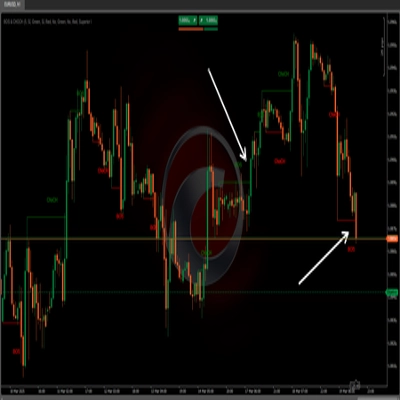
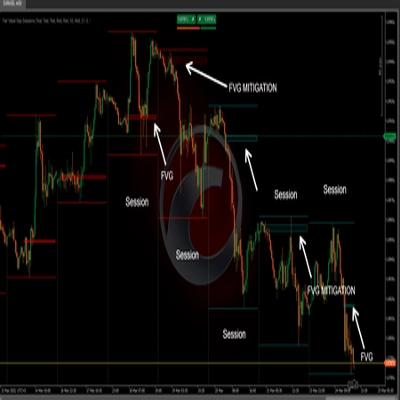
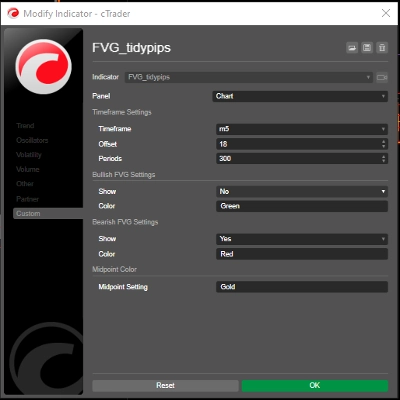






















Comparação de ferramentas
Produto | Avaliações | Transferências | Vendas | Preço | Plataformas compatíveis |
|---|---|---|---|---|---|
CRT Pattern Indicator | 4.6 (16) | 6.16K | — | Grátis | Windows, Mac |
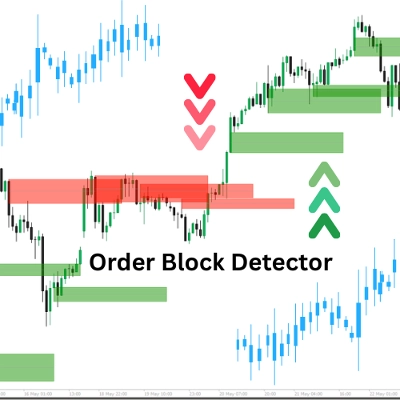
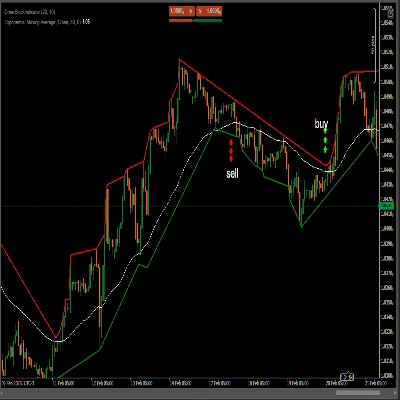
Order Block | 4.8 (5) | — | 45 | $19 | Windows, Mac |
Free Smart Money Concepts (SMC) from TradingView | 5.0 (12) | 4.19K | — | Grátis | Windows, Mac |
BOS & CHOCH | 5.0 (2) | — | 43 | $19 | Windows, Mac |
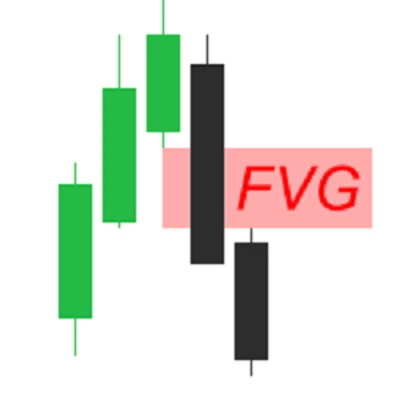
Fair Value Gap Sessions | 5.0 (5) | 2.53K | — | Grátis | Windows, Mac |
FVG_tidypips | 4.3 (3) | — | 13 | $19 | Windows, Mac |
FairValueGap | 4.5 (2) | 2.42K | — | Grátis | Windows, Mac |
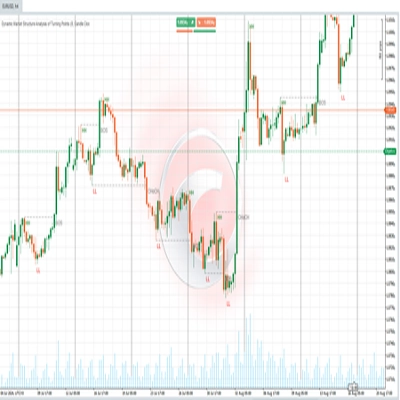
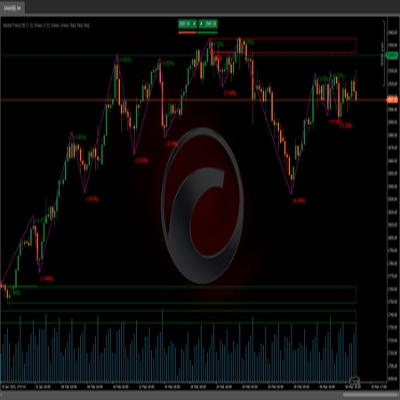
Dynamic Market Structure Analysis of Turning Points | 4.3 (3) | — | 11 | $19 | Windows, Mac |
Order Block Finder | 5.0 (2) | 2.25K | — | Grátis | Windows, Mac |
Institutional FVG Zones MTF with Confluence | 5.0 (3) | — | 10 | $25 | Windows, Mac |
AlphaTrend Pro by LudwigICT | 5.0 (6) | 1.35K | — | Grátis | Windows, Mac |
FairValueGap-PremiumVersion1 | 4.5 (4) | — | 8 | $19 | Windows, Mac |
Fair Value Gaps | 5.0 (2) | 1.34K | — | Grátis | Windows, Mac |
Liquidity & Structure (SMC) Pro | — | — | 5 | $29 | Windows, Mac |
Block Order Rreversal | 5.0 (1) | 1.23K | — | Grátis | Windows, Mac |
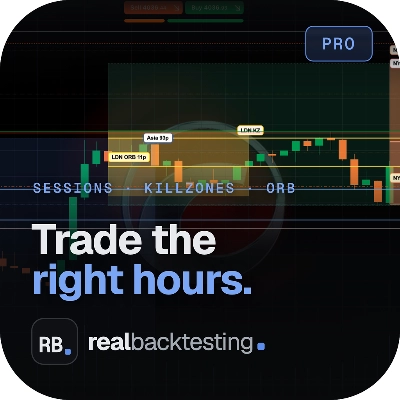
Sessions + Killzones + ORB Pro | — | — | 4 | $29 | Windows, Mac |
Market Sessions Advanced | 5.0 (1) | 1.16K | — | Grátis | Windows, Mac |
FOREX-SESSIONS-INDICATOR | 4.3 (3) | — | 4 | a partir de 9 $ | Windows, Mac |
Market Trend OB | 5.0 (1) | 989 | — | Grátis | Windows, Mac |
HAIQuantum_V5 | 4.0 (1) | — | 2 | $69 | Windows, Mac |
Fair Value Gap (Extended) | 5.0 (1) | 945 | — | Grátis | Windows, Mac |
SMC-ICT Control Panel | 4.3 (4) | — | 2 | a partir de 19 $ | Windows, Mac |
ICT Order Block | 3.5 (2) | 884 | — | Grátis | Windows, Mac |
Daily Bias Estimator | — | — | 1 | a partir de 19 $ | Windows, Mac |
Fair Value Gap FVG indicator | 4.5 (2) | 831 | — | Grátis | Windows, Mac |
SMC_Structure_Gap_Monitor_Pro | — | — | — | $19 | Windows, Mac |
SMC Lite | 5.0 (1) | 751 | — | Grátis | Windows, Mac |
SMC_Guardian_PRO_v2 | — | — | — | $67 | Windows, Mac |
BOS CHOCH PRO 3.0 | 4.5 (2) | 745 | — | Grátis | Windows, Mac |
ICT ALL IN ONE LEVELS | 4.7 (3) | — | — | $20 | Windows, Mac |
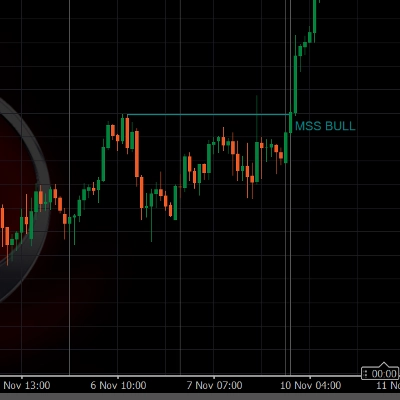
Free_ICT Breakers_BOS_MSS_withSourceCode | 5.0 (2) | 738 | — | Grátis | Windows, Mac |
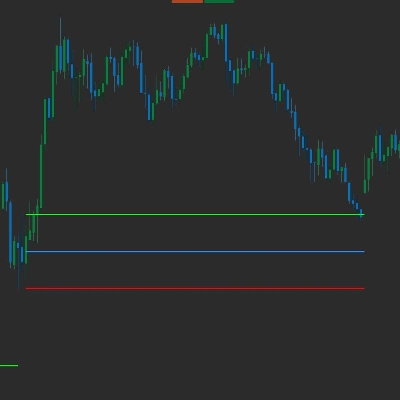
Bias_Ctrader | — | — | — | $30 | Windows, Mac |
ORB Range with FVGs | 1.0 (1) | 702 | — | Grátis | Windows, Mac |
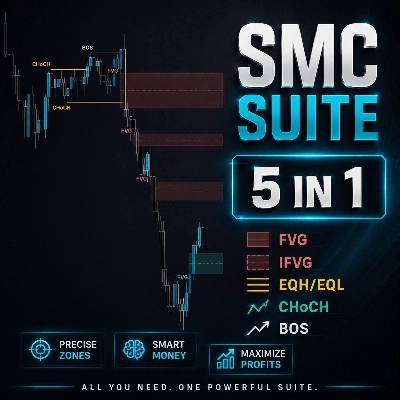
SMC Suite 5in1 | 4.5 (2) | — | — | a partir de 21 $ | Windows, Mac |
[Stellar Strategies] BOS Trend 1.0 | 5.0 (1) | 495 | — | Grátis | Windows, Mac |
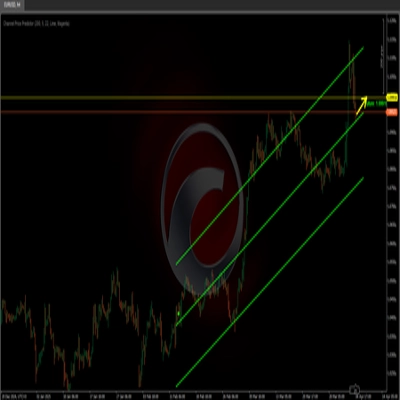
Channel Price Predictor | 5.0 (1) | 481 | — | Grátis | Windows, Mac |
WeTrade FVG | 3.0 (1) | 451 | — | Grátis | Windows, Mac |
WeSmCPro | — | 436 | — | Grátis | Windows, Mac |
SupportResistance | 5.0 (1) | 431 | — | Grátis | Windows, Mac |
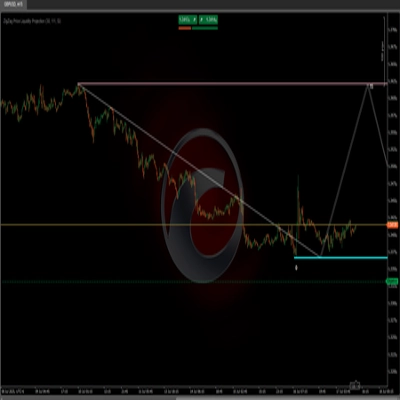
ZigZag Price Liquidity Projection | — | 424 | — | Grátis | Windows, Mac |
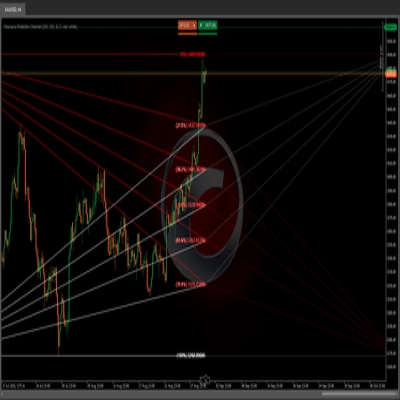
Fibonacci Prediction Channel | — | 347 | — | Grátis | Windows, Mac |
SMC_Guardian_Visual_Pro | 5.0 (1) | 298 | — | Grátis | Windows, Mac |
SMC | — | 283 | — | Grátis | Windows, Mac |
STVL Pro by Zofesu | — | 282 | — | Grátis | Windows, Mac |
Prediction Based on Linreg & ATR | — | 272 | — | Grátis | Windows, Mac |
Wejoy Institutional Sessions Elite | 5.0 (2) | 248 | — | Grátis | Windows, Mac |
ICT First Presented FVG | — | 241 | — | Grátis | Windows, Mac |
IVT Global Scanner | 5.0 (1) | 173 | — | Grátis | Windows, Mac |
Trader86-Fraktalline-Decoder- | 5.0 (1) | 169 | — | Grátis | Windows, Mac |
SMC_Structure_Gap_Monitor | 5.0 (1) | 150 | — | Grátis | Windows, Mac |
WEICTPRO | — | 125 | — | Grátis | Windows, Mac |
Perguntas frequentes
An ICT indicator automates ideas from the Inner Circle Trader approach to price action, drawing them on the chart instead of by hand. Typical marks include order blocks, fair value gaps, liquidity resting beyond old highs and lows, displacement candles and market structure shifts.
ICT-style analysis is applied mostly to forex majors, gold and index CFDs such as NAS100 and US30. Traders often read bias on daily or H4 charts and time entries between M15 and M1 around the London and New York sessions, so check how an indicator handles time zones.
They can. A gap or order block is confirmed only after the candles that define it close, and some tools later delete or recolour zones once price trades through them, so history can look neater than it did live. Check the description for how confirmed and mitigated zones are handled.
No, it only draws zones and may alert you when price reaches one. If you decide to act, you place any order yourself and set protections such as a stop loss, which cTrader keeps on the server after your session ends; losses remain possible whatever the zone suggests.
Scroll back over several months of one symbol in cTrader's Windows or Mac app, noting how price behaved at each marked zone, including the ones that failed. Then follow the same tool on live bars, since zones drawn in real time can differ from those shown on history.