

Description
ADX Advanced Cloud & Momentum System
The standard Average Directional Index (ADX) is a powerful tool, but let's be honest: staring at three intersecting lines (+DI, -DI, and ADX) is messy, confusing, and strains your eyes.
The ADX Advanced Indicator completely modernizes this classic tool. It transforms the chaotic lines into a clear, visual powerhouse that tells you exactly WHO is in control (Bulls vs. Bears) and HOW STRONG the trend is, all at a single glance.
Key Features
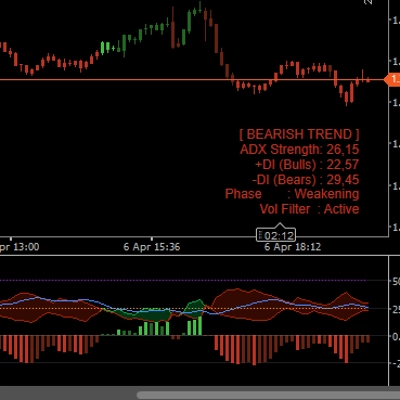
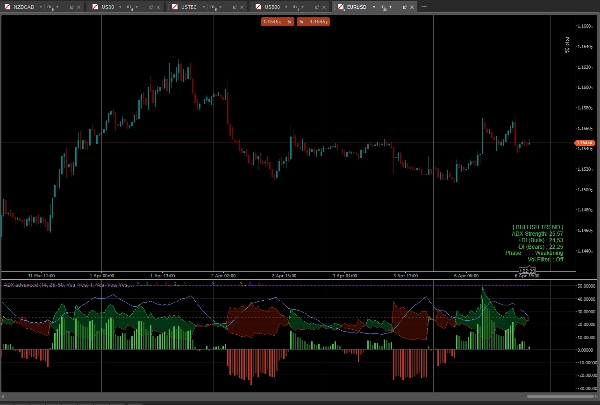
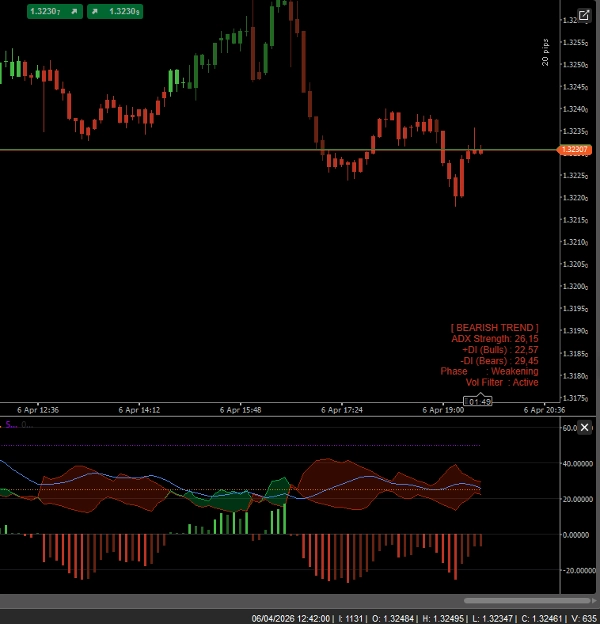
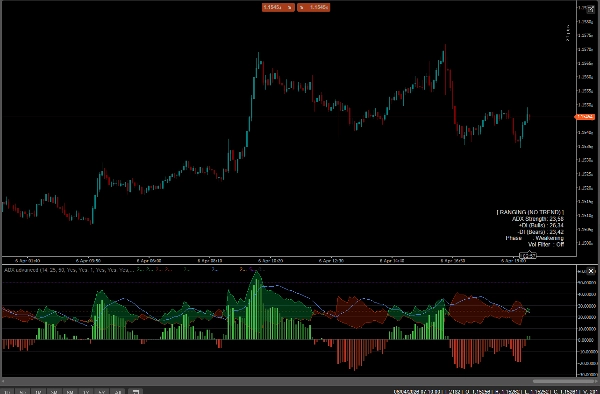
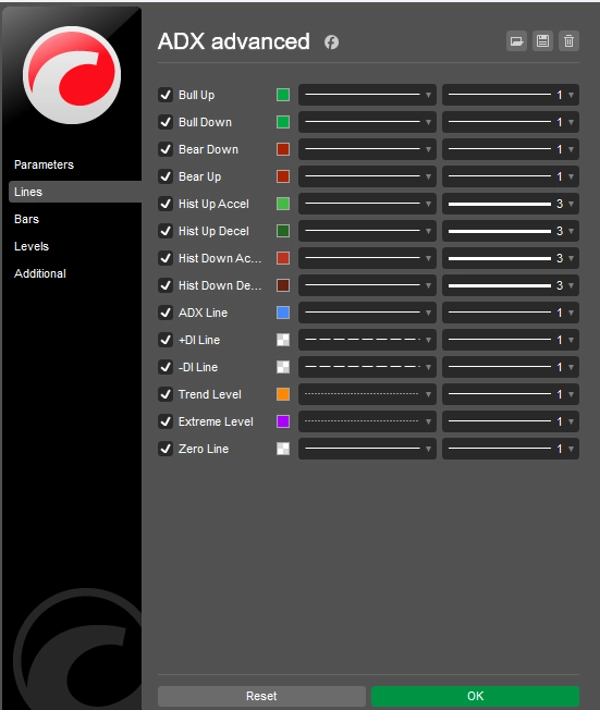
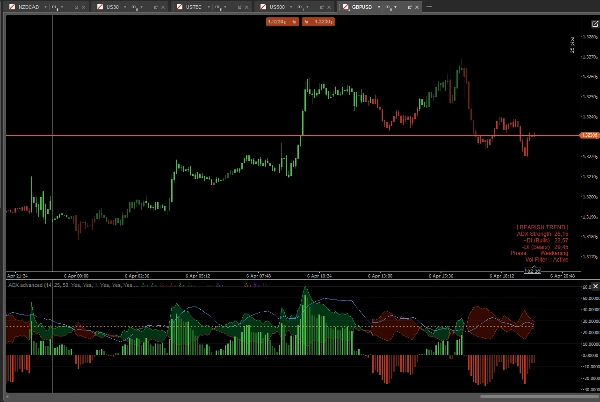
- Directional Clouds (DI Cloud): Instead of crossing lines, the space between +DI and -DI is filled with a dynamic color cloud. Green Cloud = Bulls in control. Red Cloud = Bears in control.
- Momentum Histogram: A custom-built histogram at the bottom of the indicator measures the exact distance between +DI and -DI. It features acceleration/deceleration colors, allowing you to spot fading momentum before the trend actually reverses.
- Smart Bar Coloring (Paintbars): The indicator directly paints your price candles based on trend strength!
- Bright Green/Red: Strong Trend (ADX > 25 & +DI/-DI alignment)
- Dark Green/Red: Weak Trend / Ranging (ADX < 25)
- Purple/Magenta: Extreme Overextended Trend (ADX > 50) - Get ready for a pullback!
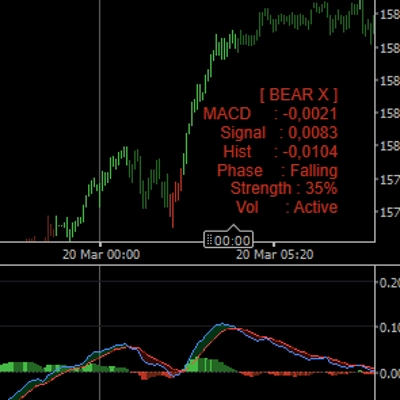
- On-Chart Info Panel: A sleek, non-intrusive dashboard displays the current Market State (Trending, Ranging, Extreme), ADX Strength, and Momentum Phase in real-time.
- Built-in Volatility Filter (ATR): Optional ATR filter that grays out candles and histogram bars when the market goes completely flat, saving you from trading in chop.
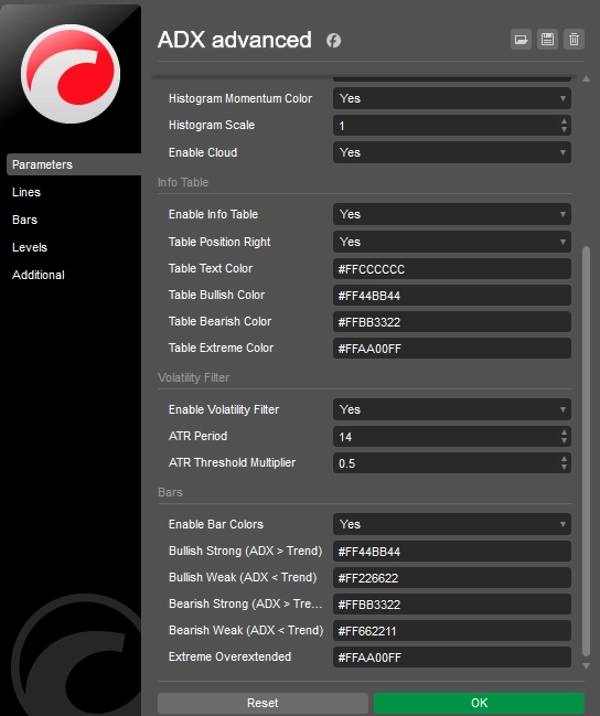
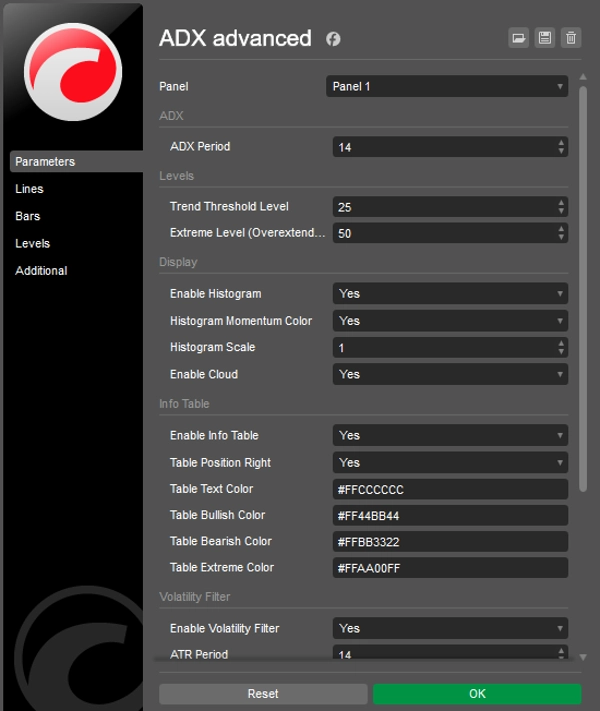
- Fully Customizable: Change colors, thresholds (Trend level 25, Extreme level 50), and histogram scaling to fit your personal trading style and chart theme.
How to use it?
- Wait for the ADX blue line to cross above the 25 Threshold (Trend is active).
- Look at the Cloud and Histogram to confirm direction (Green for Long, Red for Short).
- Trade the breakouts and ride the trend while candles are painted in "Strong" colors.
- Take profits or trail stops when the ADX line crosses the 50 Extreme Level (candles turn purple).
Summary
AI summary
ADX Advanced is a technical indicator that enhances the traditional Average Directional Index (ADX) by providing a clearer visual representation of market trends and momentum. It replaces the standard +DI and -DI lines with Directional Clouds, where green indicates bullish control and red indicates bearish control. The indicator includes a Momentum Histogram that measures the distance between +DI and -DI with color-coded acceleration and deceleration signals to identify fading momentum.
Key features include smart bar coloring of price candles to reflect trend strength—bright green/red for strong trends, dark green/red for weak or ranging markets, and purple/magenta for extreme overextended trends signaling potential pullbacks. An on-chart info panel displays real-time market state, ADX strength, and momentum phase. A built-in Average True Range (ATR) volatility filter grays out candles and histogram bars during flat market conditions to help avoid trading in choppy environments.
ADX Advanced is fully customizable, allowing users to adjust colors, trend thresholds, and histogram scaling. It supports various markets including Forex, commodities, indices, and cryptocurrencies such as BTCUSD, EURUSD, GBPUSD, and XAUUSD. The indicator is designed to assist traders in identifying trend direction, strength, and momentum phases for improved decision-making.
Key features include smart bar coloring of price candles to reflect trend strength—bright green/red for strong trends, dark green/red for weak or ranging markets, and purple/magenta for extreme overextended trends signaling potential pullbacks. An on-chart info panel displays real-time market state, ADX strength, and momentum phase. A built-in Average True Range (ATR) volatility filter grays out candles and histogram bars during flat market conditions to help avoid trading in choppy environments.
ADX Advanced is fully customizable, allowing users to adjust colors, trend thresholds, and histogram scaling. It supports various markets including Forex, commodities, indices, and cryptocurrencies such as BTCUSD, EURUSD, GBPUSD, and XAUUSD. The indicator is designed to assist traders in identifying trend direction, strength, and momentum phases for improved decision-making.
Indicator profile
Customer reviews
4.2
Reviews: 4
5 | 25 % | |
4 | 75 % | |
3 | 0 % | |
2 | 0 % | |
1 | 0 % |
Customer reviews
April 18, 2026
It is easier to trust when the workflow feels calmer, and the first week should show if it adds clarity.
April 16, 2026
April 12, 2026
Discussion
FAQ
BTCUSD
Forex
Signal
Indices
EURUSD
Commodities
GBPUSD
NZDUSD
Prop
XAUUSD
NAS100
ATR
USDJPY
Products available through cTrader Store, including trading bots, indicators and plugins, are provided by third-party developers and made available for informational and technical access purposes only. cTrader Store is not a broker and does not provide investment advice, personal recommendations or any guarantee of future performance.



!["High-Low Divergence [Iridio Capital]" logo](https://cdn.ctrader.com/image/webp/10a9e91b-243a-43f6-bbfe-7376bad5a214_61554)




Price
32
Sales
959
Free installs