
Volume Analysis Indicators for cTrader
Review volume analysis indicators for cTrader that support market participation and confirmation checks. These tools help forex and CFD traders assess activity, pressure, breakouts and possible exhaustion zones before entering a trade.
เครื่องมือ
เปรียบเทียบเครื่องมือ
คำถามที่พบบ่อย






!["[Stellar Strategies] Visual Trend Momentum" โลโก้](https://cdn.ctrader.com/image/webp/48aee0a5-f10e-4bc8-9671-78e156fcc5df_27548)



!["[Stellar Strategies] Market Regime Filter" โลโก้](https://cdn.ctrader.com/image/webp/3bdeba11-7e8b-4e5f-9af9-d562f48df039_28423)



เปรียบเทียบเครื่องมือ
ผลิตภัณฑ์ | รีวิว | ดาวน์โหลด | การขาย | ราคา | แพลตฟอร์มที่รองรับ |
|---|---|---|---|---|---|
Free Volume Profile v2.0 | 4.8 (10) | 11.06K | — | ฟรี | Windows, Mac |
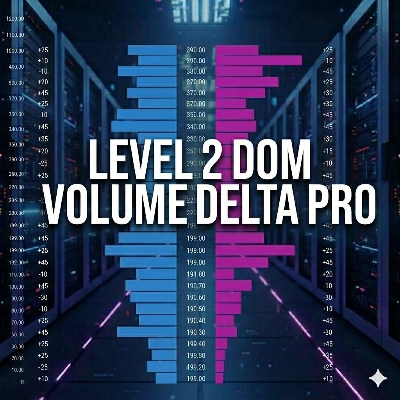
Level 2 DOM Volume Delta Pro | 4.5 (2) | — | 9 | $19 | Windows, Mac |
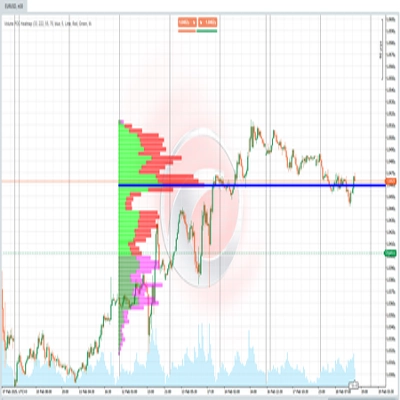
Volume POC Heatmap | 5.0 (4) | 4.08K | — | ฟรี | Windows, Mac |
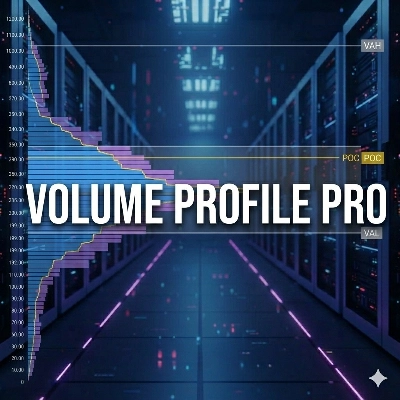
Volume Profile Pro v1.0 | 4.3 (3) | — | 5 | $19 | Windows, Mac |
Zones Supply Demand | 3.5 (2) | 2.3K | — | ฟรี | Windows, Mac |
Aggression Delta Volume Profile | — | — | 4 | $19 | Windows, Mac |
VolumeRenkoRange | 5.0 (1) | 1.53K | — | ฟรี | Windows, Mac |
Delta_Volume_Dynamic&Fixed Range | 4.3 (7) | — | 3 | $20 | Windows, Mac |
E7 Volume Profile | 4.7 (3) | 1.29K | — | ฟรี | Windows, Mac |
Volume Profile - Range and Fixed | — | — | 3 | $19 | Windows, Mac |
v-anesore2 | — | 1.05K | — | ฟรี | Windows, Mac |
Session Volume Profile | — | — | 1 | $69 | Windows, Mac |
Volume Bubble | 4.0 (1) | 1.01K | — | ฟรี | Windows, Mac |
Market profile Pro V2.1 | 4.0 (1) | — | — | $75 | Windows, Mac |
Volume Profile - Updated | 5.0 (2) | 1.01K | — | ฟรี | Windows, Mac |
Easy Volume Profile | — | — | — | $120 | Windows, Mac |
Fixed Range Volume Profile_V1.0.0 | 5.0 (4) | 967 | — | ฟรี | Windows, Mac |
Volume Profile Price | 3.5 (2) | 935 | — | ฟรี | Windows, Mac |
Premium Discount Zones | — | 800 | — | ฟรี | Windows, Mac |
Swing profile Algotrend | — | 635 | — | ฟรี | Windows, Mac |
Candle Volume Profile Demo | 4.0 (1) | 614 | — | ฟรี | Windows, Mac |
PVA Volume+Analysis_noSourceCode | 5.0 (3) | 525 | — | ฟรี | Windows, Mac |
VPOC MonteCarlo Expected Value | 1.0 (1) | 500 | — | ฟรี | Windows, Mac |
VolumeThermometer | — | 487 | — | ฟรี | Windows, Mac |
Master Dragom SR | 5.0 (1) | 419 | — | ฟรี | Windows, Mac |
ZigZag Price Liquidity Projection | — | 417 | — | ฟรี | Windows, Mac |
Price Projection Swing Volume | — | 403 | — | ฟรี | Windows, Mac |
Vishal Volume Profile v2.0 | 4.0 (1) | 365 | — | ฟรี | Windows, Mac |
Volume Spread Analysis | 5.0 (1) | 359 | — | ฟรี | Windows, Mac |
Precio Promedio Ponderado por Volumen | — | 353 | — | ฟรี | Windows, Mac |
Volume Squeeze Time | 4.5 (2) | 340 | — | ฟรี | Windows, Mac |
Volume Break Structure | 4.0 (1) | 340 | — | ฟรี | Windows, Mac |
Order Flow | — | 324 | — | ฟรี | Windows, Mac |
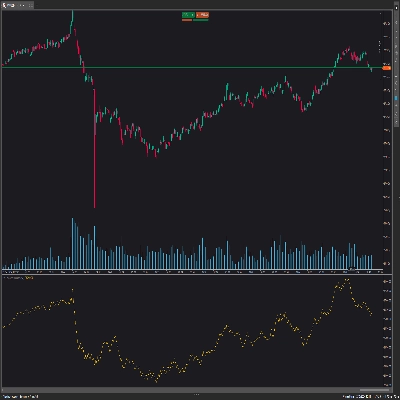
[Stellar Strategies] Visual Trend Momentum | 5.0 (1) | 297 | — | ฟรี | Windows, Mac |
Volume-Powered Market Flow Projector | 5.0 (1) | 286 | — | ฟรี | Windows, Mac |
On Balance Volume | 5.0 (1) | 267 | — | ฟรี | Windows, Mac |
Volume Activity Profiler | 5.0 (1) | 253 | — | ฟรี | Windows, Mac |
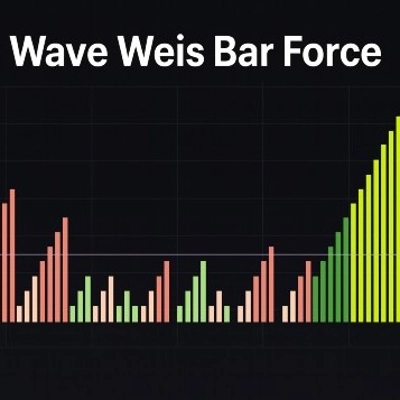
WaveWeisBarForce | 5.0 (2) | 216 | — | ฟรี | Windows, Mac |
Momentum Trend Analyzer | — | 210 | — | ฟรี | Windows, Mac |
XY Bar Info Panel v1.5 | 5.0 (3) | 179 | — | ฟรี | Windows, Mac |
IVT Global Scanner | 5.0 (1) | 173 | — | ฟรี | Windows, Mac |
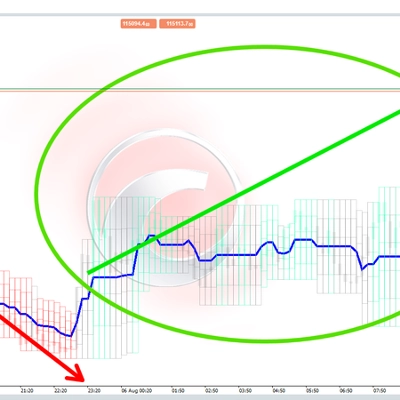
[Stellar Strategies] Market Regime Filter | — | 161 | — | ฟรี | Windows, Mac |
Volume Efficiency Analyzer | 5.0 (1) | 150 | — | ฟรี | Windows, Mac |
Weis Waves | 5.0 (1) | 120 | — | ฟรี | Windows, Mac |
Ariaware.003PGap | 5.0 (1) | 89 | — | ฟรี | Windows, Mac |
TiltBouncer | 5.0 (2) | 31 | — | ฟรี | Windows, Mac |
คำถามที่พบบ่อย
Tick volume counts how many times price changed during a bar, a stand-in used because spot forex has no central exchange. More ticks usually mean a busier market, so cTrader volume indicators treat it as a proxy for participation rather than a record of the amount traded.
On Balance Volume adds a bar's volume when the close rises and subtracts it when the close falls, building a running line. Traders compare its direction with price: a new price high without a new OBV high is read as weakening participation, though such divergence can persist for a long time.
It can support the case, as a breakout on clearly higher volume than recent bars suggests broad participation. Spikes also come from news releases, and gold or bitcoin volume depends on the broker's feed, so one spike settles nothing and breakouts still fail.
For many, yes: a tick volume histogram shows when activity rises and keeps the logic visible. Experienced chartists may add OBV, volume oscillators or estimated buy-sell delta, but those derived readings rest on assumptions about tick direction that deserve understanding before relying on them.
Custom volume indicators from the Store are limited to cTrader Windows and Mac, while the built-in tick volume and OBV studies work in every cTrader app. On desktop, pick the indicator from the chart's indicator list, then set its period, colours and panel layout separately on each chart.